Text-to-video AI has moved fast. A year ago, most tools could barely generate a coherent 4-second clip. Now you can type a prompt and get usable footage in minutes, sometimes with realistic motion, consistent characters, and cinematic lighting.
Some models excel at short creative clips. Others handle text overlays and voiceovers well but produce footage that looks obviously AI-generated. And if you're making ads, the requirements get even more specific: brand consistency, vertical formats, performance-ready pacing, and volume.
This guide breaks down the best AI text-to-video tools and models available right now. We'll cover what each one does well, where it falls short, and pricing, so you can pick the right tool for how you actually work.
1. Google Veo (via Gemini)
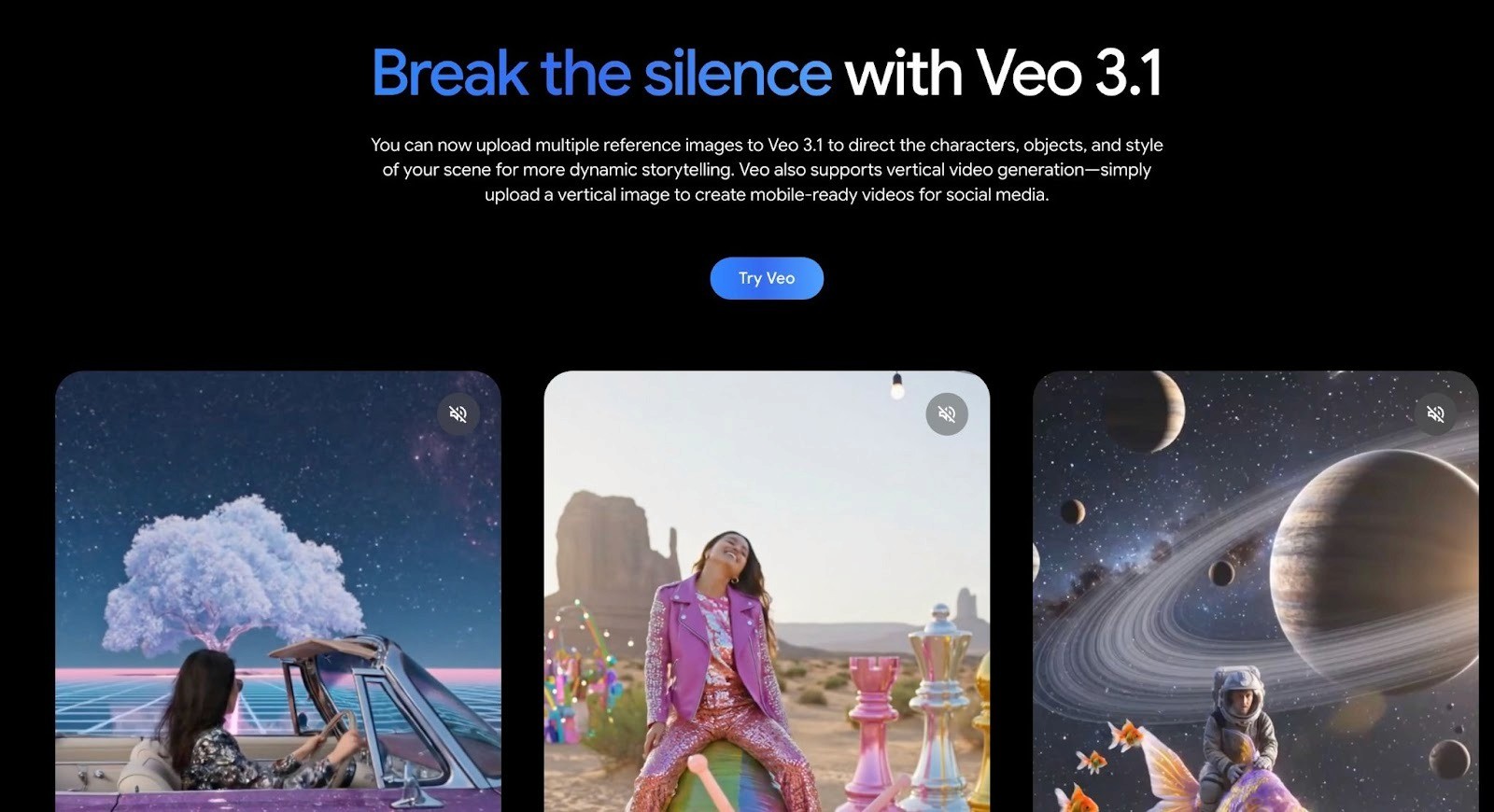
Veo is Google's text-to-video model, available through Gemini. The latest version, Veo 3.1, generates 8-second video clips with native audio from text prompts. You can also upload reference images to direct characters, objects, and style in your scene. Output quality is among the best available right now for AI-generated footage.
Key features:
Text-to-video with native audio generation (dialogue, sound effects, ambient noise)
Reference image uploads for character and style consistency
Vertical video support for mobile and social formats
High-quality cinematic output with realistic motion and lighting
Two speed tiers: Veo 3.1 Fast (optimized for speed) and Veo 3.1 (max quality)
Veo generates impressive raw footage, but clips max out at 8 seconds. There's no built-in editing timeline, text overlay tools, or ad-specific features. It's a generation model, not a production tool. If you need longer videos or structured ad formats, you'll need to export clips and edit elsewhere.
Pricing:
Veo is bundled into Google's Gemini subscription plans, not sold standalone.
Google AI Pro - $19.99/mo. Access to Veo 3.1 Fast. 8-second clips, high quality, optimized for speed, native audio.
Google AI Ultra - $49.99/mo. Access to full Veo 3.1. State-of-the-art video quality, native audio, priority generation.
No per-video credits or usage caps have been publicly detailed beyond what's included in each plan.
2. OpenAI Sora
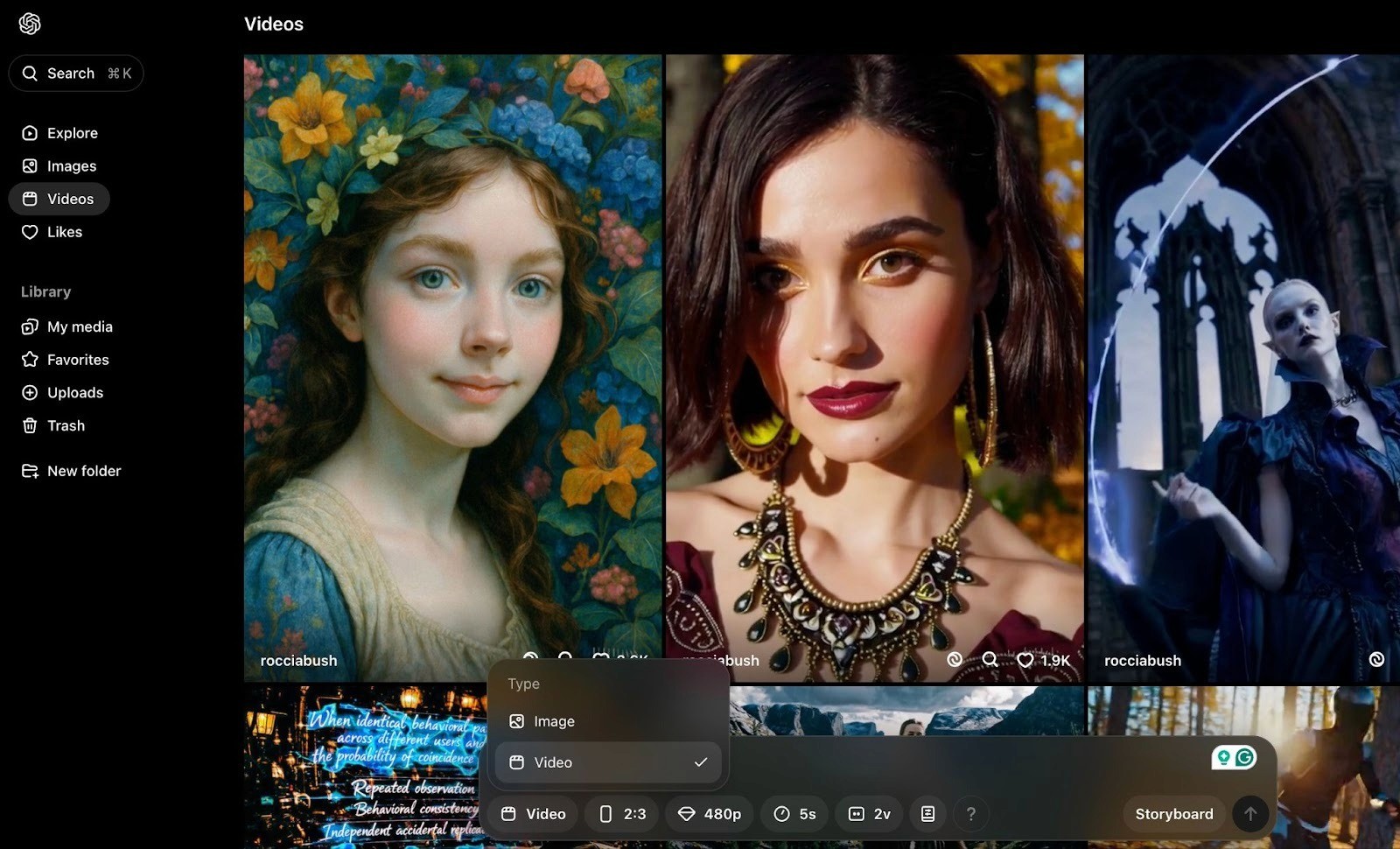
Sora is OpenAI's text-to-video model, now on its second generation (Sora 2). It generates realistic video clips from text prompts with synchronized dialogue, sound effects, and strong physics consistency. It's one of the most advanced generation models available, particularly for cinematic-quality output and natural motion.
Key features:
Text-to-video and image-to-video with synchronized audio (dialogue + sound effects)
Strong physics accuracy and object permanence compared to other models
"Characters" feature lets you insert real people into AI scenes via a short recording
Clips up to 20 seconds (Pro subscription) or 25 seconds (Pro API)
Available via ChatGPT subscriptions or as a standalone API with per-second billing
Pricing:
You need a ChatGPT Plus subscription ($20/mo) for unlimited 480p generation and limited 720p access, or ChatGPT Pro ($200/mo) for higher resolution up to 1080p and more credits. API users pay per second: $0.10/sec for Sora 2 (720p) and $0.30-$0.50/sec for Sora 2 Pro (up to 1024p).
Sora is a generation model, not a video editor. There are no text overlays, templates, or ad-specific formatting tools. Costs can also add up fast at higher resolutions, especially if you're iterating on prompts.
3. VEED
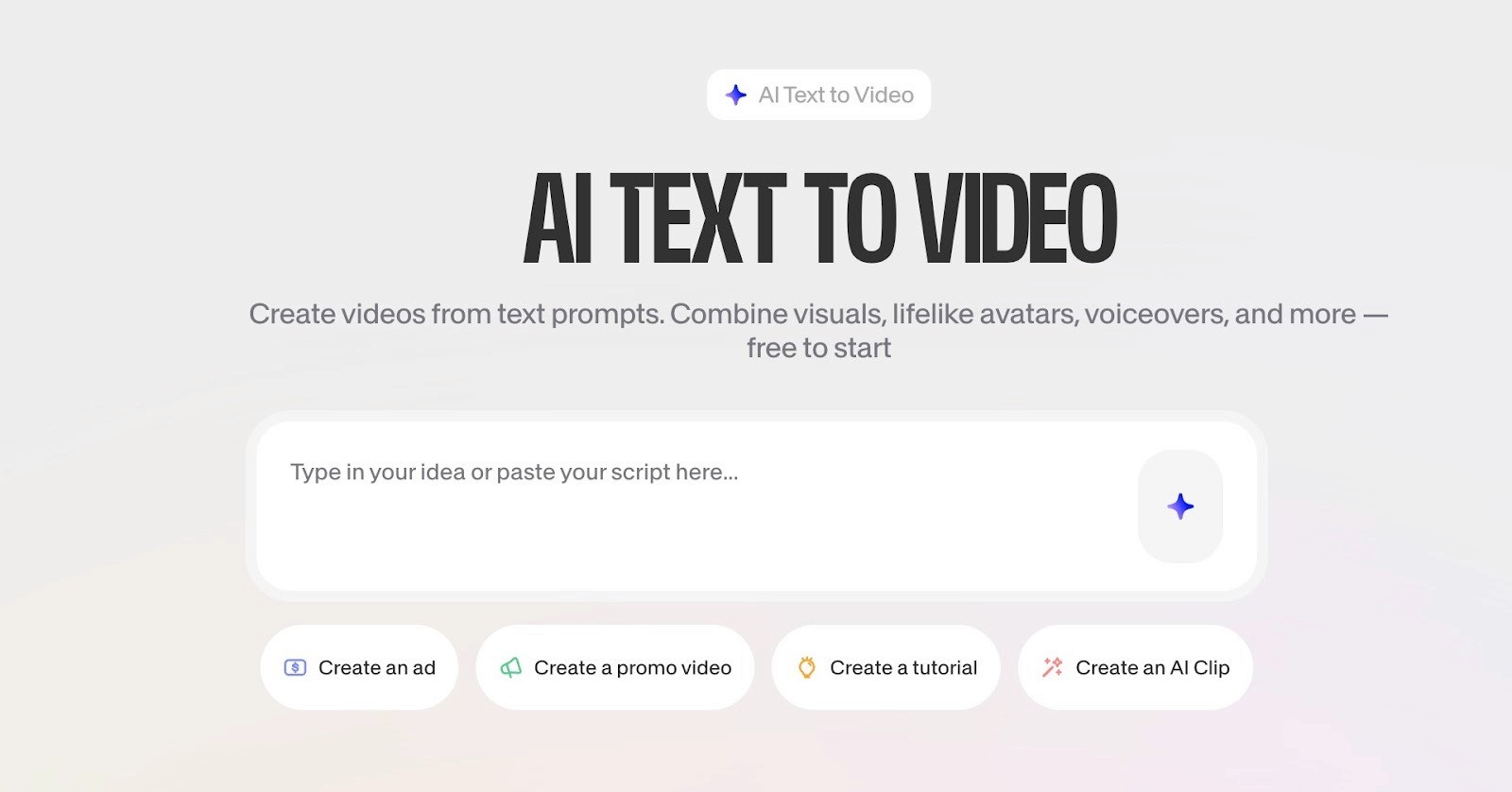
VEED is a browser-based video editing platform with a built-in text-to-video tool. Type a prompt or paste a script, and VEED generates a full video with stock footage, voiceover, captions, and transitions. It also integrates third-party generation models like Veo 3, Sora 2, and Seedance directly in its AI Playground.
Key features:
Text-to-video from prompts, scripts, or articles
AI avatars, voice cloning, and auto-subtitles in 125+ languages
Access to multiple generative AI models (Veo 3, Sora 2, Kling) within the platform
Full drag-and-drop video editor with brand kits and templates
Auto-resize for YouTube, TikTok, Instagram, and other platforms
2M+ royalty-free stock clips, music, and images
Pricing (billed annually):
There's a free plan with basic editing, 720p exports, and a watermark on all videos. Paid plans start with $12/mo:
Lite: $12/mo. 1080p exports, no watermark, stock library access, limited AI tools.
Pro: $24/mo. 4K exports, unlimited AI studio videos, voice cloning, AI avatars, 15+ AI tools.
Enterprise: Custom pricing. Custom templates, SSO, centralized team management, dedicated support.
4. Adobe Firefly
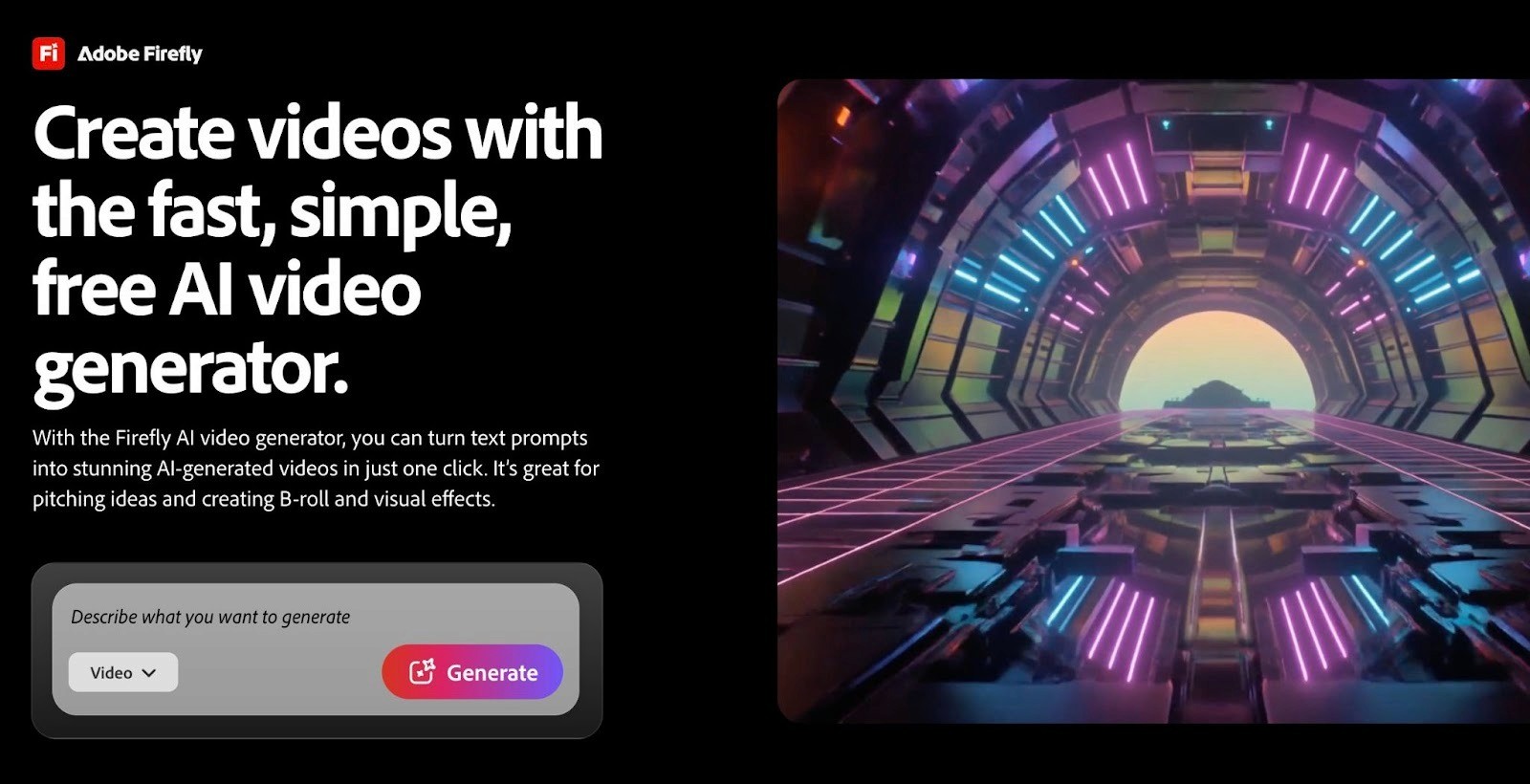
Adobe Firefly is Adobe's generative AI platform with a built-in text-to-video and image-to-video model. It generates 5-second video clips at up to 1080p with camera controls, cinematic motion, and close-up human detail. All output is trained on licensed content and commercially safe, which is a big deal if you're working with brands that care about IP risk.
Key features:
Text-to-video and image-to-video generation with camera and motion controls
Commercially safe output trained on licensed data (no IP risk)
Access to third-party models like Google Veo 3, OpenAI, and Runway Gen-4 within the same platform
Built-in AI video editor, music generator, sound effects generator, and text-to-speech
Integrates directly with Premiere Pro, Photoshop, and other Creative Cloud apps
The credit system can get expensive if you're generating video at volume. To use Firefly features inside Premiere Pro or Photoshop, you also need a separate Creative Cloud subscription.
Pricing:
There's a free plan with 25 credits/mo (enough for about 2 video generations) plus a watermark. Paid Firefly plans start at $9.99/mo (Standard, 2,000 credits, ~20 video clips) and go up to $19.99/mo (Pro, 4,000 credits, ~40 clips). Video generation is a premium feature that consumes more credits than image generation, so high-volume users burn through credits fast.
5. Pika
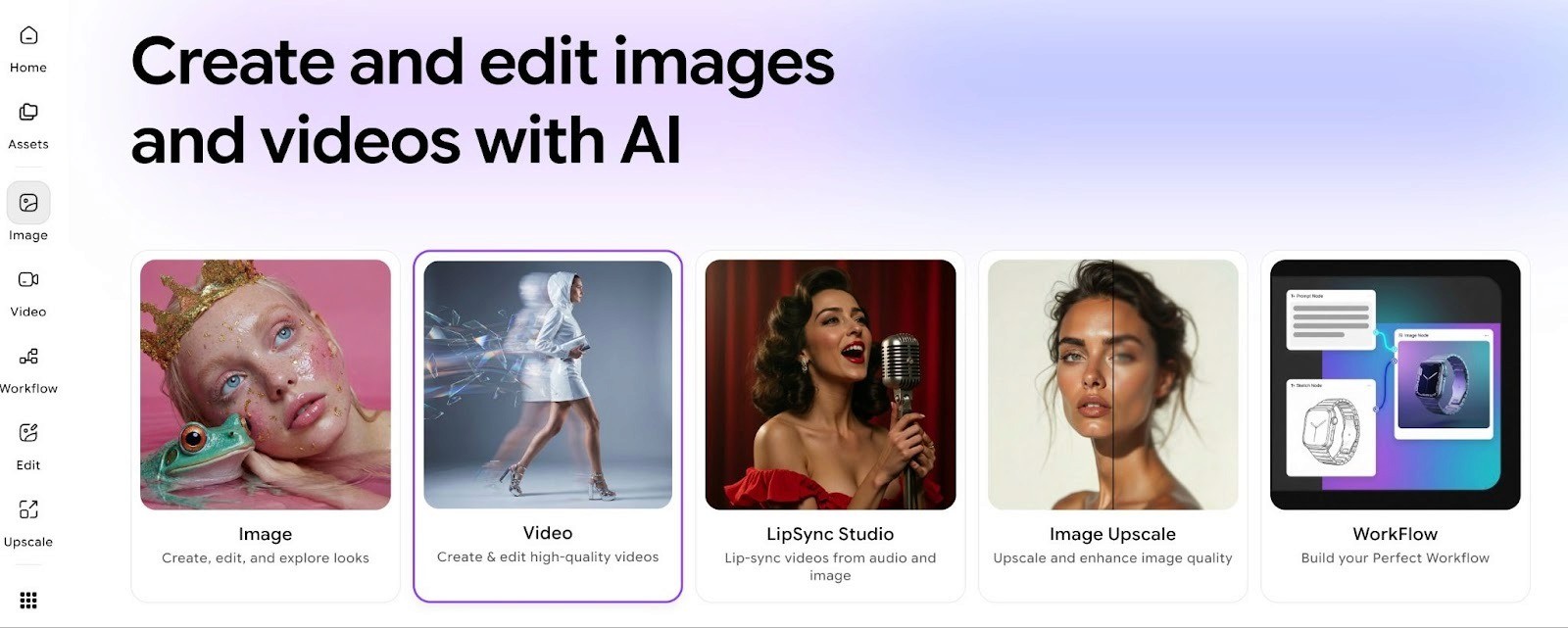
Pika is a lightweight AI video generator built for fast, stylized short clips. You type a prompt or upload an image, and Pika generates an animated video in seconds. It leans more creative and playful than cinematic, with a library of unique effects like Pikaffects (inflate, melt, crush objects), Pikaswaps (swap elements in a scene), and Pikaformance (turn audio into realistic talking-face video).
Key features:
Text-to-video, image-to-video, and video-to-video generation
Creative effects toolkit: Pikaffects, Pikaswaps, Pikadditions, Pikatwists, Pikascenes
Pikaformance talking-face model for audio-driven lip sync
Camera path and style controls
Optimized for short-form social formats (TikTok, Reels, Shorts)
Pricing:
There's a free plan with 80 credits (enough for a handful of basic generations). Paid plans start at $10/mo (Standard, 700 credits) and go up to $35/mo (Pro, 2,300 credits) and $95/mo (Fancy, 6,000 credits). Commercial use and watermark removal only kick in at the Pro tier. Credit costs vary heavily depending on the model and effect you use, so budgets can be hard to predict.
Create Winning Video Ads at Scale with Airpost
Self-serve text-to-video tools are great for generating raw footage or quick social clips. But if you're running paid ads on Meta or TikTok at any real volume, you'll hit the same ceiling every time: the tool gives you clips, not ads. You still need to write the script, pick the right hook, structure the narrative, resize for every placement, and figure out what to test next. That's a full creative operation, not a prompt.
Airpost is a hybrid AI creative platform built for exactly this problem. Instead of handing you a tool, Airpost delivers 10-30 done-for-you video ads every week, managed by expert creative strategists who know what's performing and why.
What sets Airpost apart is its proprietary ad taxonomy. Every creative is categorized by angle, ICP, tactic, creative format, and hook type. It's the framework Airpost uses to identify what's working, spot gaps in your testing strategy, and generate genuinely diverse concepts, not just variations of the same ad with a different thumbnail.
On top of that, Airpost offers:
A living brief that evolves based on your ad performance, so the creative strategy stays current without constant manual updates
A library of 300,000+ real footage clips blended with AI-generated assets, so your ads don't look like AI
24/7 performance monitoring that triggers new variations automatically when an ad starts winning
Automatic resizing to vertical (9:16) and square (4:5) formats with repositioned text and optimized safe margins
Built-in brand safety and compliance with a Disclaimers feature that ensures the right fine print is always in the right place
If you've been using text-to-video tools to build ads one at a time, Airpost replaces that entire process with a system that learns, scales, and delivers. Book a demo to see how Airpost can work for your brand.



