
If you’ve ever opened your inbox after a long weekend, you’ve probably seen at least three new AI video tools promising to “do it all.”
But once you try them, you realize they each solve a very different problem — fast UGC clips, avatar explainers, motion-heavy visuals, or high-volume testing. The trick is matching the tool to the kind of ads you’re actually trying to ship.
This guide breaks down the 6 best options for making video ads, their features, and pricing.
1. Airpost
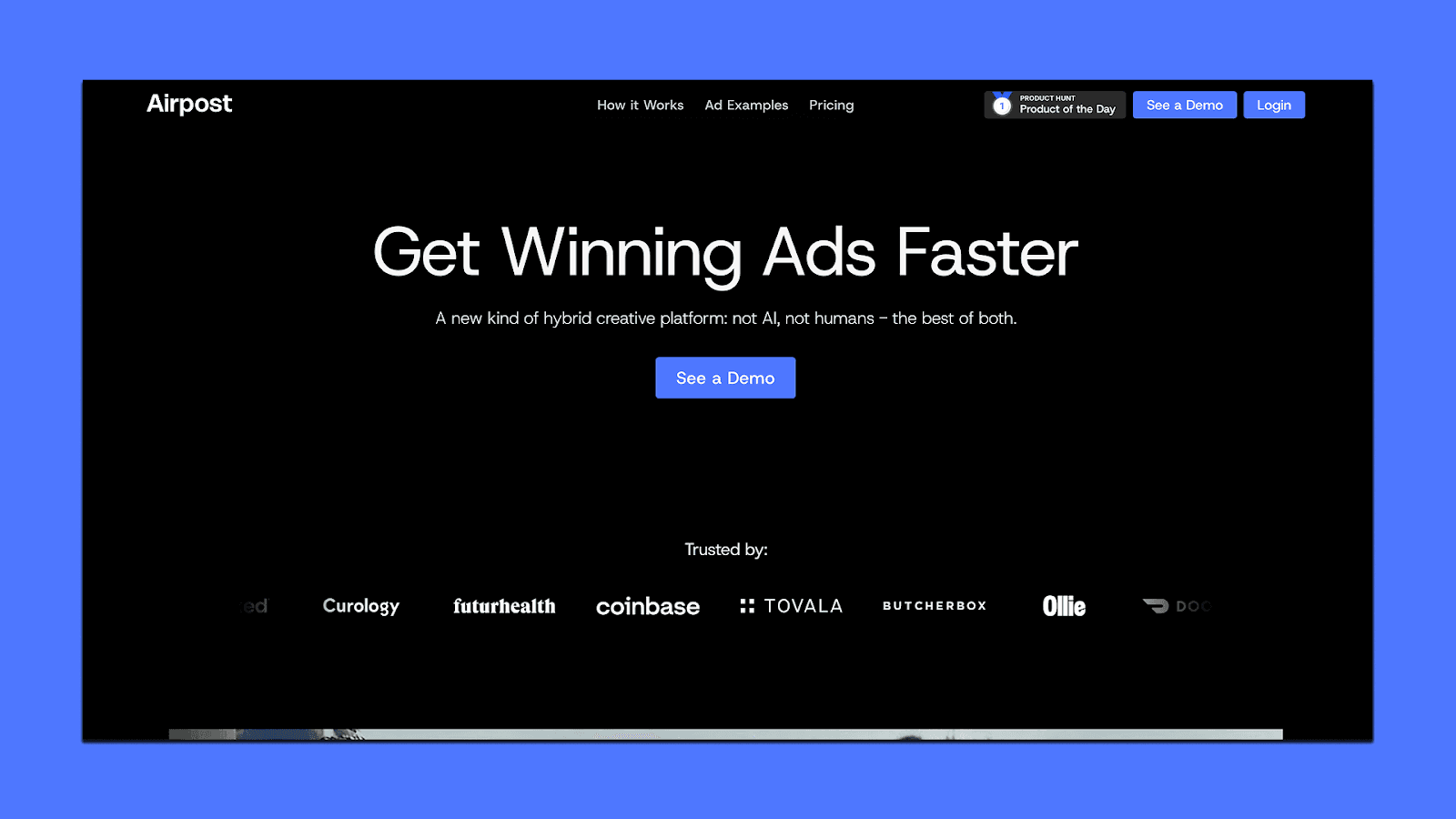
Airpost is built for teams that run paid social and need a steady stream of performance-ready video ads without adding more editors, freelancers, or creators. Instead of giving you a self-serve editor, Airpost works as a hybrid system: an AI engine generates the first wave of concepts and footage, and a creative strategy team guides the direction, testing plans, and variations.
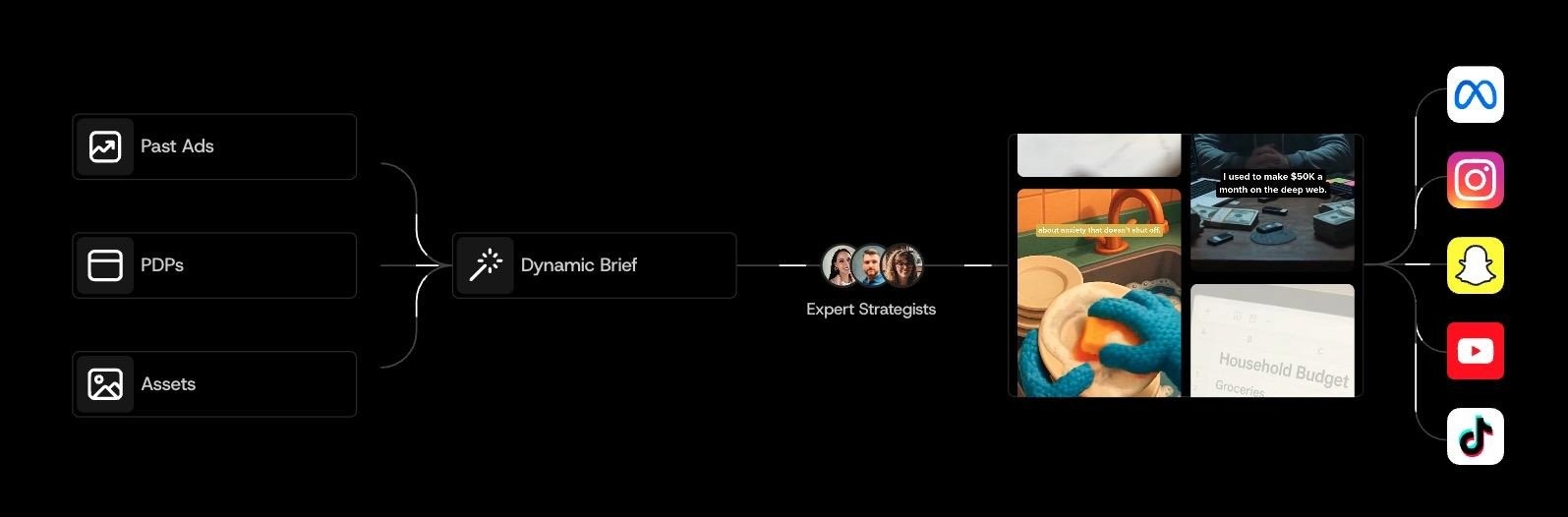
The result is a weekly pipeline of real video ads built from your existing assets, AI-generated product shots, and insights from your dynamic brief. It’s useful for teams that want volume and variation but don’t want to manage a creative operation on their own.
Key Features
A hybrid AI engine that blends your assets, Airpost’s asset library, and on-demand AI footage
A dynamic brief that updates your ads whenever you shift angles, messaging, or personas
Dedicated creative strategists who guide hooks, pacing, and testing workflows
10–100+ new video ads each week, depending on your plan
Upload-ready exports that follow your naming conventions and ad specs
Built-in revisions, compliance checks, and ongoing monitoring of top performers
Pricing
Airpost prices itself as a creative engine rather than a self-serve tool, since you’re getting both the platform and the creative team behind it.
Standard Plan (8,000 dollars per month): Includes the hybrid AI engine, ongoing strategist support, weekly ad output, revisions, compliance reviews, asset handling, and platform-ready uploads in 4:5 and 9:16.
Performance Model (4 percent of spend): You pay 4 percent of ad spend on Airpost-touched ads if that amount exceeds 8,000 dollars per month.
Custom Enterprise Plans (varies): Designed for teams with multi-brand needs, higher output requirements, or specific workflow integrations.
2. Creatify
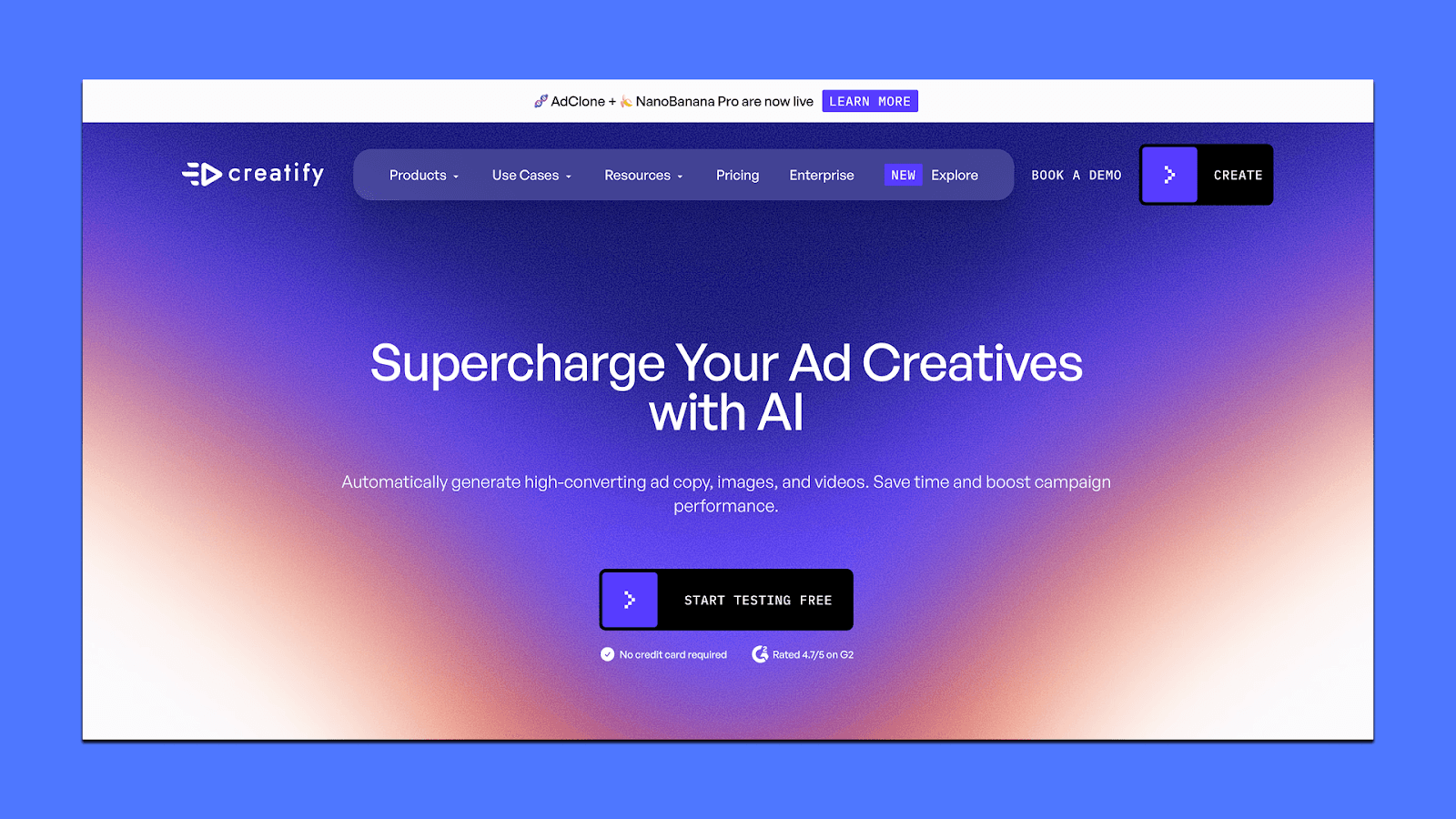
Creatify leans heavily into automation: you paste a link, pick a direction, and the system generates multiple UGC-style ads within seconds.
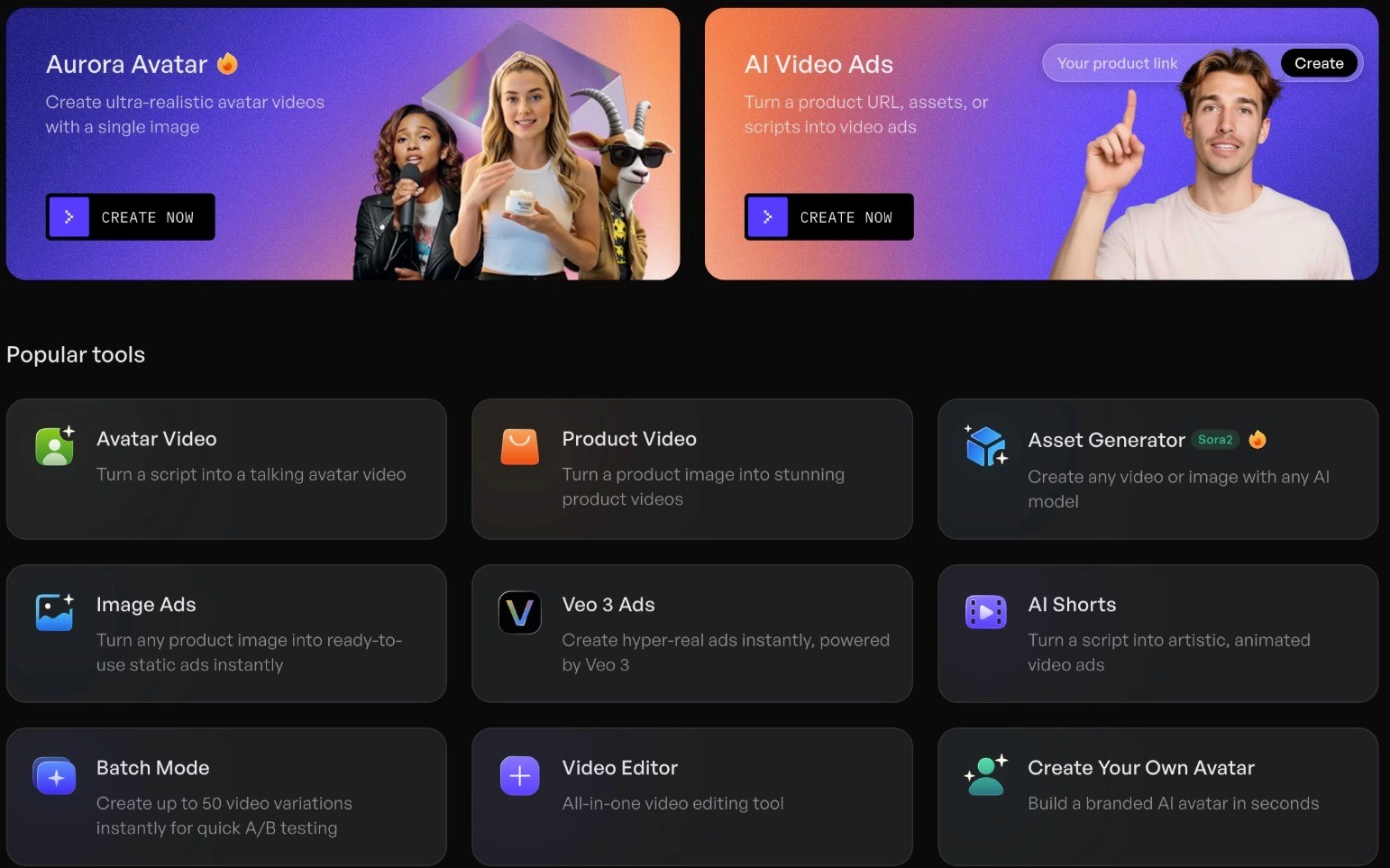
Because it relies on avatars, product animations, and URL scraping, it’s better suited for e-commerce and DTC teams than brands looking for high-concept creative.
Key Features
URL-to-Video Generator: Turn any product link into 5–10 ready-to-run ads. Great for fast testing on Meta/TikTok.
AI Avatars (1,500+ options): Realistic lip-sync, gestures, and multilingual support.
Product Video Builder: Turn a single product photo into animated B-roll or demo shots.
AdMax Suite: Competitor inspiration, trend discovery, variant testing, and basic performance insights.
Batch Mode: Bulk creation for teams with large catalogs.
Multi-format Exports: Meta, TikTok, YouTube, Snap.
Pricing
Creatify uses a credit-based system where each plan unlocks more avatars, longer videos, and stronger models. Here’s how the plans break down:
Free (0 dollars): Includes 10 credits per month, watermark on exports, basic AI video ads, AI shorts, image ads, and script generation.
Starter (19 dollars per month): Includes 1,200 credits per year, no watermark, videos up to 2 minutes, 100+ avatars, 100+ realistic voices, 29 languages, and access to 17+ AI models.
Pro (49 dollars per month): Includes 1,500+ avatars, 3 custom avatars, Meta and TikTok export support, premium product video styles, 10,000+ B-roll clips, videos up to 10 minutes, and 23+ advanced AI models.
Enterprise (custom pricing): Includes AdMax (creative research + testing), bulk creation, custom templates, multi-brand setups, API volume discounts, enterprise security, done-for-you creative services, and a dedicated account manager.
This structure makes Creatify flexible for both small teams testing ideas and larger teams running high-volume ad pipelines.
3. Mirage
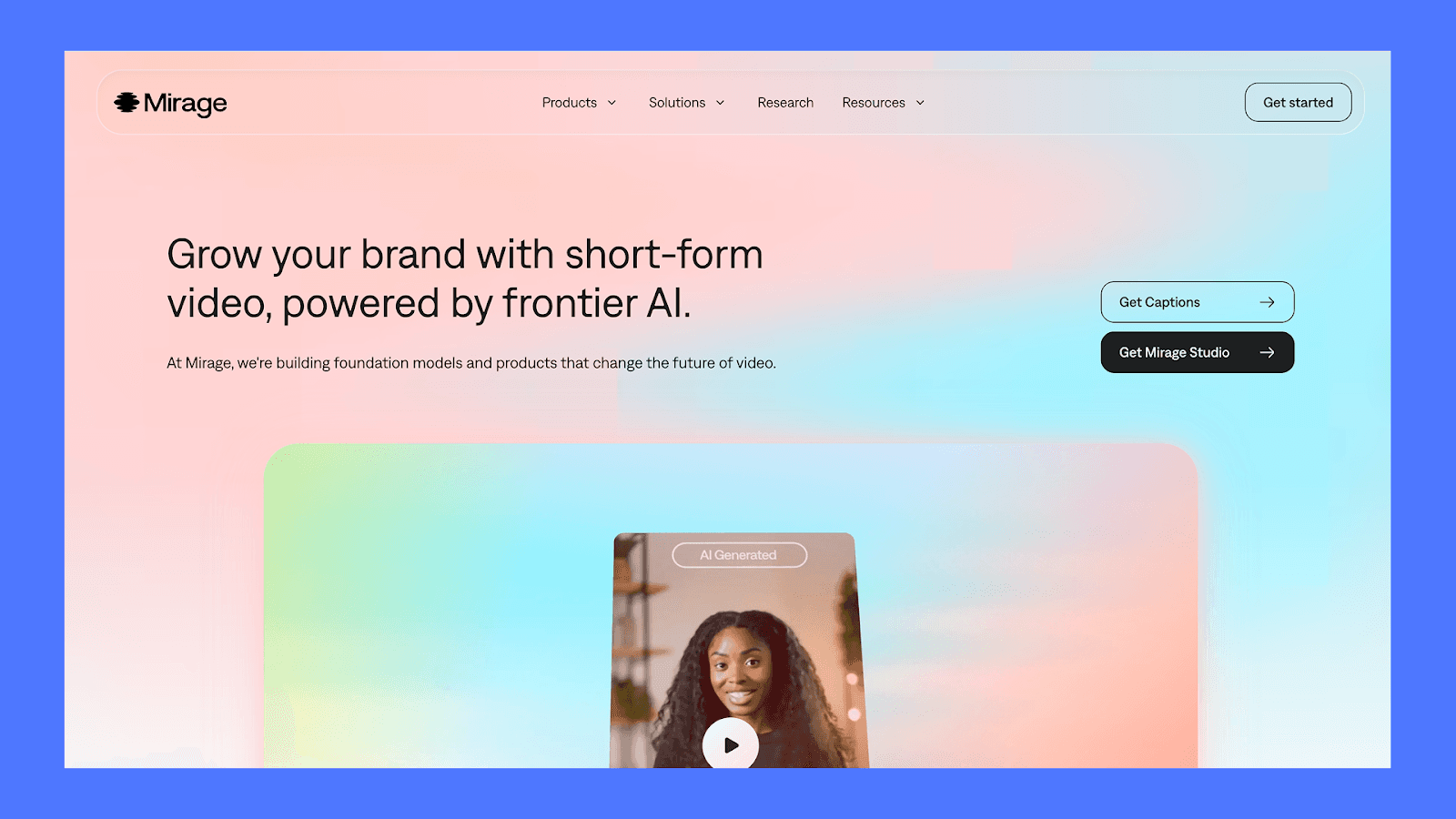
Mirage (formerly Captions) is built for marketers who want short-form video ads that feel native to TikTok, Instagram, and YouTube without filming, editing, or managing creators.
Instead of trying to mimic live UGC through avatars or templated editors, Mirage focuses on pace and platform-native storytelling. Its models are trained specifically on social-video patterns, which makes the footage it generates feel closer to what actually performs on feed.
There are two parts to the product:
→ Captions, which help individuals make videos from text prompts or selfies.
→ Mirage Studio, which gives teams the ability to produce hundreds of ad variations for performance tests.
Key Features
Generate videos from text prompts, selfies, or an AI actor
Text-based editing for pacing, transitions, graphics, and cuts
Models trained on social video for more authentic UGC-style output
Mirage Studio for large-scale iteration across hooks, backgrounds, and concepts
Fully licensed footage suitable for paid ads
Pricing
For Mirage Studio, the pricing is divided into three plans:
Max (24.99 USD/month): Two seats, 500 credits per month, full access to Mirage’s generative video model, customizable actors/backgrounds, universal rights
Scale (69.99 USD/month): Three seats, 1,400 monthly credits, higher usage tiers available
Enterprise (custom): Bulk credit discounts, custom seats, training, onboarding, priority support, early feature access
4. Icon
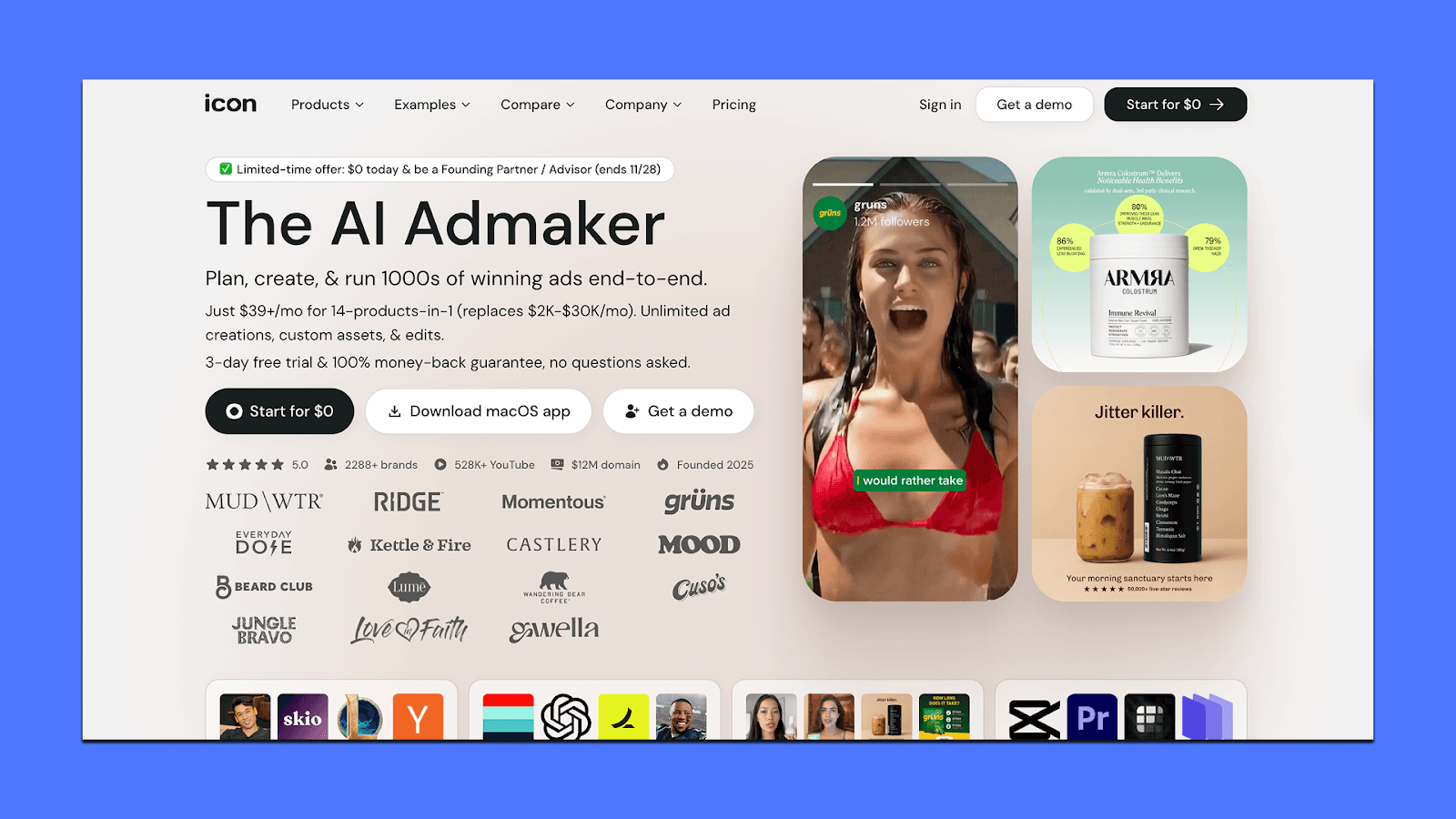
Icon is an AI ad-creation tool that pulls a lot of workflows into one place — scripts, angles, simple edits, and UGC-style video generation. It’s built for marketers who want to produce quick performance-style concepts without switching between multiple apps.
It’s not as strong at cinematic visuals or high-end polish, but it’s useful when you want to generate lots of concepts fast and keep everything inside one dashboard.
Key Features
AdGPT for scriptwriting, hooks, product angles, and storyboard-style outlines
AI CMO to scan sites, competitors, and ad libraries for new angles
UGC-style video builder with templates for talking-head and product-demo formats
Image + basic video editor for quick cuts, captions, overlays, and asset reuse
Ad Spy module to explore what similar brands are running
Creative library that tags assets automatically for future campaigns
Pricing
Icon has a $39/month plan with unlimited creation and editing, but a 10-download/month limit on exports.
There’s also a three-day free trial, which includes full feature access.
For teams that want human input, Icon offers managed plans starting around $1,500/month, adding creative support, custom setups, and deeper guidance.
5. HeyGen
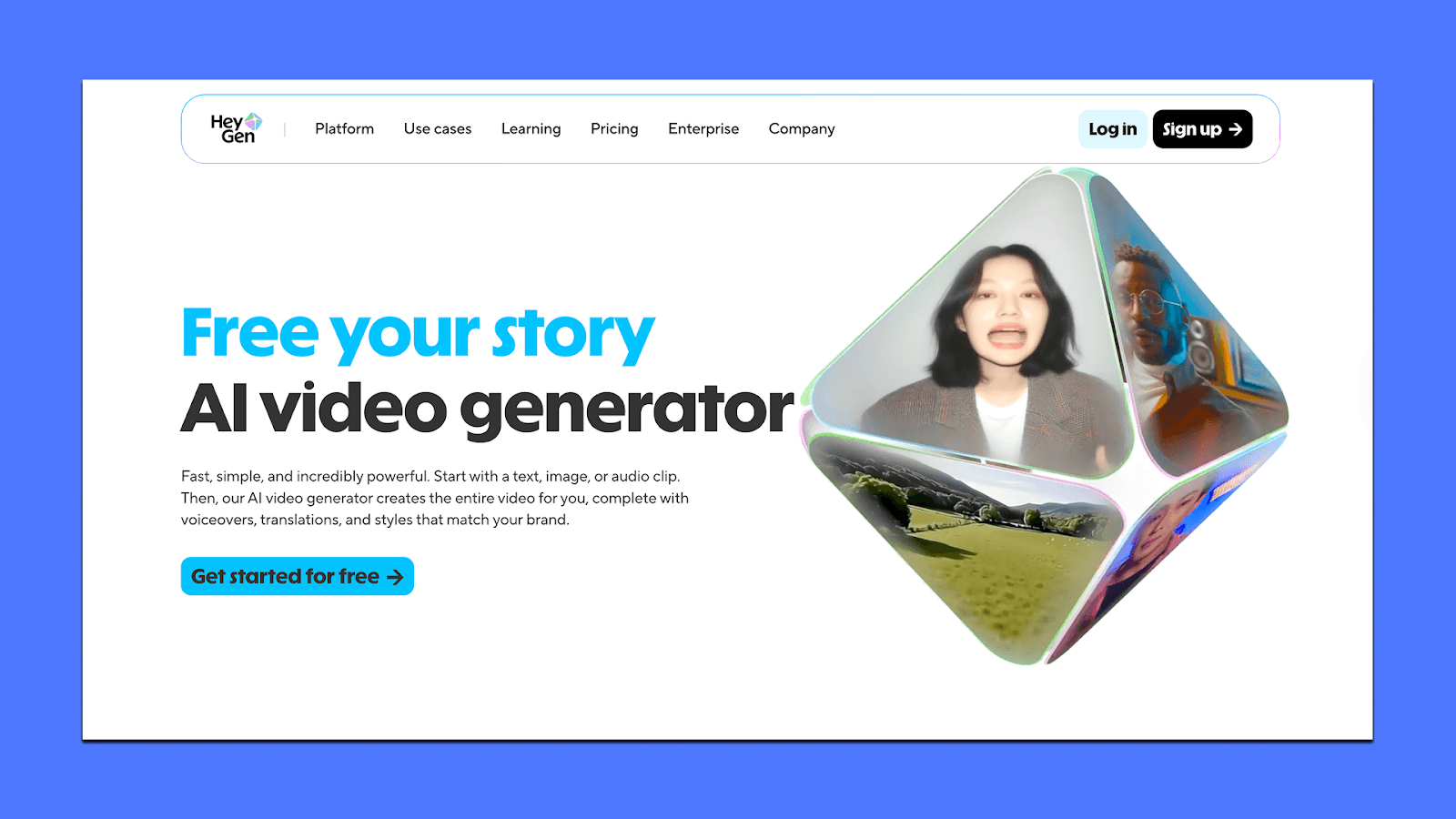
HeyGen is useful when you want spokesperson-style ads, product explainers, or localized videos without filming anything. Instead of traditional UGC footage, HeyGen generates talking-head videos using AI avatars, voice cloning, and multi-language lip-sync.
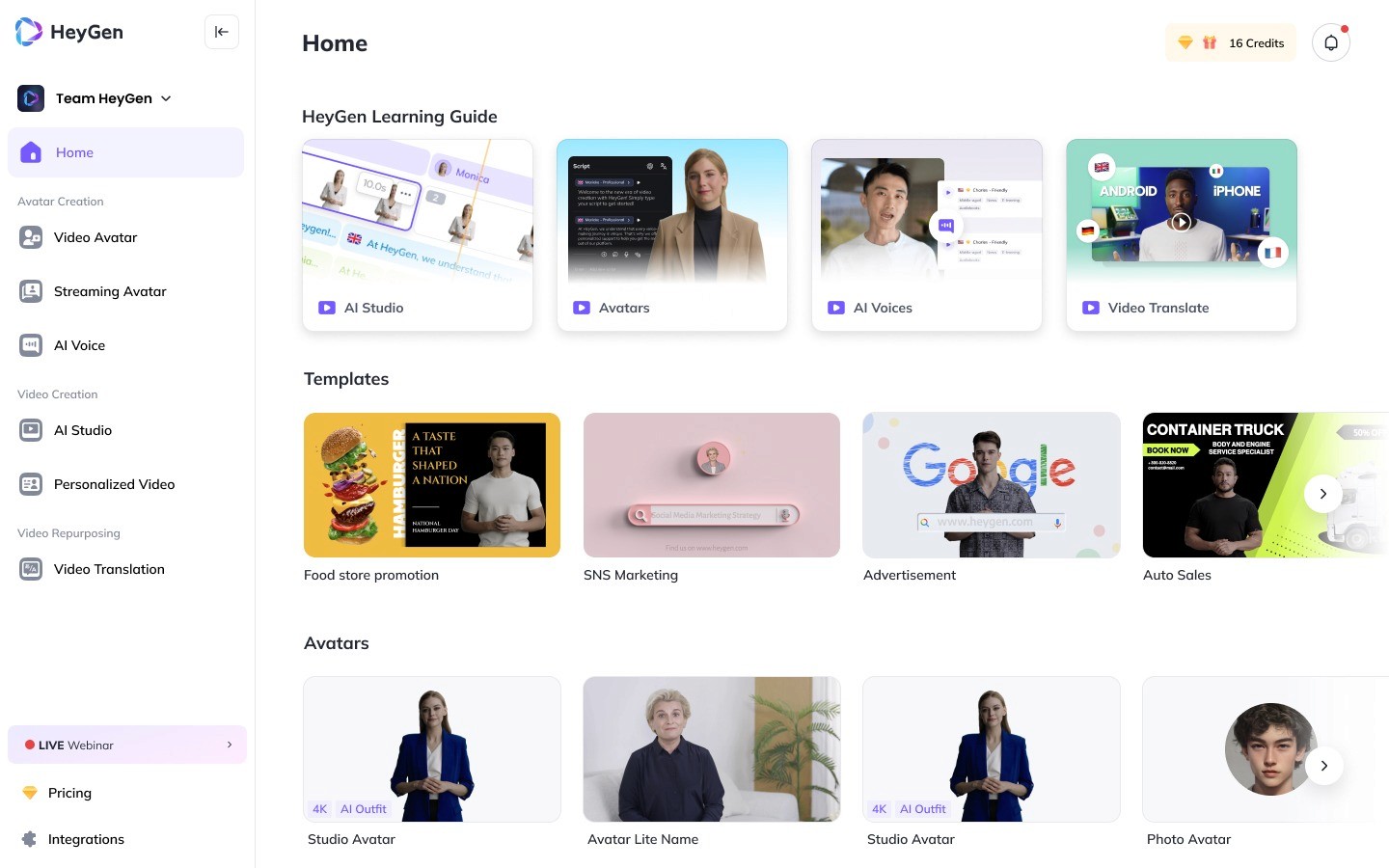
Marketers use it for quick ad versions, global localisation, and template-based video production where consistency matters more than live footage.
Key Features
1,000+ stock avatars plus custom avatars you can create from a photo or short clip
Text-to-video, image-to-video, and audio-to-video generation
AI video translator supporting 175+ languages with lip-sync
Voice cloning and brand-safe voice models
Studio editor with brand kits, captions, templates, and simple motion controls
Collaboration tools such as shared workspace, comments, team roles
Up to 4K exports depending on plan
Works across platform formats (Meta, TikTok, YouTube, LinkedIn, etc.)
Pricing
HeyGen has a free tier and three paid plans.
Free Plan ($0/month): You get 3 videos/month, up to 3-minute duration, 720p exports, 500+ stock avatars, and watermarks.
Creator Plan ($29/month): Unlimited videos up to 30 minutes, 1080p, voice cloning, 700+ avatars, brand kit, and extended Avatar IV access. Suitable for solo creators who need regular spokesperson or UGC-style ads.
Team Plan ($39/seat/month):Everything in Creator plus 4K exports, faster rendering, 2+ seats, unlimited photo avatars, translation editing, and full collaboration workflow. Best for marketing teams.
Enterprise: Custom pricing for API access, security requirements, high-volume translation, or large creative teams.
If You’re Deciding What to Use
A good way to choose an AI video tool is to ignore the feature lists for a minute and ask one thing: Which option helps you get more winning ads out the door with the least amount of fuss?
Because in practice, that matters more than whether a plan is $20 cheaper or has three extra templates.
Some teams try to solve this by building custom workflows using platforms like MindStudio, stitching together multiple AI tools for scripting, generation, and editing. While this approach offers flexibility, it often introduces operational complexity as teams manage multiple systems, outputs, and iteration cycles.
Cheap tools often cost you in bandwidth. And bandwidth affects results. You'll run fewer tests, slower cycles, and ads that get patched together instead of pushed live. If you’re spending real money on Meta or TikTok, even allocating 4–5% of your budget to the right creative engine can earn itself back quickly in stronger iterations and faster learning.
That’s the gap Airpost fills.
You give it your assets and a living brief; the system and the creative strategists keep the pipeline moving — new variations when something starts working, updated angles when messaging shifts, and ads that are built for performance rather than just “output.”
If you want to see whether that model would actually help you ship more winners, you can book a demo here and judge the difference for yourself.



