AI tools make it faster to create everything from emails to product ads, to video ads, but they don’t work by pressing a button and getting exactly what you want.
Creating AI video avatars for advertising takes iteration. It involves thinking through the script, the visual setup, and how the avatar fits into an actual ad, not just generating a face on screen and hoping it works.
This guide walks through how to create AI video avatars specifically for advertising, focusing on the decisions that matter when real money is on the line.
Step-by-Step Guide to Generating an AI Video Avatar
AI video tools often present the process as instant. But the difference between a usable avatar and a bad one comes down to the thinking and prep that happens before you generate anything.
Step 1: Pick the Avatar Type Based on How You’ll Use It Later
Most tools will offer a few paths. Choose the one that matches your actual workflow, because switching later usually means redoing setup.
1) Stock avatar (presenter style): Fastest option. You pick from a library and start generating videos immediately. Best when you need speed and consistency and you don’t care who the “person” is.
2) Stock UGC-style avatar (creator style): Still from a library, but designed to feel more casual and social-native. Best when you want a less “corporate spokesperson” feel without hiring creators.
3) Clone yourself (digital twin): Most setup effort, but the highest payoff if you’ll make a lot of videos long-term and want continuity. Best when trust, personal brand, or familiarity matters.
If you’re doing this for a brand and you’re not sure you’ll commit to one “face,” don’t start with a clone. Start with a stock or UGC avatar first, learn what you actually need, then clone later.
Step 2: Get Your Inputs Right Before You Touch the Tool
The avatar generator will amplify whatever you give it. If your inputs are messy, the avatar will look “AI” even if the tool is good.
If you’re cloning yourself, record a clean reference
Aim for “boring and consistent,” not charismatic.
What tends to produce better results:
Neutral lighting (window light or soft light from the front)
Plain background (no movement, no busy patterns)
Camera at eye level, stable, no wide-angle distortion
Speak at a steady pace for the whole clip
Minimal head turns and hand gestures
If you’re using a stock/UGC avatar, prep the script anyway
Even though you’re not training anything, you still need a script that reads naturally when spoken by a synthetic voice.
A practical rule is to write like you’re sending a voice note, not like you’re writing website copy. Do a quick “say it out loud” test. If you stumble, the avatar will sound robotic.
Step 3: Create the Avatar and Lock the Look
This is where people unintentionally create “avatar drift” by changing too many things between versions. Treat the avatar like a reusable asset.
For stock/UGC avatars
You’re mostly making selection decisions:
Choose a face that matches the tone you’ll use (calm, energetic, serious)
Avoid extreme expressions or “over-smiley” default faces
Choose wardrobe/background combos that won’t distract
Pick 2 avatars max at the start. If you pick 10, you’ll spend weeks testing for output quality.
For clones
Follow the tool’s training flow carefully, then do one extra thing: review the preview like a QA pass, not like a creator.
Look for mouth shapes that don’t match certain sounds (S, F, V often reveal issues). Check eye behavior (e.g. staring, weird blinking cadence), and “floating head” look where face looks pasted on.
Step 4: Choose Voice and Delivery That Doesn’t Give It Away
Voice is the fastest way an AI avatar gives itself away. Even if the visuals look fine, people tune out the moment the delivery sounds like someone reading a stiff script. Most tools let you choose between a built-in voice, a voice clone, or a combination of voice with style controls like speed, tone, and emotion.
What tends to work best is a delivery that’s slightly faster than a tutorial and more restrained than you expect. Heavy emotional presets, long pauses, and complex sentences usually backfire because the model struggles to place emphasis naturally. A simple way to sanity-check this is to generate the same 10-second line with two different voices and listen without looking at the video. If it sounds “like a narrator,” switch.
Another thing to watch is consistency. If you change voices, speed, or emotion settings too often, the avatar starts to feel unstable, even if each individual clip sounds fine on its own. It helps to lock a default delivery style early and only adjust it when there’s a clear reason.
Step 5: Do a Short Stress Test and Fix the Weak Spots
Before you generate your first full piece of content, run a quick stress test to see if the avatar holds up across different types of speech. This saves you hours later.
Use 3 micro-scripts (each 1–2 sentences):
A sentence with your brand/product name
A sentence with numbers (pricing, stats, timeframes)
A sentence with a tricky sound mix (S/F/V words)
Watch for:
Mispronunciation of brand terms
Lip-sync errors on sharp consonants
Weird pacing around numbers
Unnatural emphasis
Fixes that work in practice:
Add pronunciation hints (some tools let you spell it phonetically)
Replace one hard-to-say word with a simpler equivalent
Adjust speed slightly (tiny changes can improve lip sync)
Re-record source footage if it’s a clone and the face motion is unstable
Only after these passes should you start generating longer videos.
Step 6: Save the Avatar as a Reusable Asset
This step often gets overlooked because it feels obvious, but it’s where most of the long-term value of an AI avatar is either protected or quietly lost. If every new video starts with different settings, the avatar stops behaving like a reusable asset and starts acting like a one-off experiment each time.
Once you have an avatar that looks and sounds right, treat that setup as fixed. Lock in the core elements such as the avatar or clone itself, the voice you’re using, the speaking speed, and the default tone or emotion settings. If you’ve added custom pronunciation rules for brand names or product terms, those should stay consistent as well. These choices form the baseline that everything else builds on.
A simple habit is to keep a short note titled “Avatar Settings” alongside your scripts or project files. That way, when something feels off in a new output, you can clearly tell whether the issue came from the script or from a configuration change, instead of guessing and reworking both.
3 Tools You Can Use to Create AI Video Avatars
There’s no shortage of avatar tools. What matters is how well they fit into an advertising workflow, speed, consistency, and the ability to generate usable variations.
Here are three commonly used options.
1. HeyGen
HeyGen is one of the most widely used tools for creating talking-head style AI avatars.
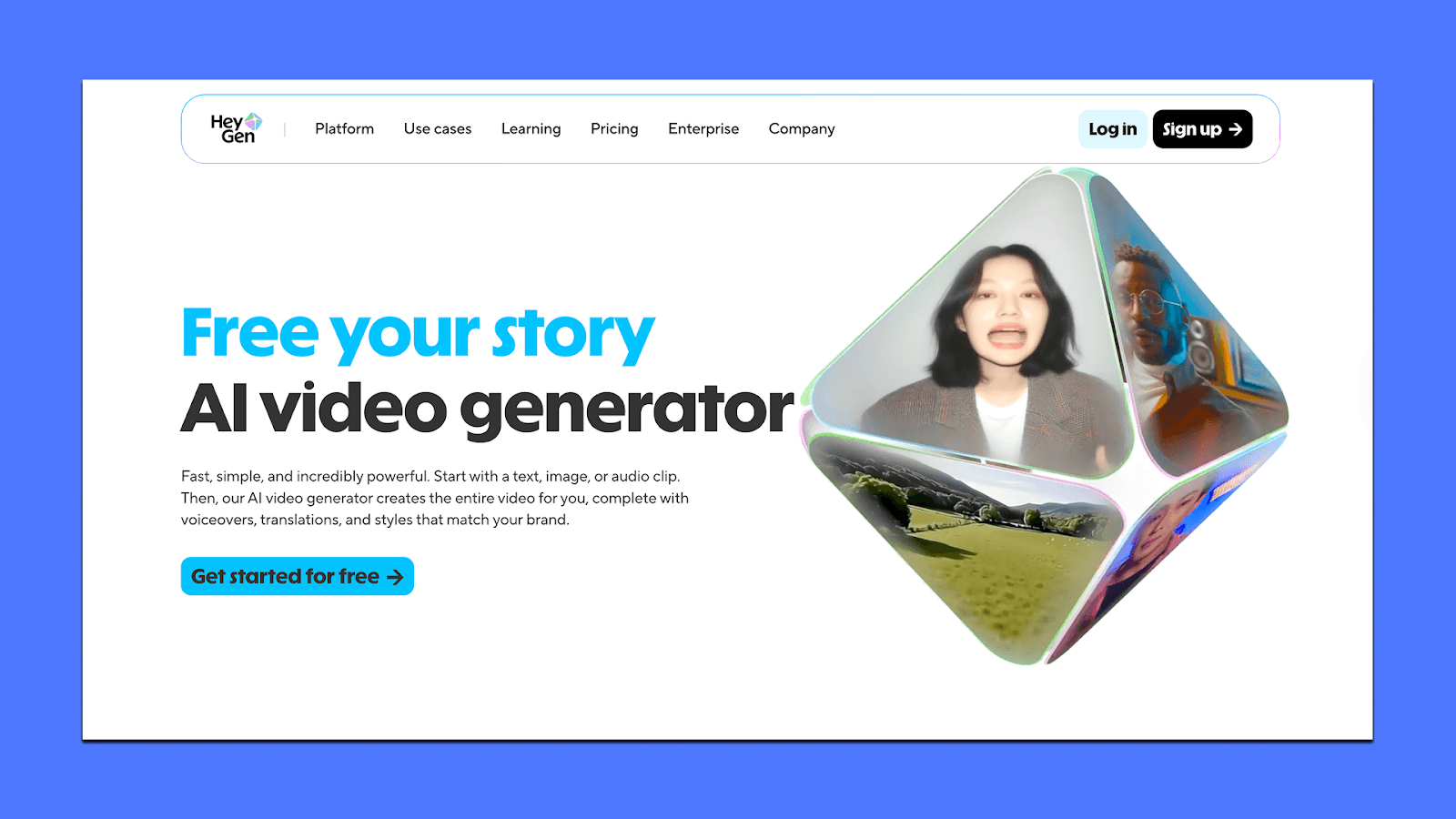
It works well when you need:
Stock or custom avatars delivering scripted lines
Fast turnaround without filming
Language and voice flexibility for localized ads
Best suited for explainer-style ads, spokesperson creatives, and simple UGC-style formats.
2. Creatify AI
Creatify is built specifically around ad creation, with avatars as part of a broader video ad system.
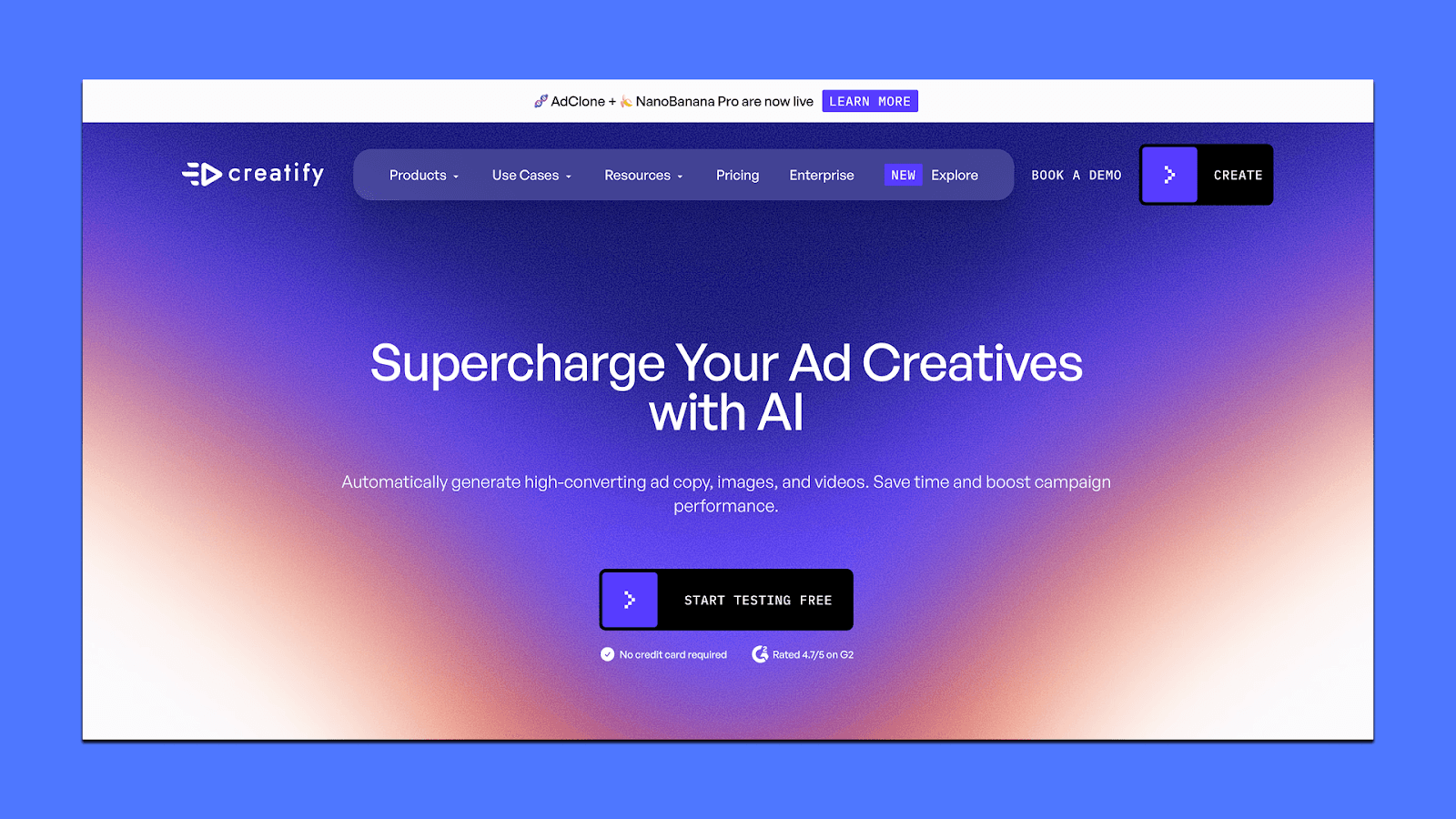
It’s useful when:
Avatars need to live inside full ad creatives, not standalone clips
You want multiple variations generated quickly for testing
Speed and volume matter more than deep customization
A good fit for performance teams running frequent creative tests.
3. VEED.IO
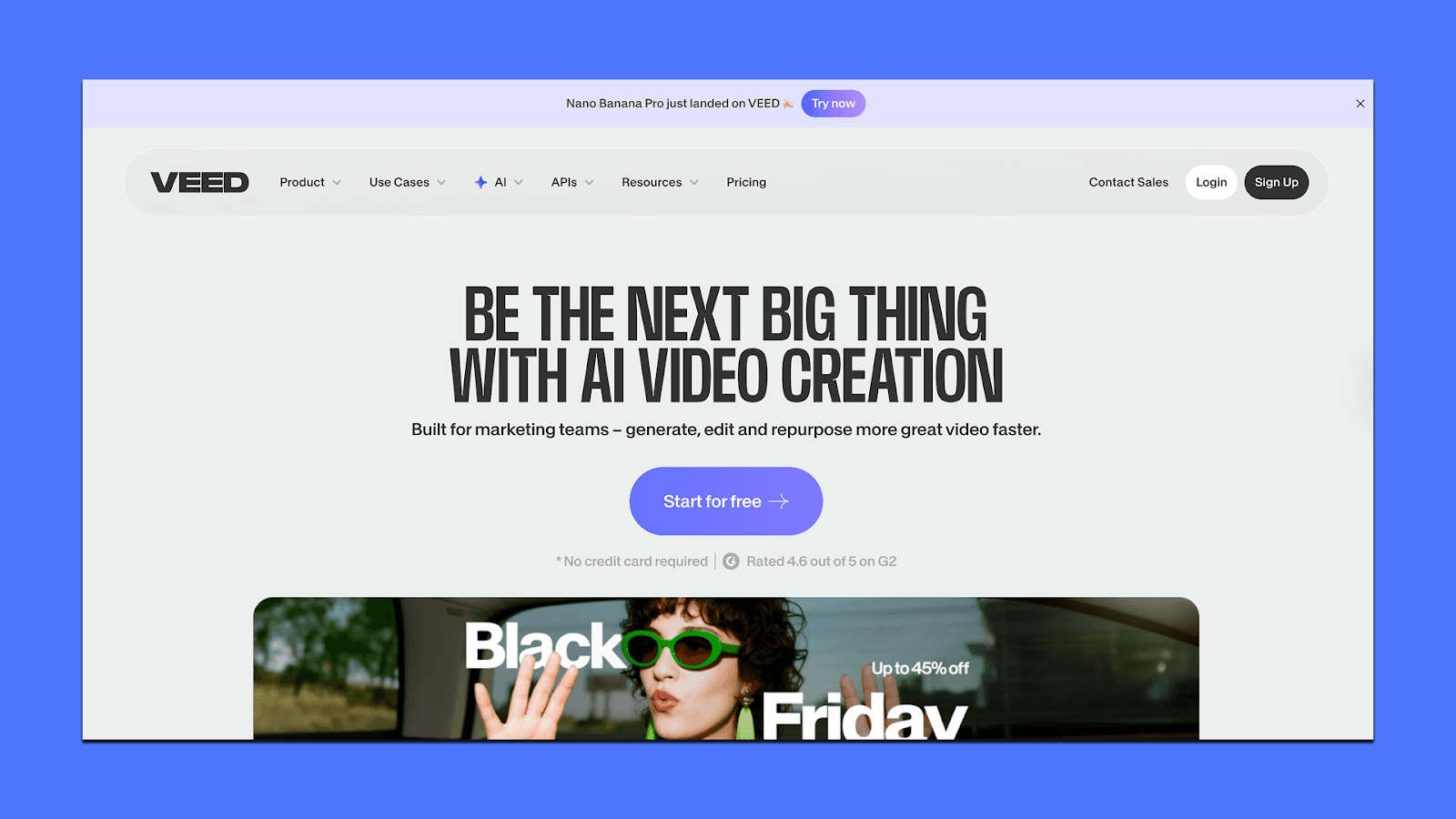
VEED combines AI avatars with a full video editing suite.
It makes sense if:
You want avatars plus hands-on control over edits
Your workflow includes subtitles, layout changes, and quick revisions
Avatars are one element inside a broader creative process
Better for teams that want editing flexibility alongside avatar generation.
Create Winning Avatars and Ads With Airpost
The real goal of using AI avatars in ads isn’t to generate a single good-looking video. It’s to avoid recreating the same creative work again and again while still shipping ads that look real, stay on brand, and actually perform.
That’s where most teams get stuck. Even if you’ve figured out avatars, you still have to turn them into repeatable ad outputs: multiple angles, different hooks, fast iterations, and enough volume to keep testing.
If AI avatars are part of your ad stack, the next step is a workflow that turns those assets into consistent, testable, scalable ads. That’s the gap Airpost is built to fill.
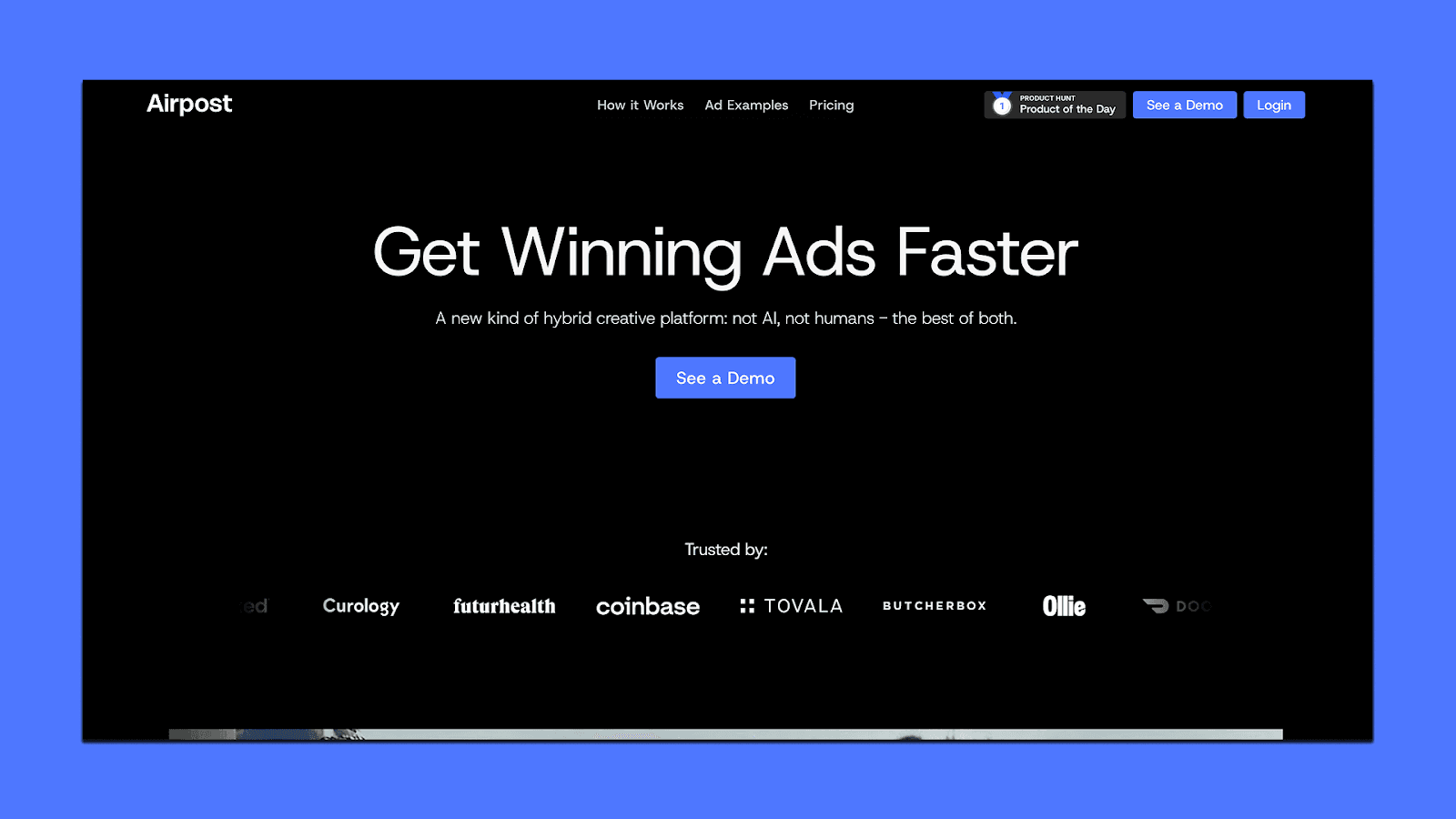
Airpost gives you a system for turning AI-powered assets (including avatars, footage, and edits) into production-ready ads at scale.
How Airpost helps teams move faster:
A hybrid creative engine combining AI with experienced ad strategists
Delivers 10-30 done-for-you video ads per week, built for real ad environments
Uses your existing assets alongside AI-generated and edited footage
Ad concepts driven by personas, angles, and performance data
Continuous iteration based on what's actually working, not guesses
Fits into existing workflows with easy uploads and integrations
Airpost also uses a proprietary ad taxonomy that categorizes every creative by format, hook type, angle, and performance patterns. This gives teams a structured way to track what's driving results and systematically identify what works across campaigns.
Book a demo with Airpost to move from AI experiments to production-ready, winning ads faster.



