AI UGC tools all promise the same thing: faster videos, lower costs, more ideas. But once you start using them, you realize each tool is built for a very different kind of marketer.
Some help you ship simple UGC clips fast. Some focus on avatars. Some handle cinematic shots. And some blend AI with a creative team, so you don’t have to fix everything yourself.
This guide breaks down the 6 best tools for making AI UGC videos today—what they do well, what they’re built for, and what you should pick depending on your workflow.
1. Airpost
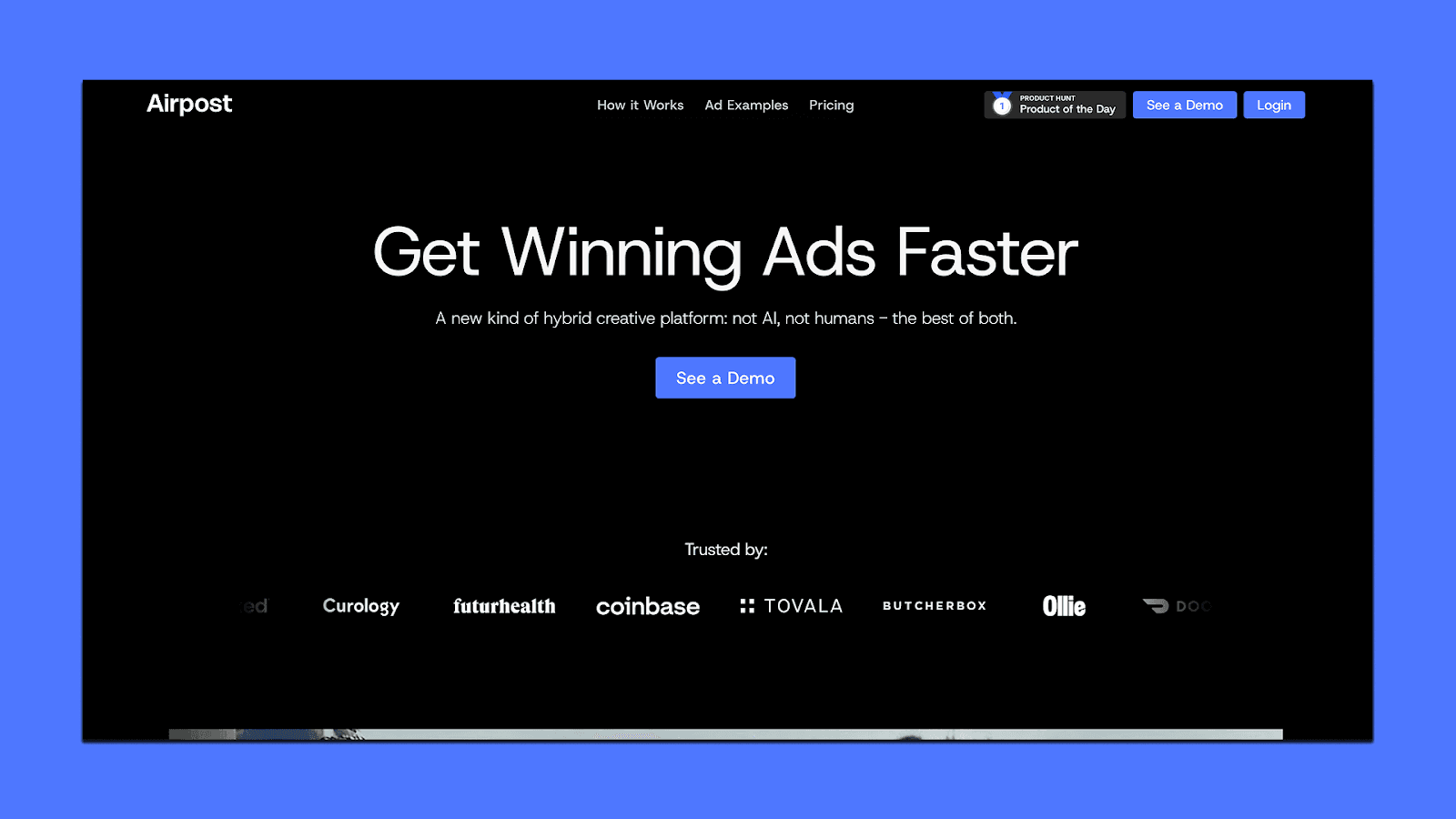
Airpost is built for marketers who want UGC-style performance ads but need more output than a creator marketplace or pure AI tool can give. It works as a hybrid system: AI handles the heavy lifting, and Airpost’s creative strategists guide the direction, pacing, and angles so the ads actually perform in paid channels.
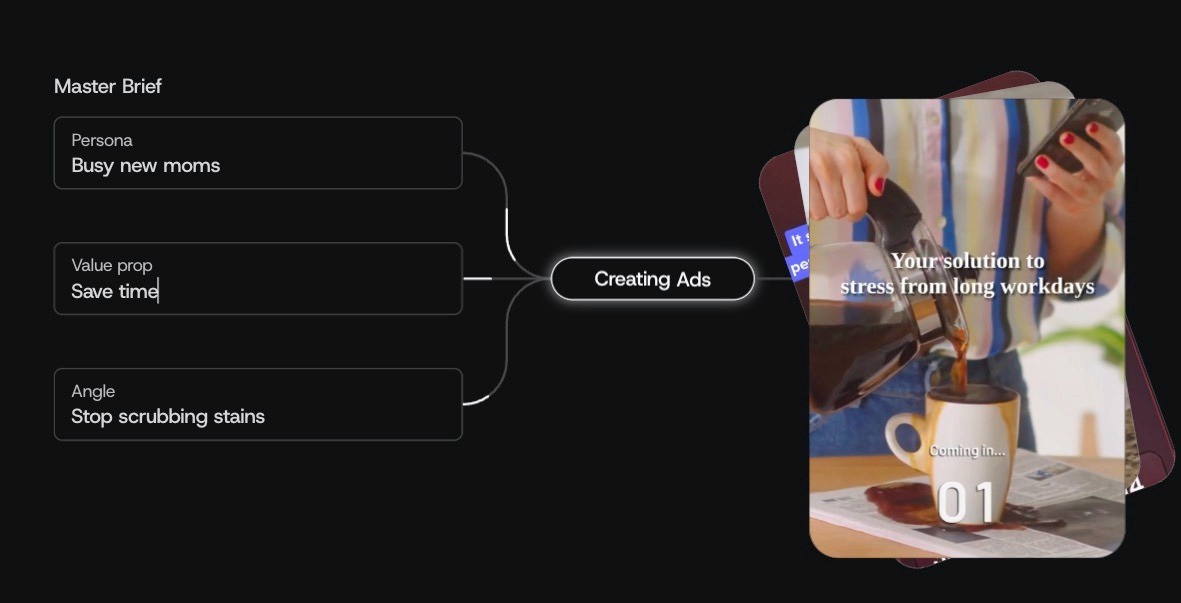
You can browse real examples of ads created with Airpost here.
Instead of avatars or text-to-video templates, Airpost generates real video ads using your assets, its asset library, and AI footage that’s produced on demand for your products.
Because everything runs off a “living brief,” your ads update as your messaging, personas, or angles shift. That’s why it works well for teams running continuous testing on Meta or TikTok — the creative pipeline stays moving without needing to prompt, manage freelancers, or write new briefs every time.
Key Features
A hybrid engine that blends your assets, Airpost assets, and AI-generated footage
Dynamic brief that updates ads whenever your strategy changes
Dedicated AI video team creating new product assets for you
10–100+ new ads per week, depending on your plan
Easy uploads to Meta/TikTok following your naming conventions
Revisions, edits, and compliance are handled directly inside the workflow
24/7 monitoring of top performers to generate new variations
Pricing
Airpost starts at $8,000/month or 4% of spend on Airpost-touched ads (whichever is higher). This includes the platform, creative team, weekly ad volume, editing, compliance controls, and uploads in 4:5 + 9:16.
2. HeyGen
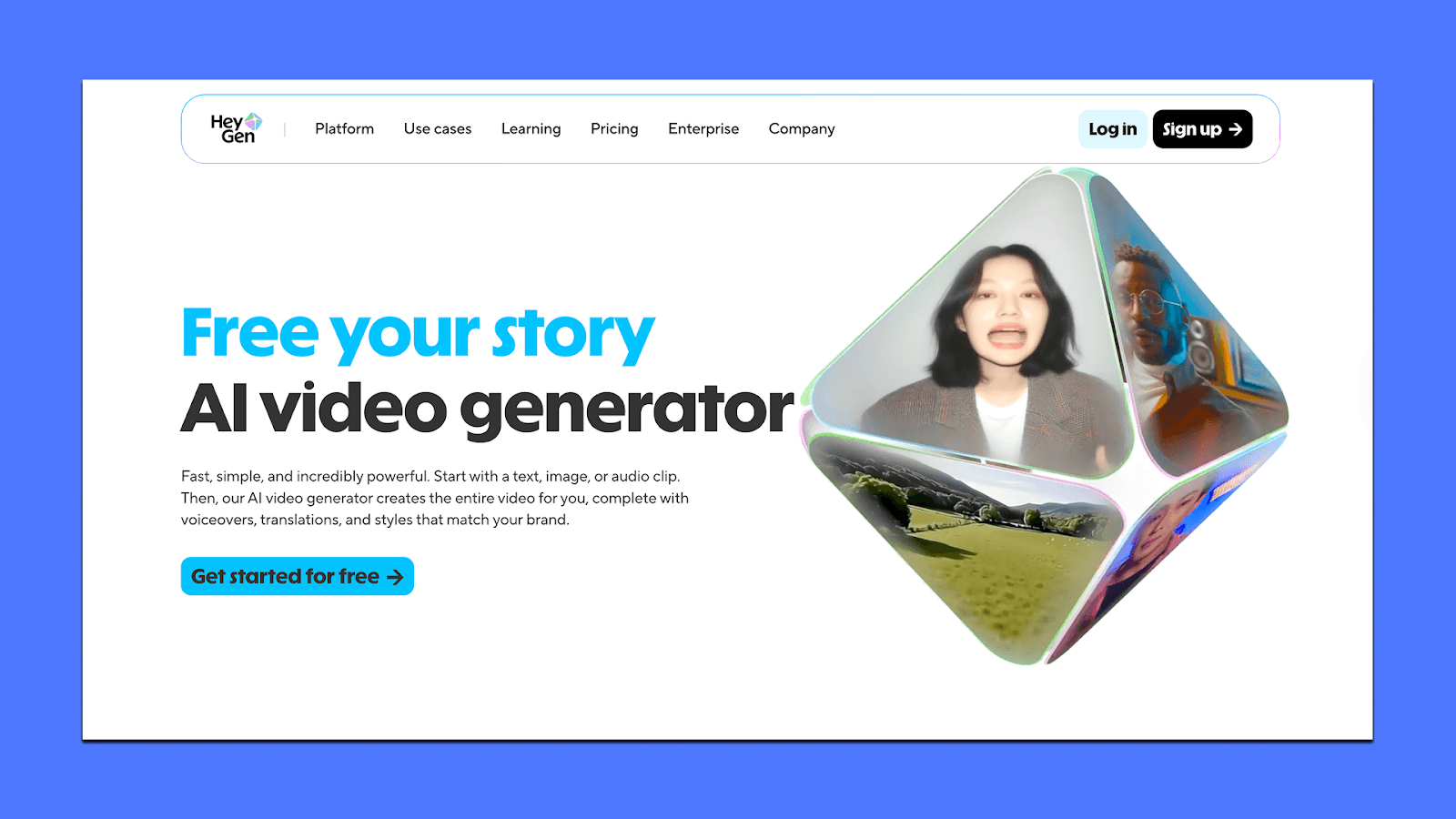
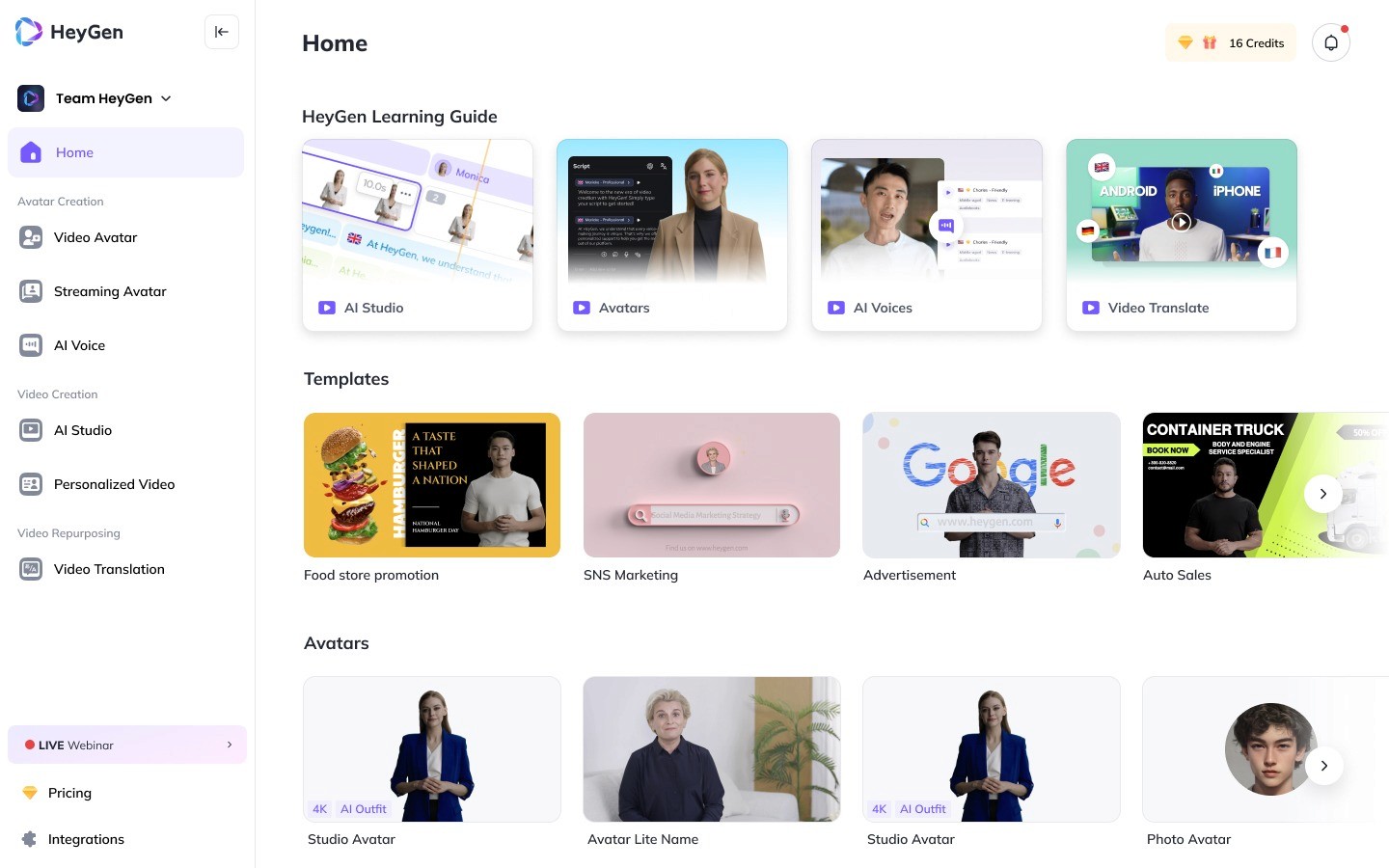
Instead of using real creators or recorded footage, HeyGen generates talking-head videos from text, images, or short clips. This makes it useful for marketers who need spokesperson-style content, product explainers, or videos in multiple languages.
Key Features
1,000+ stock avatars plus custom avatars you can create from images or short recordings
Text-to-video, image-to-video, and audio-to-video generation
175+ languages with lip-synced translations for global campaigns
Studio editor with brand kit, captions, templates, and basic motion controls
Voice cloning for maintaining brand or spokesperson consistency
Up to 4K exports on higher plans
Collaboration tools for teams (comments, shared workspace, versioning)
Pricing
HeyGen has a free plan with 3 videos/month (watermarked). Here are the paid plans:
Creator plan ($29/month): Unlimited videos, 1080p, 30-minute video length, custom avatar, voice cloning
Team plan ($39/seat/month): 4K exports, fast processing, 2+ seats, collaboration tools, unlimited photo avatars
Enterprise: Custom pricing with advanced security, API, and high-volume needs
Higher plans unlock longer videos, better avatars, faster processing, and more translation controls. Credits do not roll over, so teams with variable workloads need to plan usage.
3. InVideo AI
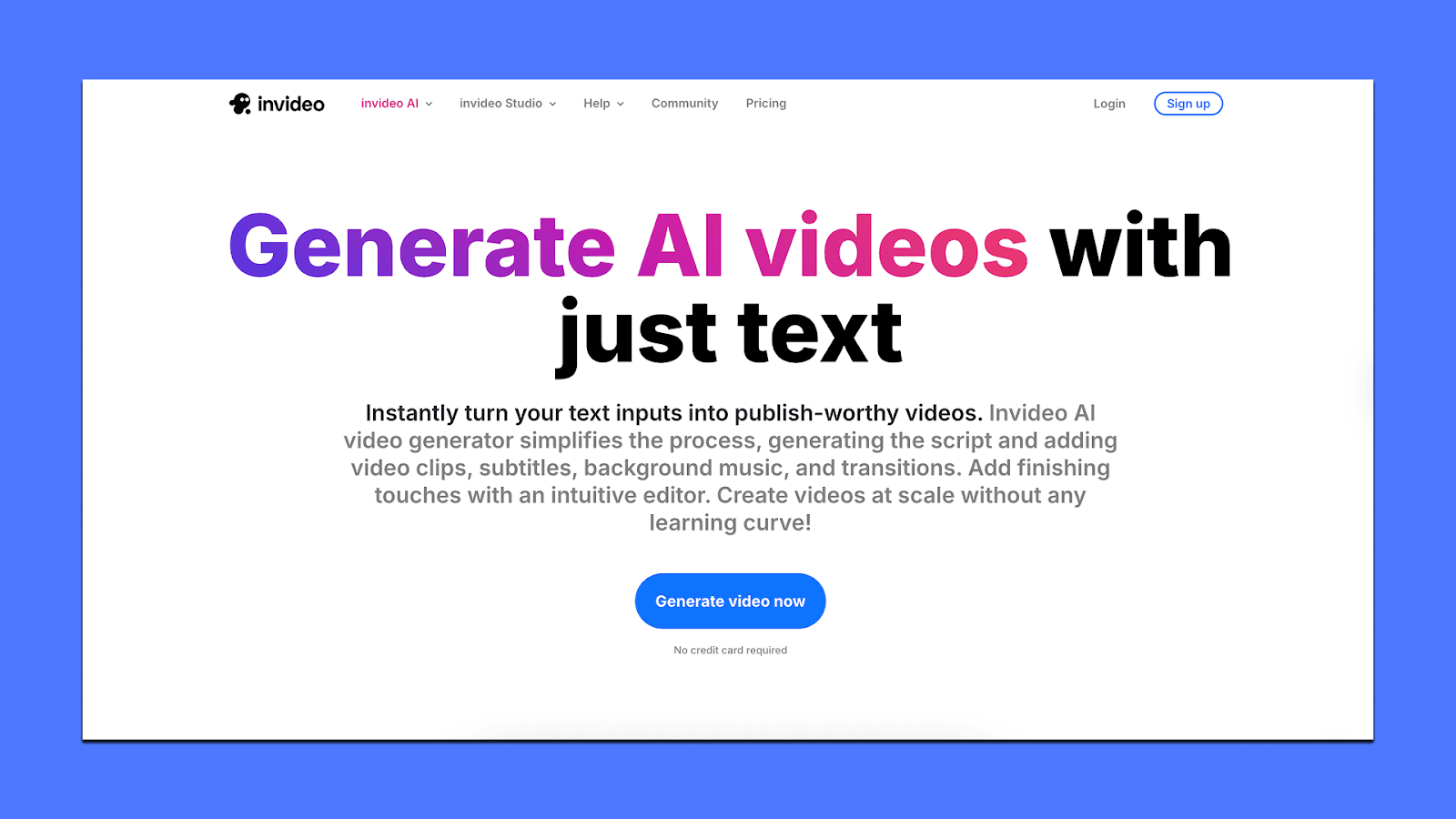
InVideo AI is useful for marketers who want UGC-style ads but also need more creative freedom than an avatar-only tool provides. It generates full videos from text prompts, mixes AI visuals with stock footage, and can build UGC-style scripts, voiceovers, and scenes automatically.
Key Features
Text-to-video with automatic scripts, cuts, and voiceovers
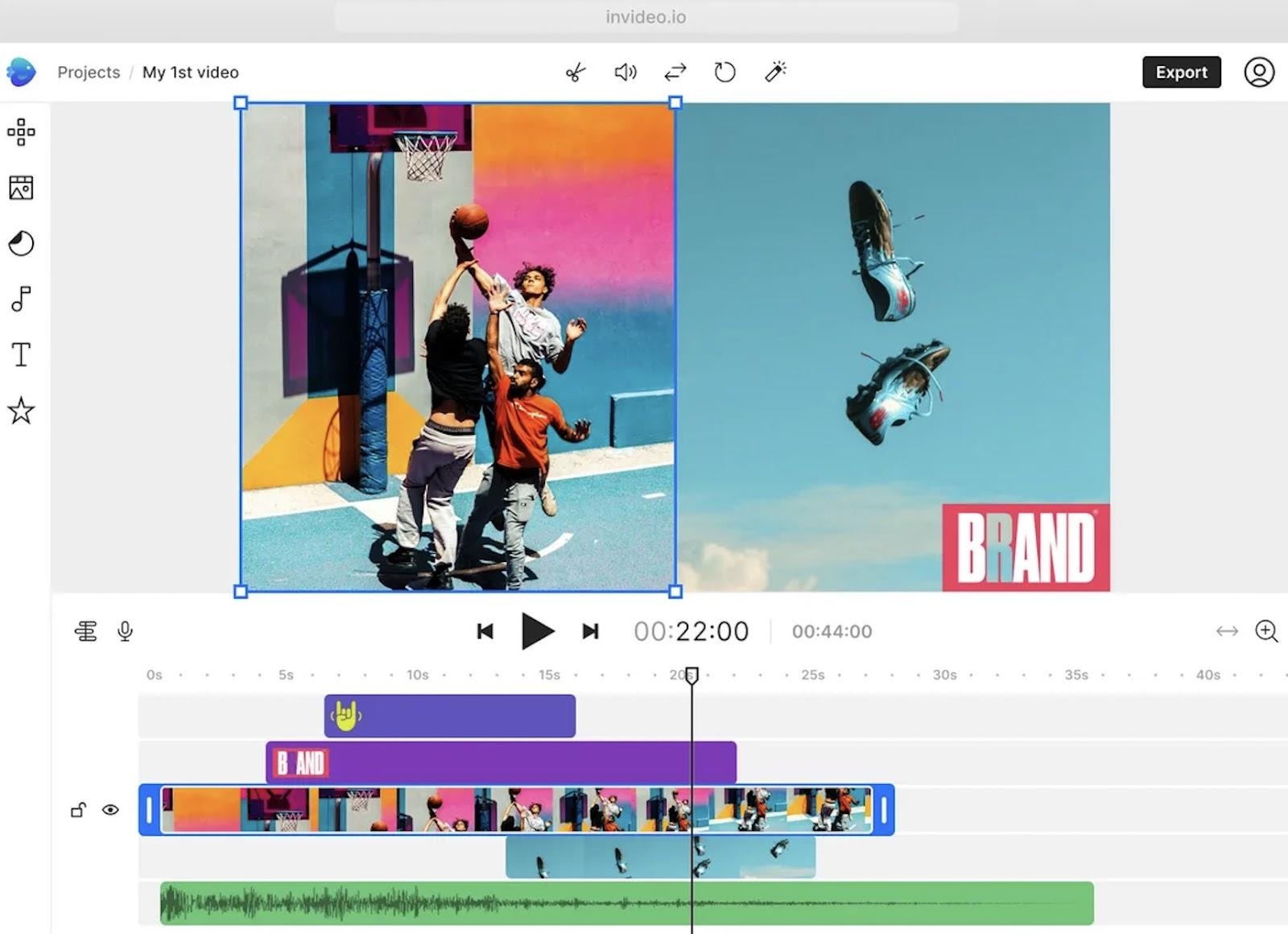
Real-time editing with simple text prompts (“change intro,” “add hook,” etc.)
16M+ stock photos and clips for branded storytelling
AI visuals + UGC templates for product promos
Multiplayer editing for team workflows
Pricing
Free plan gives 2 video minutes/week, 1 AI credit, and 4 exports with watermark.
Paid annual plans include:
Plus – $28/month for 10 credits, 50 video mins, basic generative features
Max – $50/month for 40 credits, 200 video mins, 320 iStock assets
Generative – $100/month for 100 credits and more advanced generative video time
Team – $899/month for 1000 credits and large UGC workloads
Enterprise plans are custom.
4. Icon
Icon (Icon AI AdMaker) is an AI platform that tries to automate UGC-style ad production end-to-end. It combines scriptwriting, video editing, voiceovers, competitor ad analysis, and basic creative workflows inside one dashboard. Unlike tools that focus on avatars or cinematic clips, Icon leans heavily into performance-style creatives — hooks, angles, product demos, and creator-style talking videos.
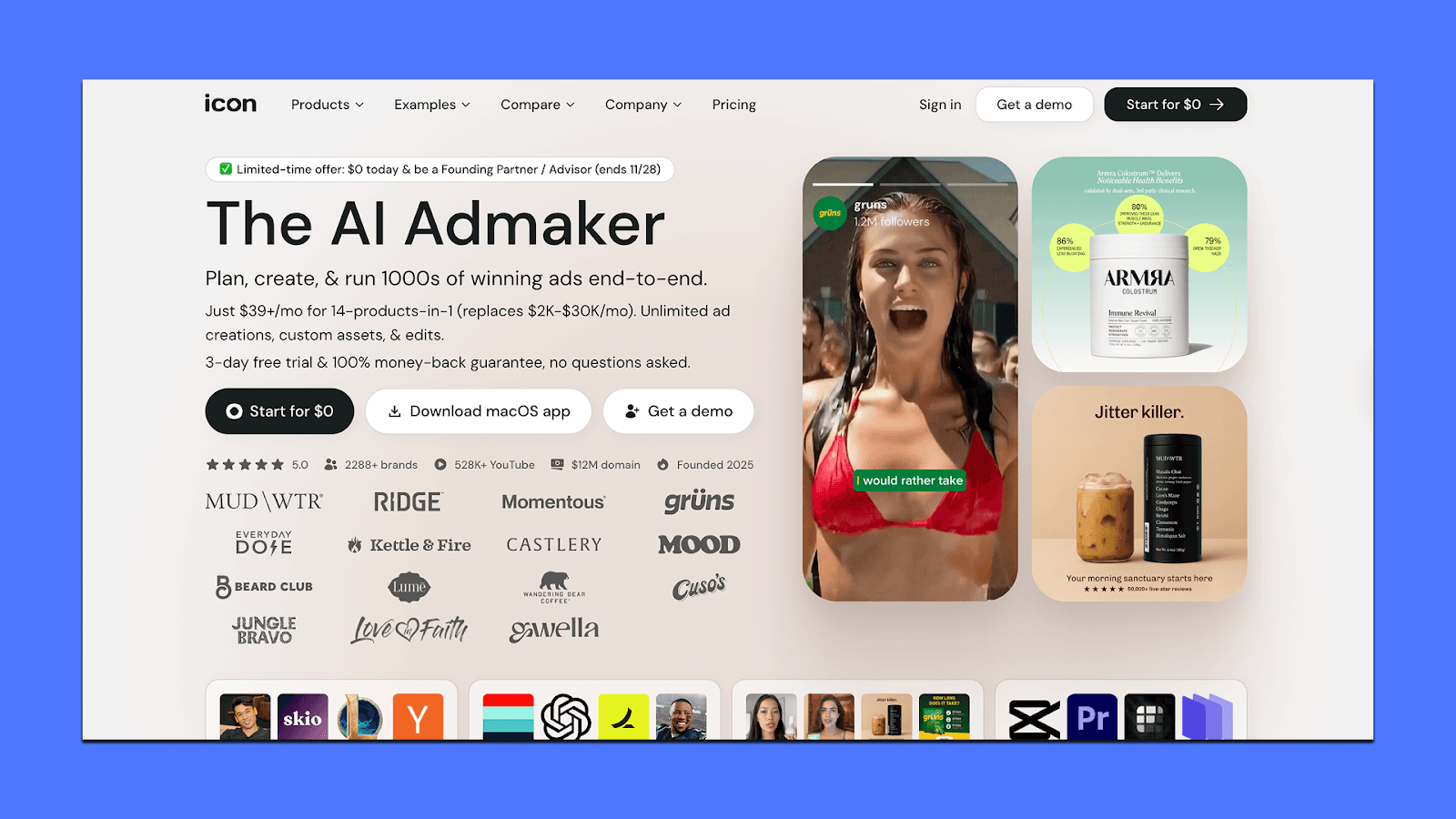
While the feature list is ambitious, users often report instability, inconsistent outputs, and friction around billing or cancellation. So it works best for teams willing to test it with caution.
Key Features
AdGPT for generating scripts, concepts, and video outlines
AI CMO for competitor research and angle discovery
Image editor + basic video editor for UGC-style cuts
Asset tagging and creative library for reuse
Ad spy module to study competitor creatives
Pricing
Icon has a $39/month plan with unlimited creation and editing, capped at 10 downloads/month.
Managed plans start at $1,500/month with human creative support and custom setups.
Free trials last 3 days with full feature access but limited downloads.
5. Runway
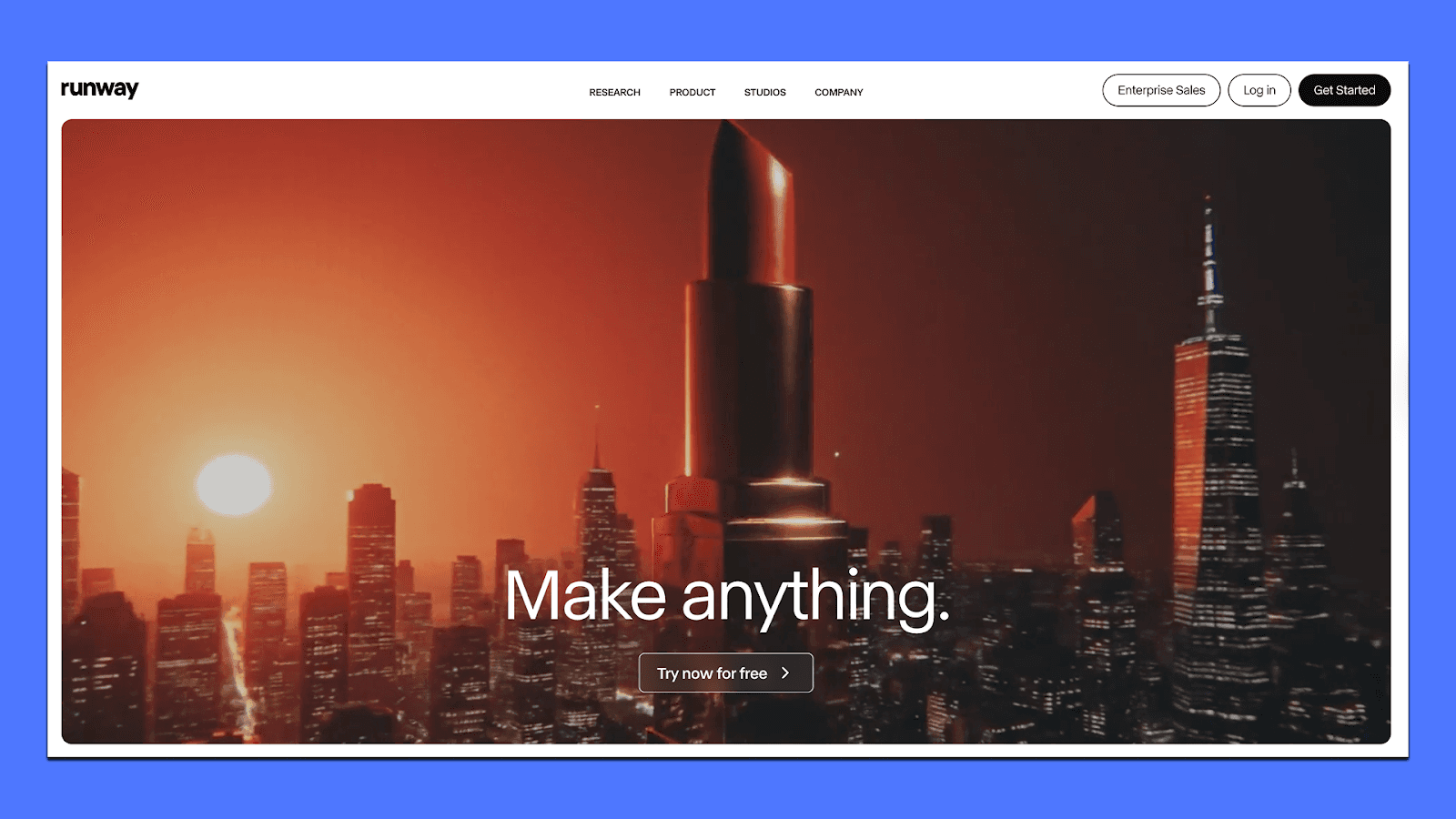
Runway is a good fit when you want UGC-style ads that feel more polished or stylized than what avatar tools typically produce. Instead of talking-head videos, Runway leans into visual storytelling — motion-heavy hooks, product restyles, quick transitions, and short clips built to stop a scroll.
Marketers often use it to turn simple raw footage into something with more personality, or to generate short cinematic shots that pair well with voiceovers or creator audio.
It’s not an end-to-end ad maker or a managed service like Airpost.
Key Features
Gen-4 and Turbo models for 5–20 second text-to-video and image-to-video clips
Video-to-video restyling for giving existing UGC footage a fresh aesthetic
Inpainting, background edits, and object removal for quick cleanup
Camera motion tools (pans, zooms, dolly moves) for dynamic shots
Node-based workflows to chain steps together and automate creative pipelines
Pricing
Runway offers a free plan with 125 credits/month and 720p watermarked exports, mainly for testing.
Paid plans start at $15/month for 625 credits and 1080p output, which works for light creative work.
The Pro tier at $35/month bumps you to 2,000 credits, priority processing, and team features.
Heavy users can choose the Unlimited plan at $95/month, which lifts credit limits entirely. Larger teams and studios can opt for custom enterprise pricing with API access and dedicated support.
6. Creatify
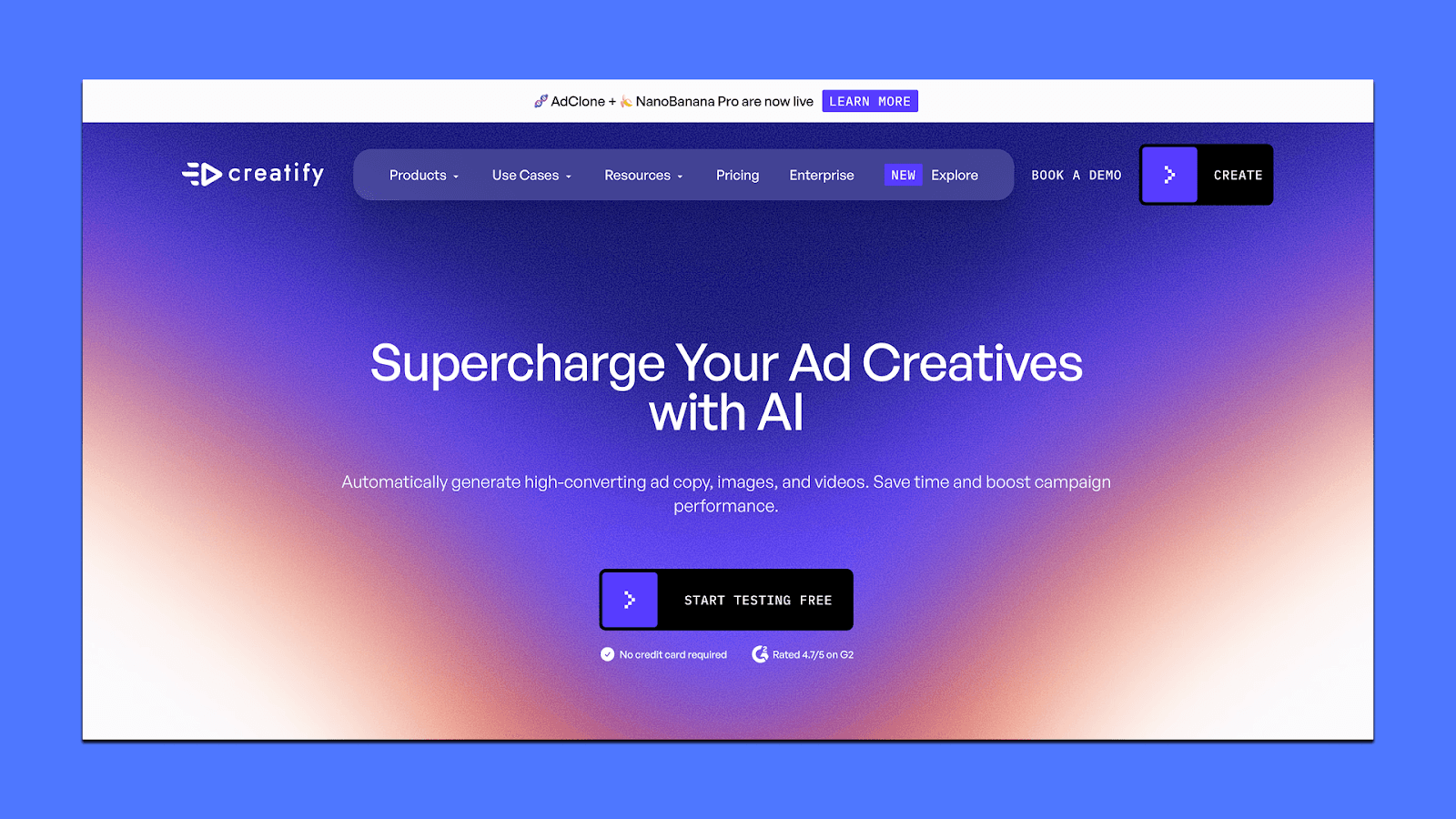
Creatify is built for teams that want fast UGC-style ads from product links without running a full creative pipeline. It’s one of the more automation-heavy platforms: paste a Shopify/Amazon/website URL, and Creatify turns that page into 5–10 video ads using its library of avatars, product shot tools, and voice options.
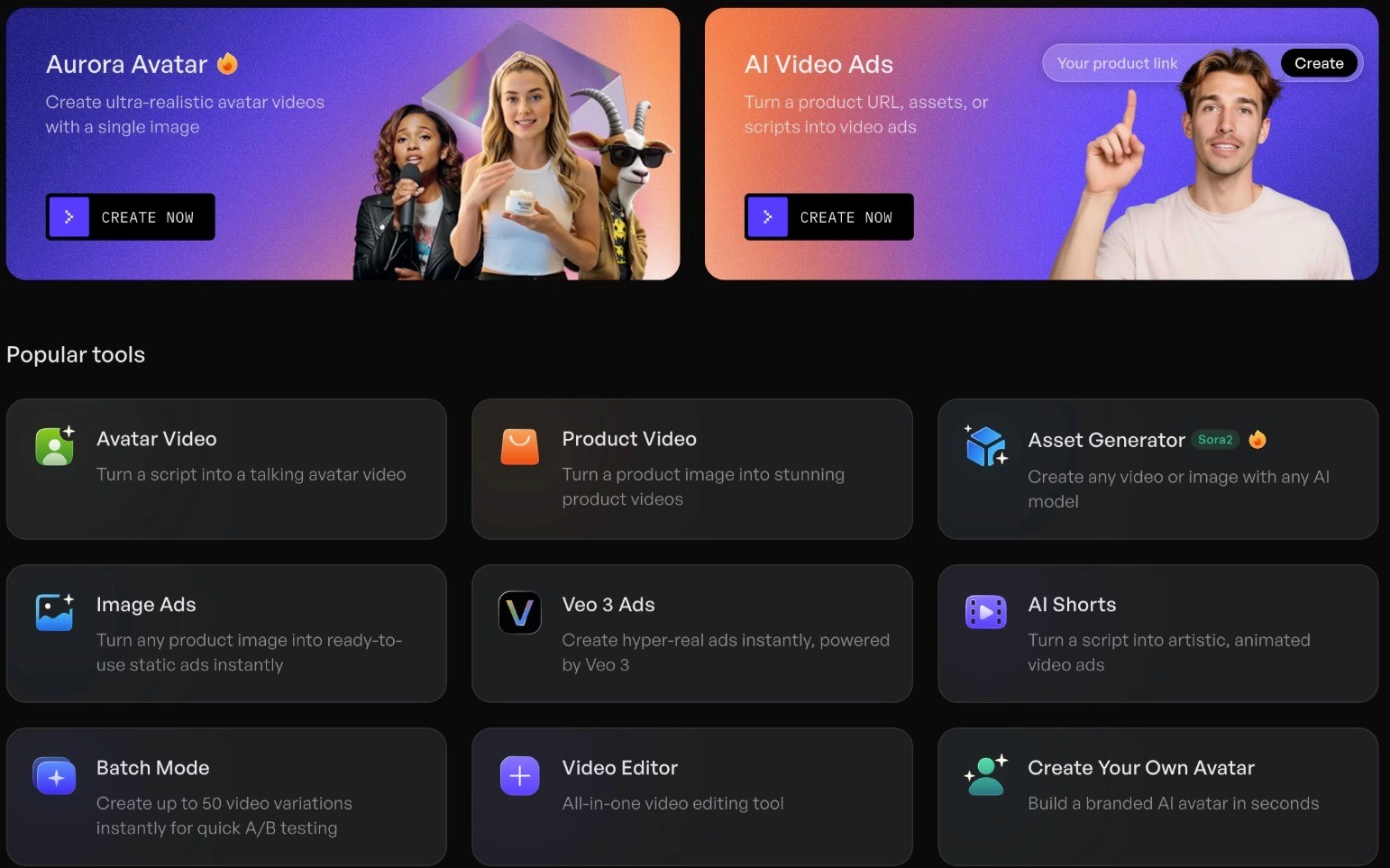
For marketers who need volume and quick tests, it’s closer to a “UGC ad generator” than a full editing suite. The platform also includes AdMax, its testing/insights engine, which helps teams generate variations, run structured tests, and identify early winners.
Key Features
AI UGC Ads that convert product URLs into ready-to-run videos
AI Avatars (1,500+ options) with facial expressions, gestures, and multilingual voice support
Product Video Generator for animated product shots from static images
AdMax Suite for competitive research, trend discovery, ad variant testing, and performance insights
Batch Mode for producing assets across multiple SKUs quickly
Platform-ready exports (Meta, TikTok, YouTube, Snap)
Pricing
Creatify uses a credit-based system, with plans sized by how many videos you want to produce.
Free — $0: You get 10 credits/month, watermark on exports, basic AI video tools.
Starter — $19/month: You get 1,200 credits/year, videos up to 2 minutes, 100+ avatars, AI editing, and no watermark.
Pro — $49/month: This gives you a larger avatar library (1,500+), 3 custom avatars, stronger models, product video tools, 10-minute videos, and Meta/TikTok publishing.
Choosing the Right Tool
It’s easy to compare AI video tools by “cheapest plan” or “who has the most features.” But that usually leads you to the wrong pick. The better question is: Which tool actually helps you hit your goals with less work?
If you’re running real budgets, even spending 4–5% of your ad spend on the right creative engine can pay for itself fast. A tool that saves your team hours each week, removes bottlenecks, and produces ads you don’t have to babysit will make you more money than chasing the lowest price or the longest feature list.
This is why a lot of teams end up exploring Airpost.
You give it your assets and a living brief. The platform and creative strategists handle the heavy lifting — updating ads when messaging shifts, generating new variations when something starts to work, and keeping everything aligned with brand and performance.
If you want to know whether this approach would unlock more bandwidth (and better results) for your team, you can book a short demo and see how it can help you.



