AI video tools have multiplied fast, and most of them promise similar things at first glance. But once you look closer, each one serves a different kind of workflow. Some are built for quick drafts. Some are better for high-volume testing. Others try to blend UGC, avatars, and product shots into one place. Figuring out which tool fits your actual needs is the real challenge.
This guide walks through what Creatify is designed to do, the features that make it stand out, and the limitations users run into. You'll also find out about pricing and 3 alternatives to Creatify.
What is Creatify?
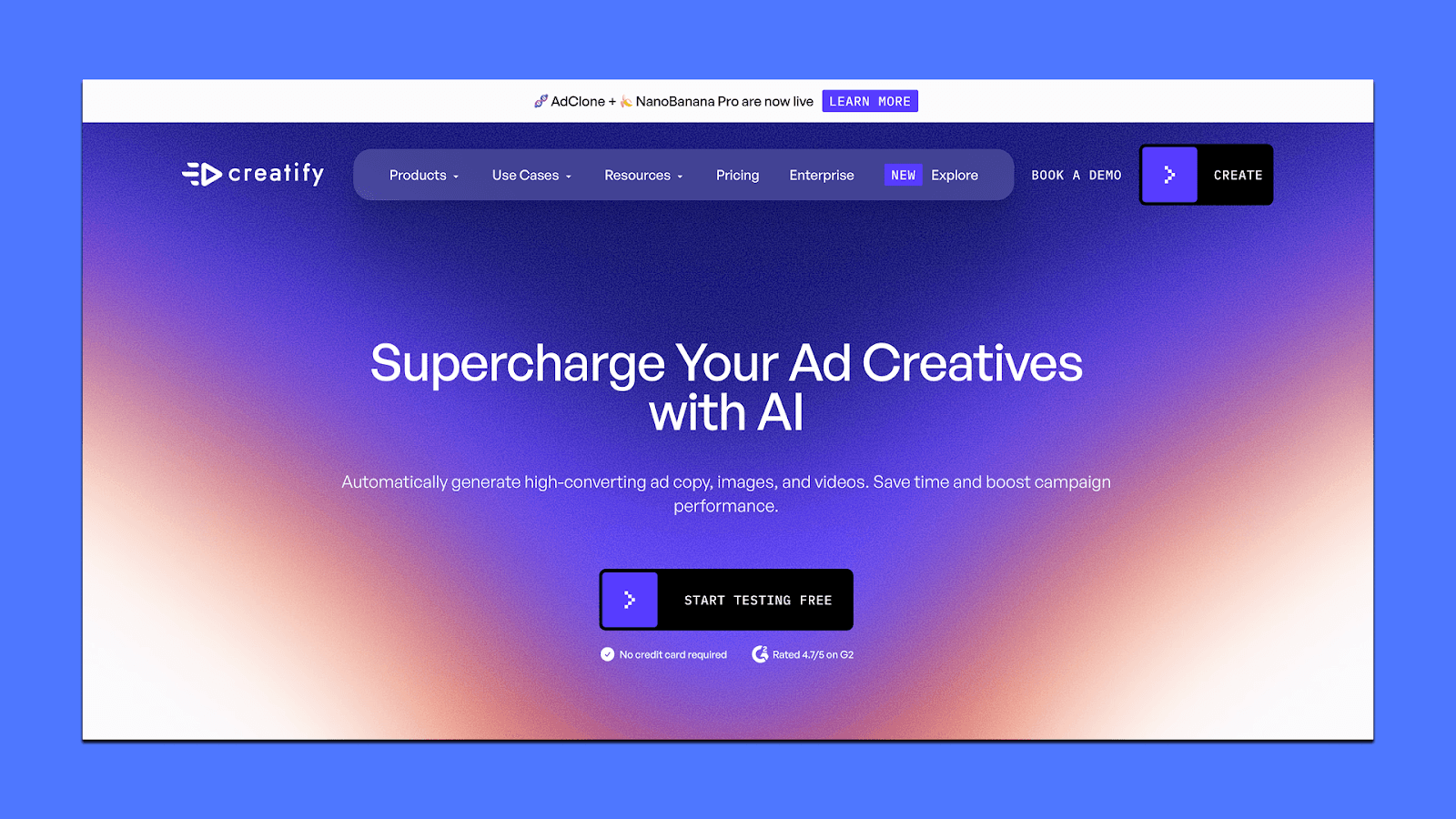
Creatify is an AI video ad maker built for teams that need short-form ads fast. You paste in a product link, choose an avatar, and the platform turns it into ready-to-run UGC-style videos for TikTok, Meta, YouTube, and Snapchat.
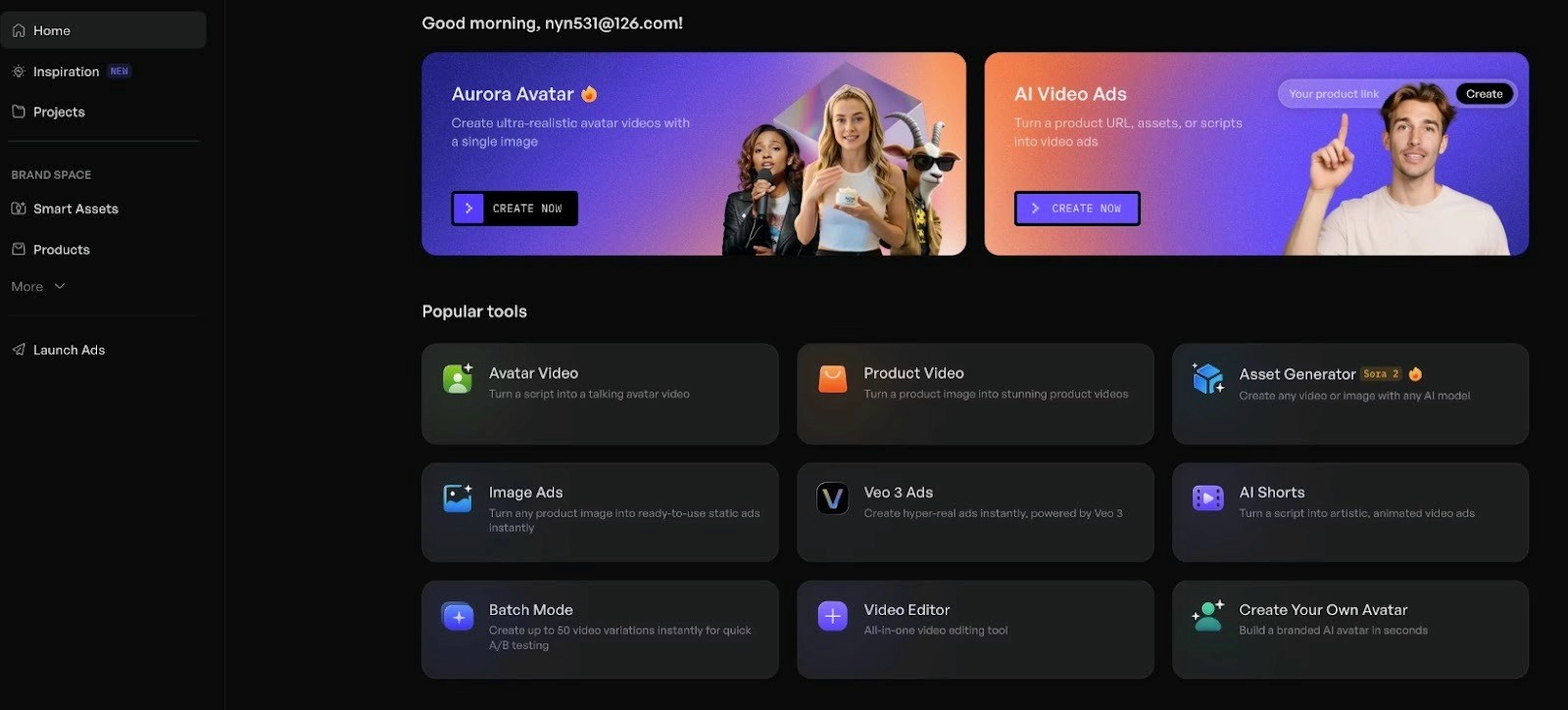
It’s mainly built for e-commerce brands, dropshippers, and marketers who need dozens of UGC-style or performance-marketing video ads fast (Meta ads, TikTok ads, YouTube Shorts, etc.).
Creatify pricing
It offers four plans, with one being a free plan if you'd just like to try the tool.
Free ($0/month): 10 credits/month, about 2 videos, watermark on exports, 720p only. Good for testing, not for real campaigns.
Starter ($19/month): You get 1,200 credits/year, up to ~240 videos, basic + premium avatars, 2-minute videos, 1080p exports. Better for light use.
Pro ($49/month): You get 2,400 credits/year, up to ~480 videos, 1,000+ avatars, custom avatars, faster rendering, 10-minute videos, and 10,000+ B-roll clips. Most teams land here.
Enterprise (custom): Unlimited usage, AdMax, bulk creation, API access, multi-brand support, advanced security, and dedicated support. Built for larger teams and agencies.
4 Standout Features of Creatify
Creatify is built to help you ship a lot of video ads without needing a full production team. Here are the features that stand out:
1. URL-to-video for fast ad ideas
You paste a product link, and Creatify pulls the images, copy, and main benefits. It then turns that into scripts, storyboards, and multiple draft videos. You still need to tweak, but the “blank page” part is gone, which is useful when you test many angles in a week.
2. Avatars and voices that feel usable
It gives you a large library of human-style avatars and a wide range of voices and accents. You can also create custom avatars for your own brand. This helps if you want a repeatable face for your ads without hiring creators every time.
3. Batch creation and variation testing
One of the strongest parts is batch mode. You can spin up many versions of the same idea, change hooks or CTAs, and see what lands. For performance marketers, this makes creative testing more practical because you spend more time reading results than building assets.
4. Quality, formats, and exports
Videos can go up to 4K resolution and support several aspect ratios like 9:16, 16:9, and 1:1. That means the same core creative can work across TikTok, Reels, Shorts, and feed placements with only small edits.
Why Do People Look for Alternatives to Creatify?
Most of the concerns come from everyday use — billing limits, video quality, and how much control you actually get over the final output. Here are the areas that push people to look for alternatives of Creatify.
1. Cost and credit limits
Creatify uses a credit-based system, and the credits run out quickly if you generate many variations. Starter plans can feel restrictive, and heavier users say they reach their limit earlier than expected. Since credits don’t always roll over, some people feel they pay more than the value they get each month.
2. Mixed output quality
The platform can produce good drafts, but lip-sync, avatar realism, and transitions are inconsistent. Many videos still need manual editing if you want a polished final ad. This isn’t a deal-breaker for fast testing, but it becomes a problem for brands that need studio-level output.
3. Customization and editing depth
Lower plans have limited avatar options, limited control over expressions, and fewer editing tools. You can get more flexibility on higher tiers, but not everyone wants to upgrade just to fix small creative details. Teams that need tighter brand control often turn to tools with deeper editing options.
4. Reliability and learning curve
First-time users often expect a “one-click video,” but the tool still requires a bit of setup, testing, and fixing. Rendering can slow down during peak hours, and the editor feels limited for more complex videos.
Taken together, these points explain why many marketers start with Creatify for speed but eventually explore alternatives that offer more stability, more creative control, or better pricing.
3 Creatify Alternatives
Here are our picks for the top Creatify alternatives for brands or agencies that need high-converting ads.
Airpost
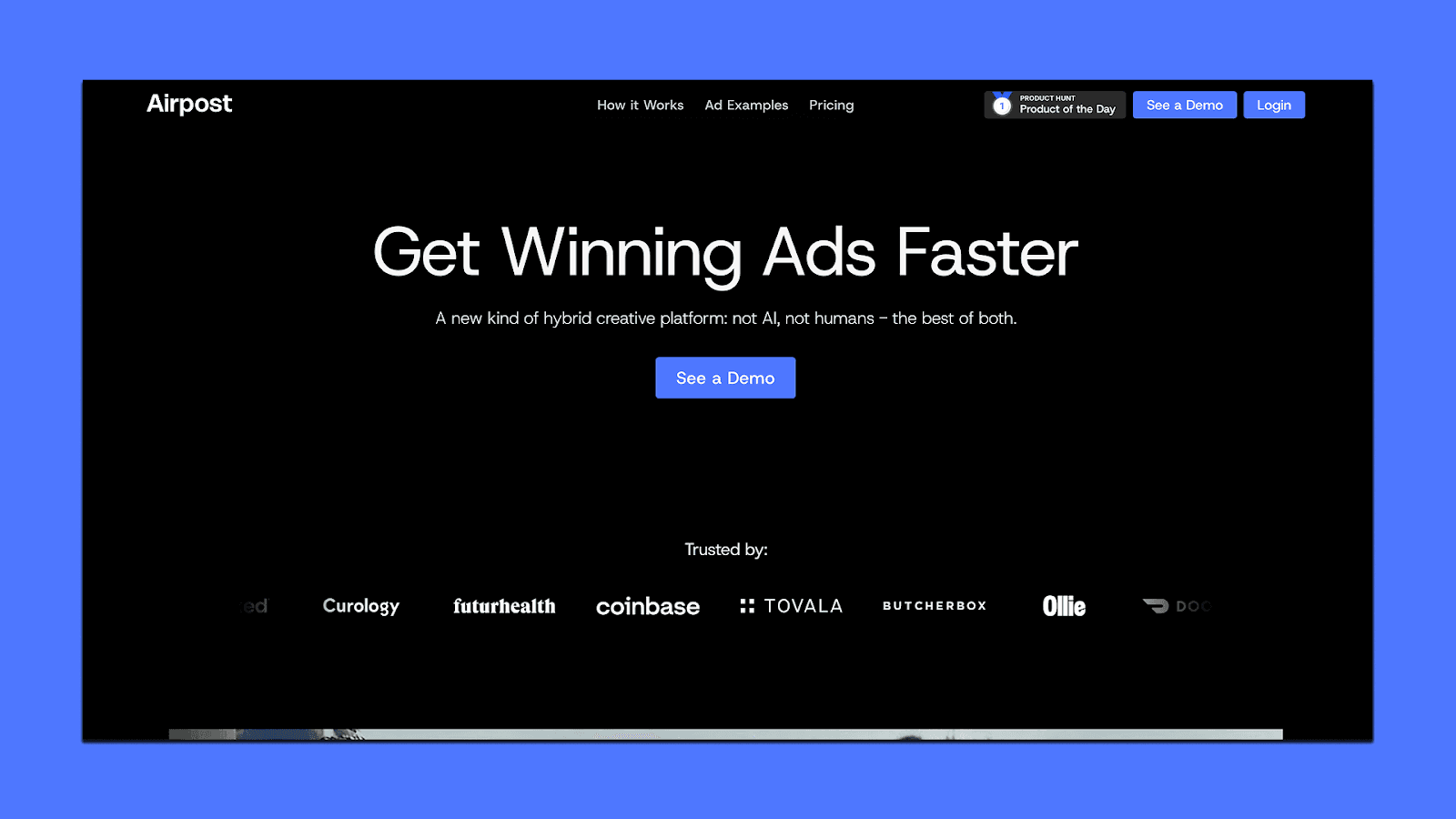
Airpost is a managed AI video ad platform built for teams that need a steady flow of high-quality ads, not just quick drafts from a template. You get an AI engine plus a creative strategist who helps shape your messaging, pick angles, and keep the output on-brand. As you update your brief, the ads update with you, which helps teams keep their creative aligned across campaigns.
You can browse real examples of Airpost ads here.
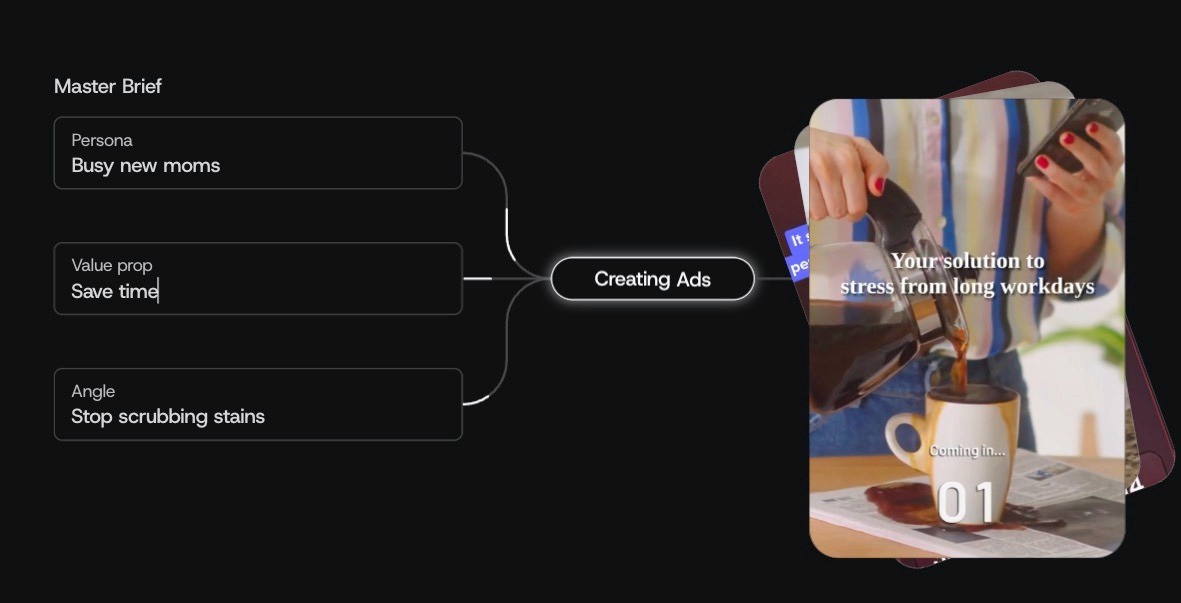
Airpost also gives you a workspace to review ads, adjust scripts, swap clips, or tweak voice-overs without rebuilding an entire video. Performance is tracked in the background, and when a concept starts working, new variations are generated automatically.
What Airpost can do for you
Produce 10–30+ new ads each week
Mix your footage with their library and AI-generated clips
Keep a living brief that evolves as your strategy changes
Create variations when an ad starts performing
Give you editable, ready-to-run ads
Handle platform uploads using your naming rules
Maintain brand safety and compliance
Support 9:16 and 4:5 export formats
Pricing
Airpost starts at $8,000/month, or 4% of spend on ads produced through the platform — whichever is higher. The fee includes the software, the dedicated creative team, and the weekly volume of finished ads. It’s designed for brands with meaningful paid social spend that need reliable creative output at scale.
Icon
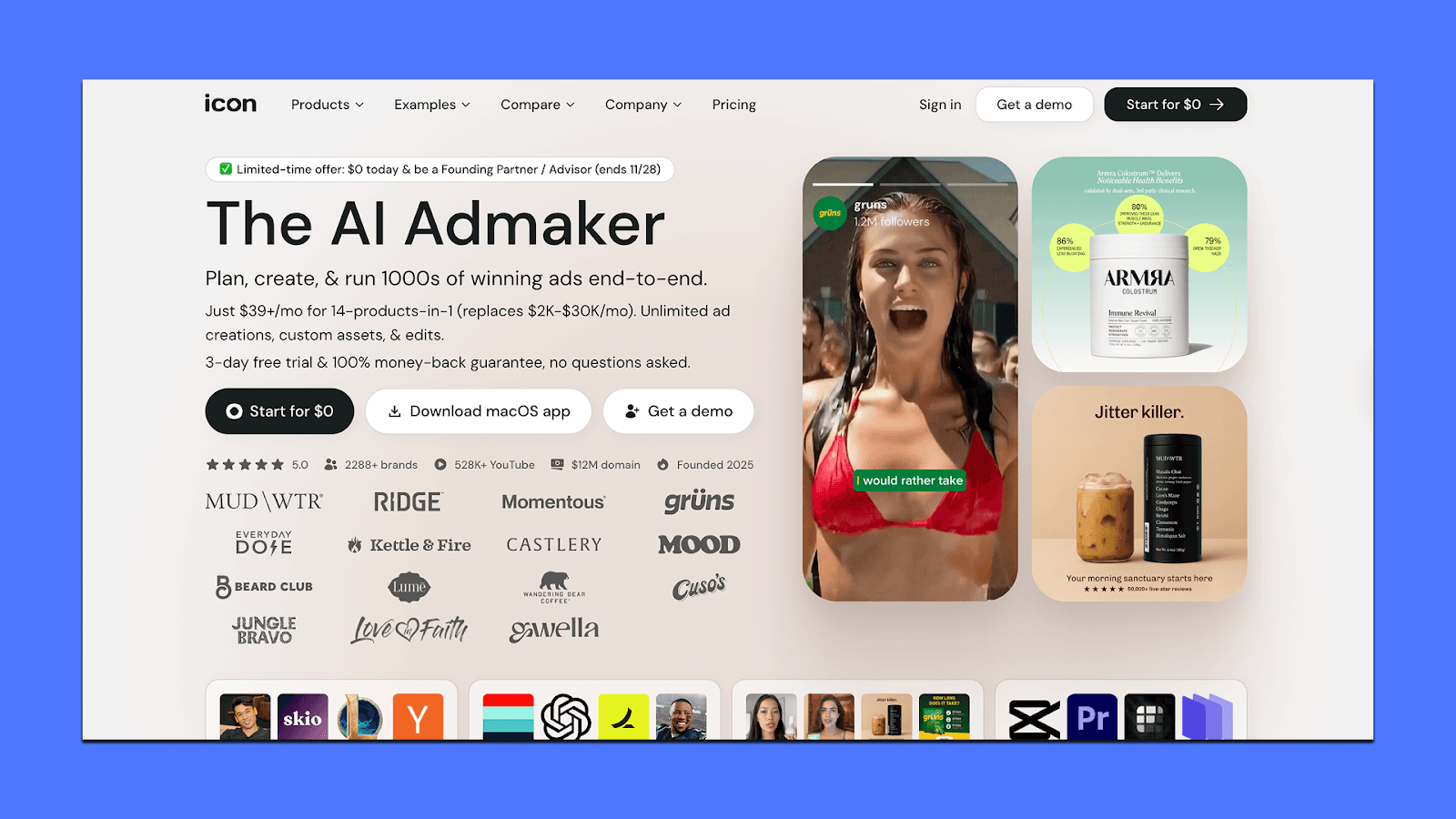
Icon is an AI ad-creation platform designed to help teams produce static ads and short video concepts quickly. It bundles many tools into one workspace—script generation, ad cloning, image editing, basic video editing, audience research, and a large library of templates. The main workflows run through AdGPT and AI CMO, which generate concepts from prompts, competitor ads, or your website.
Icon works best for marketers who want an all-in-one tool to brainstorm, draft, and test many ad variations without switching between separate apps.
What Icon can do for you
Generate scripts, ad concepts, and variations from prompts
Clone competitor ads for inspiration
Turn assets into static or short video ads
Auto-tag and organize your creative library
Produce UGC-style drafts using AI avatars
Let you edit images or basic video cuts inside the platform
Upload ads directly to Meta and other channels
Give small teams a single place to manage many asset types
Pricing
Icon starts at $39/month after a 3-day free trial. You get unlimited generations but only 10 downloads per month, which can feel limiting for teams producing a lot of ads.
Larger brands can upgrade to a managed plan starting at $1,500/month, which includes a human creative team and deeper support. It’s a practical option for teams that want an all-in-one generator, but not ideal if you need high-end polish or large-scale production.
Invideo
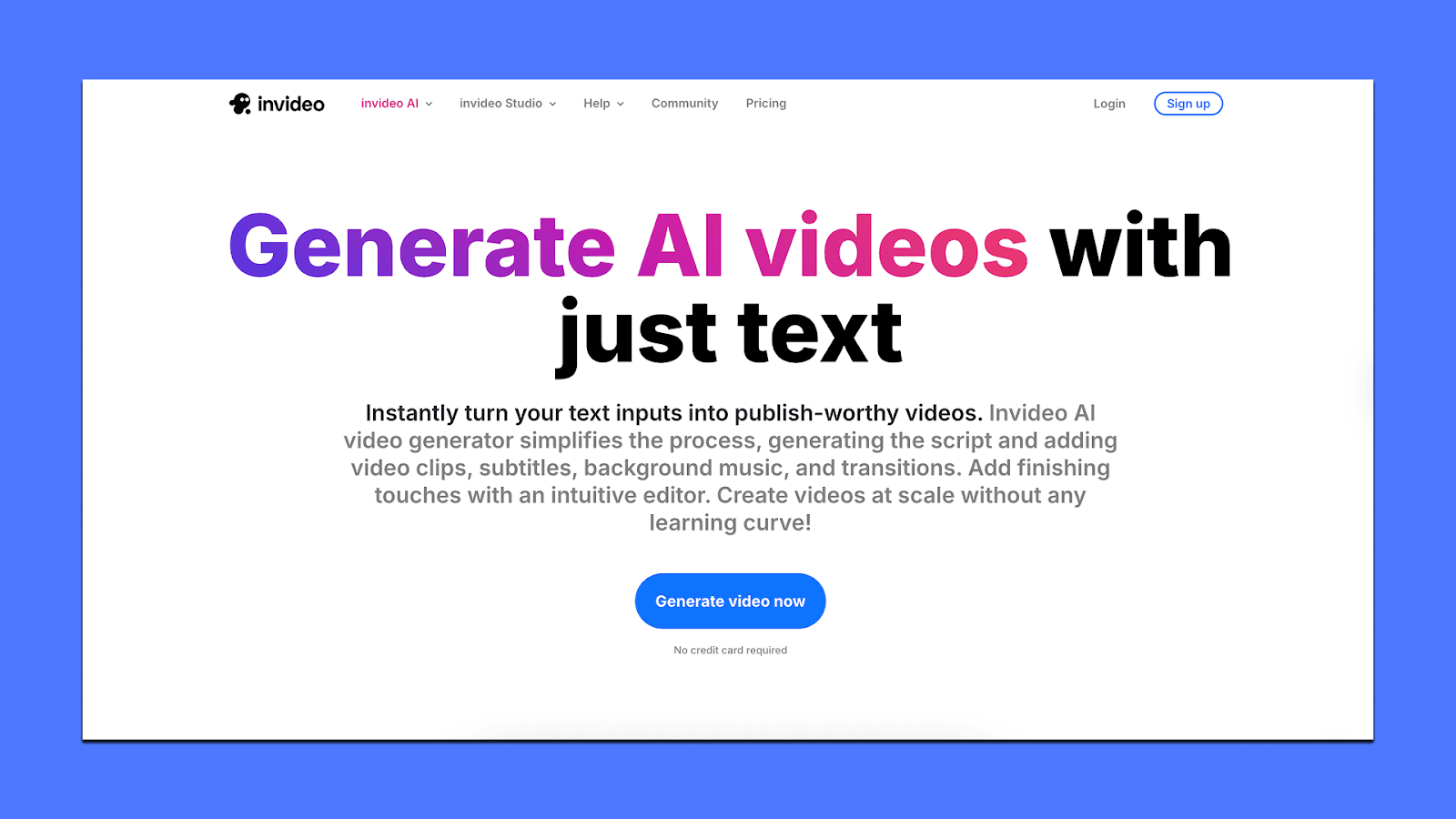
Invideo is a template-based video creation tool that helps teams turn scripts, ideas, and existing assets into polished short-form videos.
It’s built for speed and ease of use, which makes it a good fit for social teams, creators, and small businesses that want clean edits without learning professional editing software.
You can start from templates, upload your own footage, or use the built-in stock library.
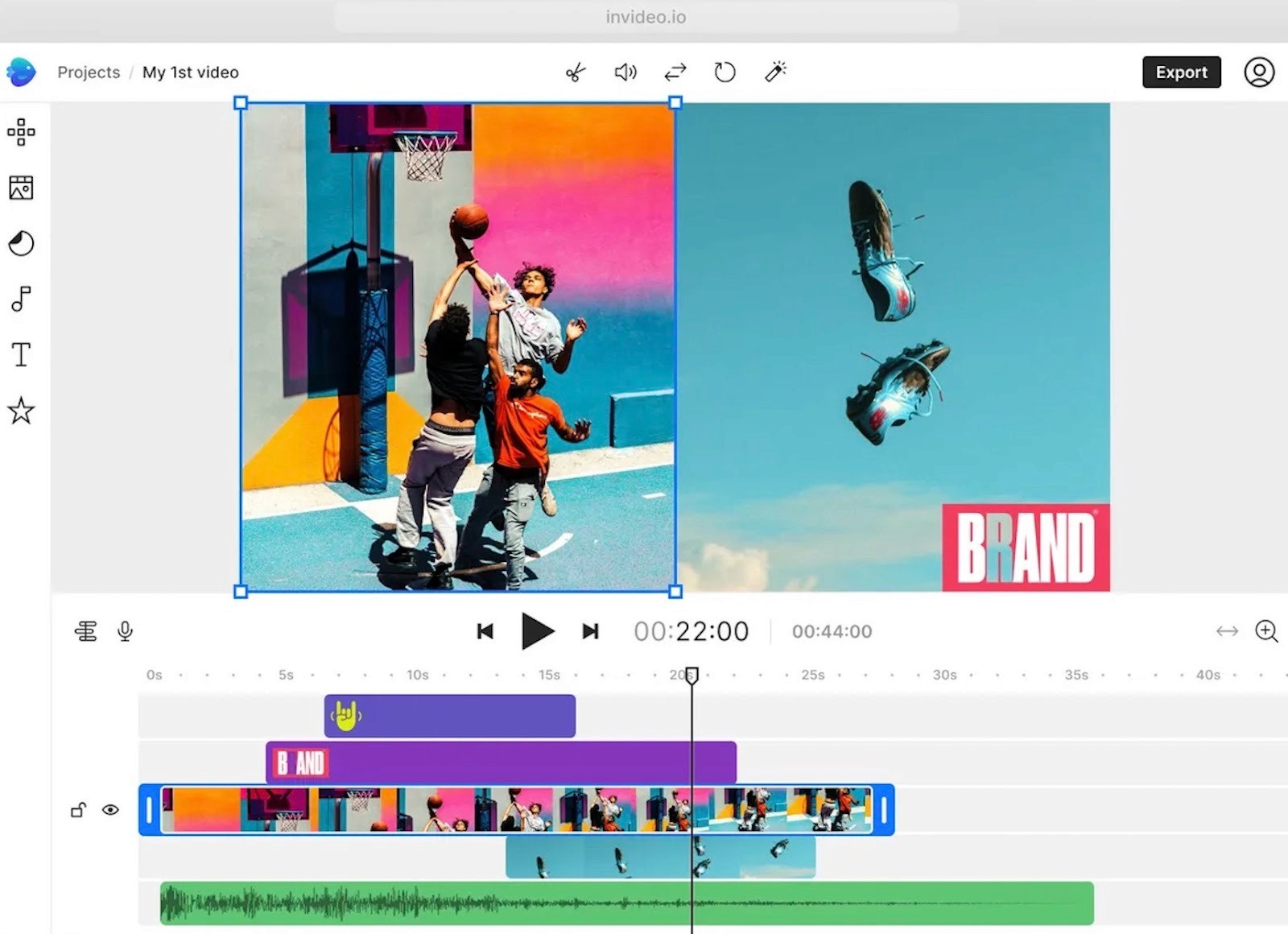
Invideo also includes AI tools that convert text into videos by generating scenes, visuals, and captions from your script. It’s helpful for teams producing explainers, promos, or simple UGC-style edits that don’t require advanced animation or motion design.
What Invideo can do for you
Turn scripts or outlines into draft videos
Offer hundreds of templates for ads, promos, and social clips
Use a drag-and-drop editor with timeline controls
Add subtitles, voiceovers, transitions, and basic effects
Pull from a large stock library of video, audio, and images
Switch formats easily (9:16, 1:1, 16:9)
Collaborate with shared workspaces, comments, and version history
Export clean videos for TikTok, YouTube, Instagram, and ads
Pricing
InVideo’s plans start with a free tier that gives you 2 video minutes per week and 1 AI credit, but all exports have a watermark.
The Plus plan ($28/month) is for light use with limited credits.
Max ($50/month) adds more video minutes and stock assets for regular creators. Generative ($100/month) suits teams using AI for ads and longer outputs.
The Team plan ($899/month) supports high-volume production, and Enterprise (custom) is for companies that need advanced security and large-scale AI generation.
If you’re deciding what to use
Most AI video tools can get you something fast. The catch is what happens after the first draft. You still have to fix scripts, clean up pacing, tweak visuals, and pull everything back to your brand. When that starts piling up, the “shortcut” doesn’t feel like one anymore.
That’s why some teams eventually want a mix of both: AI for speed, and humans for taste, judgment, and continuity. Airpost is built around that idea. The AI handles the heavy lifting, and the creative team keeps everything on-brand, clear, and ready to launch.
You get ads that don’t need babysitting, and you get output that keeps up with the pace of performance marketing.
If you want to see how it works, you can book a short demo here.



