Dec 15, 2025
Invideo Review: Details, Benefits & Pricing
Case Study
•
John Gargiulo
Video tools have become fast, powerful, and crowded, which makes the real question less about “Can it make videos?” and more about “Is this the right fit for the kind of work I want to do?”
Most platforms look similar at a glance, but they’re built for very different needs. Some focus on speed, some on creativity, some on scaling ad production, and some on giving you more control than a template-based editor ever could. Sorting through that is the hard part.
This guide lays out what Invideo is, what it does well, where it feels limiting, and which alternatives open up options that InVideo doesn’t.
What is Invideo?
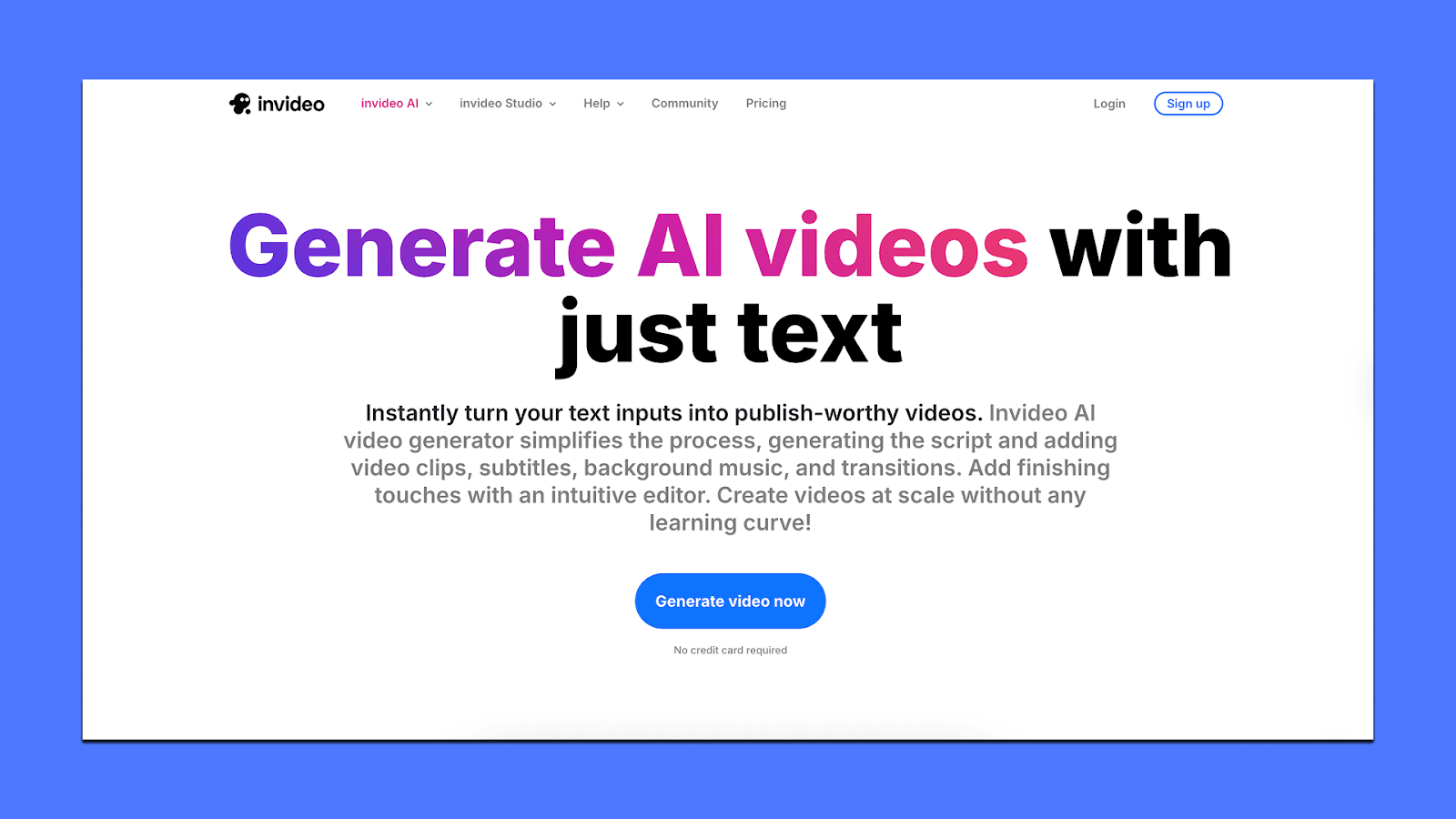
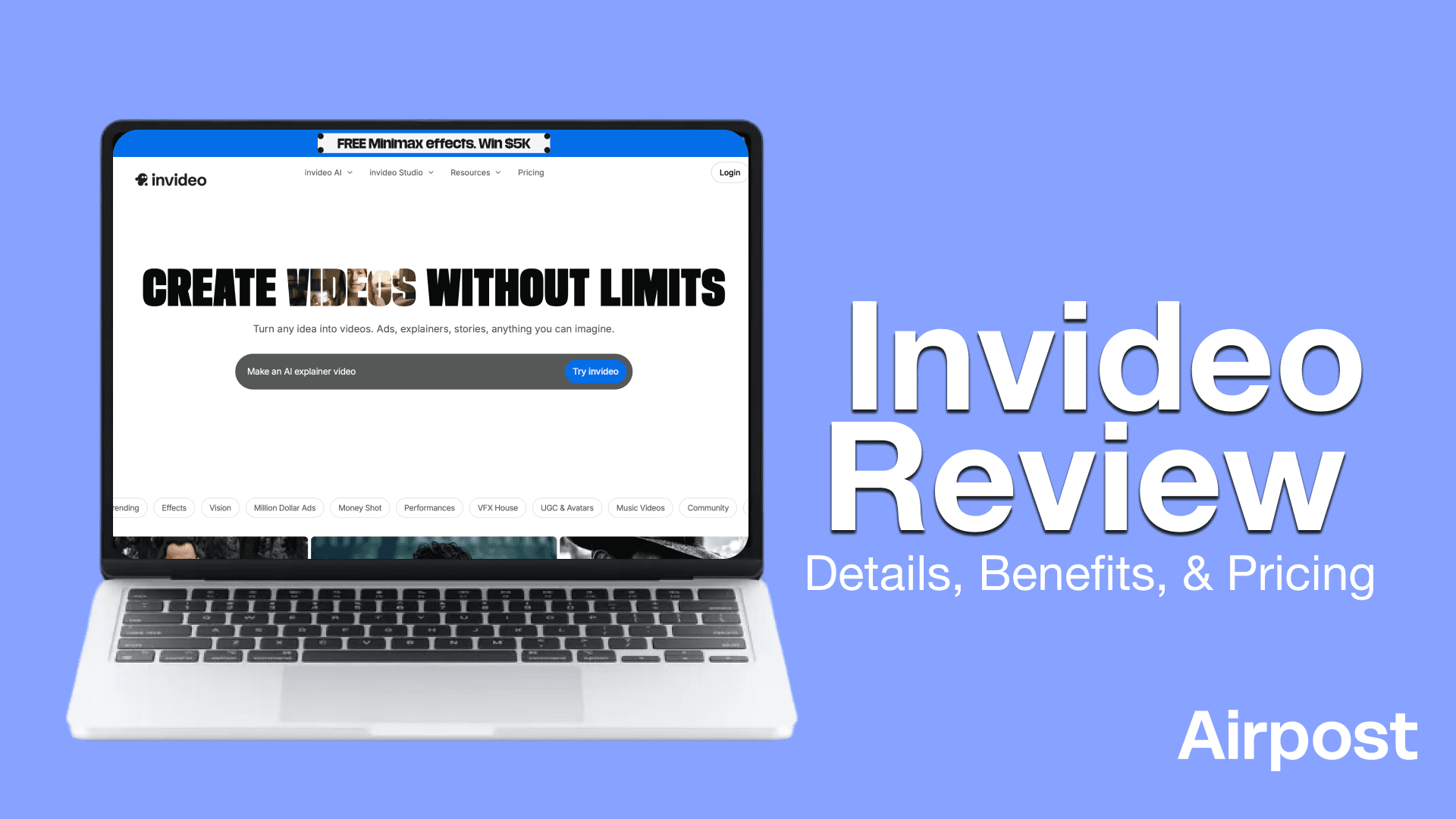
Invideo is an AI-powered video creation platform built for people who want to make videos without learning editing software. The platform is structured around a simple idea: type what you want, and Invideo assembles a draft video you can refine inside its editor.
You can also start with templates, stock assets, and your own footage. Invideo offers tools for quick edits like trimming, adding text, swapping visuals, or changing languages.
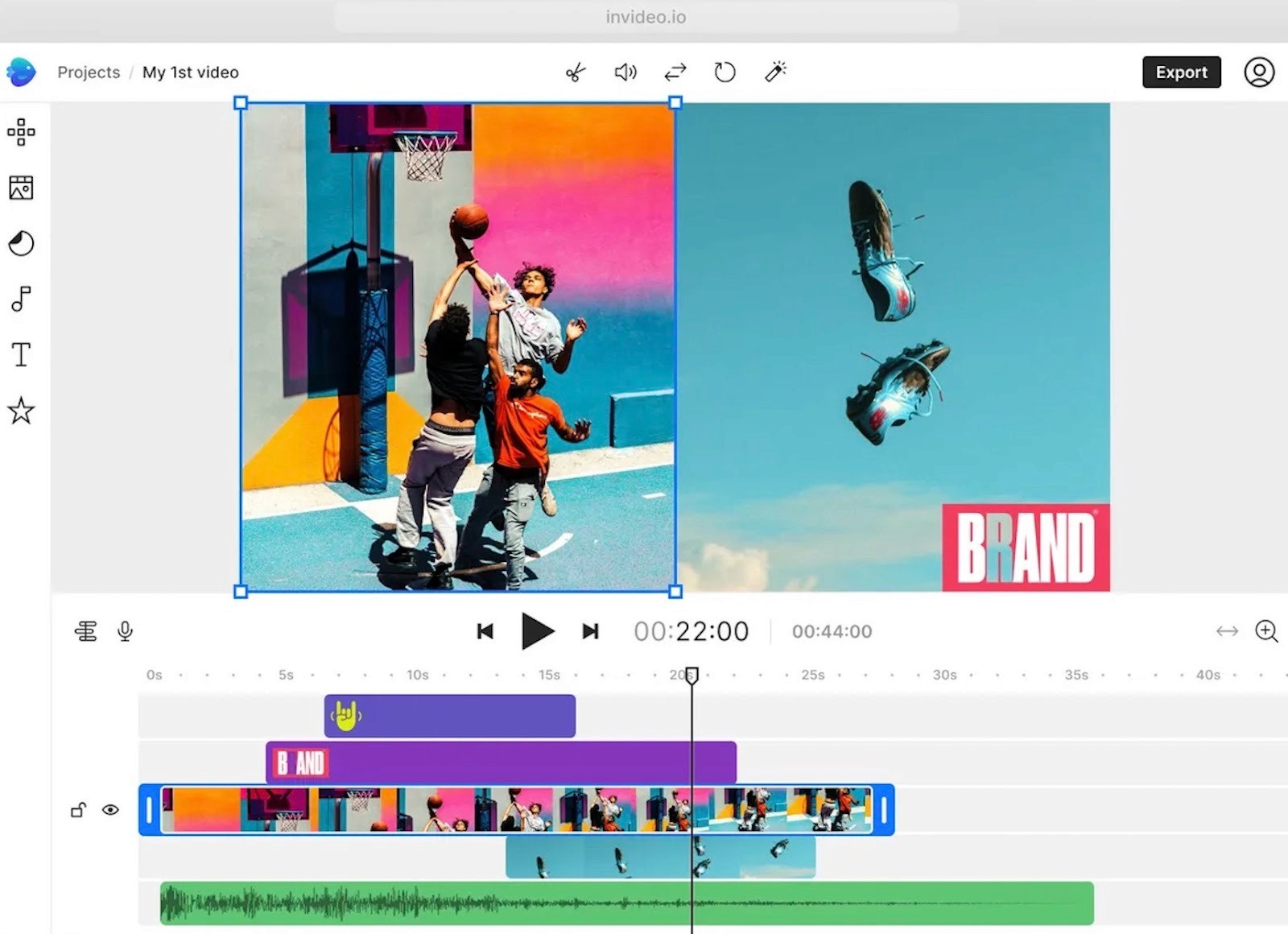
Beyond creation, Invideo includes options like avatars, subtitles, text-to-speech, stock footage access, and UGC-style ad generation, but the core value remains the same: turning ideas into videos with minimal friction.
Why do people choose Invideo?
Invideo is built around two main products: a template-based editor (Studio) and a prompt-led generator (AI). Studio is where you work with timelines, templates, and your own media. AI is where you describe the video you want in text and let the system assemble a first draft with scenes, visuals, and audio. Most users jump between the two, starting with AI for speed and then tightening things in Studio.
Text-to-video
One of the core workflows is text-to-video.
You paste a script or outline, and Invideo breaks it into scenes, overlays key lines as on-screen text, and fills gaps with stock footage or simple motion graphics.
For people who already write blogs, sales pages, or lesson notes, this gives a quick way to turn written content into something watchable without rebuilding the story from scratch.
Templates and brand tools
Templates and brand tools are another pillar. The platform offers a large library of layouts for ads, product promos, explainers, social clips, and lesson-style videos. You can lock in your logo, fonts, and colors as a brand kit so every new project starts on-brand.
Aspect ratio switching is built-in, so the same project can be adapted for vertical, square, or horizontal formats without rebuilding the edit.
Stock library
On the media side, Invideo connects you to a stock library of videos, music, and images, while still letting you upload your own product shots or footage. AI voiceover and text-to-speech cover multiple languages and accents, which helps teams that don’t want to record audio themselves.
Automatic subtitles and caption styling tools support silent viewing on social platforms and basic accessibility needs.
Team spaces
For teams, there are shared workspaces, brand kits, and project access controls. It supports comments and version history, which is usually enough for small marketing teams, agencies, or course creators managing recurring video work.
Pricing
Pricing is accessible for people who publish often but don’t want enterprise-level subscriptions. The free plan is limited but useful for testing, and the paid plans include export freedom, which many alternatives restrict.
Why should you look for Invideo alternatives?
Most people leave Invideo when they hit specific limits that show up once they use it regularly or try to level up quality.
Here are the main reasons:
1. Videos can start to look the same
A lot of users outgrow the “Invideo look.” Templates, transitions, and AI choices repeat across projects, so ads, explainers, and reels often end up with a similar style. For casual creators this is fine. For brands or channels trying to build a distinct visual identity, it feels restrictive.
2. Limited deep control for serious editing
Invideo is built for speed, not precision. You can edit scenes, timing, and text, but things like detailed keyframing, complex animation, advanced color work, or custom motion design are hard or impossible.
As soon as someone wants more crafted storytelling or high-end polish, they usually move to tools like Airpost AI.
3. Credit system and pricing friction
On the AI side, almost every generative action consumes credits: first drafts, regenerations, some edits. This makes experimentation feel expensive, especially for users on lower plans.
People also find the split between Studio plans and AI plans confusing, and costs can add up faster than expected when they are created at scale.
4. Performance issues on heavier projects
Longer or more complex videos can feel sluggish. Users report slow rendering, long export times, and occasional crashes or “connection lost” errors, which is frustrating if you’re on a deadline or working inside a browser with many scenes.
5. Not ideal for large or demanding teams
Invideo has collaboration features, but they suit small teams more than large production setups. There’s no true real-time co-editing, and complex review or approval processes often need external tools. Agencies and bigger brands often look for alternatives that integrate better into a full production workflow.
Because of these issues, many users keep Invideo for quick drafts, social clips, or idea testing, but look for alternatives when they need more control, more reliability, or a stronger, unique brand presence on video.
Top 3 Invideo alternatives
Here are our picks for the top Invideo alternatives for brands or agencies that need high-converting ads.
Airpost
Airpost is a hybrid creative platform built for brands that need a consistent flow of high-performing video ads. Instead of relying only on AI or only on an agency, it blends automated generation with a dedicated creative strategy team.
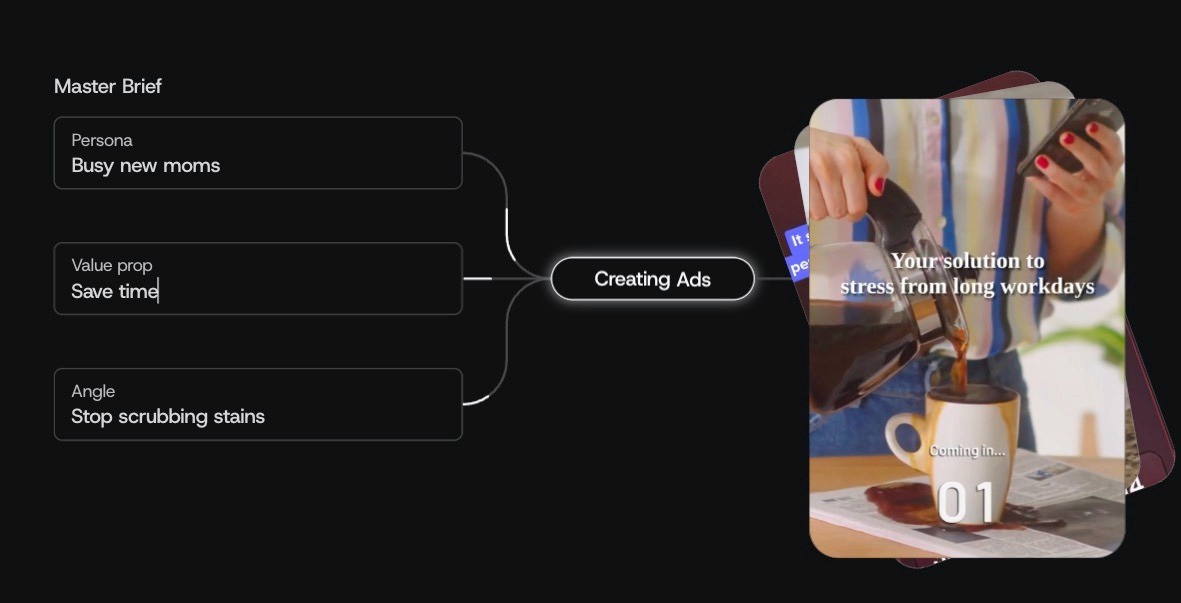
Companies use it when they’ve outgrown template-based tools and need volume, variation, and strategic guidance rolled into one system.
Key features
A “living brief” that updates your ad strategy as you change messaging, angles, or personas
AI-generated ad concepts supported by human creative strategists
Automatic use of your brand assets, past winners, product shots, and AI visuals
Tight integrations with Google Drive, Dropbox, brand folders, and sheet-based workflows
Quick Editor for fast copy and voiceover updates without rebuilding the video
Continuous monitoring of winning ads to generate new variations weekly
If you want to see what these ads actually look like, here’s a gallery of real AI ad examples built with Airpost.
Pricing
Airpost starts at $8,000/month. The fee covers a custom-trained model, a dedicated production team, and a high volume of ads — often 10 to 100+ per month. For teams spending meaningfully on paid social, the cost makes sense because it replaces agency retainers, freelancers, and slow internal cycles with a predictable creative pipeline.
Sora
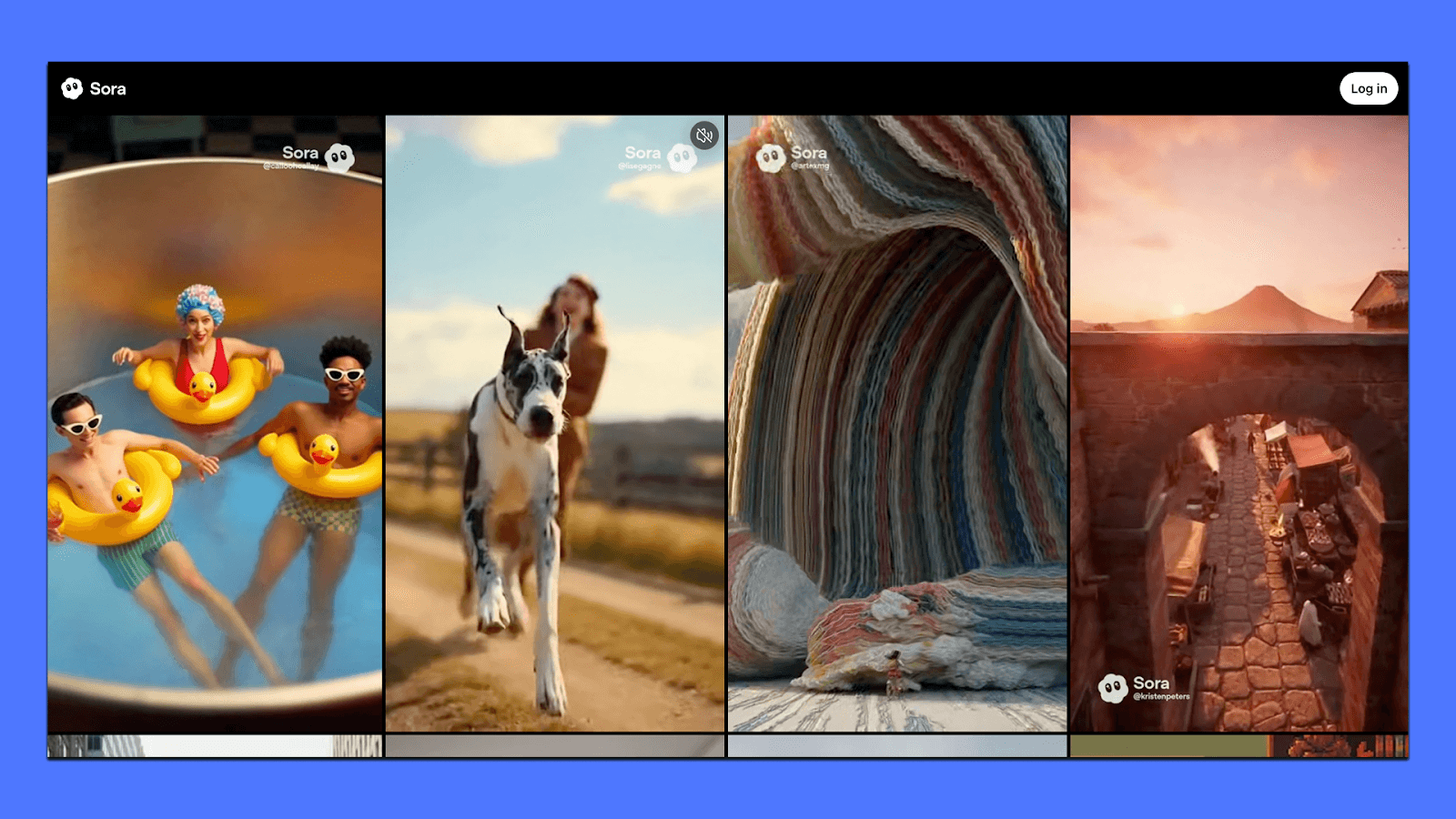
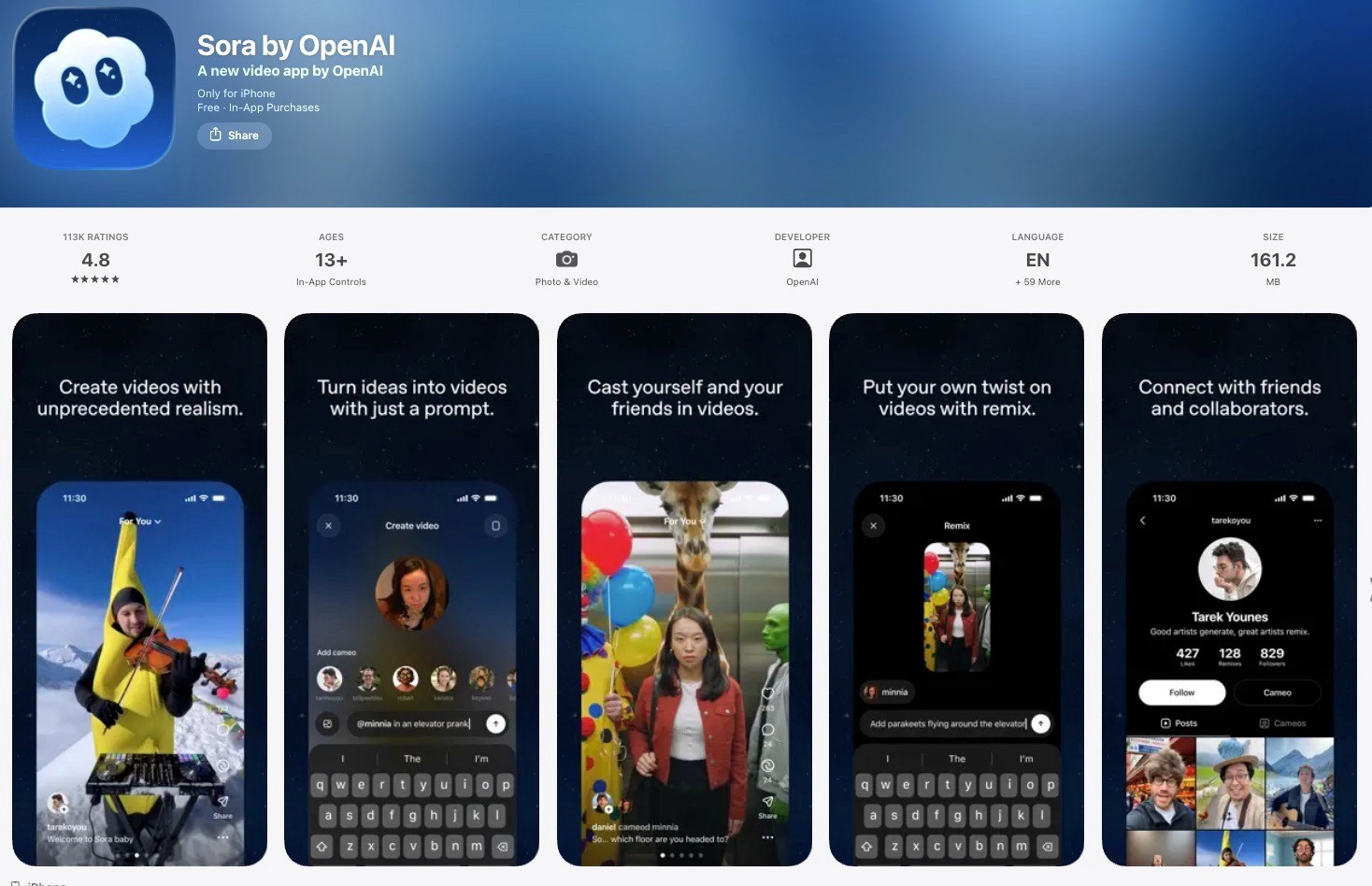
Sora is OpenAI’s flagship text-to-video model, used mainly for short, visually rich clips that look far more realistic than what most consumer AI tools can produce. The tool now runs through its own standalone app, which makes it easy for anyone to try, although the output length and editing control are still limited.
Key features
Generates short, high-detail videos (5–20 seconds) from text prompts
Strong physics, lighting, and motion consistency compared to other models
Robust style control for cinematic, animated, surreal, or highly creative looks
Ability to remix images or selfies into new scenes
Fast iteration with regenerate, extend, and variations inside the app
Pricing
Sora's pricing depends on the access method: the OpenAI API offers per-second rates (e.g., $0.10/second for sora-2), while the consumer version is currently available to ChatGPT Plus subscribers for $200/month. The free tier is enough to test the model but not enough for continuous use.
Veed
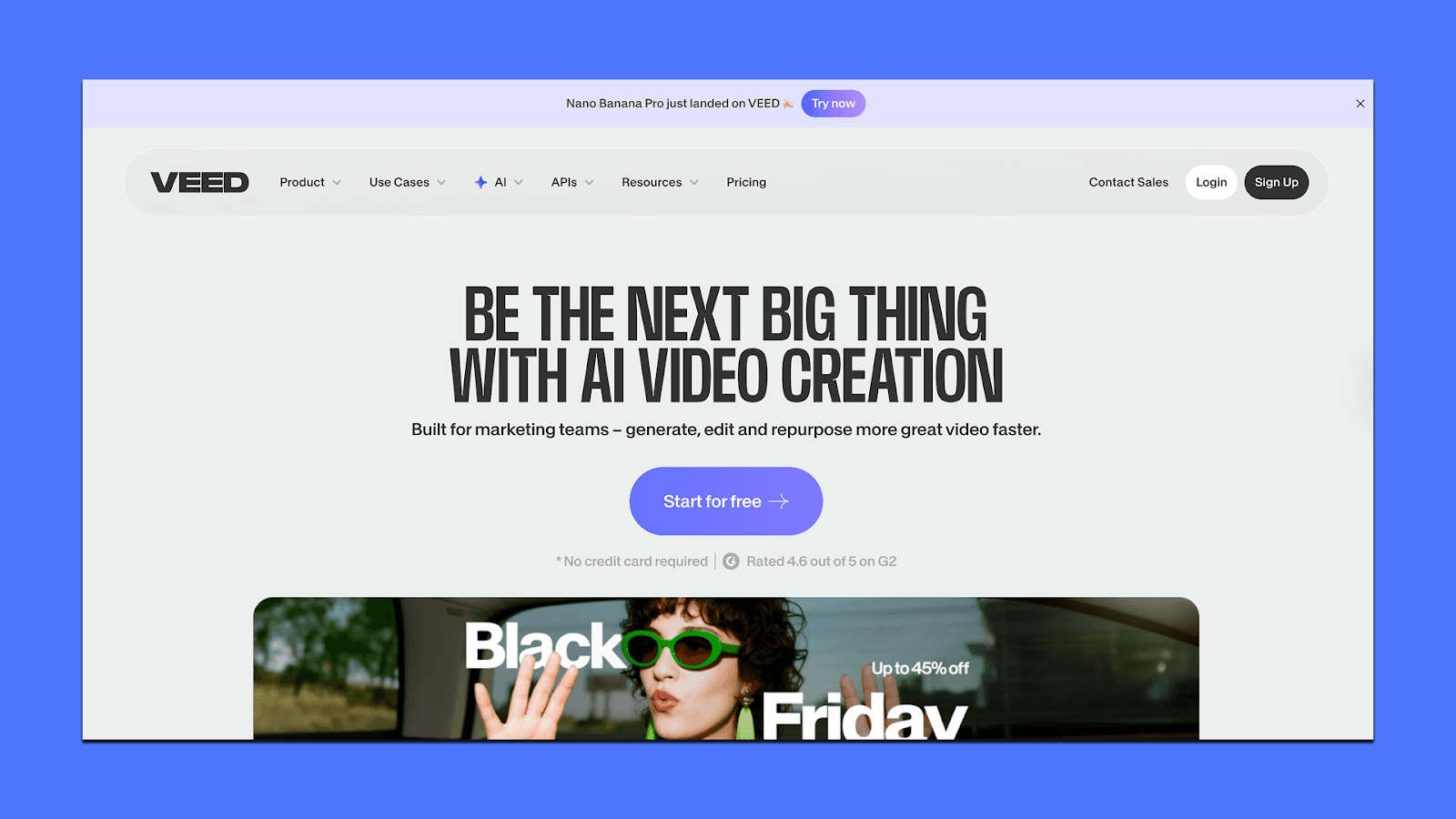
Veed is an all-in-one online video editor that mixes traditional editing tools with a wide range of AI features. It’s built for teams that need fast, consistent video output across marketing, learning, sales, and internal communication.
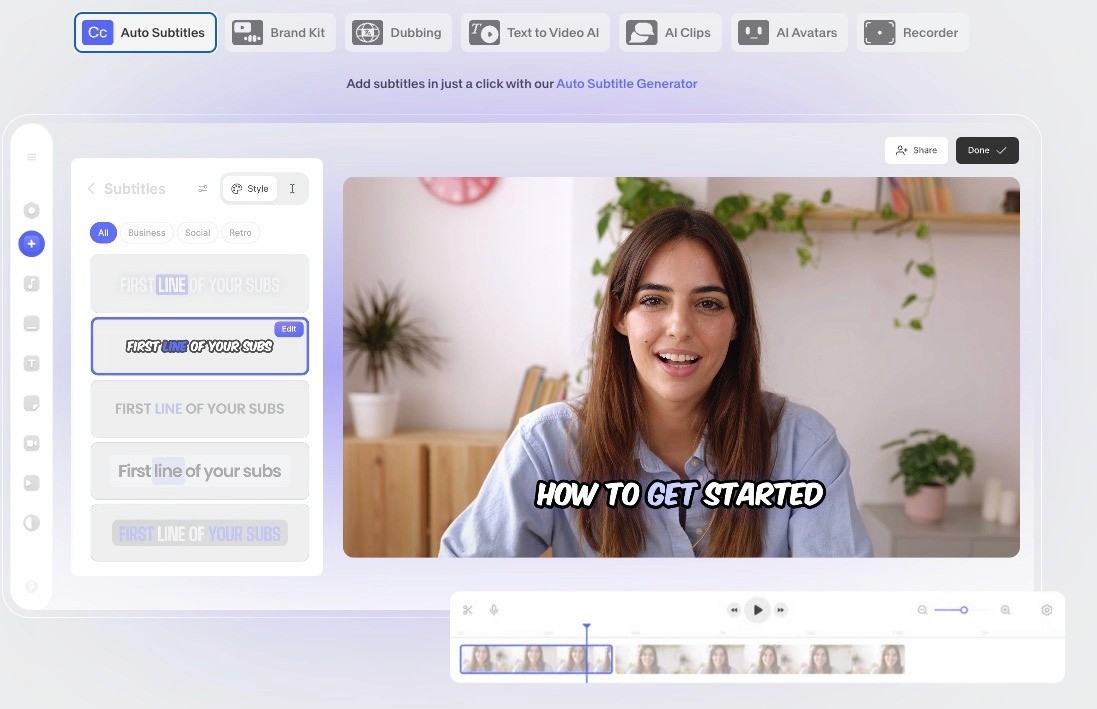
Unlike single-purpose AI generators, Veed focuses on helping you create, edit, subtitle, translate, and publish videos in one place.
Key features
Browser-based editor with timelines, layers, and pro-level controls
AI tools for subtitles, translation, text-to-video, voice cloning, and background removal
Talking-head production using AI avatars or your own cloned digital version
Large stock library with millions of royalty-free video and audio assets
Collaboration tools like shared brand kits, review mode, and team templates
Built-in hosting and embeddable video player for publishing and sharing
Pricing
Veed’s plans scale based on how deeply you use AI and how much team structure you need.
Lite is $9/month per editor (billed yearly)
Pro is $24/month per editor (billed yearly)
Custom pricing
Lite suits solo creators who want clean exports and basic AI tools. Pro is the practical choice for most users because it unlocks unlimited AI video creation, brand controls, and advanced editing. Enterprise becomes relevant when multiple teams need shared templates, security, and custom avatar or translation workloads.
Final Thoughts
If your workflow depends on publishing often, testing ideas quickly, or keeping ad creatives fresh, you’ll eventually want something that removes more friction than a self-serve editor can. That’s where a hybrid model makes sense.
Airpost is one example. It blends AI with a dedicated creative team so you’re not relying on prompts or templates to carry the final output. It’s built for teams that care about consistency and volume, not just convenience.
If you want to see it in action, and how much time and effort Airpost can save you, book a short demo here.