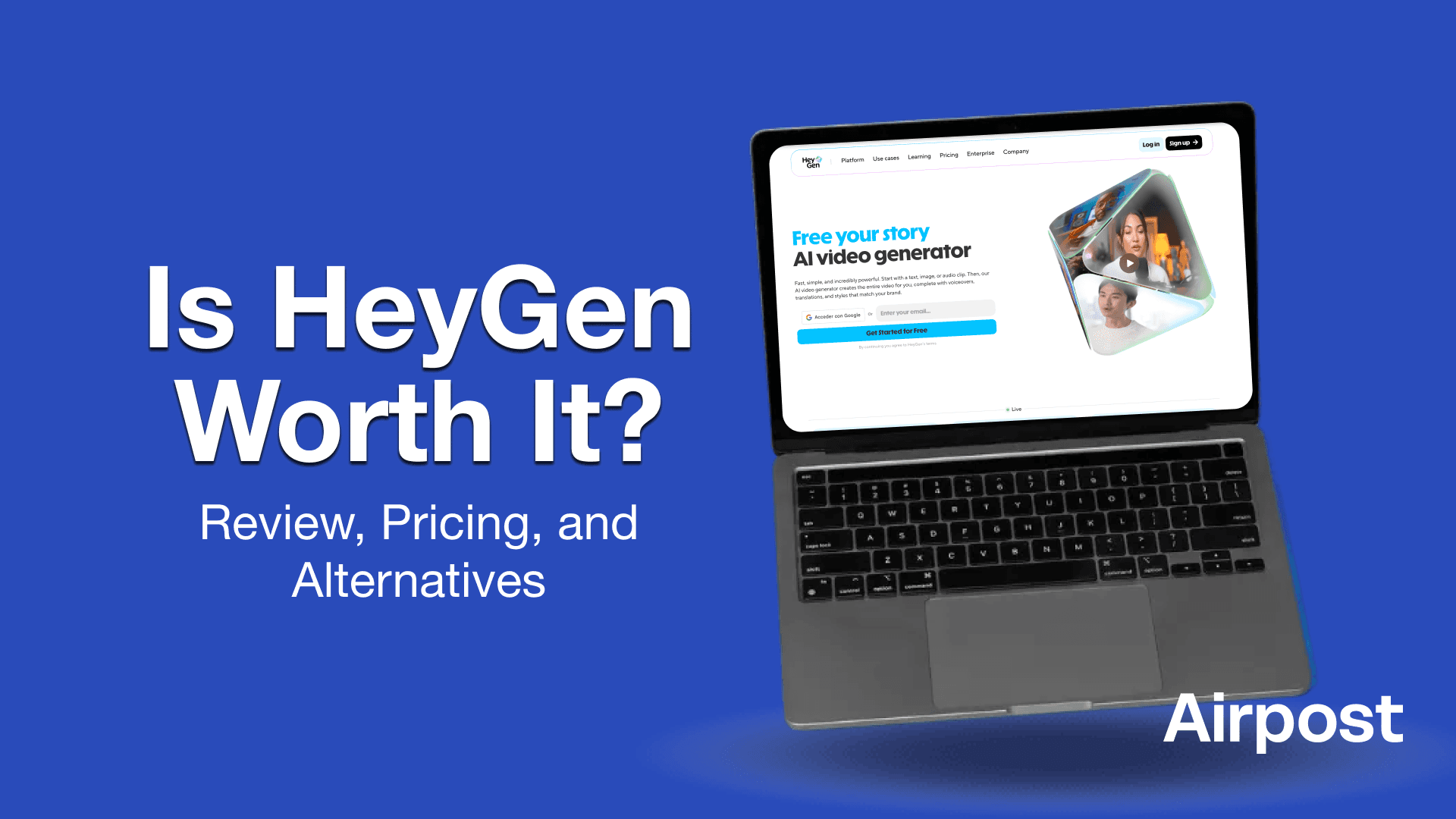
Video creation tools now come in all shapes and sizes, from avatar generators to full AI editors. With so many options available, it helps to understand what each tool is built for and where it fits in your workflow.
This guide looks at HeyGen. We show you what it offers, what users say about it, where it feels limited, and help you explore HeyGen alternatives.
What Is HeyGen?
HeyGen is an AI video platform that turns text, images, or audio into presenter-style videos. Instead of recording yourself or hiring talent, you pick an avatar, type a script, and the tool builds a full video with voiceover, lip-sync, subtitles, and basic editing already done.
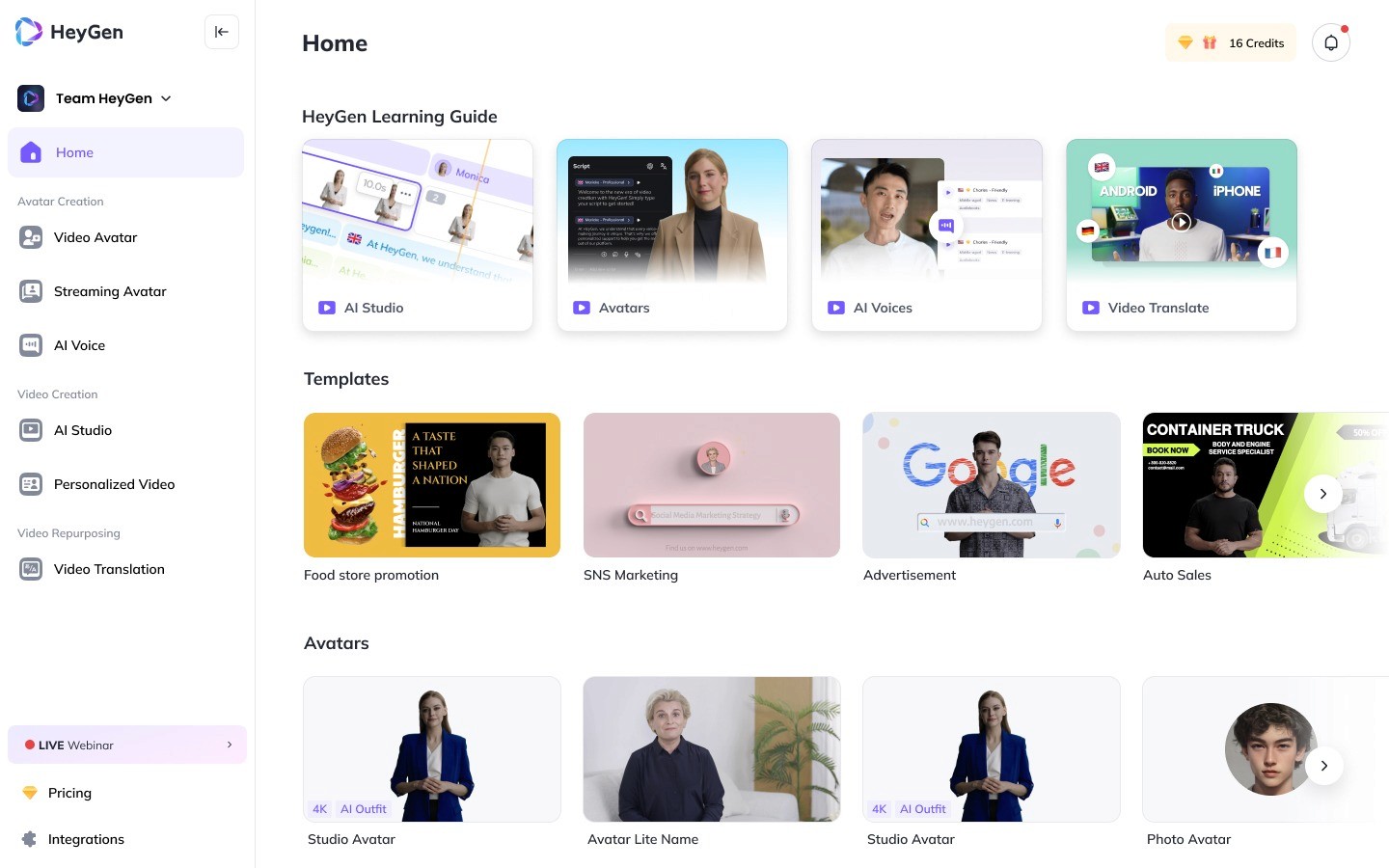
It’s mainly used for explainers, product walkthroughs, onboarding videos, and short marketing clips. Teams like it because it cuts down the time and setup usually needed for camera-heavy content.
HeyGen works best for videos where a person talking on screen helps deliver the message, rather than for cinematic or highly creative visuals.
Pricing
HeyGen’s pricing is structured around three main tiers.
The Free plan gives you 3 videos a month, 720p exports, and basic language options—useful for testing but too limited for ongoing work.
The Creator plan ($29/month) unlocks unlimited videos, 1080p exports, voice cloning, 175+ languages, and access to more avatars, making it suitable for solo creators or small teams.
The Team plan ($39/seat/month) adds 4K exports, faster processing, collaboration tools, multiple seats, and custom avatars.
Larger organizations can move to Enterprise, which adds custom workflows and API pricing. The value is good if you rely heavily on avatar videos, but higher output and translation needs can drive costs up quickly.
Standout Features of HeyGen
Generates full videos instantly from text, images, or audio.
Offers highly realistic AI avatars with natural gestures and lip-sync.
Lets you create your own video avatar to deliver scripts for you.
Translates videos into 175+ languages with synced voice and subtitles.
Supports voice cloning to keep tone, pacing, and delivery consistent.
Turns photos into talking videos without manual editing.
Gives you 1000+ stock avatars for business, training, and marketing use.
Provides 1080p and 4K exports for polished, professional output.
Includes a simple, text-based Studio Editor for quick revisions.
Has team collaboration tools for comments, approvals, and shared branding.
Comes with brand kits to keep fonts, colors, and logos consistent.
Offers API access for integrating video generation into your workflows.
Works across devices, including a mobile app for quick creation.
HeyGen covers a wide range of video needs, but it also has its limits. And those limits are what push many teams to explore alternatives.
Limitations of HeyGen
These aren’t deal-breakers for everyone, but they’re worth knowing before you commit.
1. Video Length and Processing Limits
HeyGen places clear caps on how long you can make a video depending on your plan. Short clips are fine on the Free or Creator plan, but anything longer usually requires a Team or Enterprise account.
Rendering speed can also slow down at peak times, where a single video may take anywhere from 10 to 60 minutes to finish. If you’re producing content at high volume or under tight deadlines, this delay can stack up.
2. Avatar and Motion Restrictions
The avatar system is strong for talking-head content, but movement is controlled by preset gestures and expressions.
You can’t create custom animations, full-body actions, or cinematic camera moves. Scenes stay simple and static, which works well for explainers or training videos but can feel limiting if you’re trying to build something more dynamic or visually creative.
3. Language and Translation Constraints
HeyGen’s translation tool handles many languages well, but lip-sync accuracy drops in certain tonal or fast-paced languages. Some phrases also shift meaning during translation, especially idioms or technical terms.
Voice cloning only works if you provide several minutes of clean audio, so anyone without a good recording setup may struggle to get the most accurate results.
4. Platform and Policy Limitations
The free plan adds a watermark to every export, which makes it hard to use for real campaigns. Content moderation also blocks a range of medical, political, or sensitive terms, even when they’re used in neutral contexts.
Everything runs in the cloud, so you can’t work offline, and the mobile app limits how many videos you can generate each month.
3 Alternatives for HeyGen
These are our top picks if you're looking for an alternative to HeyGen.
1. Airpost
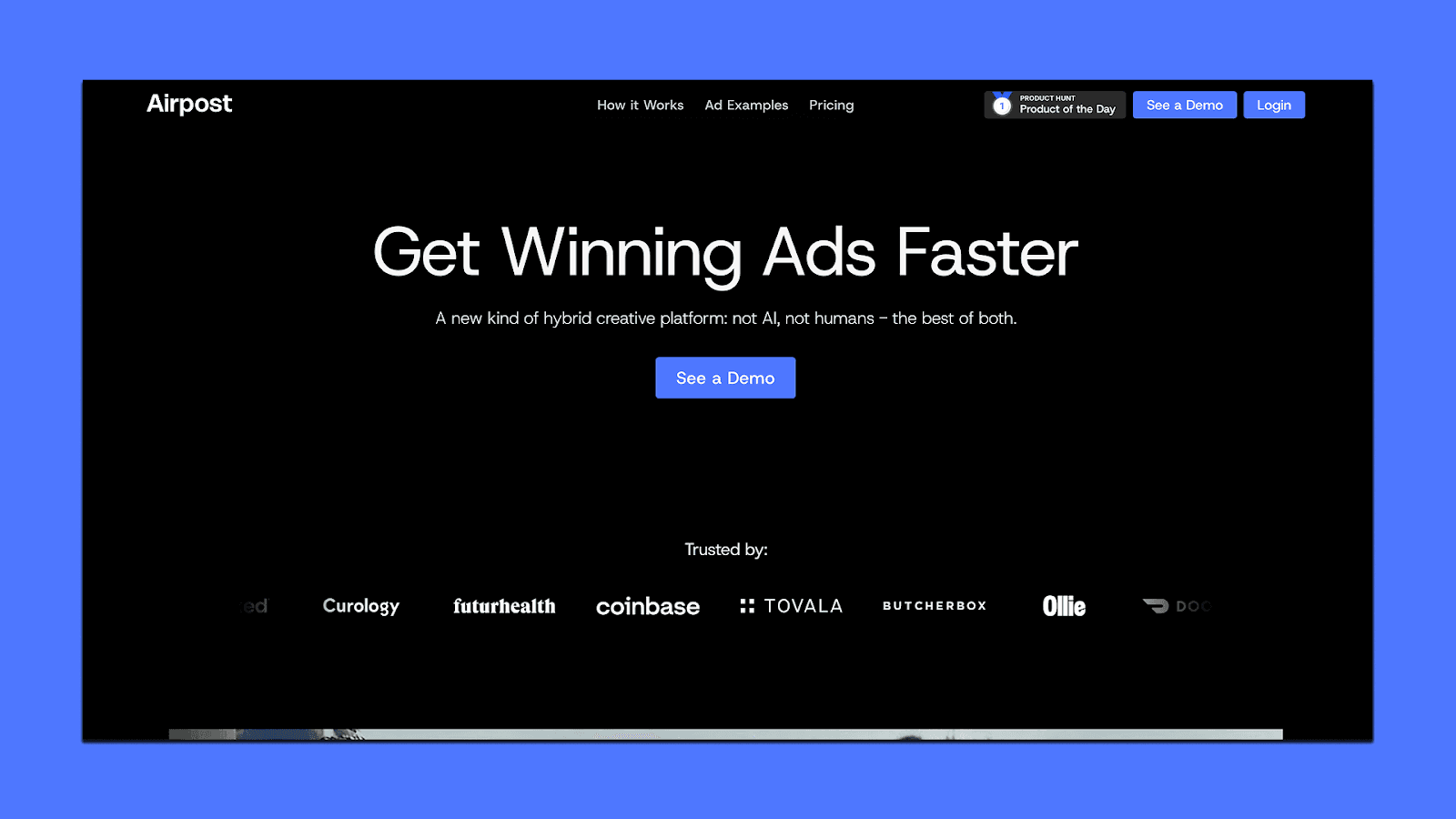
Airpost is an AI video ad platform for teams that need a steady stream of high-quality performance creatives. Instead of leaving you alone with a tool, Airpost pairs its AI engine with a creative strategist who helps shape scripts, angles, and brand tone. You get fast output, but you also get someone making sure the work actually lands.
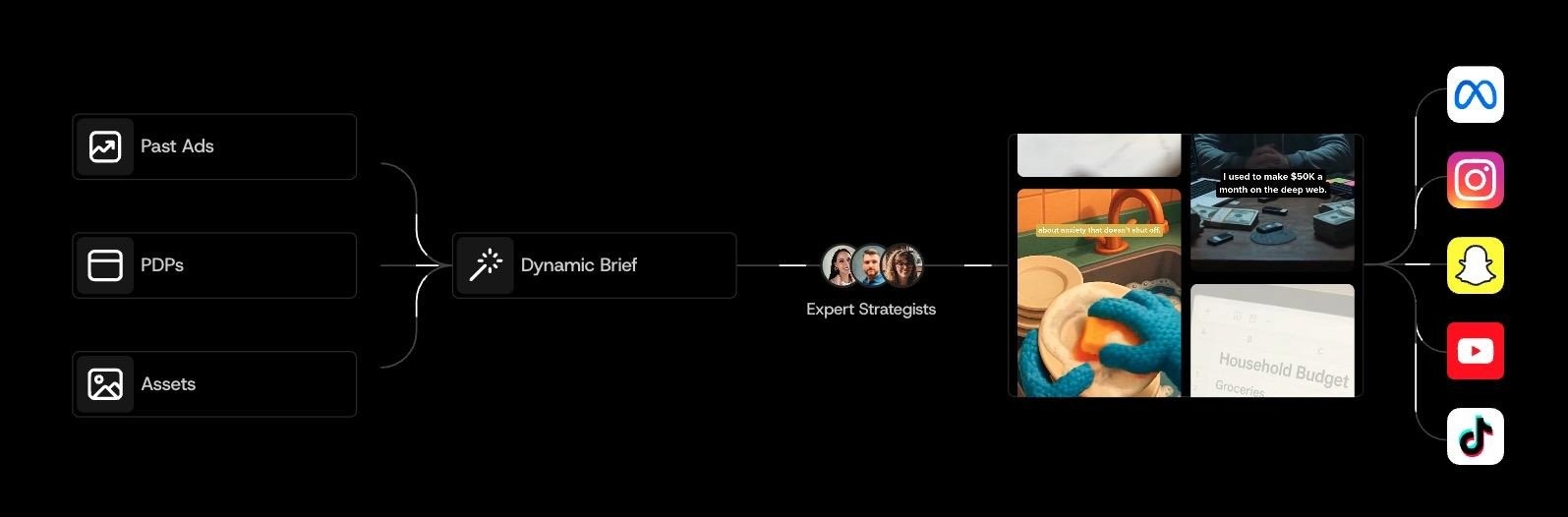
It runs on a living brief. You tell the system what you’re selling, who you're targeting, and what’s important right now. When any of that changes, the brief updates and the ads shift with you. Each week, you receive 10–30 new video ads made from your footage, Airpost’s library, and AI-generated clips.
You can browse real examples of Airpost ads here.
Every ad is editable. You can swap shots, tweak lines, or ask the strategist to refine things. And when a creative starts working, Airpost quickly spins out new variations so it doesn’t lose momentum.
What Airpost can do for you
Produce 10–30+ new ads every week
Blend your footage, their clips, and AI shots
Adapt ads as your brief evolves
Trigger fast variations when something wins
Edit voiceover, copy, and scenes in minutes
Upload ads into Meta with your naming conventions
Keep everything compliant and on-brand
Pricing
Airpost starts at $8,000/month, or 4% of spend on Airpost-touched ads—whichever is higher. The fee includes the platform, the AI engine, and the creative team. It’s built for teams running high-volume paid social who need quality and speed at the same time.
Invideo
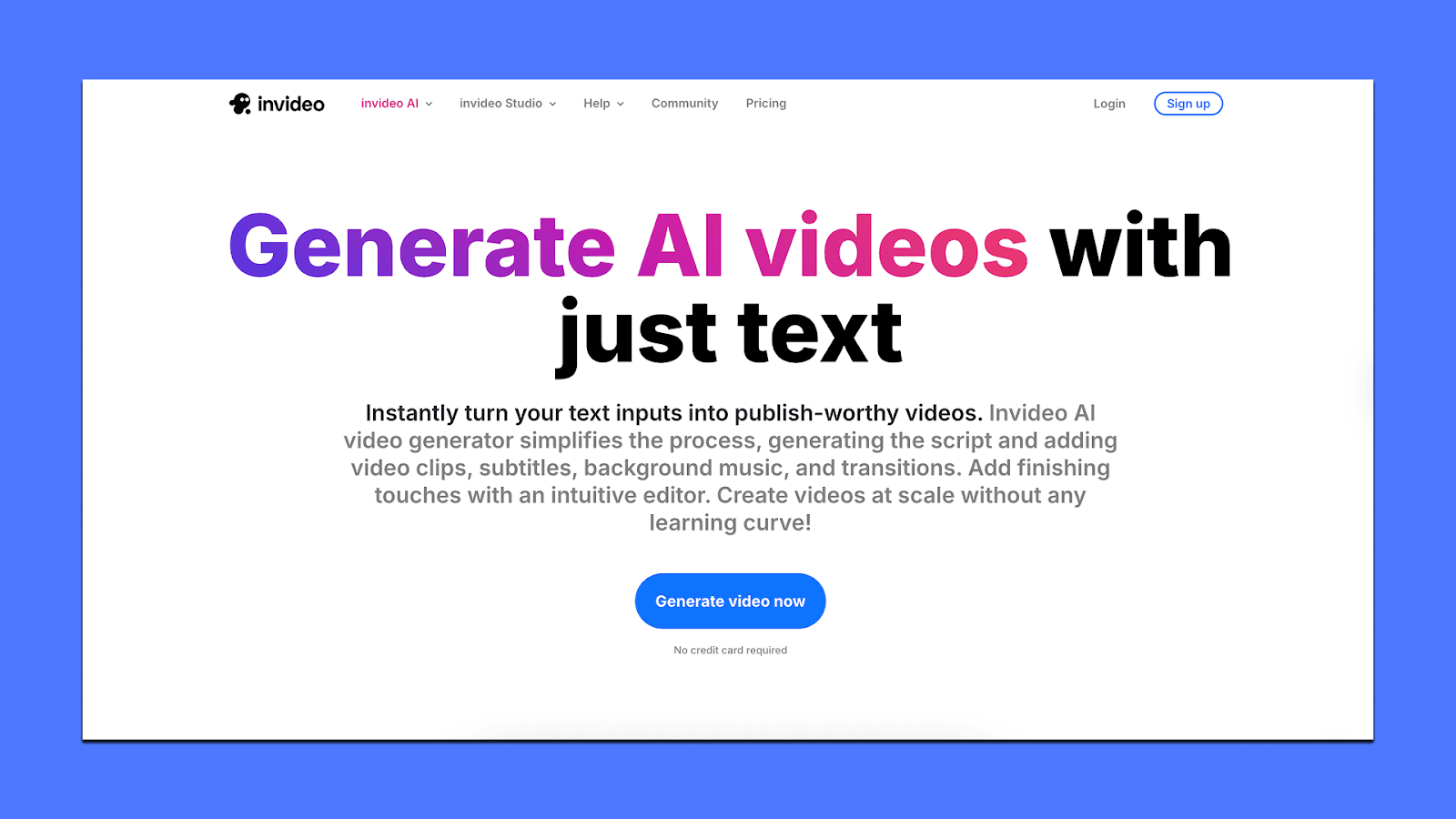
InVideo is a browser-based video creation tool built for speed and simplicity. It’s mainly used by marketers, small teams, and creators who need quick social-ready videos without learning pro editing software. Instead of giving you deep control, it focuses on fast assembly through templates, AI scripts, and simple editing shortcuts.
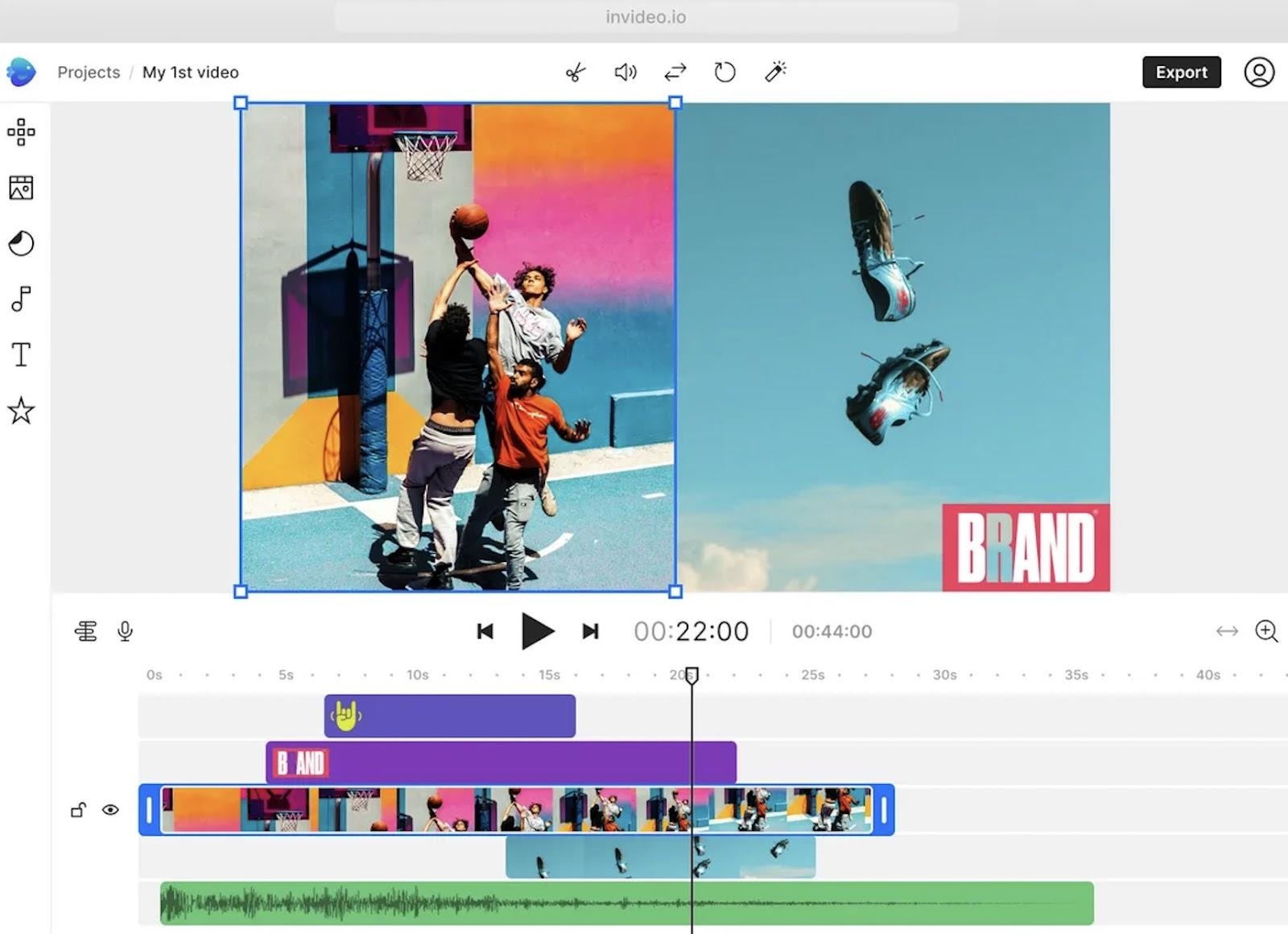
Key Features of Invideo
Text-to-video generation that turns ideas or scripts into full, publish-ready videos.
Magic Box editing, where you edit videos by typing commands (“shorten scene,” “change accent,” etc.).
AI visuals that generate images and short clips without using separate tools.
16M+ stock photos and videos are built into the editor for quick assembly.
Human-sounding AI voiceovers with multiple accents and tones.
Auto-captions and synced subtitles for fast social-ready output.
Link-to-Video that converts URLs (e.g., product pages) into video drafts.
UGC-style ad generator for quick TikTok/Reels concepts.
An AI clip generator that turns long videos into shorts for YouTube, TikTok, or Reels.
AI avatar support with basic talking avatars for simple explainers.
Pricing
InVideo starts with a free plan that includes 2 minutes of video per week, 1 AI credit, and 4 weekly exports with a watermark.
The Plus plan ($28/month) adds more credits and about 50 minutes of video time for light creators.
Max ($50/month) increases this to around 200 minutes and more UGC tools. Generative ($100/month) gives you longer AI videos and higher-quality outputs.
The Team plan ($899/month) jumps to 2000 minutes and 1000 credits, built for heavy production.
Enterprise is fully custom for larger organizations.
Runway
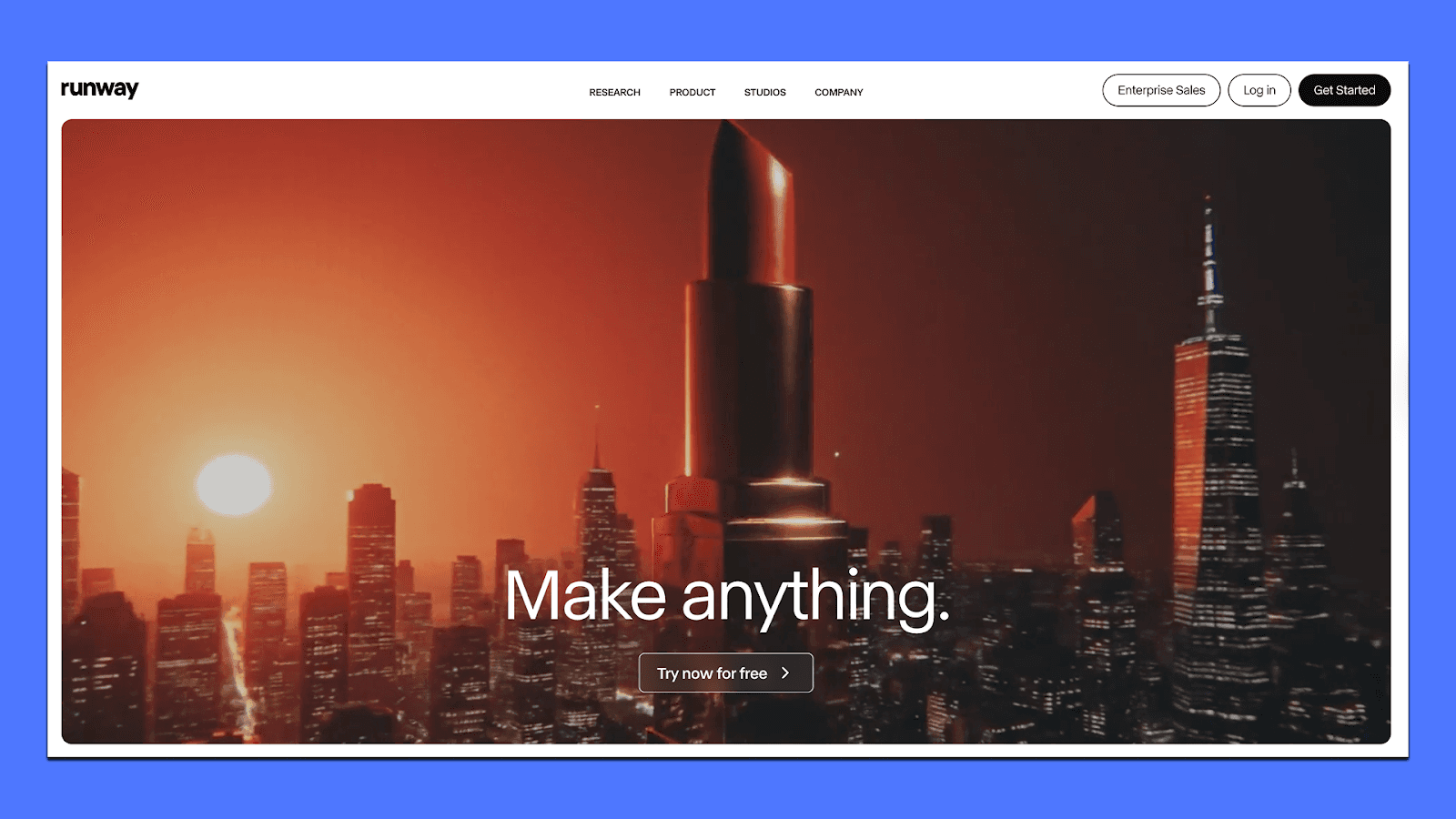
Runway is a generative video tool built for people who want more creative control than an avatar-first tool can offer. Instead of talking-head videos, it focuses on turning prompts, images, or existing footage into cinematic clips. You can restyle scenes, direct camera movements, remove objects, or transform footage into new looks — all inside a browser.
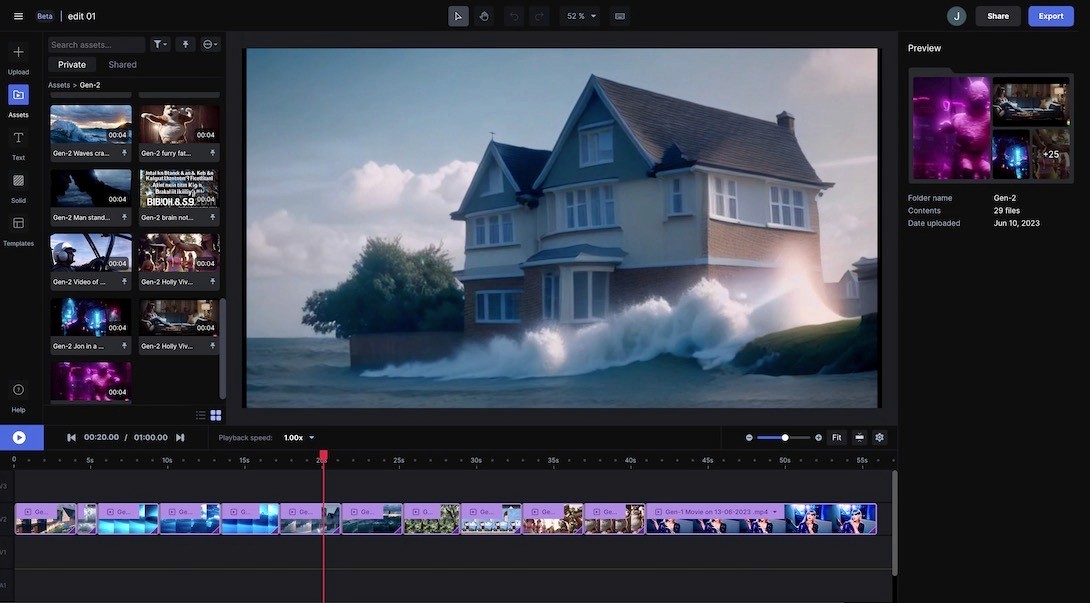
It suits artists, marketers, and small production teams who want flexibility and style, not just quick scripts or translations. If HeyGen is built for “explainer” videos, Ru
nway is built for mood, motion, and visual ideas.
What Runway can do for you
Generate short 5–20 second videos from text or images
Restyle or transform footage with prompts
Remove objects or extend scenes using inpainting
Control camera motion like zooms and pans
Use Gen-4 and Turbo models for higher realism
Build node-based workflows for multi-step edits
Export footage for use in Premiere or After Effects
Pricing
Plans start at around $12/month for basic generations, then scale to $28–76/month for higher credit limits, priority queue access, and workflow tools. Enterprise plans are custom. It’s cost-effective for small teams experimenting with AI visuals but can get expensive for heavy generation.
If You’re Choosing What to Use
HeyGen works well if you need simple, avatar-based videos in many languages. It’s fast, predictable, and good for teams that want straightforward explainers or training content. But if your workflow depends on ads, variations, hooks, or performance testing, you’ll likely need something built for that output.
That’s where Airpost fits. It takes your brief, turns it into real video ads, and pairs the AI engine with a creative team so you don’t spend your time fixing drafts or rewriting scripts. If you want to see how that looks in practice, book a demo here with one of the product experts.



