Creative work for marketers has changed over the last few years. Platforms expect more variations, and performance drops faster when ads aren’t refreshed. As a result, creative production has become a recurring operational task, not a one-time setup.
This is where creative automation comes in. Used well, it helps marketers reduce manual work. Used poorly, it becomes another tool that adds complexity without fixing the real bottleneck.
In this post, we’ll share AI tools that are used for creative automation and best practices to help you make the best of creative automation.
What Parts of the Creative Process Can Be Automated Today
Creative automation doesn’t apply to the entire creative process equally. Some parts are already well-suited to automation, while others still depend on human judgment, context, and decision-making. For marketers, the value comes from automating the repeatable and operational layers, not the thinking itself.
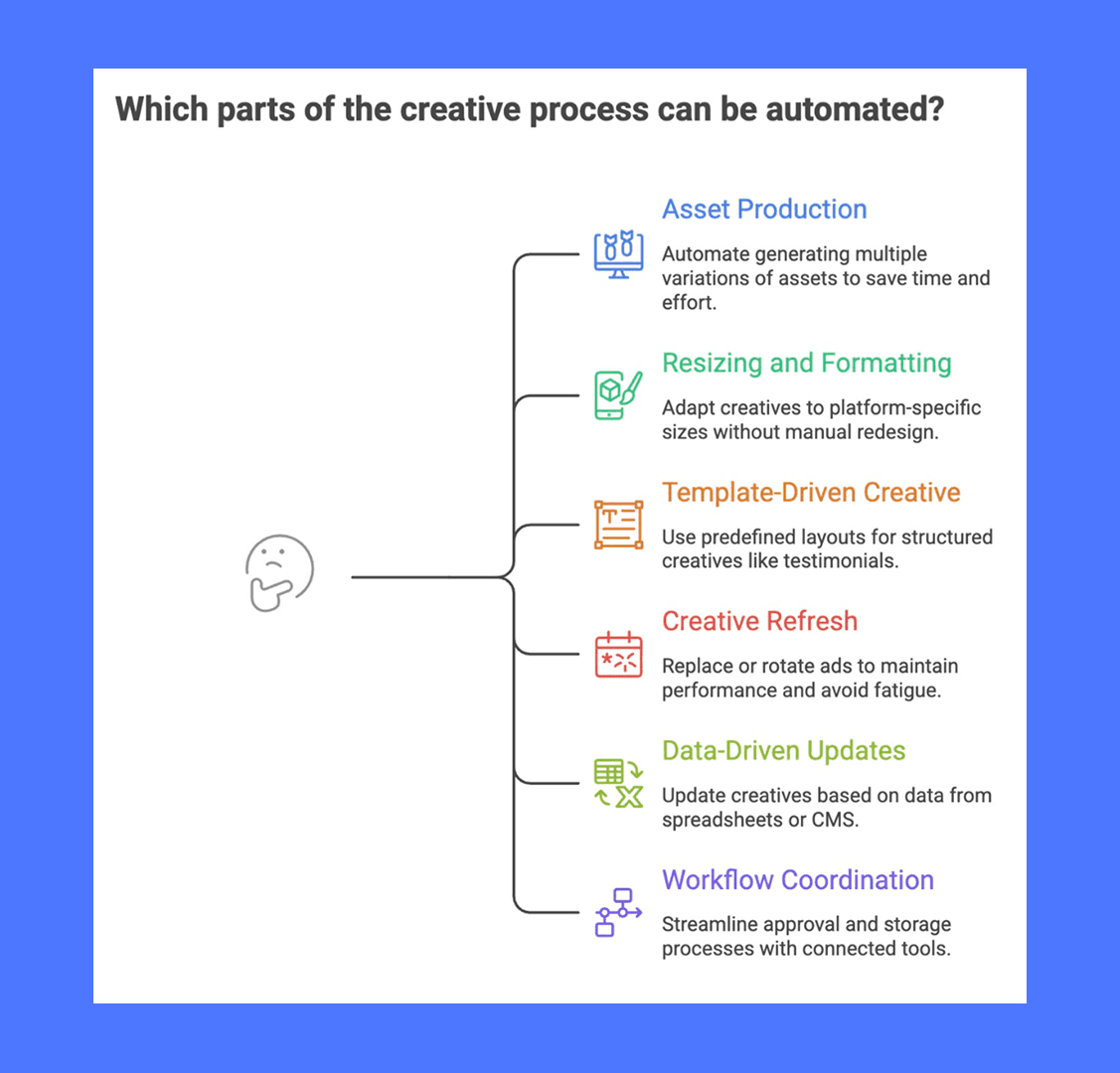
Commonly automated areas include:
Asset production and versioning: Generating multiple variations from a base concept, such as changing headlines, hooks, formats, or aspect ratios without recreating assets manually.
Resizing and formatting: Adapting creatives to platform-specific sizes and placements (feed, stories, reels) without redesigning each version.
Template-driven creative: Producing structured creatives like testimonials, product cards, pricing promos, or announcements using predefined layouts and inputs.
Creative refresh and rotation: Replacing or rotating ads when performance drops, fatigue appears, or new variants are needed.
Data-driven updates: Updating text, images, prices, or labels based on inputs from spreadsheets, catalogs, or CMS tools.
Workflow coordination: Moving assets through approval, storage, and upload steps using connected tools instead of manual handoffs.
What typically remains manual is deciding what to say and why. Positioning, messaging hierarchy, audience insight, and final approvals still rely on human context. Automation supports these decisions by speeding up execution and reducing operational drag, but it doesn’t replace them.
Best Practices for Creative Automation with AI
Creative automation works best when it is treated as part of a marketing workflow, not as a shortcut to replace thinking or decision-making. The practices below focus on how teams can use AI tools in a controlled, repeatable way that supports real campaign work.
1. Start with clear, creative inputs
Automation depends heavily on the quality of inputs. Before turning on any tool, make sure the basics are defined and written down. This includes audience context, messaging priorities, brand constraints, and success metrics.
When inputs are vague, automated output becomes inconsistent and harder to evaluate. A clear brief makes it easier for automation tools to produce usable variations and reduces the time spent fixing or discarding assets later.
2. Automate production, not strategy
AI tools are most effective at handling execution tasks such as creating versions, resizing assets, or refreshing creatives. Strategy decisions like positioning, offer framing, and audience targeting should remain human-led.
Treat automation as a way to speed up delivery and iteration, not as a replacement for creative judgment. Teams that draw this boundary early tend to get more reliable results.
3. Make bigger swings, not smaller tweaks
Traditional creative testing advice says to change one thing at a time. Swap a headline, rotate a visual, adjust the CTA. That made sense when production was expensive and every test had to justify its cost.
But with AI-powered creative at scale, that logic flips. Meta's Andromeda system is built to process and learn from a high volume of diverse creatives. Instead of running small, incremental tests, you get a better signal by testing fundamentally different concepts against each other: different angles, different personas, different storytelling approaches.
This doesn't mean being random.
Each creative should still be rooted in a clear hypothesis. But the hypothesis can be bigger. Instead of asking "does a blue background outperform a green one," you're asking "does a pain-point hook outperform a social proof hook for this audience." The learning is more meaningful, and you're more likely to find a genuine winner rather than a marginal improvement.
4. Keep brand rules explicit and documented
Creative automation works better when brand rules are written down and easy to reference. This includes tone, visual style, logo usage, color limits, and any restrictions on language or claims. When these rules live only in people’s heads, automated outputs tend to drift over time.
Clear documentation helps tools and teams stay aligned and reduces the need for manual corrections. It also makes it easier to onboard new tools or workflows without re-explaining expectations. Treat brand rules as inputs to the system, not assumptions that the system should guess.
3 Tools Marketers Use For Creative Automation
Creative automation for marketers is mostly about reducing manual effort in producing, updating, and refreshing ad creatives. The tools below help automate different parts of that process, from generating new ads to managing variations and keeping creatives in rotation.
Airpost
Airpost is a creative automation platform designed for performance advertising teams that need a steady flow of new video ads. It combines AI generation with an expert-managed system, so marketers work from a shared brief instead of manually directing every asset.
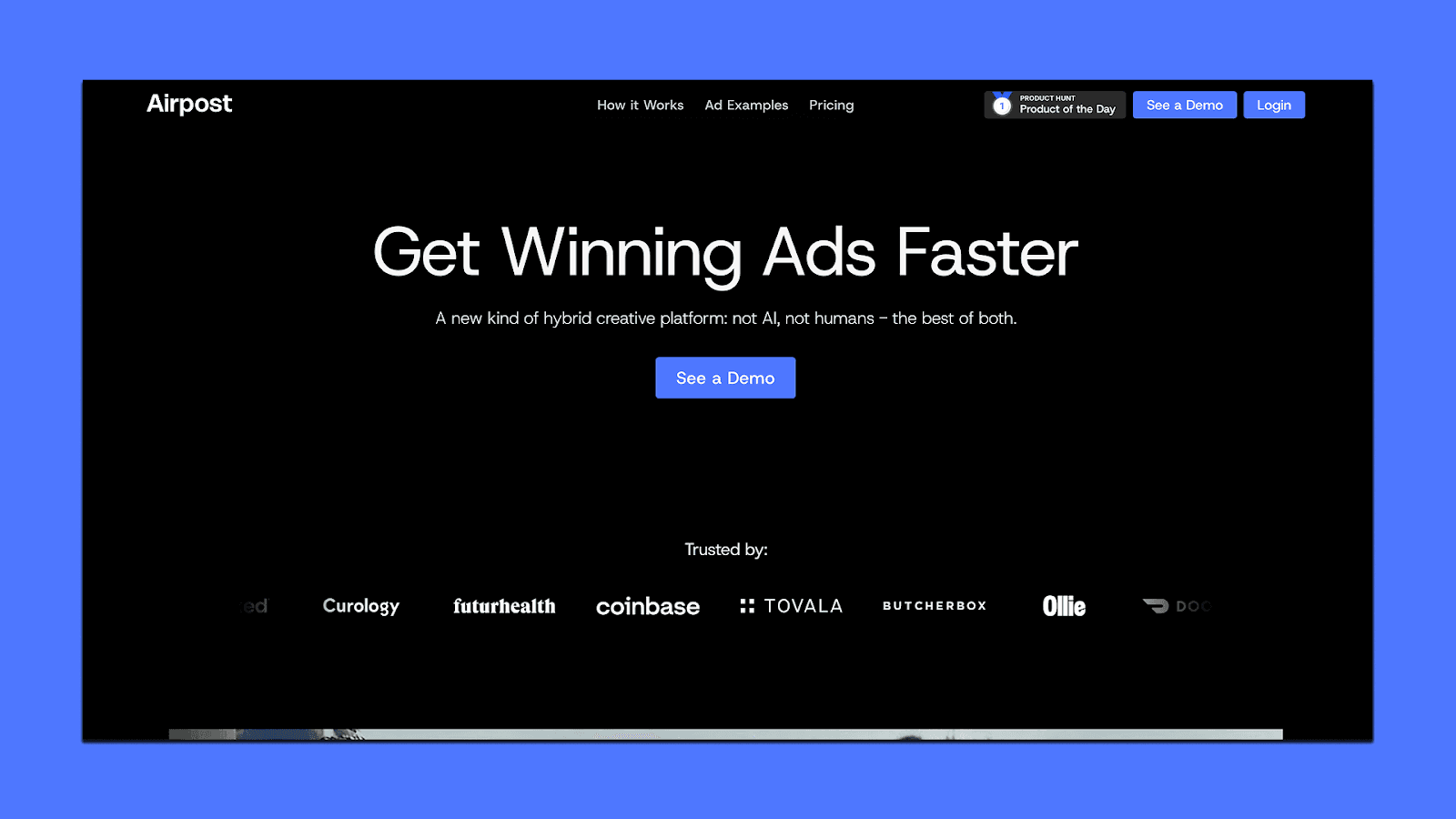
What Airpost automates:
Creation of multiple video ad variations from a single, evolving brief
Creative updates when personas, angles, or offers change
Video editing and formatting without manual resizing or rework
Asset intake from Google Drive, Dropbox, or a DAM
Approval and tracking workflows through Google Sheets
This works well when creative production is the bottleneck and teams need volume without rebuilding the process each time.
Madgicx
Madgicx focuses on automating how creatives are tested, rotated, and managed inside Meta campaigns. Instead of handling design only, it connects creative output with performance-based decision-making.
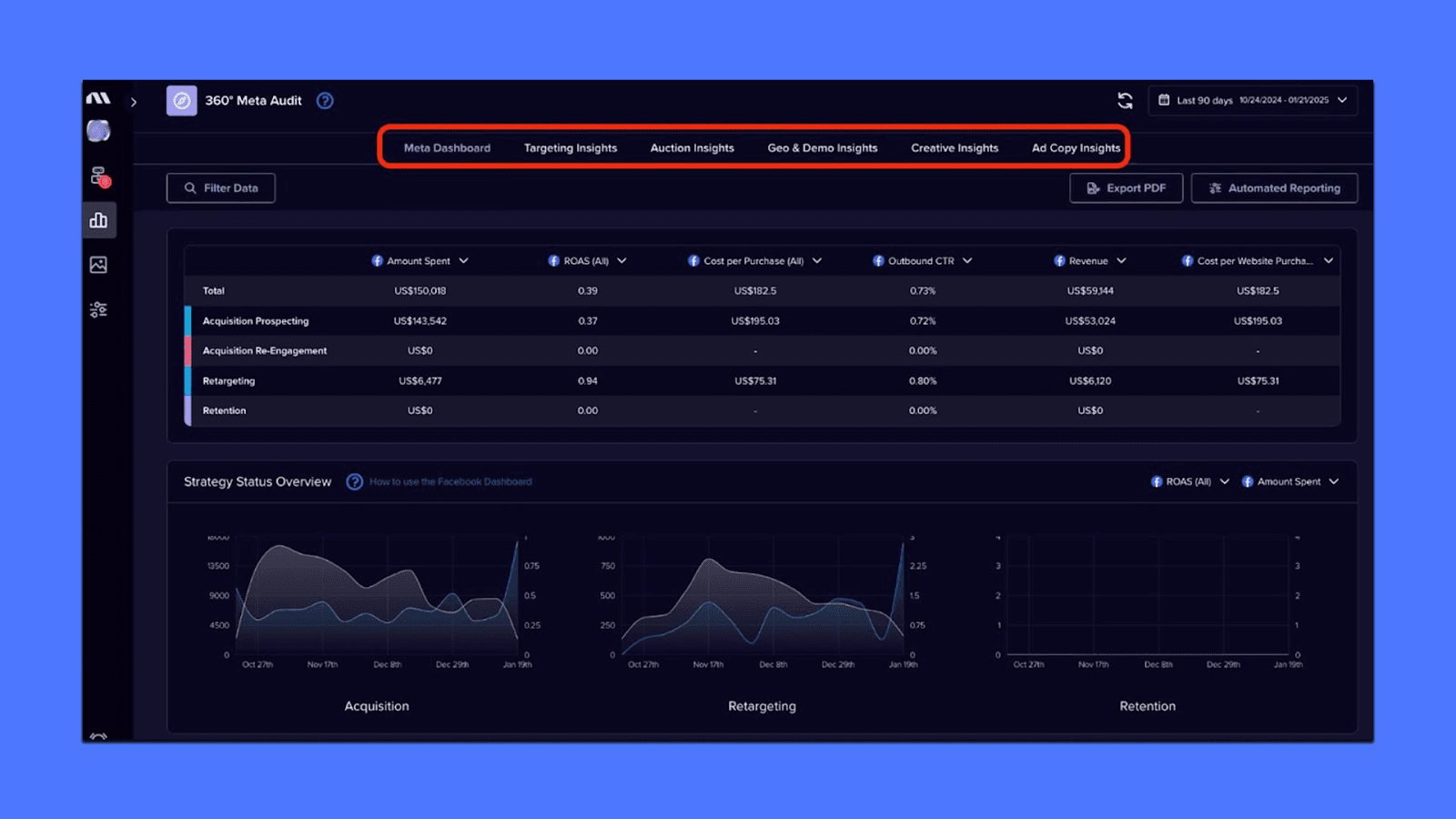
What Madgicx automates:
Generation of ad creatives for Meta
Rotation of creatives based on performance signals
Detection of creative fatigue
Automated pausing and scaling of ads
Reduced manual campaign monitoring
This is useful when teams already produce creatives but spend too much time deciding what to run, stop, or refresh.
Bannerbear
Bannerbear is a template-based creative automation tool. You design a layout once, then generate many versions by changing text, images, or other inputs using data and triggers.
What Bannerbear automates:
Creation of image or video creatives from templates
Dynamic updates using data from Google Sheets or a CMS
Automated resizing and variation generation
Delivery of assets into organized folders (e.g., Google Drive)
Integration with automation tools like Zapier or Make
This fits well for structured, repeatable creatives where consistency and scale matter more than concept development.
Automating Ad Creative Production with Airpost
Many teams already have ideas, briefs, and creative goals in place. What slows them down is the ongoing work of producing new ads.
That's where tools like Airpost can help. It's a creative automation platform built specifically for performance marketing teams that need a high volume of video ads on an ongoing basis.
Airpost automates ad generation at scale, but it does not work like a typical self-serve AI tool. It combines AI with an expert-managed system.
AI handles tasks like generating variations, editing footage, formatting ads, and producing new versions quickly. Human creative strategists oversee the system, refine inputs, and ensure the output stays aligned with performance goals and brand standards. This setup reduces the need for constant manual direction while avoiding the quality drift that can happen with fully automated tools.
Airpost fits into existing workflows. It pulls assets from tools teams already use, such as Google Drive, Dropbox, or a DAM. It supports Google Sheets for approvals, tracking, and uploads, so teams do not have to rebuild their processes to use it.
Book a demo to see how Airpost can help you create winning ads at scale without getting buried in tools.



