Creative bottlenecks are expensive now. If you wait days or weeks for the “right” ad creative to be ready, you’re already losing performance, spend, and momentum. That’s why so many marketers have turned to AI ad generators in 2026.
But the problem is that there are too many AI tools. Some focus on avatars. Some focus on UGC-style ads. Some generate cinematic shots. Some are hands-on; others are almost fully automated. Choosing the wrong tool just adds more work back into your week.
In this guide, we break down six of the best AI ad generators of 2026. We'll show you what they do well, who they’re for, the key features to know, and how their pricing works so you can pick the tool that actually fits your goals.
1. Airpost
Airpost is a hybrid AI ad generator built for teams that need a high volume of performance-ready video ads without managing creators, writing briefs, or fixing AI outputs themselves. Instead of giving you a DIY editor, Airpost works as a managed system: you upload your assets and your “living brief,” and the platform combines AI + human creative strategists to produce new ads every week.
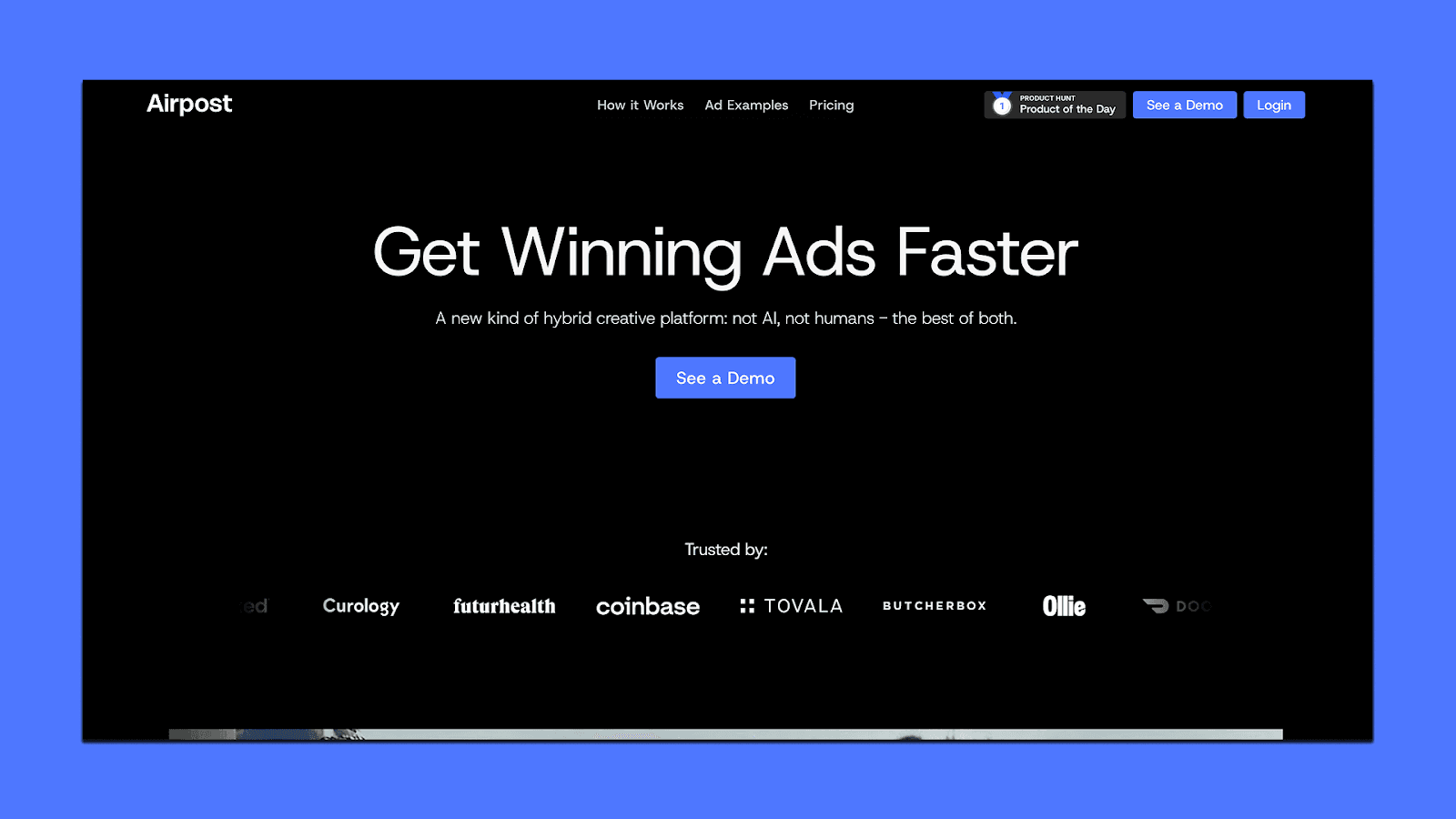
It’s mainly used by performance marketers running Meta and TikTok campaigns who need constant variation, clear angles, and ads that map to real conversion data.
→ Check out some real examples of ads generated with Airpost.
Key Features of Airpost
Hybrid engine that mixes your assets, Airpost assets, and AI-generated footage
Dynamic brief that updates ad concepts as your messaging or personas change
Dedicated creative strategists guiding hooks, pacing, angles, and compliance
10–100+ new ad variations per week, depending on plan
AI “video team” that builds product-specific footage for you
Automatic naming, formatting, and uploads based on your workflow
24/7 monitoring of top performers to generate new iterations
Pricing
Airpost uses a usage-based model.
Starts at $8,000/month or 4% of ad spend (on ads touched by Airpost), whichever is higher
Includes: platform access, creative strategy team, weekly ad volume, editing, revisions, compliance, and uploads in 4:5 + 9:16
2. Creatify
Creatify is an AI ad generator built for e-commerce brands and marketers who want fast UGC-style video ads without hiring creators or running manual shoots. It works by turning a product URL or image into a set of ready-to-run ads using AI avatars, product animations, voiceovers, and pre-built UGC structures.
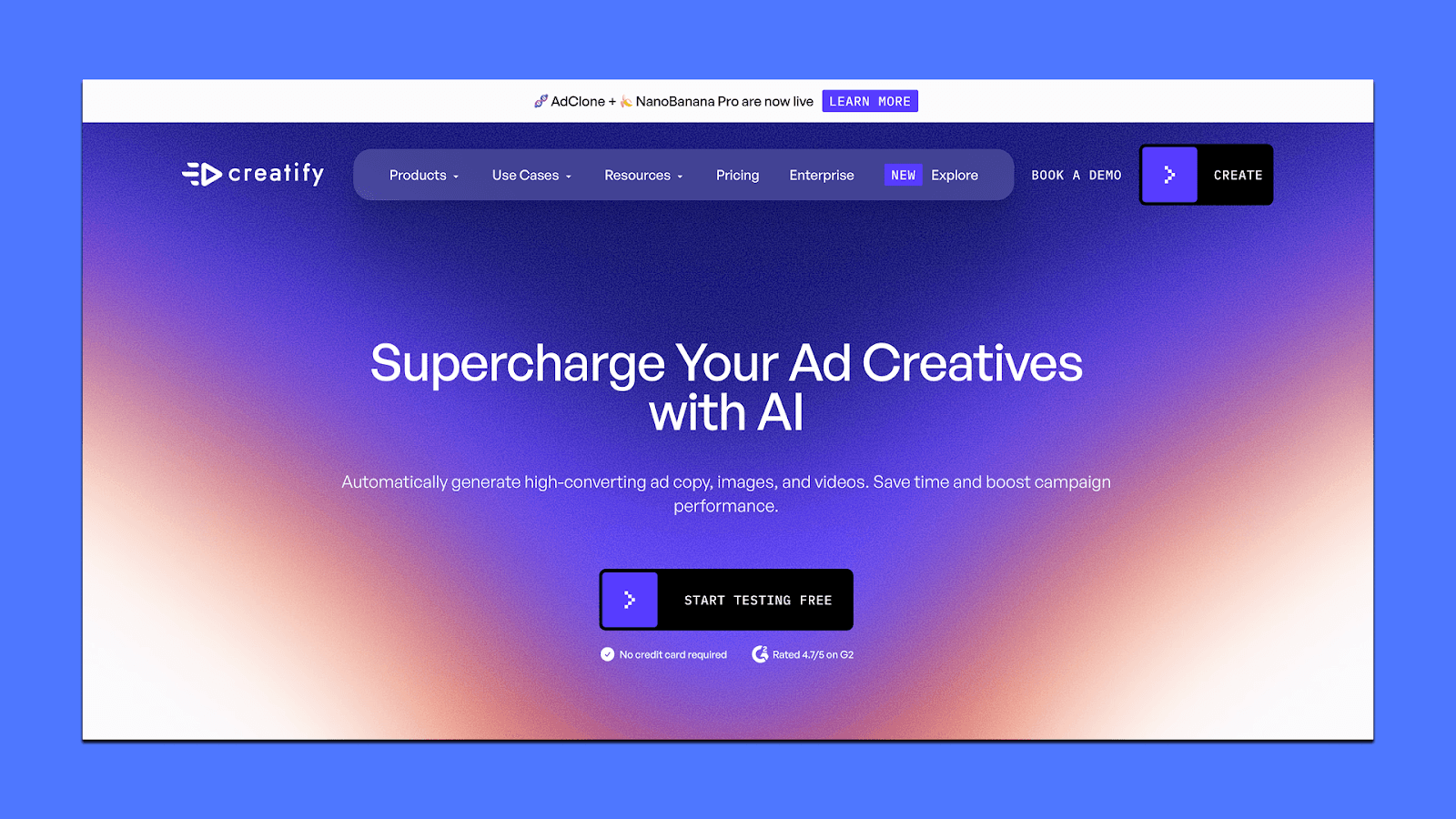
It’s most useful when you need quick variations for testing or want simple UGC-style ads at scale. Creatify is fully self-serve and automation-driven.
Key Features of Creatify
Generate 5–10 UGC-style video ads from any product URL in seconds
1,500+ AI avatars with gestures, expressions, and multilingual voice options
Product Video engine for turning still images into animated B-roll
AdMax suite for finding angles, competitor trends, and running ad variants
Batch Mode for producing content across multiple SKUs
Exports optimized for Meta, TikTok, YouTube, and Snap
Multi-language output (29+ languages)
Pricing
Creatify uses a credit-based system:
Free ($0): 10 credits/month, watermark, basic tools
Starter ($19/month): 1,200 credits/year, 2-minute videos, 100+ avatars, no watermark
Pro ($49/month): Larger avatar library (1,500+), 3 custom avatars, 10-minute videos, stronger models, Meta/TikTok publishing
Enterprise (custom): AdMax, multi-seat access, bulk creation, security options
Best suited for e-commerce teams that want quick UGC ads for testing and scale, but don’t need a managed creative team.
3. HeyGen
HeyGen is an AI video generator built around avatars, translations, and text-to-video workflows. It’s useful for marketers who need spokesperson-style ads, product explainers, or localized versions of the same ad across multiple regions. Instead of producing UGC-style footage, HeyGen focuses on turning scripts, images, or brief references into talking videos that look consistent and are fast to iterate on.
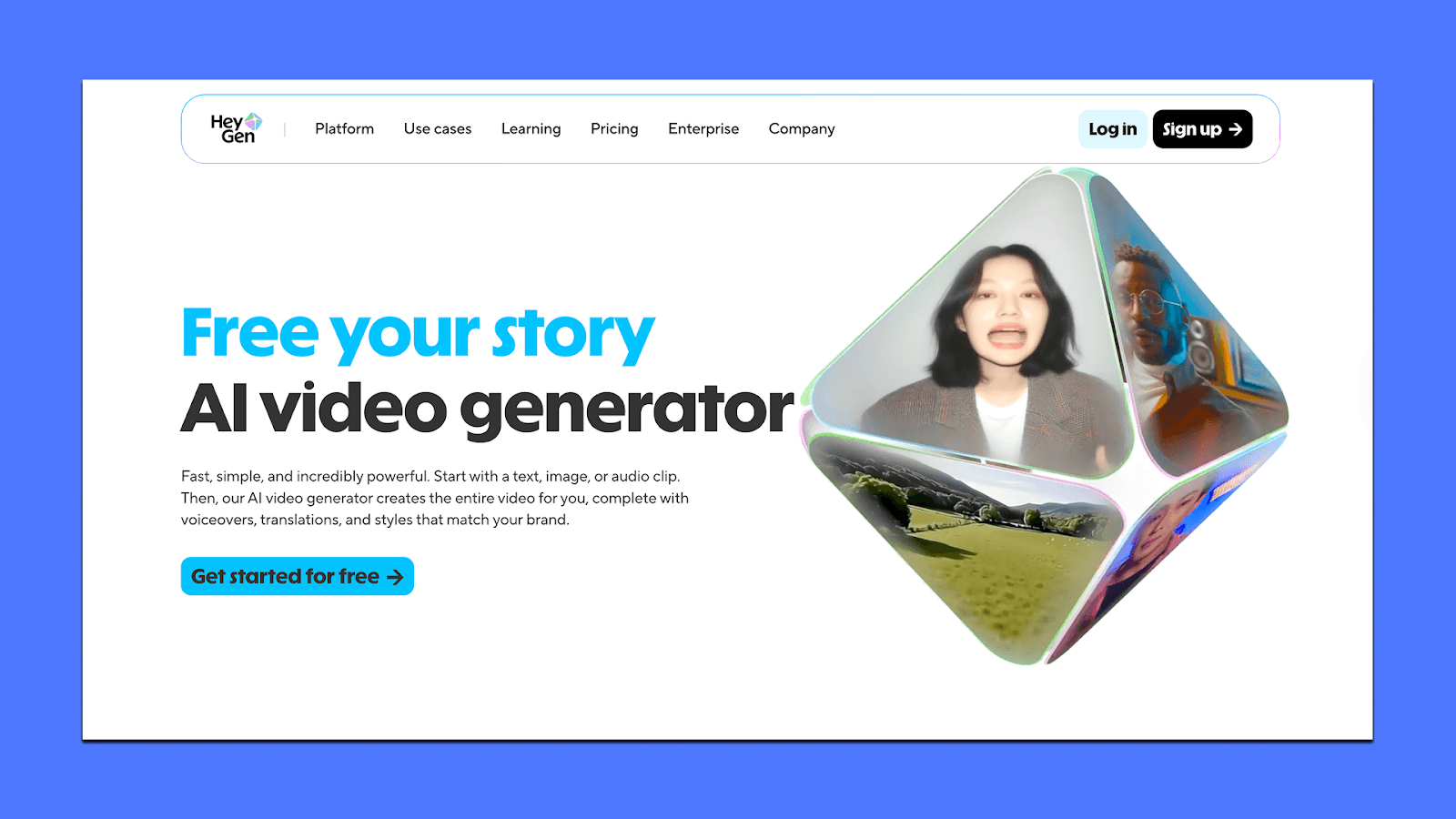
It helps when you want message-led ads, multi-language campaigns, or repeatable formats that don’t rely on real creators.
Key Features of HeyGen
1,000+ stock avatars, plus custom avatars from photos or short clips
Text-to-video, image-to-video, and audio-to-video generation
Translate videos into 175+ languages with accurate lip-sync
Brand Kit, templates, captions, and basic motion adjustments
Voice cloning for spokesperson consistency
Up to 4K exports on higher plans
Collaboration workspace for teams (comments, approvals, shared drafts)
Pricing
HeyGen offers a mix of free and paid plans:
Free ($0): 3 videos/month, 720p, watermark, limited features
Creator ($29/month): Unlimited videos, 1080p exports, 30-min videos, custom avatar, voice cloning
Team ($39/seat/month): 4K exports, faster processing, 2+ seats, unlimited photo avatars, translation editor
Enterprise (custom): API access, security, custom avatars, higher limits
HeyGen works best for ad formats where a talking avatar, clear messaging, or multilingual delivery drives performance.
4. Icon Ads
Icon Ads is built for marketers who want an all-in-one AI workspace for UGC-style ads: scripts, edits, voiceovers, competitor research, and asset reuse. Instead of specializing in avatars or cinematic clips, Icon tries to cover the entire performance-creative workflow inside one dashboard.
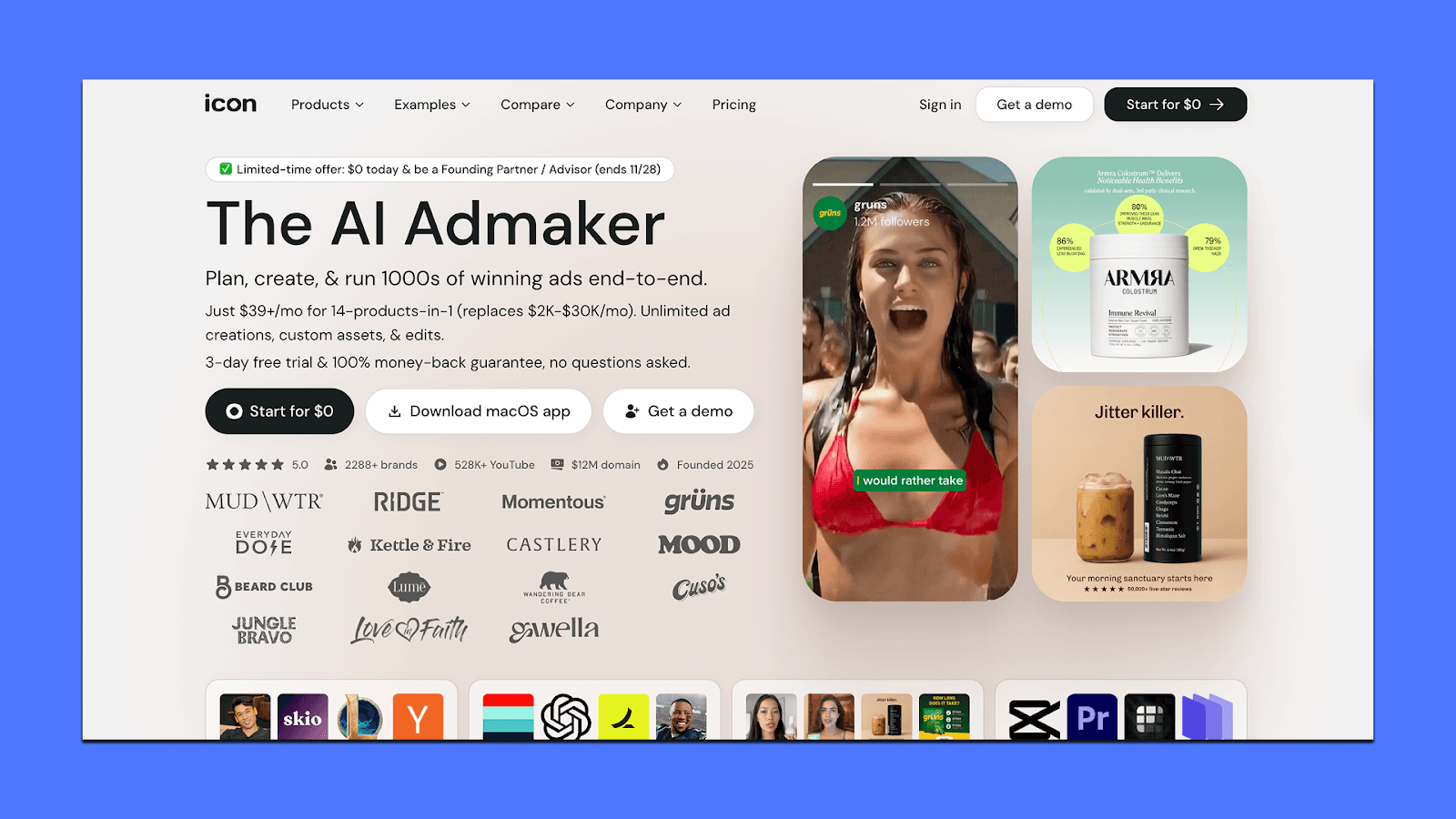
It’s useful if you want quick concepts, hooks, or rough-cut UGC ads without jumping between multiple tools. The product can feel inconsistent, so it’s best approached as a “rapid ideation + light execution” tool rather than a full production engine.
Key Features of Icon
AdGPT for generating hooks, concepts, scripts, and angles
AI CMO module for competitor ad analysis and creative research
UGC-style editor with voiceovers, templates, and basic motion tools
Image + video editing for mixing assets and updating creatives
Asset library + tagging to reuse top-performing visuals
An ad spy database for studying what’s working in your niche
Pricing
Icon keeps pricing simple:
$39/month: Unlimited creation and editing, capped at 10 downloads/month. Good for testing ideas or building quick demos.
Managed plans (from $1,500/month): Adds human creative support, custom setups, and higher production capacity.
Free trial (3 days): Full feature access but limited downloads.
5. Runway
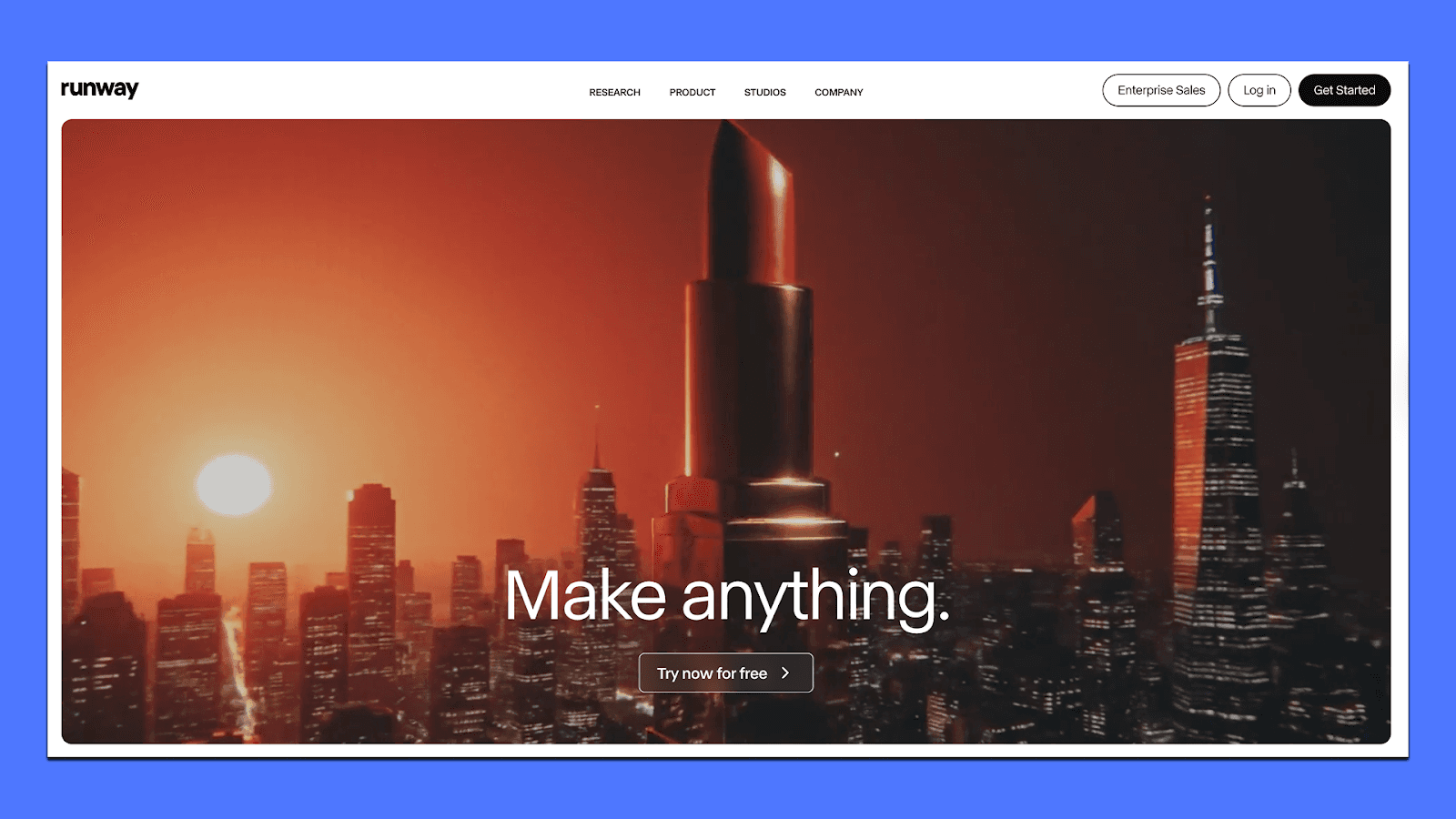
Runway is built for motion-heavy, stylized video generation. Instead of avatars or spokesperson-style ads, it focuses on cinematic shots, restyled footage, dynamic transitions, and short clips that help brands create scroll-stopping visual moments. It’s a good fit if you want eye-catching hooks, product restyles, or creative inserts that feel more polished than standard UGC.
Key Features of Runway
Gen-4 and Turbo text-to-video models (5–20 second clips)
Video-to-video restyling to transform your raw UGC into new aesthetics
Inpainting, background edits, object removal for fast cleanup
Camera motion controls (pans, zooms, dolly-style moves)
Node-based workflows for chaining generation, edits, and upscaling
Team-sharing, asset folders, and project management for creative teams
Pricing
Runway uses a monthly credit system with no rollover. Plans renew each month:
Free Plan ($0/month): 125 credits/month, 720p exports, watermark on all videos. Good for testing.
Standard ($15/month, or US$12/month annually): 625 credits/month + 1080p exports. Includes core models and essential editing tools.
Pro ($35/month, or US$28/month annually): 2,000 credits/month, priority processing, team sharing for up to 5 users, access to workflow automation.
Unlimited ($95/month, or US$76/month annually): Unlimited credits, full access to all models, tools, and priority queue.
Enterprise (Custom pricing): Includes API usage, SSO, custom seats, dedicated support, and security features.
Choosing an AI Ad Tool
Most teams hit a similar point when they start testing AI ad generators: the tools can make videos fast, but they don’t remove the creative workload. Someone still has to update angles, check compliance, review variations, and figure out why a concept worked last week and died this week.
That’s usually the moment marketers start asking, “Which tools actually reduce my workload and improve results?”
If your main goal is simple video generation, tools like Creatify, HeyGen, and Runway do that well. They’re great for quick tests, simple UGC clips, or localized edits.
But if you’re managing real budgets and want a system that can keep your pipeline moving — new concepts every week, updated variations, brand-safe edits, uploads that follow your conventions, and ads shaped by people who understand performance — Airpost is the closest fit.
It gives you speed from AI, direction from creative strategists, and a workflow that doesn’t slow your team down when your messaging changes or an ad starts to take off.
If that’s the type of support you’re looking for, it’s worth seeing how Airpost works. You can book a short demo here.



