Making videos for social media has gotten easier, but keeping up with the volume every platform demands has not. You need vertical for Reels, landscape for YouTube, a different size for LinkedIn, captions on everything, and ideally, all of it posted the same day. Doing that manually every week is not sustainable. Most teams hit that wall faster than they expect. The tools in this list are built to solve that specific problem.
In this article, we'll show you the features and pricing of the 5 best social media video-making tools. We'll also show you an alternative if you're looking to create a video for your social media ads and not just organic posting.
1. Airpost
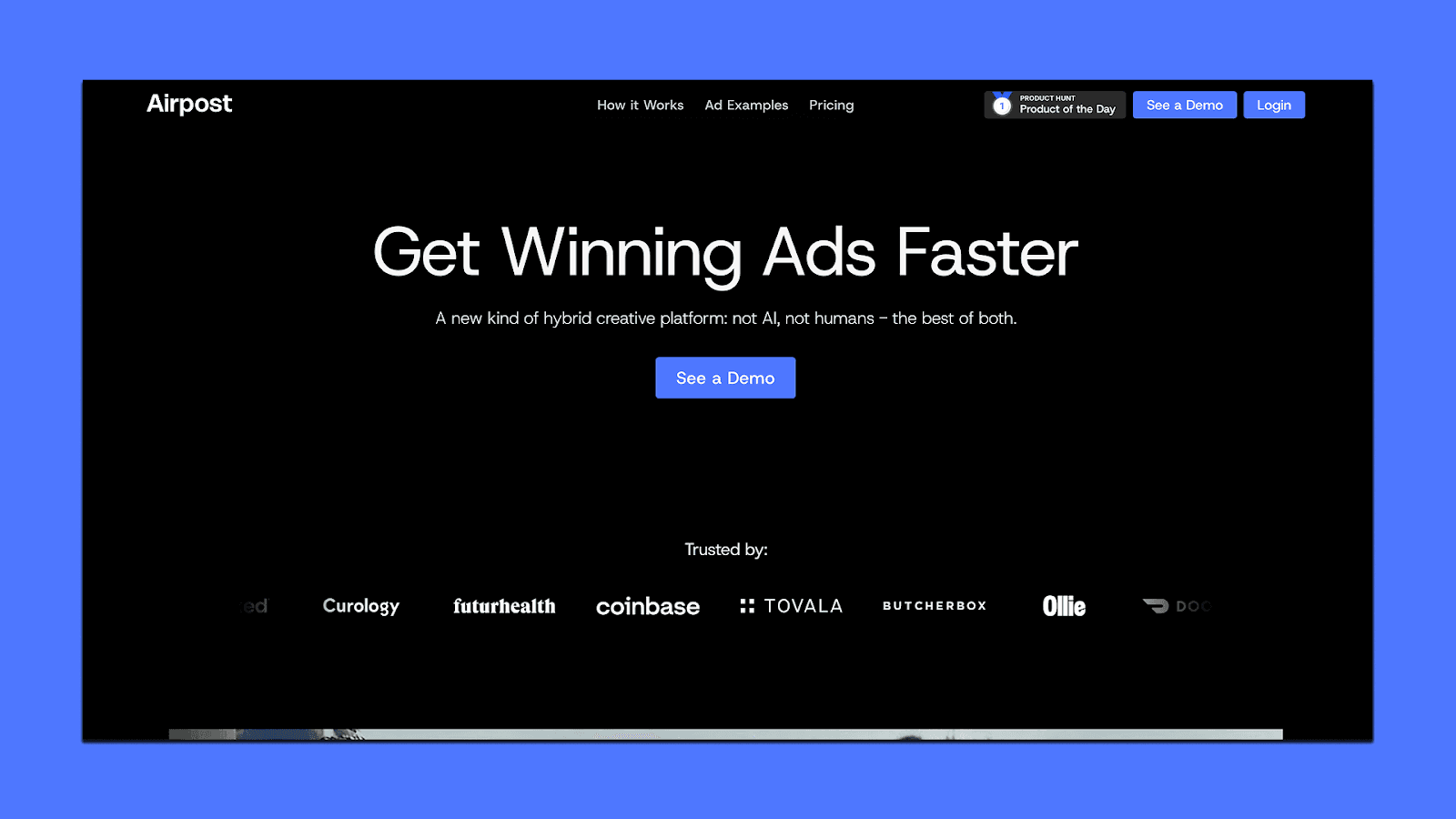
Airpost is not a typical social media video maker. It is a hybrid ad creative platform that combines AI with human creative strategists to deliver done-for-you video ads built for paid media. While most tools on this list help you create and edit videos yourself, Airpost handles the entire process for you, from concept to finished ad.
What It Does
Delivers 10 to 30 ready-to-run video ads per week without you having to edit or prompt anything
Analyzes your brand assets, product pages, and past ads shot by shot before generating new concepts
Uses a proprietary ad taxonomy that classifies every creative by format, hook type, angle, tone, pacing, and funnel stage
Human creative strategists review and refine every ad before it ships
Combines your real footage with a library of over 300,000 real clips and AI-generated assets
Automatically resizes everything for vertical and square formats
Ships directly to Meta, TikTok, YouTube, and Snapchat
Feeds performance data from live ads back into the system, so each new batch improves on the last
Best For
Brands running paid social at scale that need a constant flow of diverse, performance-tested video ads without managing the production in-house. Book a demo to see how it works with your brand.
2. Artlist
If you make social media videos regularly, you probably pay for music, stock footage, and AI tools separately. Artlist bundles all of that into one platform. It gives you access to a massive stock catalog of royalty-free music, sound effects, footage, and templates, all covered under a single license.
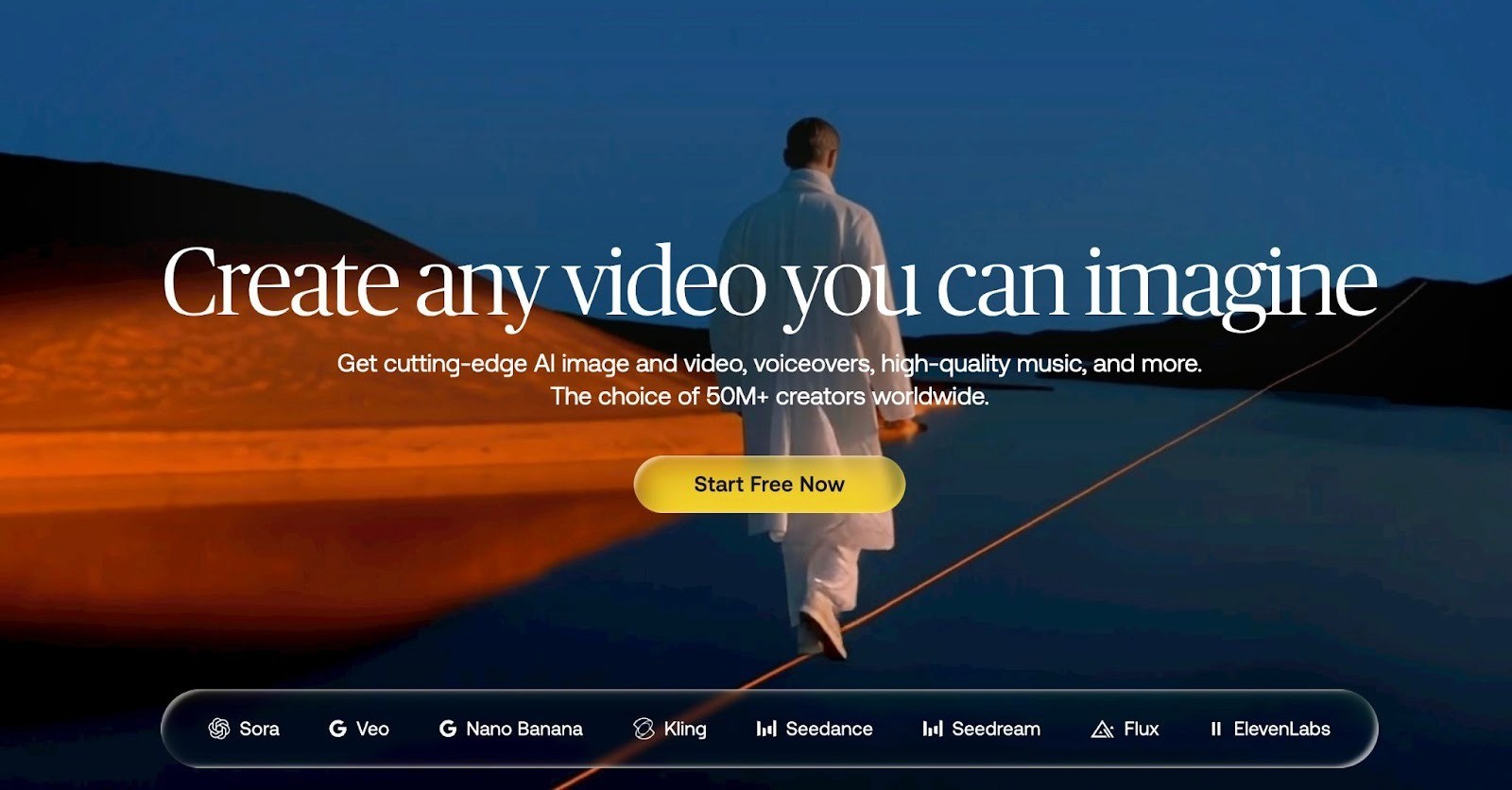
The AI Toolkit connects you to leading models like Sora, Veo, Nano Banana, Kling, and ElevenLabs so you can generate assets and assemble videos without switching between different apps. It is used by over 50 million creators and brands like Google, Apple, Walmart, and Shopify.
What It Does
Royalty-free stock catalog with music, sound effects, footage, templates, and LUTs updated daily
AI video generation through models like Sora 2 Pro, Veo 3.1, Kling 3.0, and Seedance 2.0
AI image generation through Nano Banana Pro, Nano Banana 2, Seedream 5.0, Flux, and GPT Image 1.5
AI voiceover creation through ElevenLabs, Cartesia Sonic, and MiniMax Speech
Studio editor for assembling and editing video projects directly on the platform
All assets covered under a single commercial license
Pricing
Artlist uses a credit-based system for its AI tools. You pick a plan and get a monthly credit allotment to spend across AI video, image, and voiceover generation. The more credits you need, the higher the plan.
AI Starter ($11.99/month): Entry-level credit allotment for AI videos, images, and voiceovers. Good for creators with lighter usage who want to experiment with AI generation alongside their regular workflow
AI Professional ($89.99/month): 62% less per credit compared to Starter, includes up to 5 team members, priority generation speed, and higher credit volumes. Built for teams producing content regularly
Enterprise (custom pricing): Unlimited team members, custom credit allotments, stock catalog with business license, legal indemnification, guaranteed SLA, enterprise-grade security, SSO, curation service, and a dedicated account manager
All plans save 40% with annual billing. The stock catalog (music, footage, sound effects, templates) is a separate subscription from the AI plans, though Enterprise bundles both together.
Best For
Creators and marketing teams who want one platform for AI-generated content and licensed stock assets instead of paying for multiple subscriptions across different tools. Especially useful if you regularly need music, footage, and AI-generated visuals together for social media video production.
3. Pictory
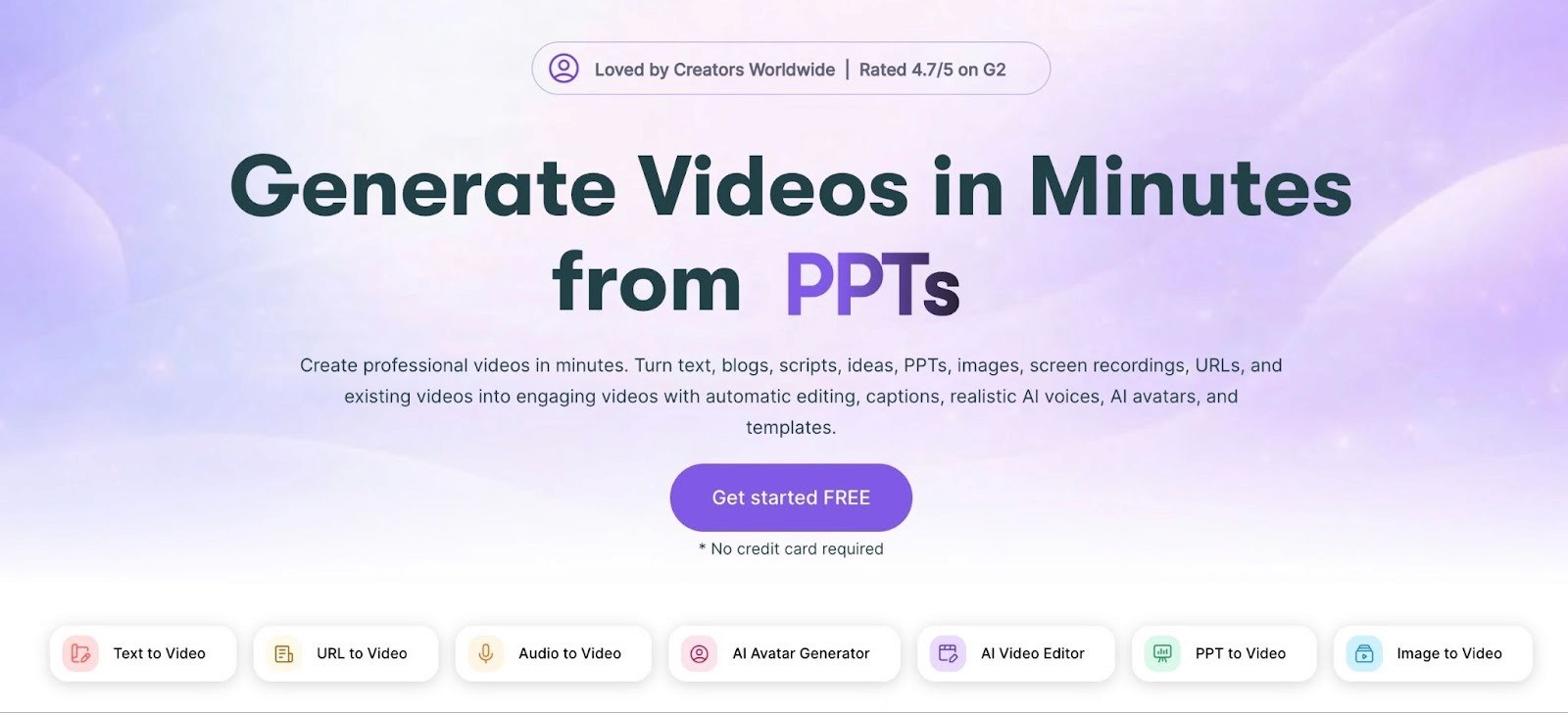
Pictory is built for people who have written content and want to turn it into social media videos without learning how to edit. You paste a script, blog post URL, or article, and the AI breaks it into scenes, pulls matching stock footage from a library of millions of clips, adds music, generates captions, and layers on an AI voiceover. You can also upload a long video and have it automatically summarized into shorter highlight clips. The whole process is browser-based and takes minutes.
What It Does
Turns scripts, blog posts, and URLs into fully assembled videos with AI-selected stock visuals and music
Edits video using text. Upload a recording, get a transcript, and trim by editing words instead of scrubbing a timeline
Auto-generates captions and subtitles
AI voiceover with realistic voices, including ElevenLabs integration on higher plans
Converts PowerPoint presentations into video
Creates video highlights by summarizing long-form recordings into short social clips
Brand kit with saved logos, fonts, colors, and intros for consistency across projects
AI Studio for generating images and video clips from text prompts directly inside the editor
Pricing
Pictory prices by monthly video minutes, not by number of videos. A short 1-minute clip and a 10-minute explainer eat into the same quota differently, so your actual output depends on content length. All plans offer a free trial, and annual billing saves around 40%.
Starter ($25/month billed annually): 200 video minutes, 720p exports, access to 5 million stock assets, AI voiceovers, auto-captions, brand kit
Professional ($35/month billed annually): 600 video minutes, 1080p exports, access to 18 million stock assets, ElevenLabs voice integration in 29 languages, video summarization feature
Teams ($119/month billed annually): 1,800 video minutes, 3+ user accounts, shared workspaces, collaboration tools, API access
Enterprise: Custom pricing with tailored limits, dedicated support, and onboarding
Optional add-ons for Getty Images premium visuals and ElevenLabs voices cost $8/month each on annual billing.
Best For
Content marketers and teams sitting on a lot of written content, like blog posts, articles, and scripts, who want to turn that into social video without filming anything. Also useful for educators, course creators, and YouTube channels producing explainer or faceless content. Not built for advanced editing or cinematic work.
4. InVideo AI
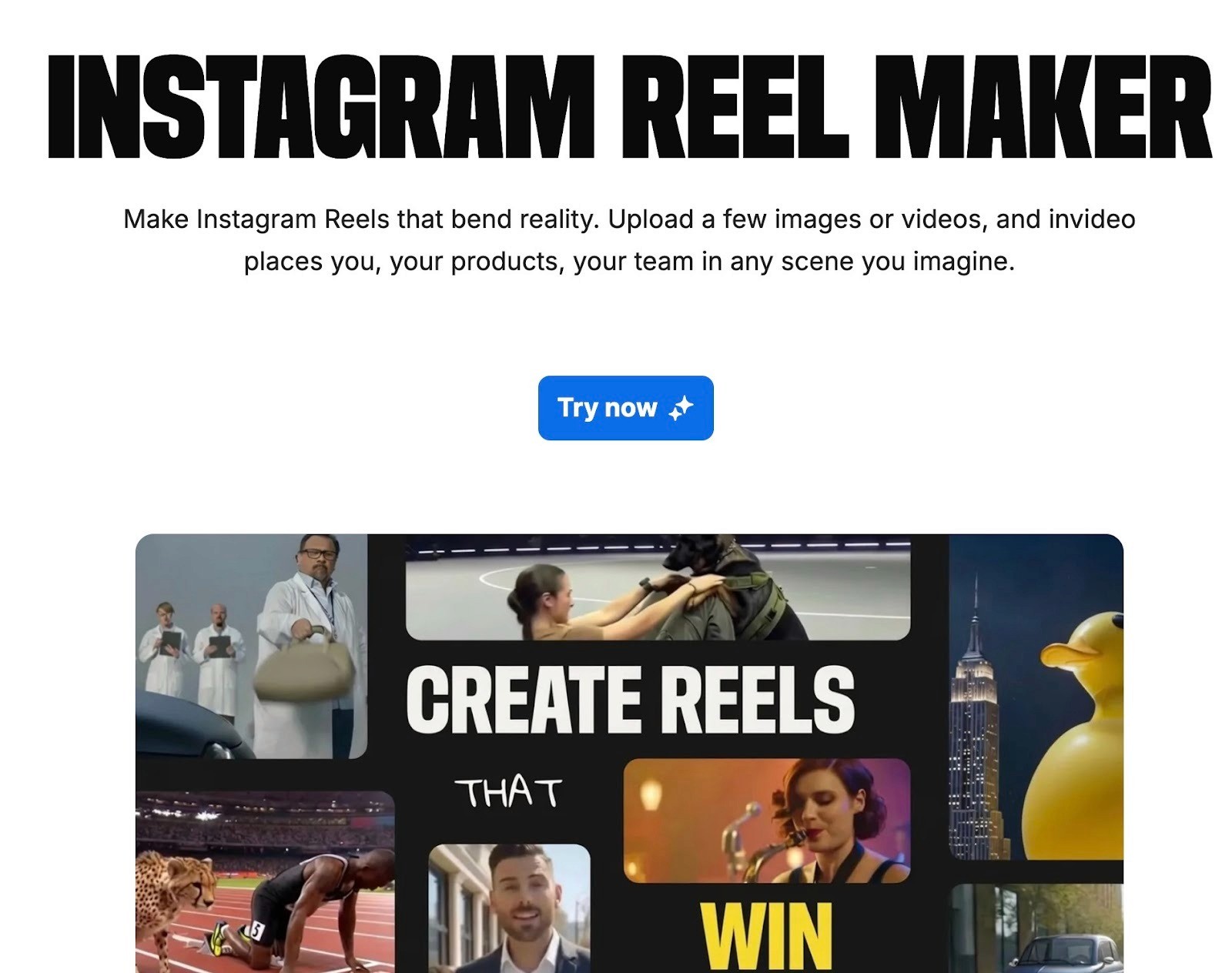
InVideo AI is a text-to-video tool. You type a prompt describing what you want, and it generates a full video with script, stock footage, voiceover, music, and subtitles. No timeline editing, no footage hunting, no recording needed. It pulls from a library of over 16 million royalty-free stock assets and handles the entire assembly automatically. You can then refine the result using text commands instead of dragging things around on a timeline. It is used by over 50 million users and has integrated access to AI models like OpenAI's Sora 2 and Google's VEO 3.1 for generative video creation.
What It Does
Generates complete videos from a text prompt including script, footage, voiceover, music, and subtitles
Converts blog posts and articles into video by pasting a URL
Text-based editing through a "Magic Box" where you type instructions like "change the voiceover accent" or "remove subtitles" instead of manually editing
AI voiceover in 50+ languages with voice cloning support
Access to 16 million+ royalty-free stock photos, videos, and music tracks
AI dubbing that translates your voice into 50+ languages
Generative AI capabilities for creating unique images and clips that do not exist in stock libraries
Brand kit for saving logos, colors, and fonts across projects
Auto-generated subtitles for every video
Pricing
InVideo AI uses a minutes-based system. The free plan gives you limited generation time with watermarked exports. Paid plans unlock more minutes, higher quality exports, and access to premium stock assets. All plans are month-to-month with no long-term commitment, and annual billing saves around 20%.
Free: 10 minutes per week of AI generation, 4 exports per week with watermark, access to 2.5 million standard media assets, 10GB storage
Plus ($25/month): 50 minutes per month of AI generation, unlimited exports without watermark, 80 iStock assets per month, 100GB storage, 2 voice clones
Max ($60/month): 200 minutes per month of AI generation, 320 iStock assets per month, 400GB storage, 5 voice clones
Generative: Higher tier with access to advanced AI video generation models, custom pricing
You can buy additional minutes as an add-on at $10 for 15 minutes if you run out mid-month. Unused minutes do not roll over.
Best For
Content creators, marketers, and small businesses who need to produce social media videos regularly but do not have footage to start with. Especially useful if you have a lot of written content like blog posts or scripts that you want to turn into a video without filming anything. Less suited for brands that need highly custom or branded visuals since the output relies heavily on stock footage and AI-generated assets.
5. CapCut
CapCut is ByteDance's video editor, built by the same company behind TikTok. That connection shows in how the tool is designed. Everything from templates to effects to trending audio is optimized for short-form social content. You can edit on mobile, desktop, or browser, and projects sync across all three.
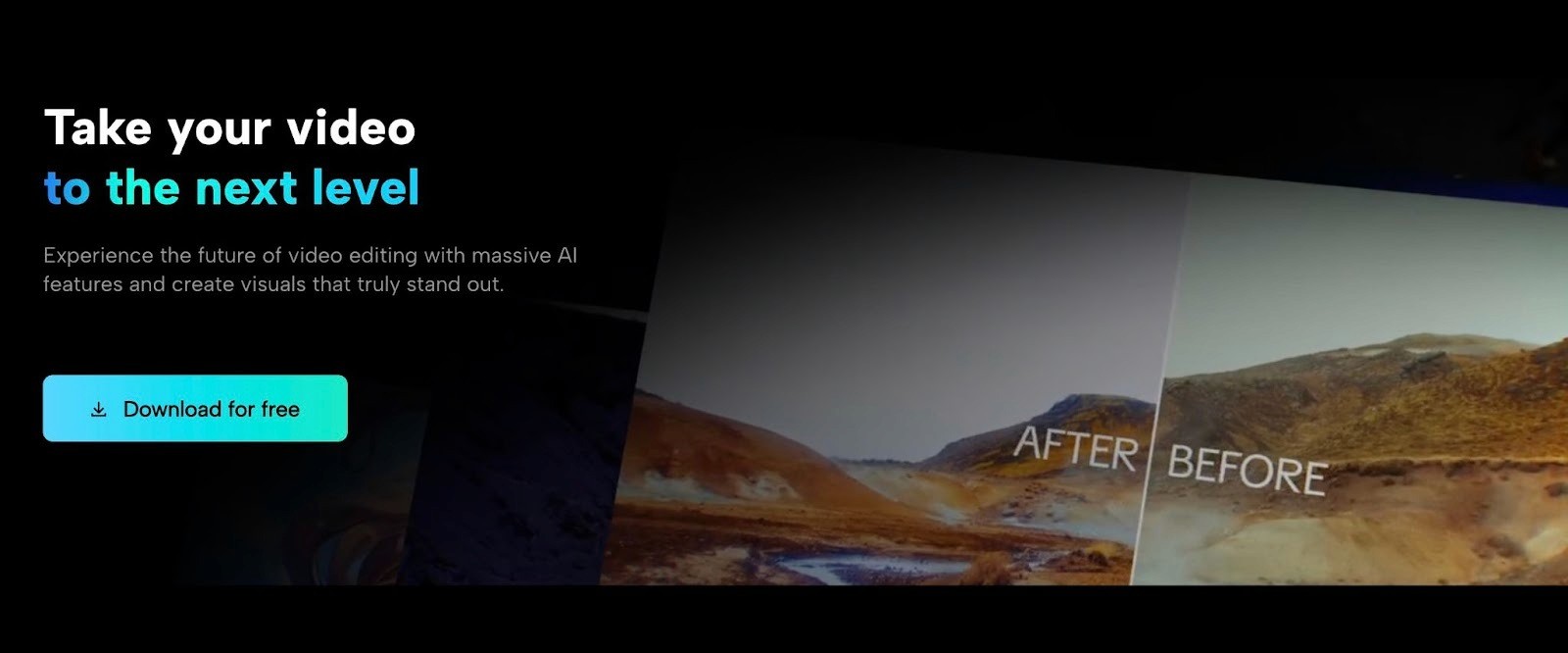
The free version is capable of making social media videos. It handles auto-captions in 130+ languages, background removal, text-to-video, AI avatars, and can even extract highlights from long videos to create Shorts and Reels.
What It Does
Full video editor across mobile, desktop, and browser with cross-device cloud sync
Auto-captions with one-click speech-to-text in 130+ languages and customizable caption styles
Text-to-video that generates scenes, music, and voiceover from a written prompt
Auto-extract highlights from longer videos to create short clips for TikTok, Reels, and Shorts
AI background removal without a green screen
AI avatars that lip-sync to your script for faceless video content
Trending templates, effects, filters, and music library updated weekly
One-click aspect ratio resizing for TikTok, Instagram, YouTube, and LinkedIn
Direct watermark-free upload to TikTok from the app
Pricing
CapCut's pricing has gone through some changes recently, and what you pay can vary depending on whether you subscribe through the app or the website. Subscribing through the website is typically cheaper because mobile app stores take a cut.
Free: Full basic editing tools, auto-captions, basic AI features, 1080p export, limited cloud storage. Some premium templates and effects show a "Pro" watermark
Standard ($9.99/month): Watermark-free exports, additional templates, transitions, filters, and text styles. Mobile-focused tier
Pro ($19.99/month or $179.99/year): 4K and HDR export, full AI toolkit including motion tracking, filler word removal, advanced auto-captions, 1TB cloud storage, access across mobile, desktop, and web
Best For
Short-form social media creators, especially anyone posting regularly on TikTok. The TikTok integration, trending templates, and mobile-first design make it the most natural tool for that platform. Less suitable for long-form video or professional post-production work.
Scale Your Video Ad Production With Airpost
The tools on this list make it fast to create and publish social media videos. But for brands running paid media, creating videos is only half the job. The other half is knowing what to make next. Which hooks to test, which formats to try, which angles have not been explored yet? That is the part where most teams get stuck, not because they lack tools, but because they lack a system.
Airpost is a hybrid ad creative platform that pairs AI with human creative strategists to deliver 10 to 30 ready-to-run video ads per week. You set up a living brief, and Airpost's engine analyzes your brand assets, past ads, and product pages to generate new ad concepts each cycle. A dedicated strategist reviews every ad before it goes live. Performance data from running ads feeds back into the system, so each new batch is built on what actually converted.
Here is what Airpost handles for brands running ads at scale:
Classifies every ad across a proprietary taxonomy covering format, hook type, angle, tone, pacing, and funnel stage, so you always know what has been tested and what has not
Generates dozens of new ad concepts each cycle, and human creative strategists review every one before it ships
Combines your real footage with over 300,000 real clips and AI-generated assets where needed
Resizes everything automatically for vertical and square formats
Feeds performance data from every live ad back into the system so the next batch is informed by what actually converted
Airpost helps you build an ad pipeline that keeps producing and improving every week. Book a demo to see what 10 to 30 new video ads per week looks like for your brand.



