
If you have been testing AI video tools this year, you have probably seen Medeo come up. The product is positioned as a chat-first way to make video, and it has shifted between two domains. The original site was medeo.ai, but they have. since migrated to medeo.app. If you searched for the older URL and landed somewhere unfamiliar, that is why. Both point to the same product.
This review covers what Medeo actually does well, where it falls short, what the pricing looks like. We'll also share seven alternatives worth comparing before you spend money on any of them.
What is Medeo
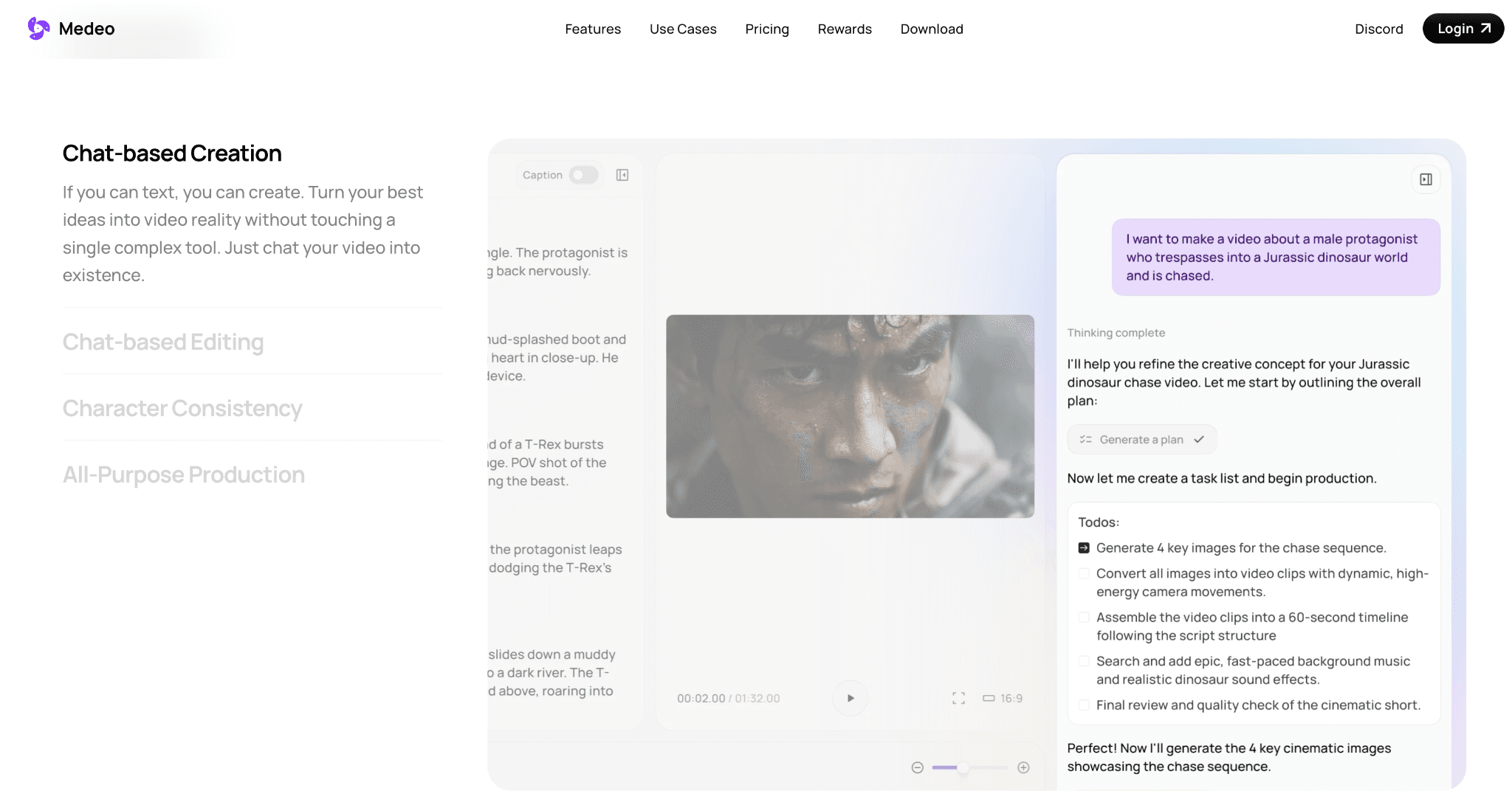
Medeo is an AI video generator that uses a chat interface instead of a traditional editor. You describe what you want, drop in a script, a URL, an image, or a blog post, and the system assembles a video. You can keep refining through conversation. So instead of clicking around a timeline, you tell the AI to slow down a scene, swap a clip, or change the music. It is great for explainers, faceless YouTube videos, real estate clips, product walkthroughs, and short-form marketing content.
Medeo does not run its own AI model. It is a wrapper that connects to third-party models and lets you pick which one to use for each generation. For video, you can choose between Sora 2, Sora 2 Pro, Kling, Seedance, Minimax Hailuo, WAN, VEO 3.1, and others. For voice, the options include ElevenLabs, Azure, Minimax, and a few smaller engines. For images, Medeo connects to Nano Banana, Midjourney, Seedream, GPT Image, and Grok.
This means one Medeo subscription gives you access to models that would otherwise require separate accounts and separate bills.
What Medeo offers
A multi-model marketplace: This includes Sora 2, Sora 2 Pro, Kling, Seedance, Minimax Hailuo, VEO 3.1, WAN, and Grok Video, accessed through one subscription.
Chat-based creation: The entire workflow happens through a chat interface. You describe the video you want, review the output, then refine through follow-up prompts. This removes the learning curve of traditional editing software but limits granular control. You can't manually adjust individual frames or timing without reprompting.
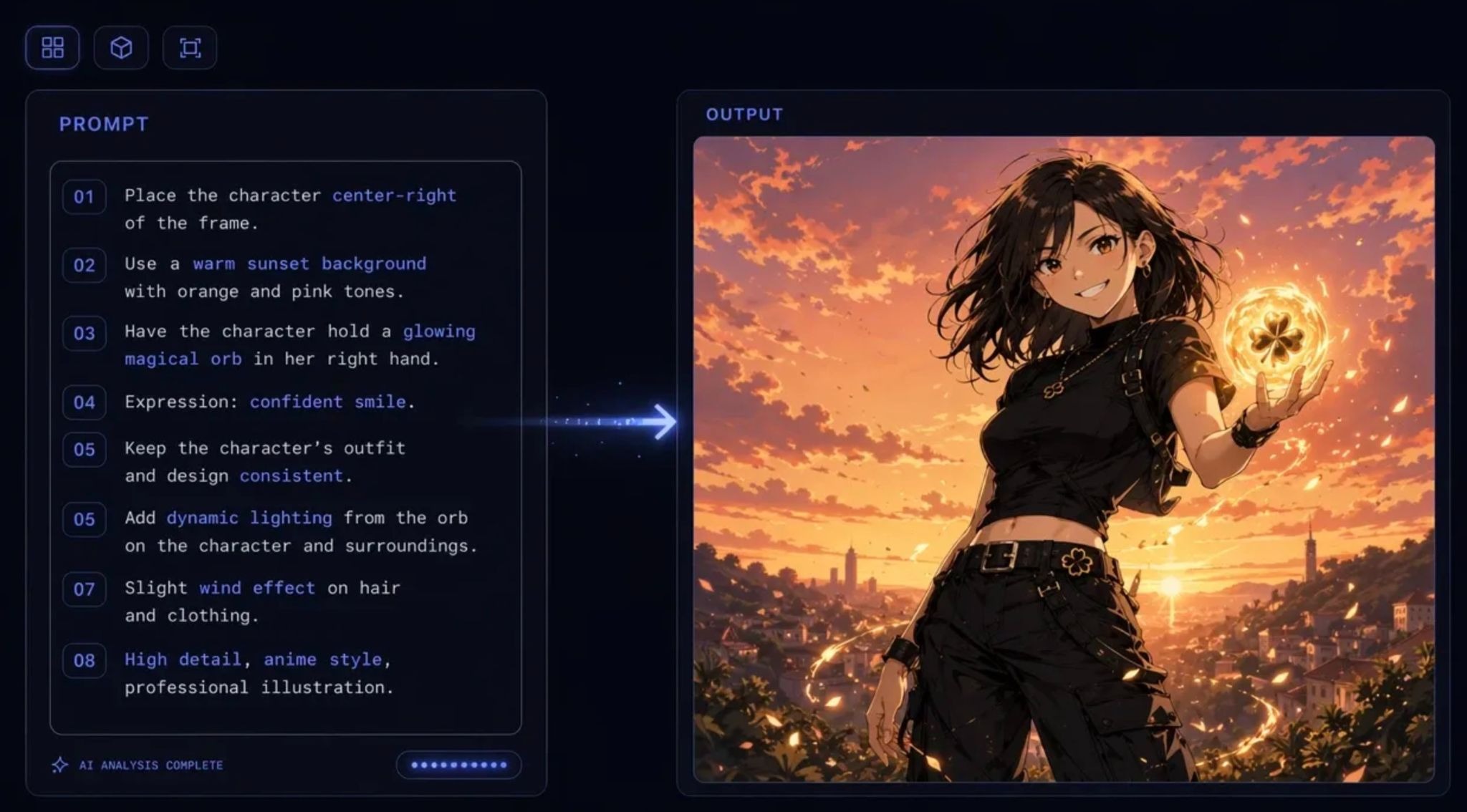
Multi-input options: Medeo accepts text prompts, blog URLs, video scripts, or reference images. The blog URL feature is useful for repurposing written content into video without rewriting everything. The tool extracts key points and visualizes them automatically.
Character consistency: Once you generate a character, Medeo maintains that character's appearance across scenes and videos. This matters for branded content, educational series, or any scenario where visual continuity is important.
Asset library: The platform includes stock footage, background scenes, and visual elements you can reference in prompts. The library isn't massive, but it covers common use cases like product demos, talking-head formats, and explainer videos.
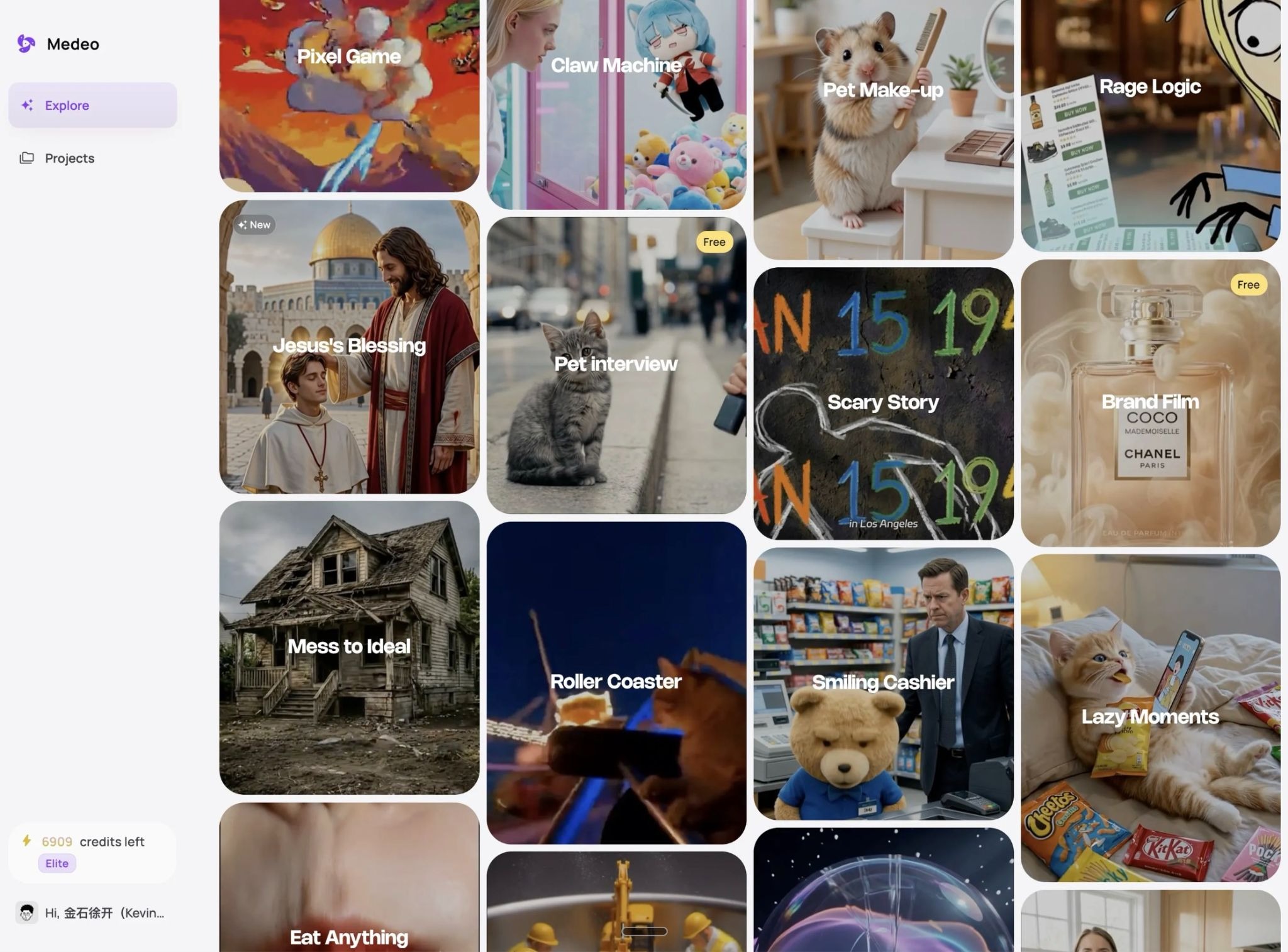
Multi-format export: Videos export in 16:9 (landscape) and 9:16 (vertical) formats. This covers YouTube, Instagram Reels, TikTok, and most social platforms without manual reformatting.
Visual timeline editor: While the chat interface handles most tasks, Medeo includes a basic timeline editor for manual adjustments. You can trim clips, rearrange scenes, or swap assets. It's not a full-featured editor, but it fills gaps when prompts don't deliver exactly what you need.
Medeo is a strong pick for solo creators, educators, marketers making explainer content, and anyone who wants to experiment with a wide range of generative models without subscribing to each one separately. The chat interface lowers the learning curve, and the asset library and editor are enough to ship a polished short-form video without other tools.
Medeo is not the right pick if you need a steady weekly volume of paid social ads (then you need tools like Airpost), if you need tight performance feedback loops, or if you need a strategist sitting between you and the AI.
How much does Medeo cost?
Medeo runs on a credit system with a free tier and four paid tiers. Annual billing is heavily discounted, and the prices below reflect the monthly equivalent when paid annually. Monthly billing costs more.
There is a free plan with 1 GB of storage, basic chat-based creation, and access to the editor, but watermarks stay on exports and premium models are locked.
Paid plans are structured as follows.
Pro at roughly $28 per month billed annually, or $39 month to month. Includes 700 credits per month, premium model access including Sora 2, Kling 2.5 Turbo, and Seedance 1.5 Pro, watermark removal, and unlimited storage.
Insider at roughly $76 per month billed annually, or $106 month to month. Includes 2,400 credits per month and the same model access as Pro.
Elite at roughly $236 per month billed annually, or $328 month to month. Includes 9,000 credits per month.
Enterprise is custom-priced and adds API access plus tailored service.
The catch with any credit system is that premium models eat through credits fast. Sora 2 Pro at 1080p costs about 16.66 credits per second of video, which means a 30-second ad in that model can burn 500 credits in a single render. The Pro tier's 700 monthly credits will not stretch far if you favor high-end models. Plan around the model you intend to use, not the credit number on the pricing page.
The pricing and the feature set make Medeo look like a strong all-in-one pick, and for casual use it often is. For teams pushing volume or production-grade output, a handful of issues come up consistently.
Why people look for alternatives to Medeo
From what we see on public forums and user review sites, here are things we observed about Medeo's day-to-day usage.
1. The credit allowances run out faster than the credit count suggests. Medeo's published pricing lists Sora 2 Pro at 16.66 credits per second of 1080p video, which means a single 30-second clip in that model uses about 500 credits. The Pro plan ships 700 credits a month. If you favor the premium models, that monthly budget will not stretch to many finished videos, and the real cost per export ends up well above what the plan price suggests. Top-ups exist, but they push the unit cost higher.
2. Users also report inconsistency once videos move past one or two scenes. Single-scene generations tend to look strong, which is where most Medeo demos shine. Longer narratives can drift in visual style or character appearance from scene to scene, and the character consistency feature does not always hold across longer cuts. This matters less for short product clips and more for any video built around a single character carrying a message through multiple beats.
3. Public reviews on Trustpilot and the app stores flag reliability issues as well. Slow rendering, page freezes during peak hours, and occasional export problems come up across multiple reviews. None of these are unique to Medeo, but they affect how reliable the tool feels when you are trying to ship on a deadline.
These may not be dealbreakers for everyone, but if any of them matter to you, it is worth exploring alternatives.
7 Best Alternatives to Medeo
The seven tools below cover the main categories Medeo competes in. Some are built specifically for paid social ads. Others lean toward avatar-driven business video, cinematic generation, or general-purpose editing. The right pick depends on what you are trying to ship.
Airpost
Airpost is a managed AI video ad platform for performance marketing teams that need a steady weekly flow of ads, not just one-off renders. Where Medeo gives you a tool and leaves you to direct it, Airpost gives you an AI engine paired with a dedicated creative strategist who shapes briefs, picks angles, and keeps the output on-brand.
Airpost is built for paid social media. It plugs into your ad account, tracks which creatives are performing, and uses those signals to keep iterating on winners.
What Airpost offers
A weekly volume of 10 to 30 finished ads, delivered ready to upload.
A dedicated creative strategist who maintains your brief and refines angles as your strategy shifts.
Mixed-source creative that blends client footage, library footage, and AI-generated clips.
Automatic variation generation when an ad starts working in the account.
Native support for 9:16 and 4:5 aspect ratios that match Meta and TikTok placements.
Performance tracking that ties creative output to spend and results.
Brand safety and compliance handling baked into the workflow.
It is best for performance marketing teams that need a continuous pipeline of ads with human strategic oversight, not a self-serve tool they have to operate themselves.
Pricing
Airpost starts at $8,000 per month, or 4% of paid spend running through Airpost-produced creatives, whichever is higher. The fee covers the platform, the dedicated creative team, and the weekly delivery of finished ads. It is built for brands with meaningful paid social spend.
HeyGen
HeyGen is an AI avatar video platform built around presenter-style content. The product lets you pick an avatar, type a script, and get a video of that avatar speaking your script in any of 175+ languages. The newer Avatar IV model handles lip-sync, micro-expressions, and gestures with notably better realism than the earlier generations.
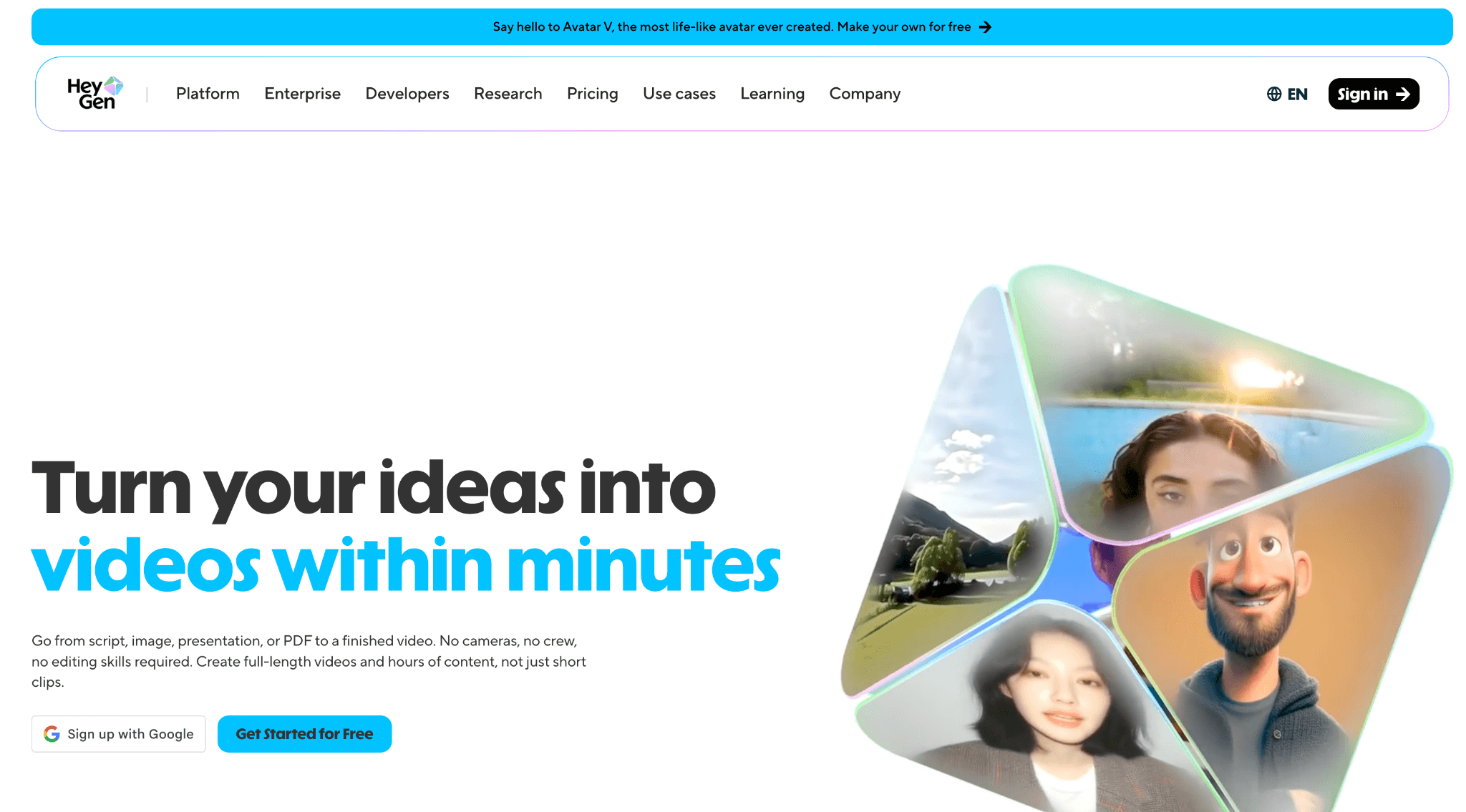
HeyGen is for business videos such as training content, sales outreach videos, product explainers, or localized marketing assets. It is not built specifically for paid social, but the avatar quality has made it a popular pick for talking-head ad creative.
What HeyGen offers
An avatar library of more than 700 stock avatars plus custom avatar creation from a webcam recording.
More than 1,000 AI voices with voice cloning available on higher tiers.
Multilingual video translation with lip-sync that maps to the new language.
4K export on the Pro plan and above.
Team collaboration and SSO on Business plans.
Integrations with Zapier and HubSpot.
A free plan with three videos per month for testing.
Pricing
HeyGen offers a free plan, a Creator plan at $29 per month, Pro at $99 per month, and Business at $149 per month plus $20 per seat. Premium Credits power Avatar IV and translation features, and extra credit packs are available. The credit usage on Avatar IV is high enough that heavy users often need to top up.
Synthesia
Synthesia is the closest peer to HeyGen and an even more enterprise-focused AI avatar platform. It is most often used for corporate training, internal communications, customer education, and product walkthroughs, where a clean avatar reading a polished script is what the business wants.
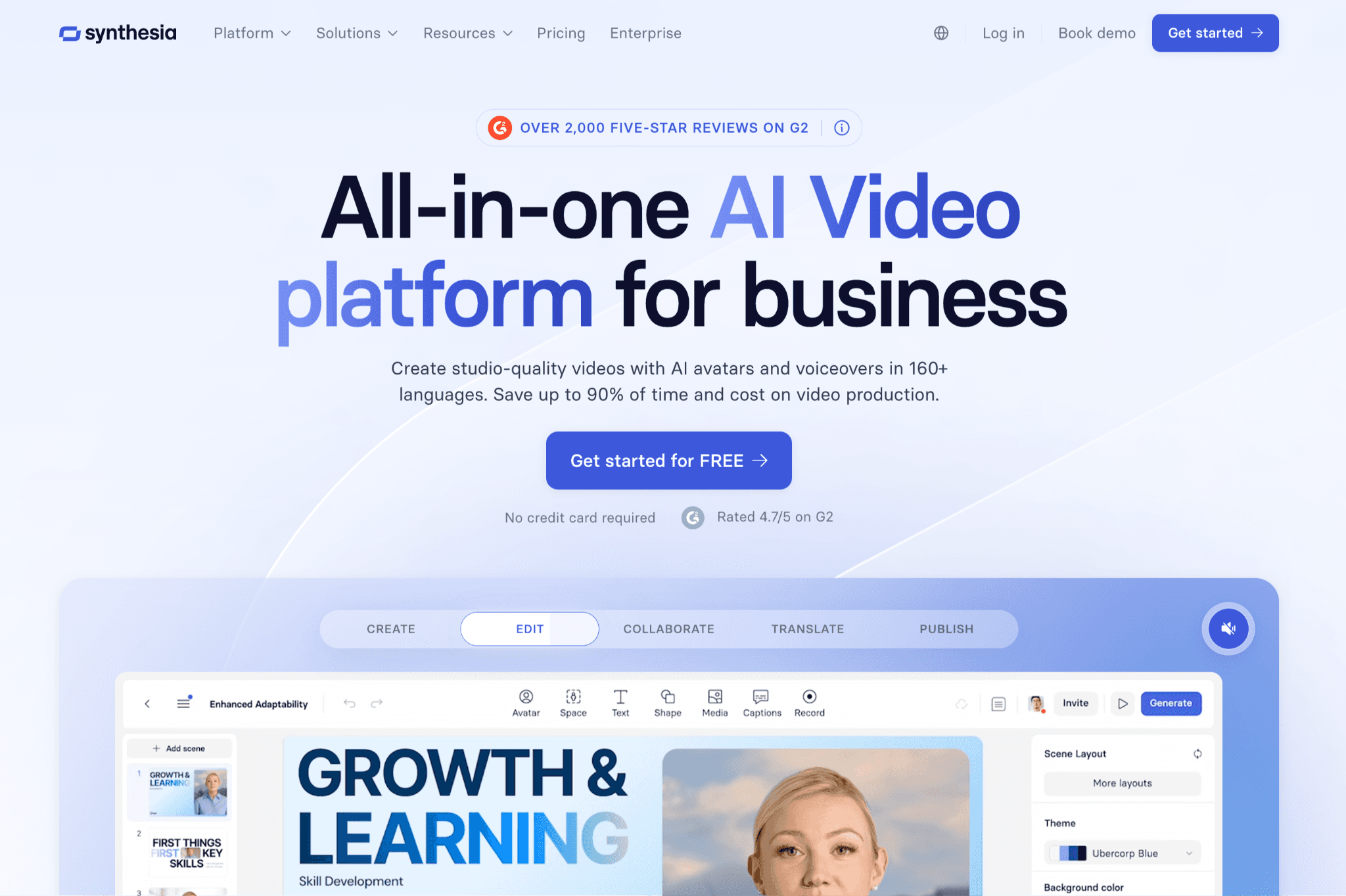
Synthesia recently added an AI Playground with Veo 3.1 and Sora 2 for generating video assets beyond avatars, plus a PowerPoint-to-video feature that converts decks and their speaker notes into finished videos.
What Synthesia offers
More than 240 avatars and 160-plus supported languages.
Custom personal avatars included with annual Starter and Creator plans.
PowerPoint-to-video conversion that preserves slide design and uses speaker notes as scripts.
AI Playground access to Veo 3.1 and Sora 2 for asset generation.
One-click translation that adapts entire videos into new languages without manual re-editing.
Enterprise-grade security, SSO, and admin controls.
Studio Avatars for an additional fee, which provide higher-end avatar quality.
It is best for enterprise teams making training, onboarding, or internal comms videos in many languages, where avatar consistency and admin controls matter more than ad creative variety.
Pricing
Synthesia has a free plan with 3 minutes per month and watermarked output, a Starter plan at $29 per month, Creator at $89 per month, and Enterprise at custom pricing that typically lands above $4,000 per year. Annual billing brings significant discounts.
Runway
Runway is the closest comparison to Medeo on the model side. It is also a multi-model platform that gives you one subscription and access to Runway's own Gen-4.5 plus Google Veo, Kling, Seedance, FLUX, and Seedream models. The difference is that Runway is built more around a traditional creative workflow with tools like motion brush, green screen, and inpainting, instead of a chat-first interface.
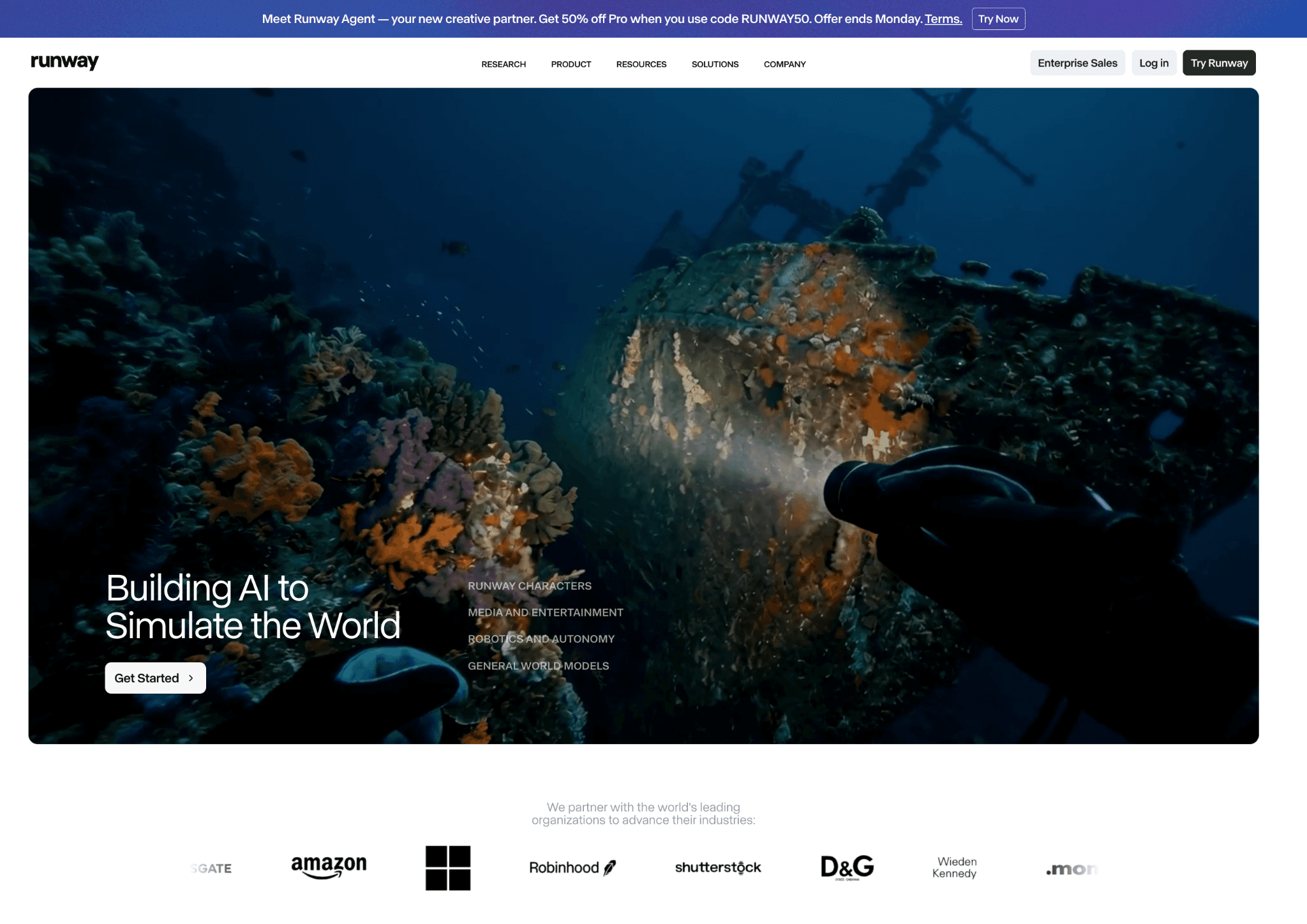
Runway output is more cinematic than Medeo. The output quality on Gen-4.5 is widely considered among the best for short cinematic clips, and the tooling around it is built for filmmakers, music video creators, and visual designers as much as for marketers.
What Runway offers
Gen-4.5 plus access to Veo, Kling, Seedance, FLUX, and Seedream under one subscription.
Motion Brush, which lets you paint a region of an image and define how it moves.
Green Screen for removing backgrounds without a physical green screen.
Inpainting for removing or replacing objects in video.
Super Slow Motion through frame interpolation.
Watermark removal and upscaling on paid plans.
A multi-user workspace on the Pro tier with up to 10 seats.
It is best for visual creators and content teams who want cinematic, model-rich generation with deeper post-production tooling, not a chat-first workflow.
Pricing
Runway has a free plan with 125 one-time credits, then Standard at $12 per user per month with 625 monthly credits, Pro at $28 per user per month with 2,250 credits, and Unlimited at $76 per user per month with unlimited slow-lane generation in Explore Mode. A 10-second 1080p clip with Gen-3 Alpha runs around 50 credits, according to third-party sources.
Arcads
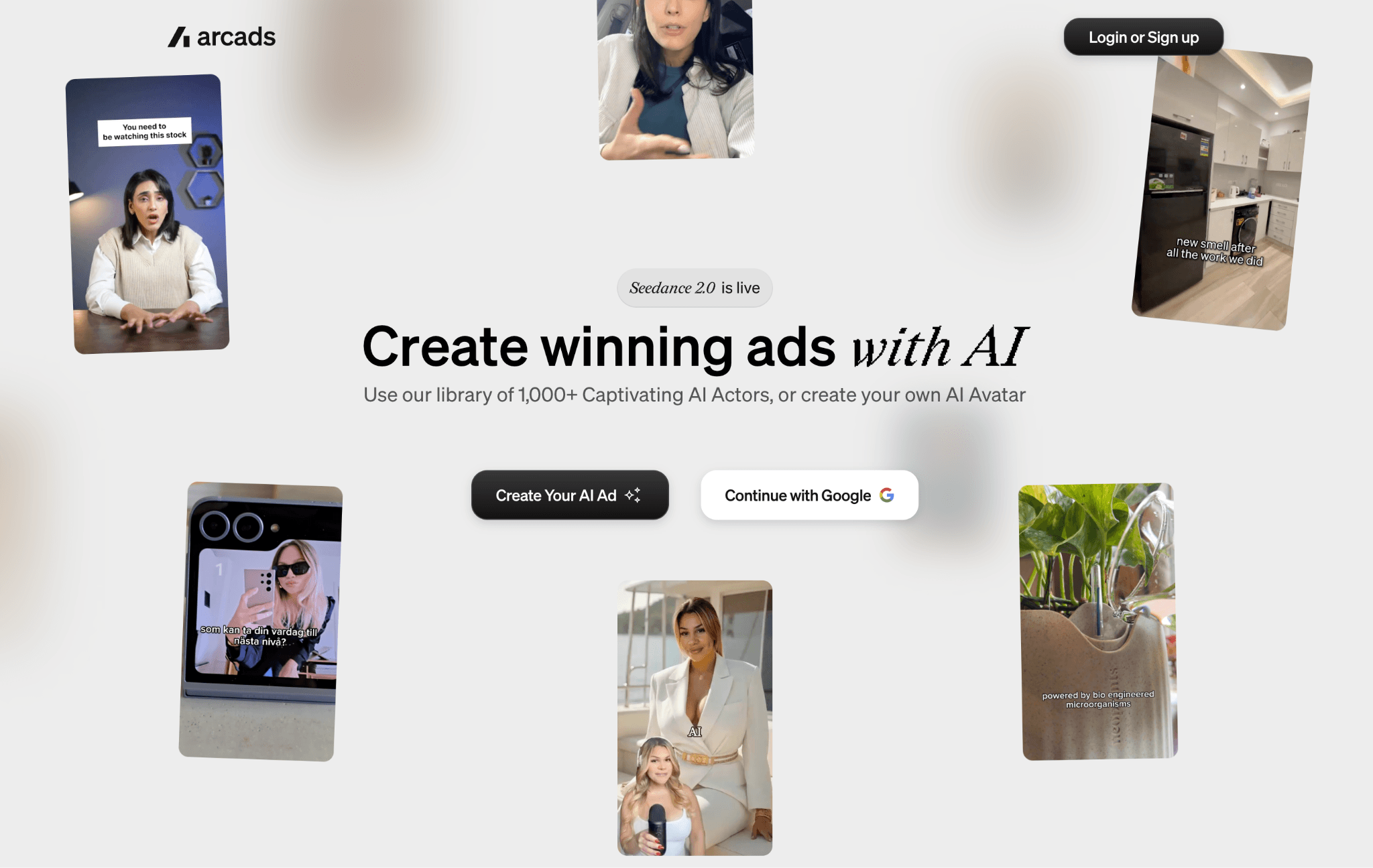
Arcads is purpose-built for UGC-style ad creative. You write or paste a script, pick an AI actor from a library of more than 1,000, and the platform produces a person-on-camera video reading that script. The output is meant to look like a creator talking to a phone, not a polished cinematic clip. You can test dozens of hook and angle variations a week without booking creators, shipping product, or filming.
What Arcads offers
More than 1,000 AI actors across age, ethnicity, gender, and style.
Speech-to-speech that maps your delivery onto an actor's voice, useful for nailing emphasis and pacing.
Batch generation that produces dozens of variations by swapping hooks, CTAs, actors, and backgrounds.
Multi-actor scenes on the Pro tier.
Translation and localization into more than 30 languages.
Fine-grained emotion control through text prompts.
White-label output on the Agency tier.
Pricing
Arcads offers Starter at $110 per month for 50 videos, Pro at $220 per month for 150 videos plus multi-actor scenes, and Agency from $440 per month with unlimited videos and white-label. There is no free trial. You have to subscribe to a paid plan to test the product.
It is best for paid social teams that need high-volume UGC-style talking-head ads and want to test many actor and script combinations per week.
Creatify
Creatify is another paid social-focused ad maker. It overlaps with Arcads but adds URL-to-video as a core flow. You can paste a product page, and Creatify pulls the images, copy, and selling points to assemble a draft video automatically. From there you pick an avatar, tweak the script, and export.
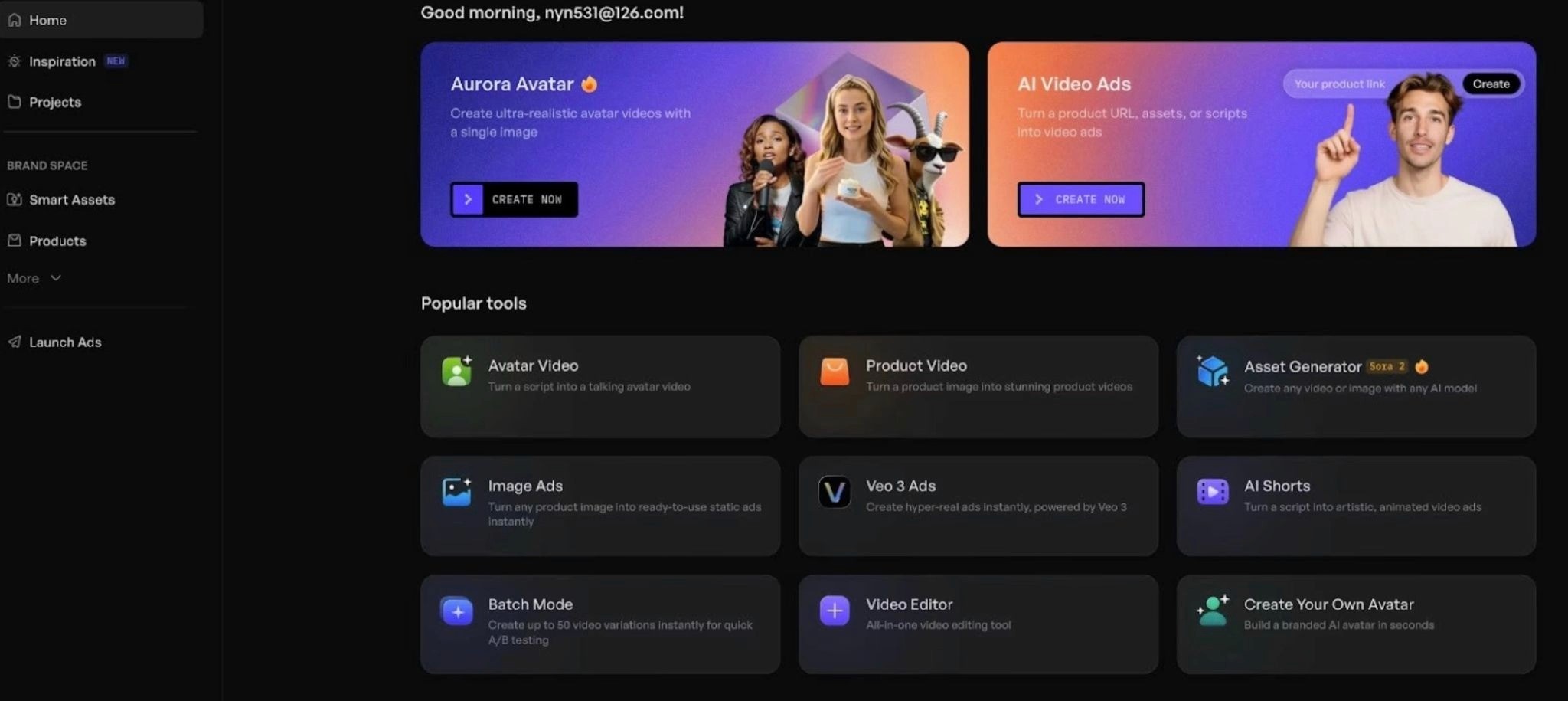
The platform is built for e-commerce brands, dropshippers, and marketers who need short UGC-style ads quickly for TikTok, Meta, YouTube Shorts, and Snapchat.
What Creatify offers
URL-to-video that auto-extracts product info from a link and turns it into a draft.
More than 1,000 AI avatars on higher tiers, including custom avatar creation.
Batch mode for spinning up many variations of the same idea.
Support for 9:16, 1:1, and 16:9 aspect ratios.
A stock library of more than 10,000 B-roll clips on Pro.
Voice options across 29 languages and 140-plus accents, per third-party listings.
Exports up to 4K on higher plans.
Pricing
Creatify has a free plan with 10 monthly credits and watermarked exports, a Starter plan at $19 per month with about 240 videos worth of credits per year, a Pro plan at $49 per month with about 480 videos per year, and an Enterprise tier with custom pricing.
InVideo
InVideo is the most general-purpose tool in this list. It is a template-driven video editor with a strong AI layer on top. You can start from a prompt, a script, a URL, or a template, and the AI will pull stock footage, write captions, add a voiceover, and assemble a video.
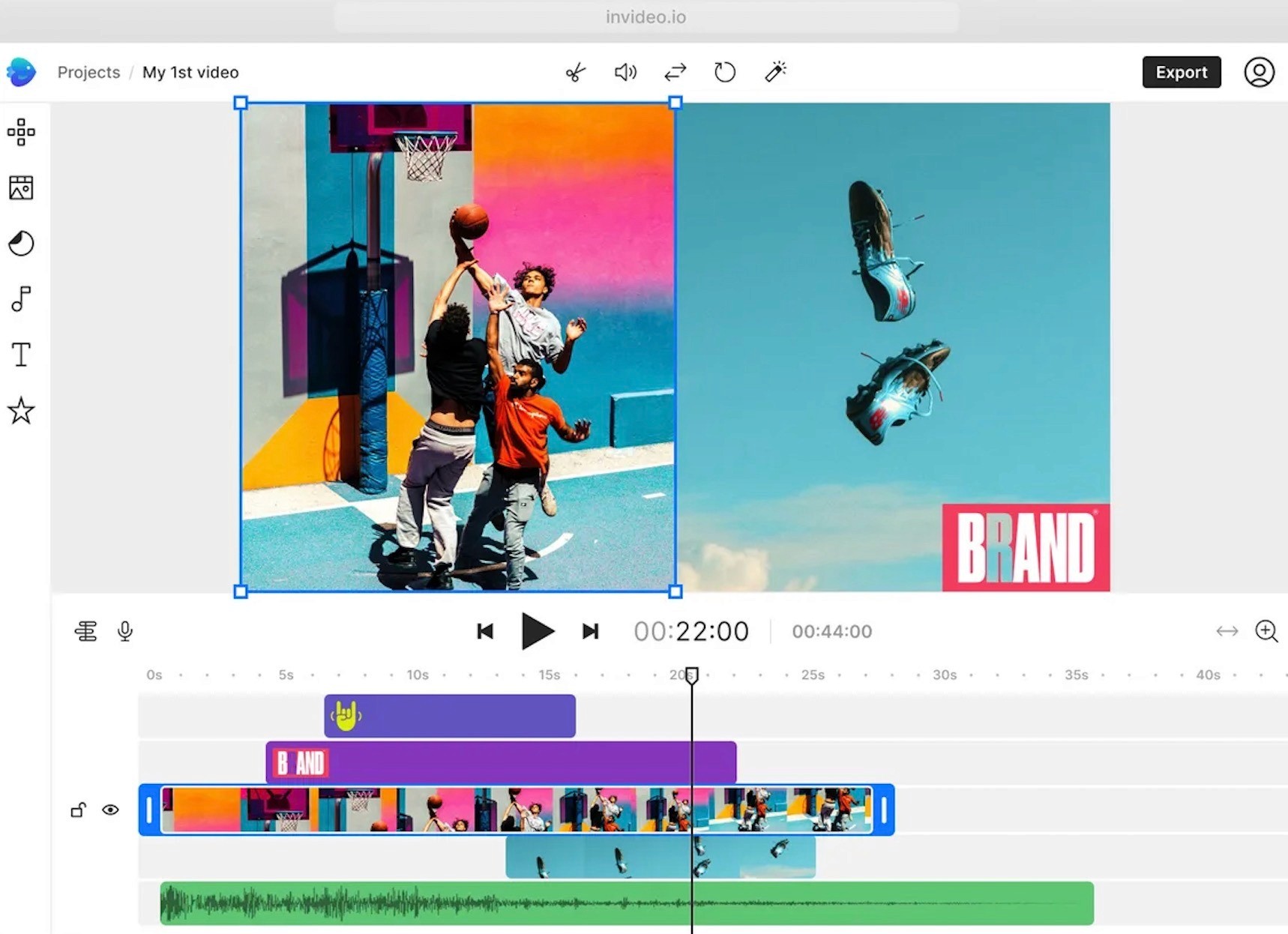
InVideo is widely used for short-form social content, YouTube videos, explainers, and simple promos. It is less specialized for paid social than Arcads or Creatify, and less cinematic than Runway, but it is one of the most accessible tools for non-editors.
What InVideo offers
Text-to-video that handles script, footage, voiceover, subtitles, music, and transitions.
Access to Sora 2 and Veo 3.1 inside the same workflow, per the InVideo pricing page.
More than a hundred templates across ads, promos, and social formats.
A drag-and-drop timeline editor for fine-tuning.
A large stock library of video, audio, and images.
Voice cloning with one to five clones depending on tier.
VFX tools including Relight, Prop Swap, and AI Colorist.
Easy switching between 9:16, 1:1, and 16:9 formats.
It is built for creators and small teams that want a general-purpose AI video tool with a real editor, a stock library, and access to high-end models for occasional cinematic work.
Pricing
InVideo has a free plan with 10 AI minutes per week and watermarked exports, a Plus plan at $25 per month, and a Max plan at $60 per month, with discounts for annual billing. Higher Generative and Team tiers appear on third-party sources but should be confirmed on InVideo's own pricing page if relevant.
If your goal is winning ads, not just generating videos, choose Airpost
Medeo is a strong pick for general video work. You get explainers, faceless YouTube videos, real estate clips, short cinematic stories. But when the goal is paid social, and the success metric is revenue, it gets harder to justify choosing Medeo.
Paid social works on a feedback loop. You launch a batch of ads, see what performs, and use those results to shape the next batch. A general video tool like Medeo does not have access to your ad account, so each batch starts without that context. Airpost is built around that loop. It tracks which creatives are working, generates variations of them, and sits alongside whatever creative team or agency you already have.
Airpost runs on a proprietary ad taxonomy that categorizes every creative by format, hook type, angle, and performance pattern, so the system learns what works specifically for your account.
What you get with Airpost:
A dedicated creative strategist who manages the brief and keeps every ad on-brand.
A weekly delivery of 10 to 30 finished ads in 9:16 and 4:5, ready to launch.
Mixed-source creative that blends your own footage, library footage, and AI-generated clips.
Automatic variation generation when an ad starts winning in the account.
Performance tracking that ties every creative back to spend and results.
Book a demo to see how Airpost can keep your ad account stocked with diverse, performance-ready creative every week.
FAQ
Is Medeo free?
Medeo has a free tier with 1 GB of storage, chat-based video creation, and access to the editor, but exports include a watermark and the premium models are locked. To remove the watermark and use Sora 2, Kling, Seedance, and similar models, you need a paid plan starting around $28 per month on annual billing.
Medeo vs HeyGen, which is better?
They solve different problems. HeyGen is built around AI avatars for presenter-style video, training content, and translated business video. Medeo is built around chat-based generative video with a model marketplace behind it. If you need a talking head reading a script, HeyGen has the better avatar and voice depth. If you need cinematic shots, animated scenes, or product visualizations, Medeo's model access is the bigger lever.
Can you use Medeo for ads?
You can, and many users do. Whether it is the right tool depends on the kind of ad. For cinematic product videos, animated explainers, or stylized short clips, Medeo's model variety is useful. For high-volume UGC-style ad testing, Arcads, Creatify, or a managed platform like Airpost will deliver more usable creative per dollar.
What happened to medeo.ai?
Medeo migrated from medeo.ai to medeo.app. Both names refer to the same product. The current site, help center, and mobile apps all live at medeo.app.


