If you're scaling paid social and need talking-head UGC without a creator roster, Arcads is an option that often comes up. You can pick an AI actor, paste a script, and get a short performance video built for TikTok and Reels.
But "fast UGC" only matters if the output actually performs on social media platforms. In this Arcads review, we look at what the platform does well in 2026, where it falls short for performance marketers, and the alternatives worth testing if Arcads doesn't fit your workflow.
What is Arcads?
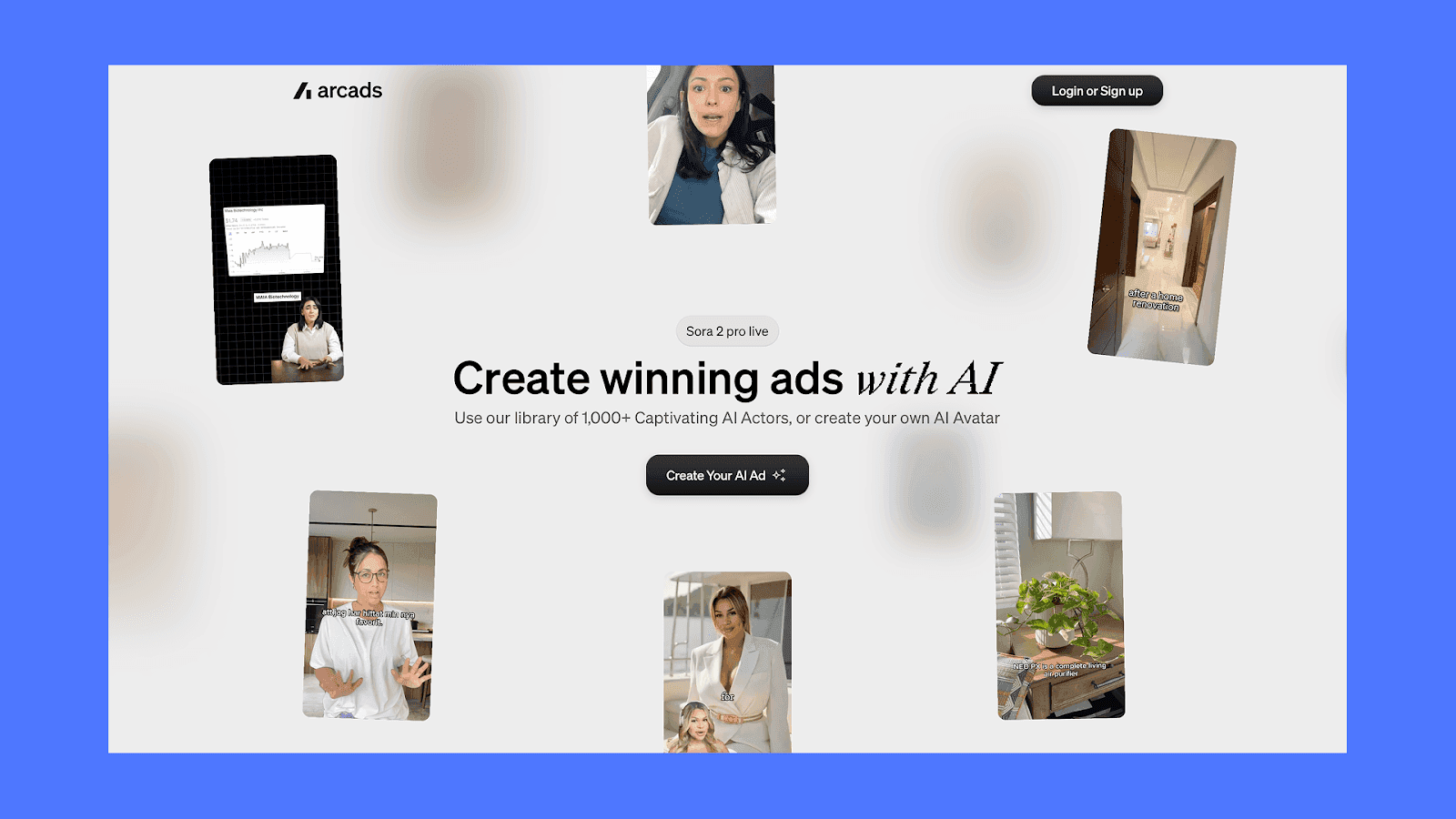
Arcads is an AI ad generator focused on TikTok-style UGC videos. Instead of hiring creators, you work with a library of 1,500+ AI “actors” or generate your own avatar, then script short performance ads for mobile feeds. Teams use it mainly for direct-response creatives for apps, SaaS, and DTC products where you want a talking head, social proof, and fast iteration, without running a full creator program
Key features
Arcads has added a few notable capabilities over the past year. Here's what the platform offers today:
1,500+ AI actors: The library has grown meaningfully since launch, with broader demographic coverage and a stronger focus on natural micro-expressions. Newer actor models hold camera better and have more believable mouth shapes during fast delivery.
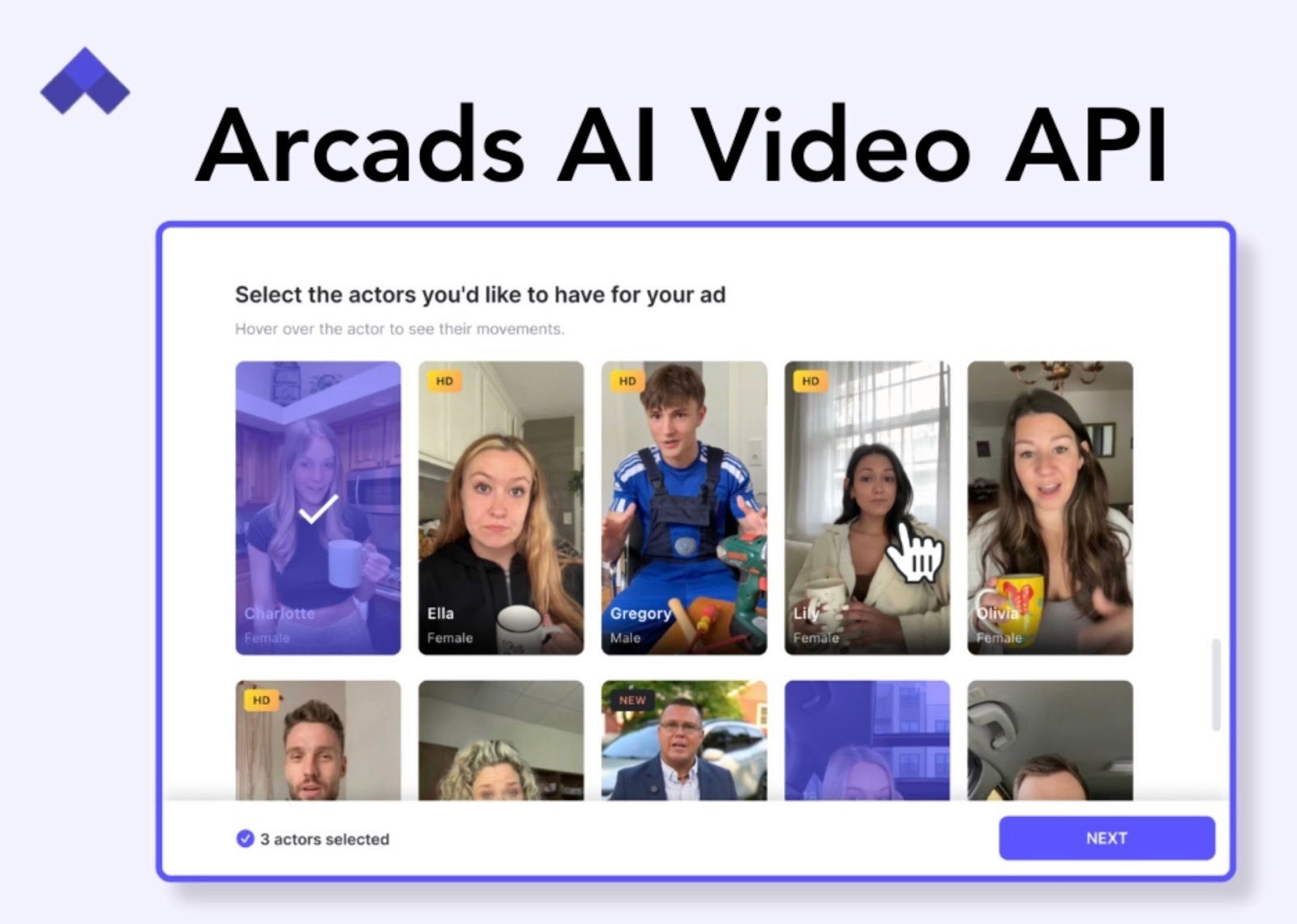
Custom actor creation: You can upload short footage of a real person (yourself, a creator on retainer, a UGC partner) and Arcads will train a custom avatar. Useful for brands that want consistent on-screen identity across hundreds of ads.
Multi-actor batch generation: Attach the same script to multiple actors and generate variants in a single run. Standard workflow for hook testing.
Hook generator: A built-in tool that drafts opening lines based on your product and angle. Light but useful as a starting point.
Text-to-speech with adjustable delivery: You can tweak pacing, emphasis, and emotional tone per line, which helps the read feel less robotic. Lip-sync is reliably tight at 1x speed; slightly less convincing on fast cuts.
Localization in 35+ languages: Re-voice the same actor and script across markets without re-shooting. Translation quality is good for common ad copy, less reliable for idiomatic or culture-specific hooks.
API access (Enterprise): Programmatic generation for teams running creative pipelines at scale, plus webhook support for slotting Arcads output into internal asset management.
In-tool performance benchmarks: Sample videos in the gallery now show live campaign metrics (spend, ROAS, CTR) which helps when picking actor styles for direct-response style videos.
Pricing
Arcads doesn’t list pricing publicly. Plans appear after onboarding. From information collected from forums, and public sources, a typical tiers look like:
The starter plan is around $110/month. You can generate up to 10 videos per month.
The Creator plan starts from $220/month, giving you up to 20 videos per month.
You can also get custom plans if you plan to generate a large volume of ads and need access to APIs.
Plans are structured around how many finished videos you need each month, so you can compare the per-video cost directly with hiring UGC creators or influencers.
Why People Look for Arcads Alternatives
Marketers generally like Arcads for how real the actors look, but once they start using it, a few practical gaps show up. These explain why some teams keep a second tool alongside Arcads or switch entirely.
It only solves one step of the ad workflow: Arcads generates the talking-head clip and stops there. You still have to write the script, build the rest of the video timeline, layer in captions, add B-roll, and upload to Meta and TikTok yourself. If you want one tool that takes you from idea to published ad, Arcads only covers a small slice in the middle.
Limited use for physical products: Arcads actors can talk about your product, but they cannot pick it up, demonstrate it, or interact with it in any real way. That means the actual product demo, usually the most important shot in a DTC ad, has to be filmed or generated somewhere else. Most ecommerce brands end up using Arcads for the opening hook only and shooting the rest of the ad with creators or stock footage.
Per-video pricing punishes high-volume testing: Plans are priced by the number of finished videos you generate each month, so if you run 20 or more hook tests a week with multiple actor and script variations, you burn through your monthly allowance in a few days. At that volume, the cost per test ends up higher than working with a roster of human UGC creators.
No native scripting or creative strategy: The built-in hook generator only suggests opening lines. There is no concept brief tool, no script structure tied to your funnel stage, no logic that helps you decide which angles to test, and no campaign-level testing framework. Arcads expects you to walk in already knowing what you want to say.
Minimal editing control: Once a video is generated, there is no timeline view, no scene cuts, no overlays, no pacing notes, and no way to fine-tune individual gestures or emphasis. Even small changes like adjusting a beat, fixing a stumble, or shifting tone require regenerating the entire clip from scratch and using another credit.
These aren't dealbreakers for every team, but they're consistent reasons performance marketers either pair Arcads with another tool or switch entirely.
5 Best Arcads alternatives in 2026
The right alternative depends on what you're actually trying to fix: more output volume, real product demos, full-funnel creative, image ads, or a managed team. Here are the options worth testing.
Below, we’ll look at a few options that are good alternatives to Arcads.
Airpost
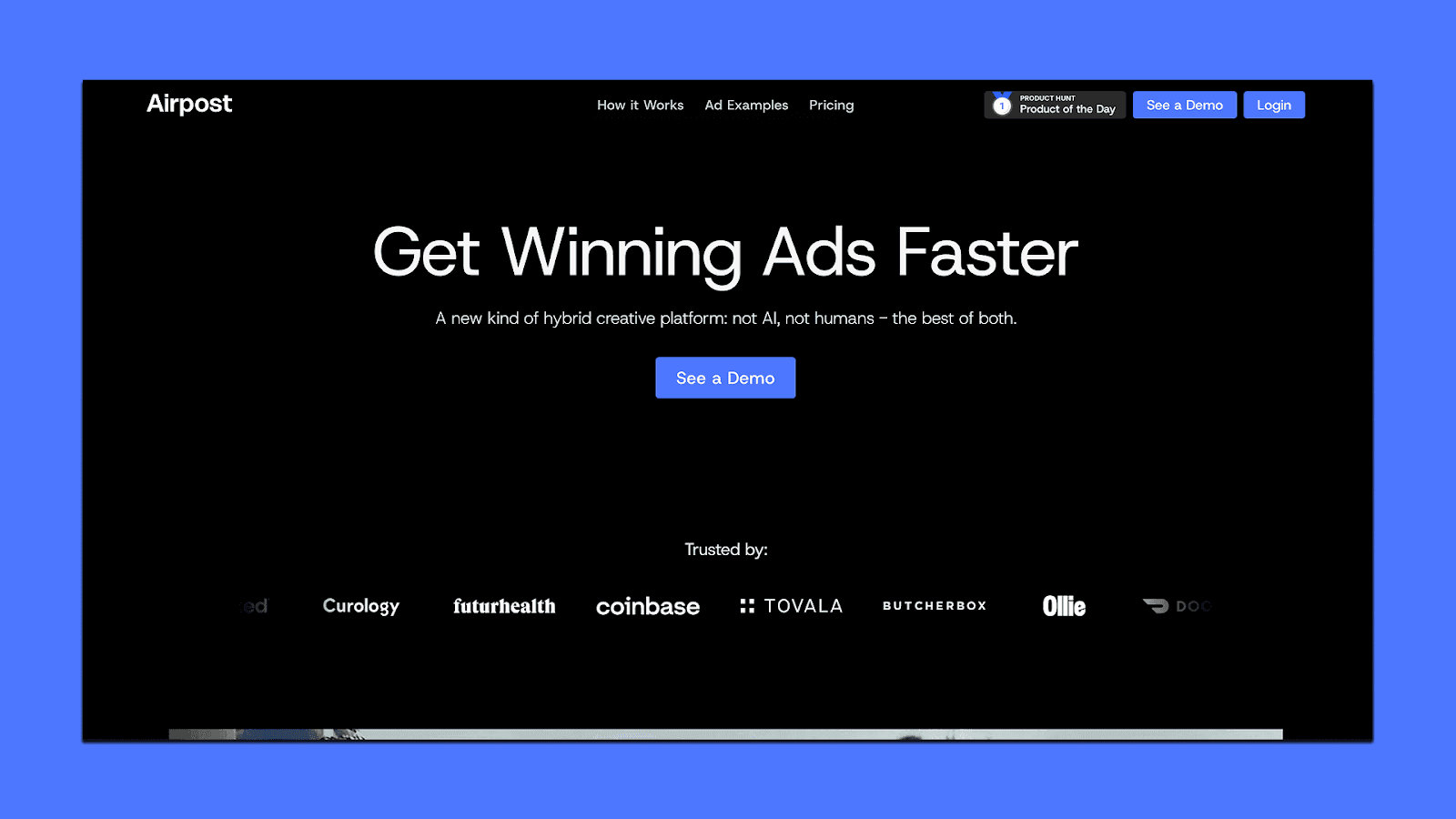
Airpost works differently from every other tool on this list. It's not a self-serve generator where you type prompts and export clips. It's a managed platform that delivers 10 to 30 done-for-you video ads per week, built by a hybrid engine that combines AI with expert creative strategists. You upload your brand assets and set a living brief. Airpost's team handles the rest: scripting, footage selection, assembly, and iteration. It's designed for performance marketing teams running significant spend on Meta and TikTok who need a high volume of diverse, on-brand ad creative without the slow timelines of a traditional agency.
You can browse real examples of ads created with Airpost here.
Key features:
Living brief that updates your ads automatically as your messaging, personas, or angles shift
24/7 ad monitoring that triggers new variations when a creative starts winning
Automatic resizing to 9:16 and 4:5 with repositioned text and optimized safe margins
Brand safety and compliance with a built-in Disclaimers feature
Hands-off uploads to Meta and TikTok following your naming conventions
Airpost's proprietary ad taxonomy categorizes every creative by format, hook type, angle, and performance pattern. This means the system doesn't just make ads. It learns which kinds of ads work for your brand and prioritizes those approaches each week.
Pricing:
Airpost uses a minimum-spend model rather than per-seat or credit-based pricing. The minimum is $8,000/month or 4% of spend on Airpost-touched ads, whichever is greater. That covers the platform, creative team, footage library access, and ongoing performance optimization.
Zeely AI
Zeely AI is another option if you want a mobile-first tool that can generate quick UGC-style ads and run basic campaigns without needing separate apps or freelancers. It’s built with small businesses and solo e-commerce owners in mind — people who want to launch ads fast, test ideas cheaply, and manage everything from a phone. You paste a product URL, Zeely pulls the data, generates a script, creates a talking-head video or image ad, and helps push it into a Meta/TikTok campaign.
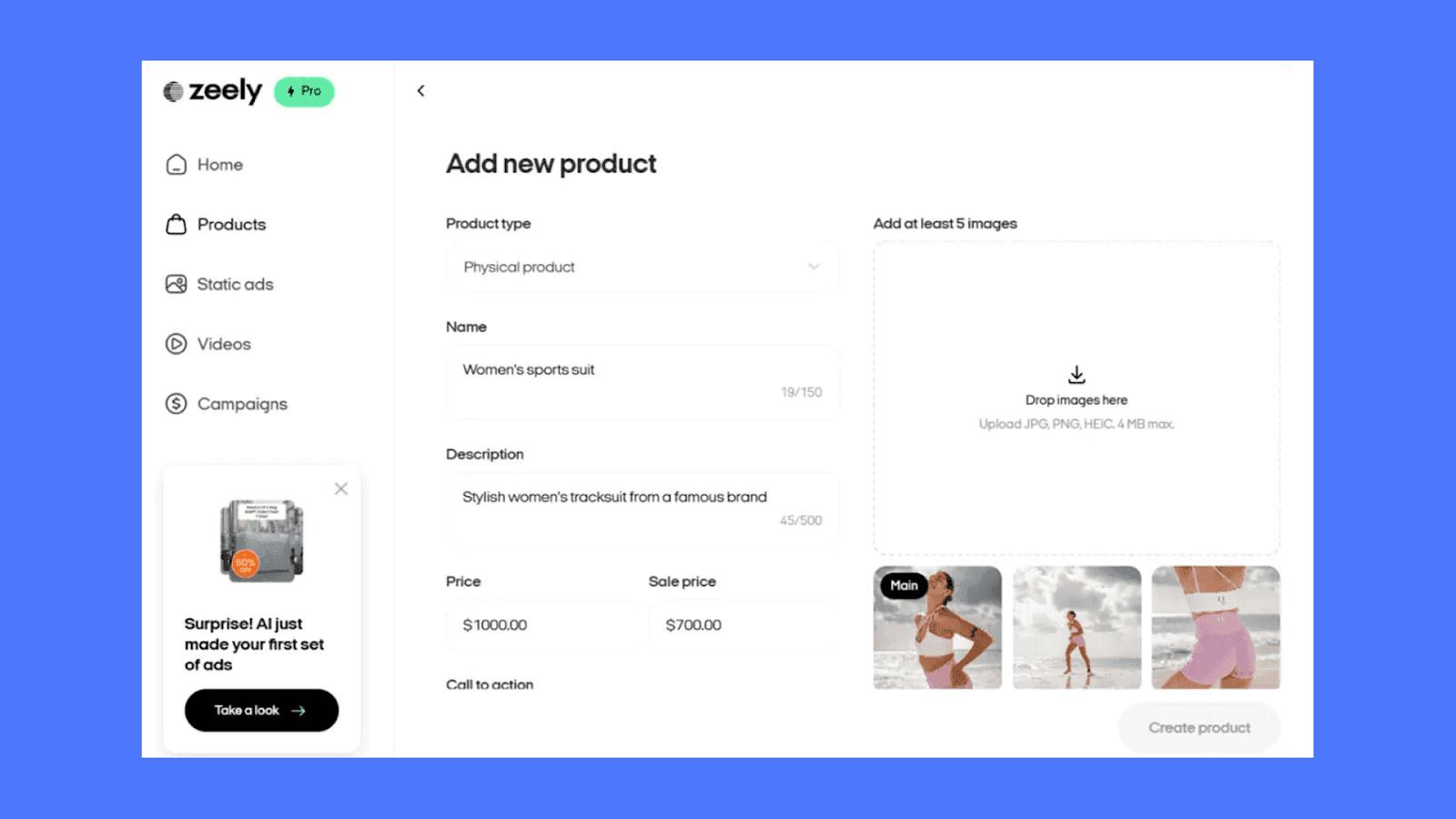
Key Features:
UGC video generator using 30+ AI avatars for ads based on real creators
Auto-scripts from URLs + quick editing for hooks, captions, and background music
Image ads built from 200+ templates, sized for all major platforms
Campaign automation (launch, test, adjust across Meta/TikTok)
E-commerce tools like no-code landing pages and simple order tracking
Recent models (Veo 3.1, Kling 2.6) for more natural motion and cleaner UGC-style footage
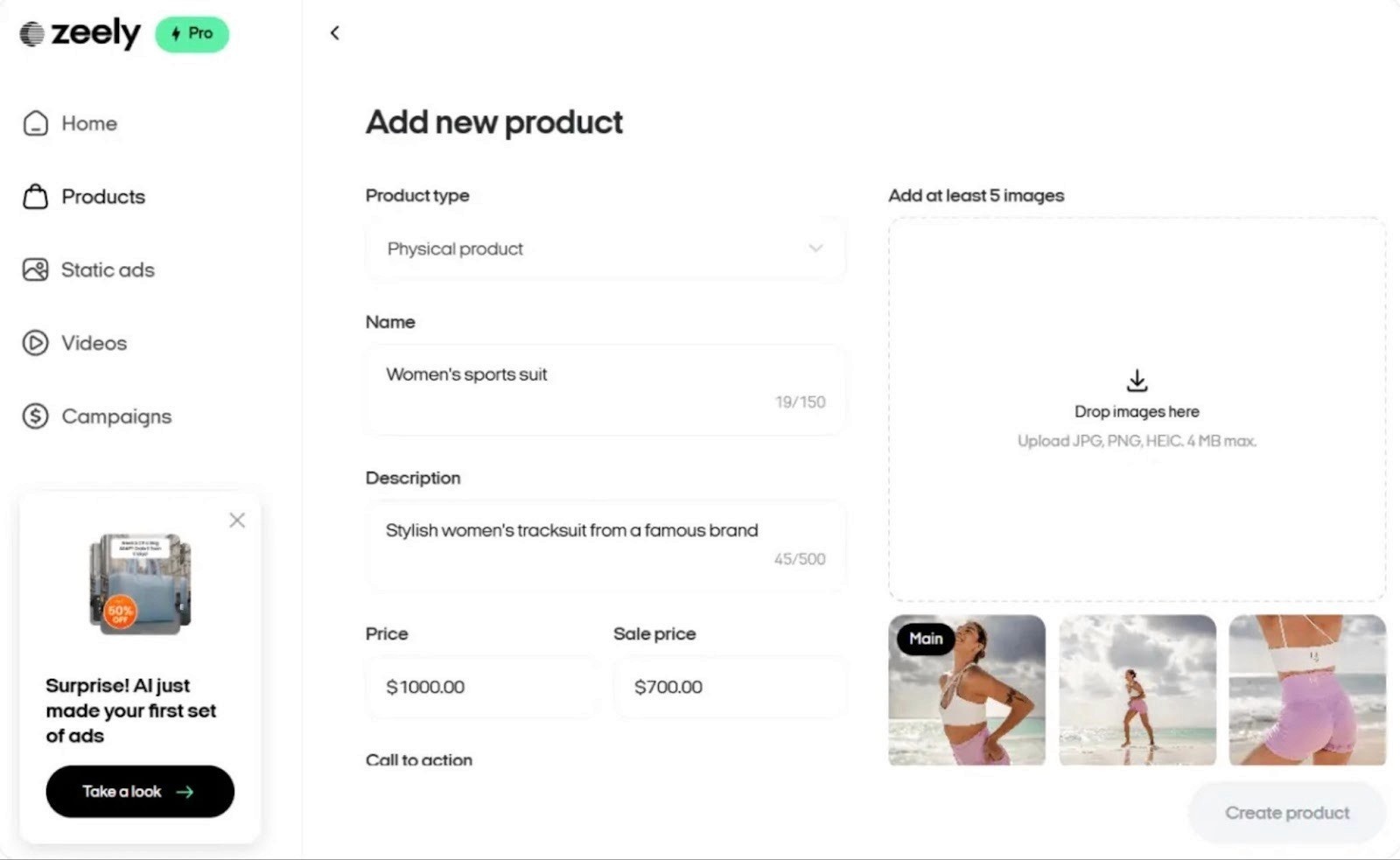
Pricing:
Zeely uses a subscription + credits model.
Plans typically start around $25–$35/month for light usage
Higher tiers (around $79/month+) unlock more credits, advanced generation, and campaign automation
Credits are used for each video, and add-ons available for volume work.
Trials exist, but require upfront payment, and cancellations must go through support. Exact pricing varies by region and feature set, so check their website for current rates.
HeyGen
HeyGen generates talking-head videos from text using AI avatars. Where Arcads focuses on scrappy, feed-native UGC clips, HeyGen leans more polished and broadcast-grade, with stronger custom avatar fidelity and better support for longer scripts and multi-scene videos. Teams in content, sales, and L&D tend to pick HeyGen over tools like Arcads because the use case is less about social ads and more about structured presenter-led video.
Key features:
500+ stock avatars plus custom avatars trained from your own footage
Lip-synced translations in 175+ languages with voice cloning
Avatar V (launched April 2026) generates digital twins from 15 seconds of footage
Unlimited video creation on all paid plans, up to 30-minute videos
Pricing:
HeyGen runs on a subscription plus credit model. All paid plans include unlimited video creation, but advanced features like Avatar IV consume premium credits (20 credits per minute). There are four tiers:
Free: 3 watermarked videos per month at 720p. Good for testing avatar quality before committing.
Creator ($24/month annual): Unlimited 1080p videos, 200 monthly premium credits. That works out to roughly 10 minutes of Avatar IV video per month. Single user only.
Pro ($99/month): 2,000 monthly credits, 4K export. Best for individual power users who need heavy avatar or translation usage.
Business ($149/month + $20/additional seat): Custom avatars, team workspaces, and collaboration features. Credits are pooled across the team.
Creatify
Creatify converts product URLs into ready-to-run UGC-style video ads. You paste a Shopify, Amazon, or website link, and the platform pulls product info and generates multiple ad variations using its avatar library and product shot tools. Compared to Arcads, Creatify has a broader feature set: it handles animated product shots, batch generation across SKUs, and competitor research, not just talking-head clips.
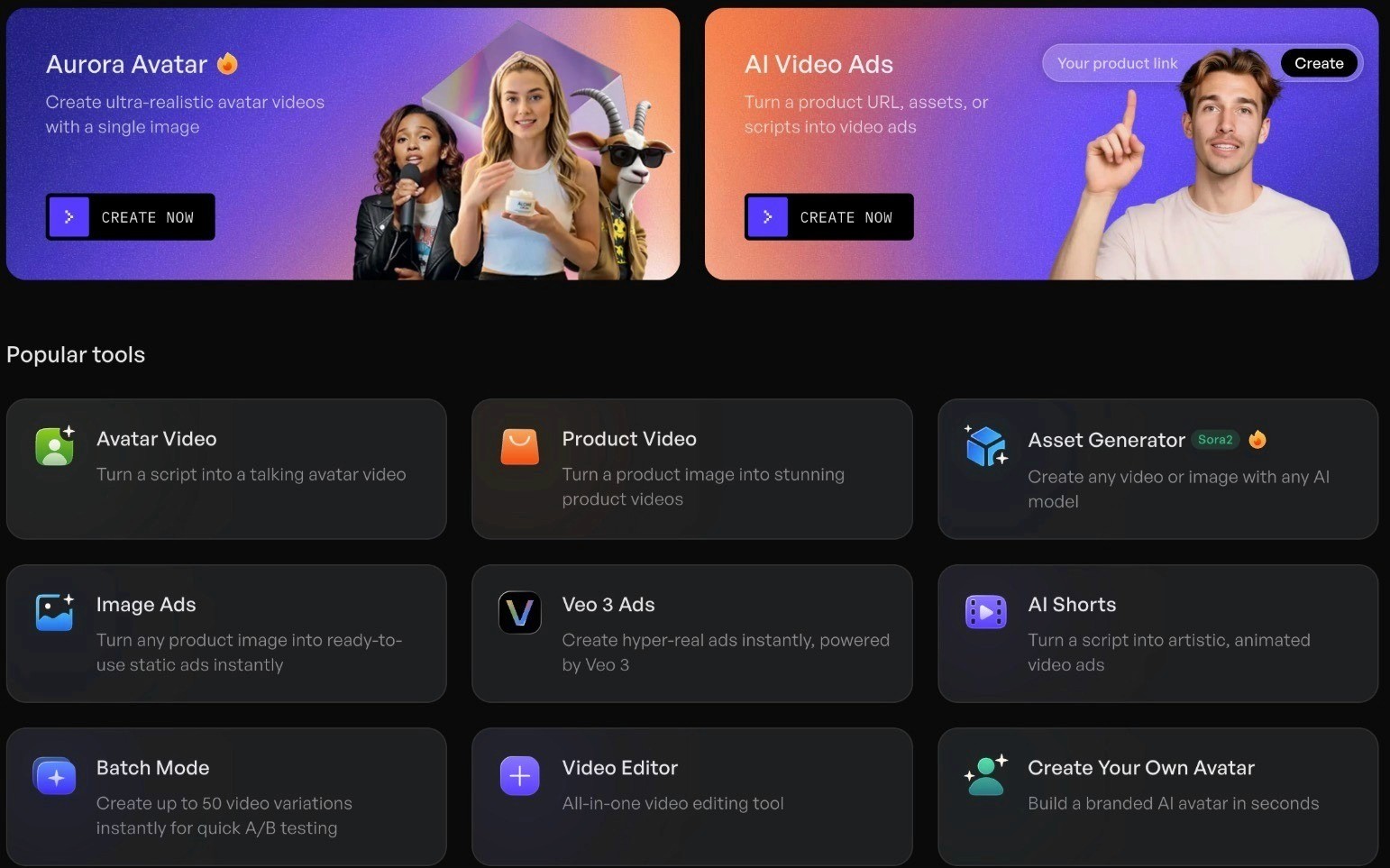
Key features:
1,500+ AI avatars with facial expressions, gestures, and multilingual voice
Batch mode for generating ads across multiple SKUs at once
AdMax suite for competitor research, trend discovery, and creative testing signals
Product video generator for turning static images into animated product shots
Pricing:
Creatify uses a credit-based model. Credits don't roll over, so teams generating high volumes typically go with annual plans. There are three main tiers plus a free option:
Free: 10 credits (roughly 2 video ads), watermarked exports, access to 300 avatars and 40 templates.
Starter ($19/month): 1,200 annual credits, watermark removal, 100+ avatars, videos up to 2 minutes, 29 languages.
Pro ($49/month): Full avatar library of 1,500+, 3 custom avatars, stronger video models (Sora 2 Pro, Veo 3.1), videos up to 10 minutes, and Meta/TikTok publishing.
Custom/Enterprise: Bulk creation, API access, multi-brand support, and done-for-you creative services.
AdCreative.ai
AdCreative.ai is built for a different part of the ad workflow than Arcads. Instead of generating video, it focuses on static ad creatives: banners, display ads, and social image ads. It uses AI to generate branded visuals at scale and scores each one with a predicted conversion rating before you spend any media budget. It's most useful for teams that need high volumes of static variations for Google Display, Meta image ads, or social posts.
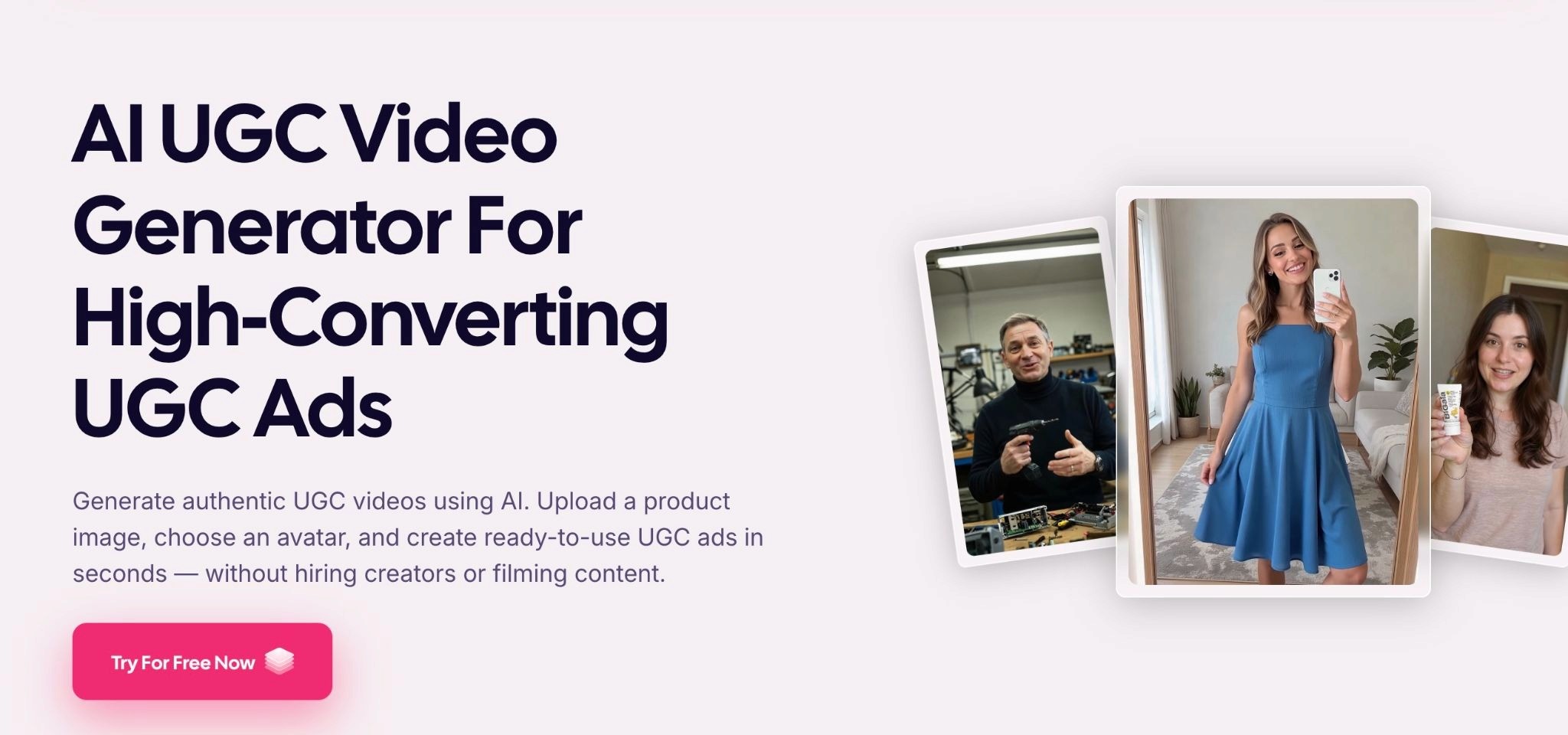
Key features:
Creative Scoring AI that predicts performance before you launch
Competitor Insights AI for analyzing what others in your space are running
Ad text generator (AdLLM) for writing headlines and copy using proven frameworks
Integrations with Google Ads, Meta, and other platforms for performance tracking
Pricing:
AdCreative.ai uses a credit-based subscription. You can generate unlimited creatives, but credits are consumed when you download. A 7-day free trial with 10 credits is available across all plans. There are three paid tiers:
Starter ($39/month): 10 download credits, 1 brand, 1 user. All core AI features unlocked including unlimited generations and stock image access. Static ads only.
Professional ($249/month): 100 credits, up to 10 brands and 10 users. Unlocks video ad capabilities (product videos, storytelling ads), batch creation, compliance checking, and Creative Scoring AI.
Ultimate ($599/month): 500 credits, 25 brands, 20 users. Adds fine-tuning for deeper AI customization per brand and full format diversity across static and video.
Video features are locked behind the Professional tier, so if you're specifically looking for video ads, the entry price is effectively $249/month.
Choose Airpost to Scale Your Ad Creative
Arcads and the other tools on this list can help you generate individual assets, but they all leave the harder work to you: writing scripts, choosing angles, assembling timelines, figuring out what to test next, and uploading finished ads to your platforms. You're still the strategist, the editor, and the project manager.
Airpost removes that entire layer. You set a living brief, and a team of creative strategists backed by AI handles everything from there: scripts, footage selection, assembly, performance monitoring, and iteration. When an ad starts winning, Airpost triggers new variations automatically, exploring different hooks, personas, and angles to scale what works.
Here's what that looks like in practice:
Airpost delivers 10 to 30 new video ads per week without you scripting, editing, or uploading anything
Ads are built from your assets, a library of 300,000+ real footage clips, and AI-generated footage
The living brief evolves with your strategy, so your ads shift when your messaging or personas do
24/7 performance monitoring catches winners and spins new variations before you even check your dashboard
Every ad resizes automatically to 9:16 and 4:5 with repositioned text and optimized safe margins
Dedicated creative strategists handle direction, brand safety, and compliance, including disclaimers
Book a demo to see how Airpost can keep your ad account stocked with diverse, performance-ready creative every week.
FAQ
Is Arcads worth it in 2026?
It depends on what you're optimizing for. If you need a steady supply of UGC-style talking-head video and don't have a creator program (or don't want to manage one), Arcads is one of the cleanest tools in the category and the trial is worth running. If you're a physical-product DTC brand that needs creators to actually hold or use your product on camera, or a performance team running 20+ hook tests per week where per-video pricing becomes the bottleneck, you'll likely end up pairing it with another tool or replacing it entirely.
Can Arcads actors hold or demo my product?
No, and this is the limitation most physical-product brands run into first. Arcads actors are synthesized independently of any product footage, so they can verbally mention your product or reference it in voiceover — but they can't physically grip, use, or demo a real item the way a human creator would. For ads where the product demo is the hero of the spot, you'll need to either composite Arcads footage with real product B-roll, or use a tool built for product video (Airpost handles real product shots; Creatify can animate static product images).
Can I edit an Arcads video after it's generated?
Only in limited ways. Arcads is a generation tool, not an editor, so there's no timeline, no scene cuts, no overlay controls, and no way to nudge a specific gesture or pacing beat after the fact. If you want to change tone, emphasis, or timing, you usually have to regenerate the clip with an adjusted script — which burns another credit. Most teams export the finished Arcads clip into CapCut, Premiere, or their internal editor to add captions, B-roll, hooks, and CTAs.
Is Arcads better than HeyGen?
They're built for different jobs, so "better" depends on the use case. Arcads is great for short, scrappy, feed-native UGC hooks. The actors are designed to look like real creators filming on a phone, and the workflow is optimized for spinning up many script variations quickly. HeyGen leans more polished and broadcast-grade, with stronger custom avatar fidelity and better support for longer scripts and multi-scene videos. Performance marketers running paid social typically pick Arcads. Content, sales, and L&D teams making explainers or branded video typically pick HeyGen.
Does Arcads have an API?
Yes, on Enterprise plans. The API supports programmatic video generation with webhook callbacks, which is what most creative-ops pipelines need to slot Arcads into an asset management system or a scripted testing pipeline. Self-serve plans (Starter, Creator, Pro) don't include API access, so if programmatic generation is a hard requirement you'll need to talk to Arcads' sales team about Enterprise pricing and rate limits.
Do Arcads videos get flagged by Meta or TikTok as AI-generated?
Both Meta and TikTok now require AI-generated content to be disclosed in certain cases, and both platforms have started auto-detecting AI-generated media. The safest approach is to check each platform's current AI-disclosure policy before launching, label your content where required, and monitor your ad account for policy notices. Many teams reduce risk by treating Arcads footage as one element in a composite ad which is paired with real B-roll, product footage, or captions, rather than running it as a pure synthetic creator post.



