Mar 12, 2026
6 Best AI Video Generators to Create Stunning Videos in 2026
Case Study
•
John Gargiulo

AI video generators have gotten surprisingly good in a short amount of time. Tools that once spit out glitchy, uncanny clips now create polished footage you can actually use for social content, product demos, ads, and more.
But "good" means different things depending on what you need. Some tools are built for quick social clips. Others focus on cinematic quality or text-to-video from scratch. And if you're running paid media, you need ads that go beyond looking nice. You need ads that convert and scale without burning through your budget
This guide breaks down the 6 best AI video generators available right now, what each one does well, how much they cost, and where they may fall short.
1. Airpost
Airpost is a hybrid AI video ad creation platform built for performance marketing teams running Meta and TikTok ads at scale. You upload brand assets and set a master brief. Airpost's team of creative strategists + AI engine delivers 10-30 ready-to-run vertical video ads per week. You don't prompt anything or generate ads yourself. It's done-for-you.
Airpost's proprietary ad taxonomy breaks down every ad you run to understand what's driving performance across hooks, formats, angles, and audience segments. The system uses those patterns to decide what to build next, so each week's ads are based on what's already converting, not guesswork.
Key Features
Done-for-you video ads: Airpost delivers finished, ready-to-run ads each week. No prompting, no DIY assembly. Dedicated strategists write scripts, select angles, and guide every creative decision.
Real footage + AI footage: Ads pulled from your brand assets, Airpost's proprietary library of 300,000+ real production clips, and AI-generated footage where needed. The result looks polished rather than synthetic.
Living brief: Your master brief evolves based on ad performance. Update your goals, and the engine adjusts what it builds next.
24/7 performance monitoring: When an ad starts winning, Airpost triggers new variations automatically, testing new hooks, angles, and personas to scale what works.
Auto-formatted for every placement: Ads resize to vertical (9x16) and square (4x5) with repositioned text and optimized safe margins.
Brand safety and compliance: Dedicated strategists ensure every ad stays on-brand. A built-in Disclaimers feature handles fine print placement automatically.
Self-service editing: Swap shots, tweak copy, and edit voiceover instantly through a quick editor. Every ad is editable. For anything more complex, your strategist is a Slack message away.
Pricing
Airpost starts at $5,000/month. Pricing reflects the full managed service: dedicated strategists, AI infrastructure, access to the 350K+ footage library, and ongoing performance optimization.
2. Runway
Beyond basic text-to-video, Runway includes motion brushes that let you direct which parts of a scene move, camera controls for panning and zooming, and an in-video editor (Aleph) that lets you modify clips after generation without starting over.
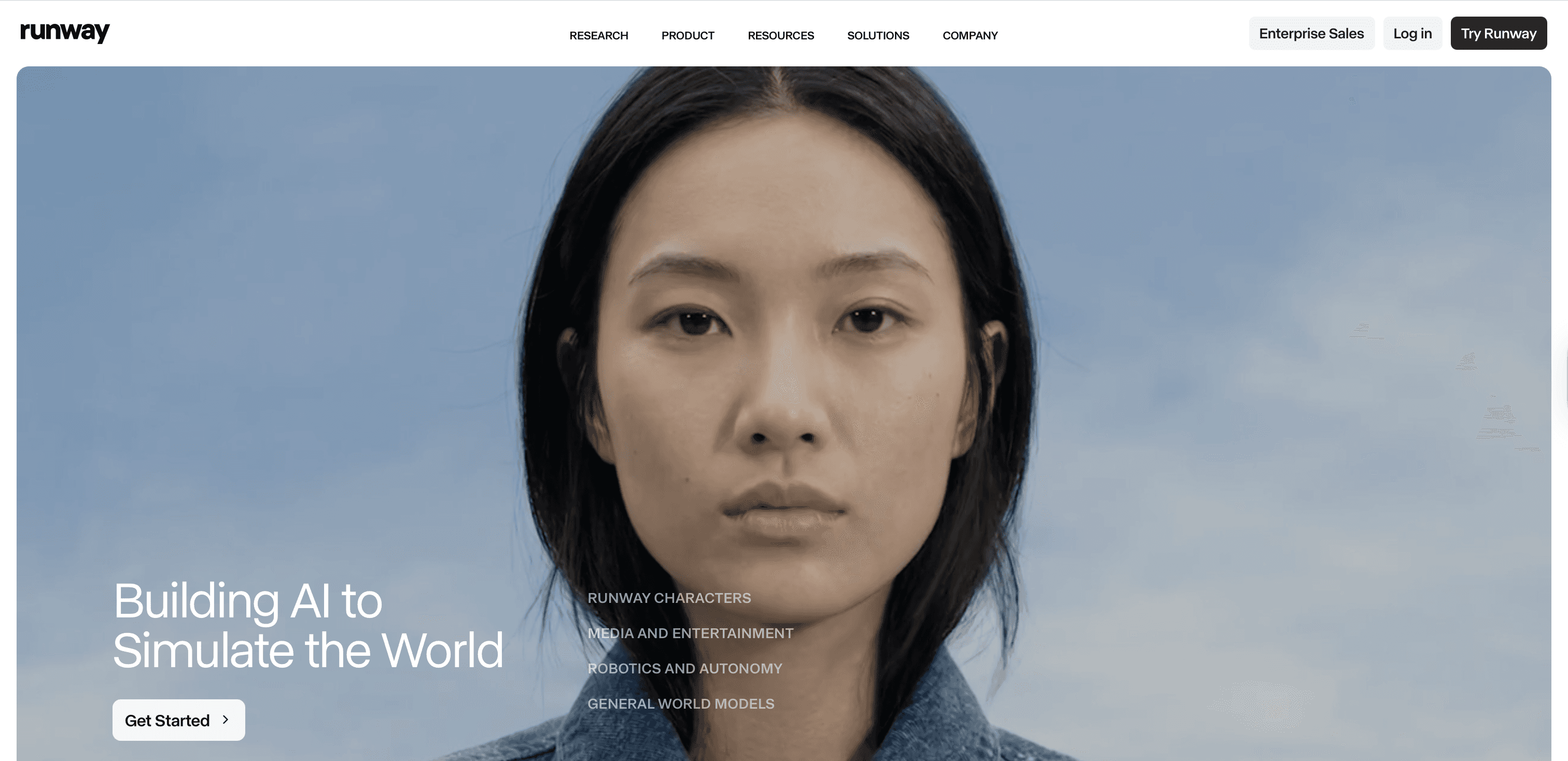
It's built for designers, filmmakers, and creative teams who want to direct AI output, not just prompt it. If you need the same character to look consistent across multiple shots, Runway's reference image system handles that well.
Key Features
Gen-4.5 text-to-video: Generate cinematic clips from detailed text prompts with strong scene coherence and realistic lighting.
Motion Brush: Paint specific regions of your scene to control which elements move and how.
Aleph in-video editing: Edit generated clips by describing text changes (swap lighting, remove objects, adjust styles) without regenerating the full video.
Character and style consistency: Use reference images to maintain the same character appearance across multiple shots.
Camera controls: Specify pan, tilt, zoom, and tracking shots directly in your prompt.
4K upscaling: Upscale clips within the platform for production-ready output.
Act-Two performance capture: Generate realistic character performances and expressions from reference inputs.
Pricing
Runway uses a credit-based system. Credits refresh monthly and don't roll over.
Free: $0. One-time 125 credits. Access to Gen-4 Turbo (image-to-video) and Gen-4 (text-to-image). 720p max, watermarked. Credits don't replenish.
Standard: $12/mo (annual). 625 monthly credits. Full access to Gen-4.5 and Gen-4. Watermark-free, 100GB storage, up to 5 users.
Pro: $28/mo (annual). 2,250 monthly credits. Adds 4K export, custom voice creation, ProRes export, 500GB storage, and up to 10 users.
Unlimited: $76/mo (annual). Everything in Pro, plus unlimited generations in Explore Mode at a relaxed (slower) speed. Still includes 2,250 credits for priority work.
Enterprise: Custom pricing. SSO, configurable workspaces, and advanced security.
One second of Gen-4.5 video costs 25 credits. On the Standard plan, that's roughly 25 seconds of top-tier output per month. Credits burn fast at higher quality settings.
The credit system is flexible but hard to predict. High-quality generations use credits quickly, and failed attempts still cost you. If you're producing at volume, it can get expensive.
3. Sora (OpenAI)
Sora is OpenAI's text-to-video model. The main draw is visual quality. It generates footage with realistic physics, natural camera movement, and strong temporal consistency (objects don't randomly morph between frames).
Sora 2, released in late 2025, extended clips to 20 seconds with synchronized audio, including dialogue, sound effects, and ambient sound generated alongside the video. It works well for creators and marketers who need high-quality footage from a prompt.
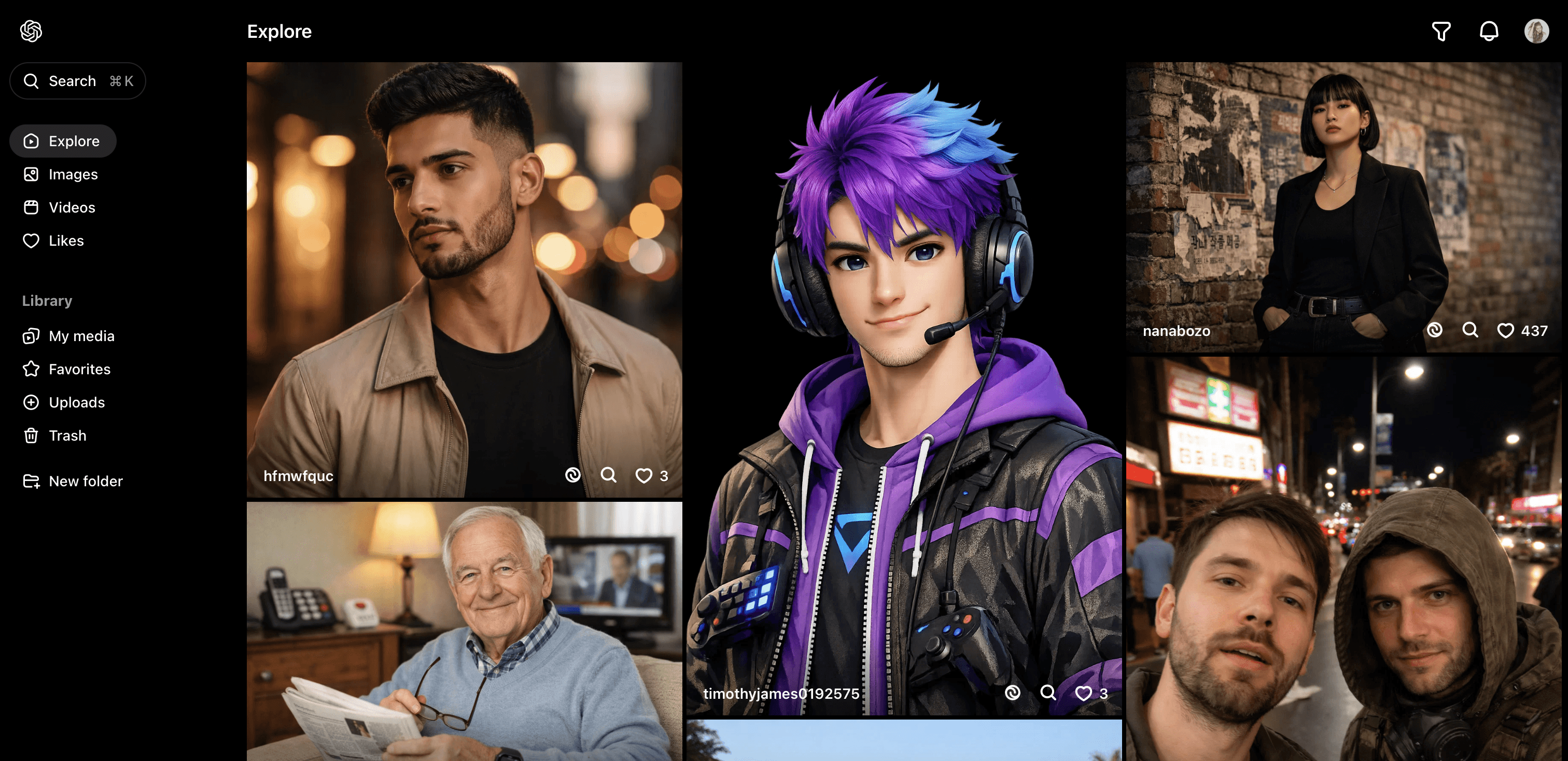
The trade-off is less granular editing control compared to tools like Runway. You can't direct individual elements or paint motion onto specific parts of a scene. It's a "describe and generate" tool with strong output quality but less flexibility for fine-tuning.
Key Features
Cinematic realism: Strong visual quality with natural lighting, reflections, and physics across the full clip.
Synchronized audio: Sora 2 generates video and audio together, including dialogue, sound effects, and ambient sounds, in a single pass.
Text-to-video and image-to-video: Describe a scene or animate a still image with realistic motion.
Extended clip length: Up to 20 seconds per clip on Pro.
Cameos: Insert yourself or others into AI-generated scenes using reference images.
Commercial usage rights: Content generated on paid plans is yours to use commercially.
Pricing
Sora isn't a standalone product. You access it through a ChatGPT subscription.
ChatGPT Plus: $20/mo. Unlimited video generation at 480p. Up to 10-second clips. Watermarked.
ChatGPT Pro: $200/mo. 10,000 monthly credits. Up to 1080p, 20-second clips, no watermarks. Includes unlimited relaxed-mode generation and priority queue.
API: Pay-per-second. Sora 2 starts at $0.10/sec (720p). Sora 2 Pro runs $0.30–$0.50/sec depending on resolution. No subscription required.
The $200/mo Pro plan is steep. It works for heavy production use, but most creators will find the Plus plan covers experiments and short social clips.
4. Synthesia
Synthesia doesn't generate cinematic footage from prompts. Instead, it creates presenter-led videos using AI avatars. You write a script, pick an avatar and voice, and it generates a talking-head video with synced lip movements.
It's built for training videos, onboarding content, product explainers, and internal comms. L&D teams, HR departments, and marketing teams use it to produce scripted videos without studios, actors, or voiceover talent. It supports 140+ languages, which makes it useful for global companies that need localized content.
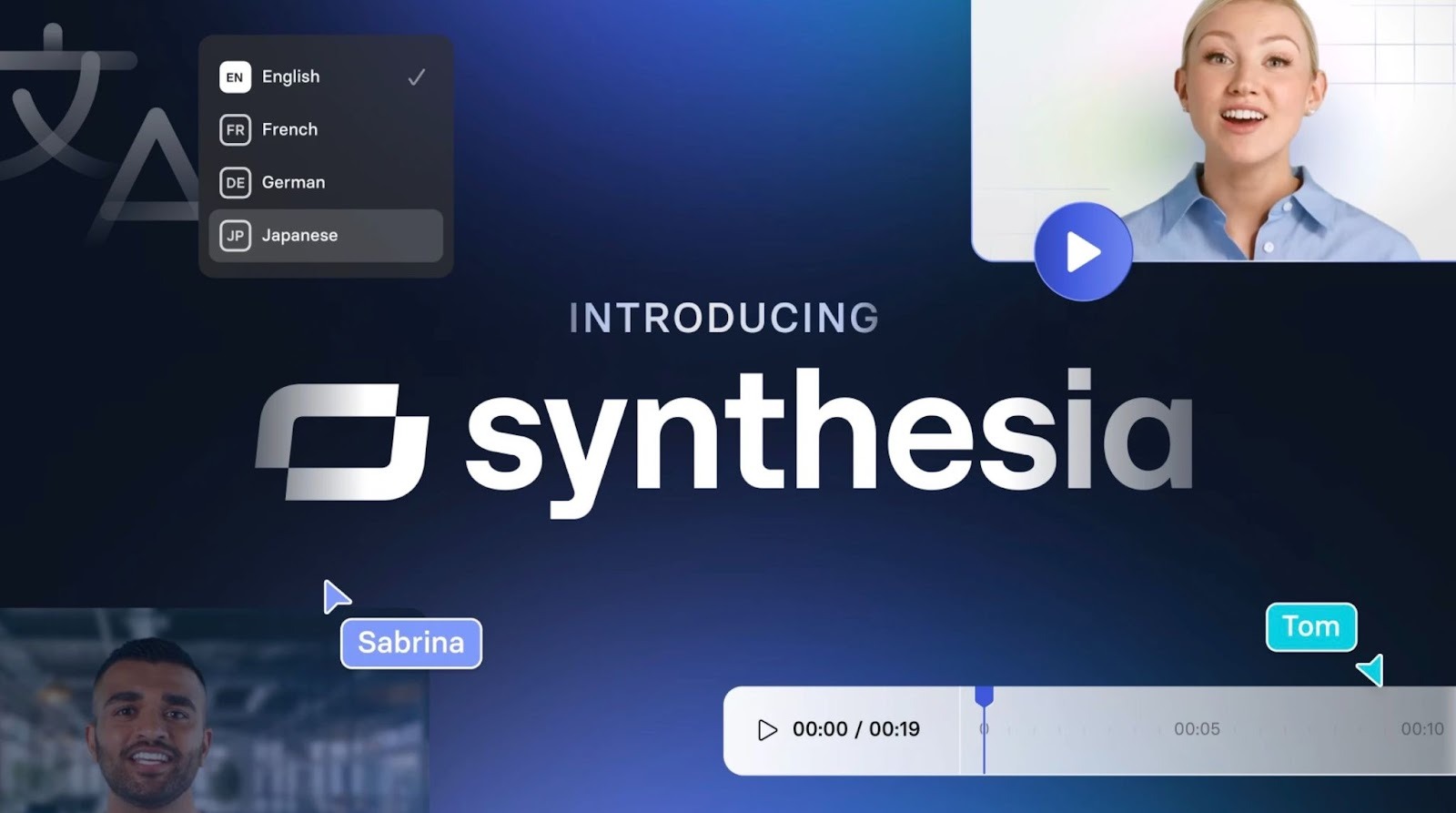
Synthesia is purpose-built for scripted, presenter-style video. It won't generate B-roll, product shots, or creative ad footage. If you need anything beyond a talking head with slides, you'll need another tool.
Key Features
240+ AI avatars: Realistic presenters with natural gestures, expressions, and lip sync. Enterprise unlocks the full library.
Custom avatars: Create a digital twin of yourself or a team member (Enterprise or paid add-on at $1,000/year).
140+ languages and accents: Generate videos in dozens of languages with native-sounding voices. One-click translation on Enterprise.
AI script assistant: Built-in writing tool helps draft and polish narration scripts.
Screen recording + editing: Combine AI presenter video with screen recordings for software demos.
Templates and brand kits: 250+ templates. Enterprise users can lock in brand fonts, colors, and logos.
AI Playground: Access generative video models like Veo 3.1 and Sora 2 for creating supplementary assets.
Pricing
Synthesia prices by video minutes generated per year, not monthly credits.
Free: $0. 3 minutes of video/month. 6 stock avatars, basic features.
Starter: $18/mo (annual). 120 minutes/year (~10 min/month). 60+ avatars, 120+ languages, screen recorder. 1 seat.
Creator: $64/mo (annual). 360 minutes/year (~30 min/month). 90+ avatars, custom fonts, audio downloads, API access. Up to 3 seats.
Enterprise: Custom pricing. Unlimited video minutes, 240+ avatars, 1-click translation, SAML SSO, dedicated CSM, live collaboration.
5. Adobe Firefly
Adobe Firefly is Adobe's generative AI platform for images, video, audio, and vectors. For video, it offers text-to-video and image-to-video generation, plus editing tools like Prompt to Edit (modify clips by describing changes) and camera motion references.
What sets it apart is the integration with Adobe's broader ecosystem. You can generate assets in Firefly and pull them into Premiere Pro, Photoshop, or After Effects. It also gives you access to partner models from Google, OpenAI, and Runway within the same interface. Firefly is trained on licensed content (Adobe Stock and public domain), which makes its outputs commercially safe without the licensing ambiguity some other tools carry.
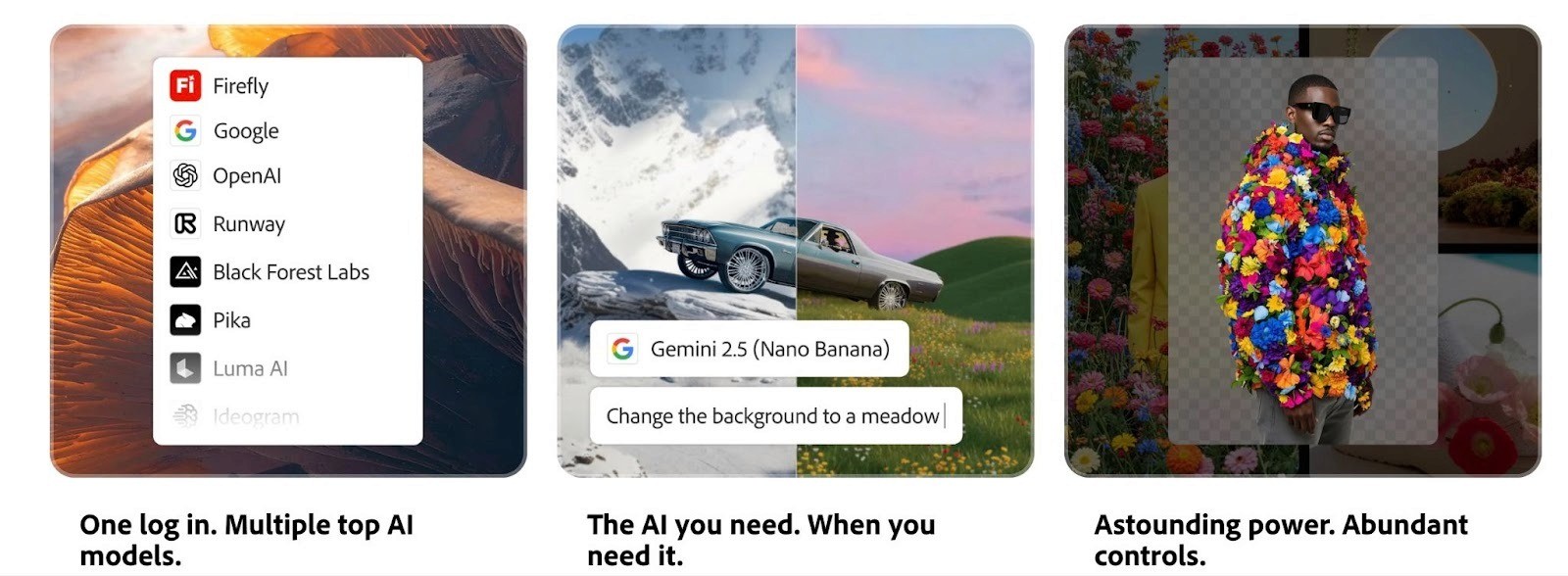
Firefly's video generation is newer and less refined than Runway or Sora for pure cinematic output. Its real strength is the ecosystem play. If you already work in Adobe apps, it fits naturally.
Key Features
Text-to-video and image-to-video: Generate short clips from prompts or animate still images with realistic motion.
Prompt to Edit: Modify existing clips by describing text changes. Swap elements, adjust lighting, or change styles without regenerating.
Camera motion reference: Upload a reference video to recreate specific camera movements in your generated clip.
Partner model access: Use models from Google (Nano Banana Pro), OpenAI (GPT Image), Runway (Gen-4), and others from within Firefly.
Firefly Boards: Collaborative canvas for brainstorming, storyboarding, and organizing AI-generated assets.
Video upscaling (via Topaz Astra): Push clips to 1080p or 4K directly in Boards.
Creative Cloud integration: Move assets seamlessly into Premiere Pro, Photoshop, Illustrator, and Adobe Express.
Commercially safe outputs: Trained on licensed content. Outputs from non-beta features can be used commercially.
Pricing
Firefly uses a credit-based system. Standard features (text-to-image, Generative Fill) are unlimited on paid plans. Credits are only consumed by premium features like video generation, audio translation, and partner models.
Free: $0. Limited credits, basic access to standard features.
Standard: $9.99/mo. 2,000 premium credits/month. Roughly 20 five-second video clips. Unlimited standard image generation.
Pro: $19.99/mo. 4,000 premium credits/month. Roughly 40 five-second clips. All features unlocked.
Premium: $199.99/mo. 50,000 premium credits/month. Built for high-volume production.
Creative Cloud Pro: Includes 4,000 premium credits per seat alongside the full Creative Cloud app suite.
A 5-second video clip costs about 100 premium credits. On the Standard plan, that's roughly 20 clips per month. Longer or higher-resolution clips cost more.
6. Pika
Pika leans into speed and creative experimentation over cinematic polish. It's the tool you reach for when you want to test visual concepts quickly or create attention-grabbing social content. Generation times can be as short as 15 seconds on Turbo mode.
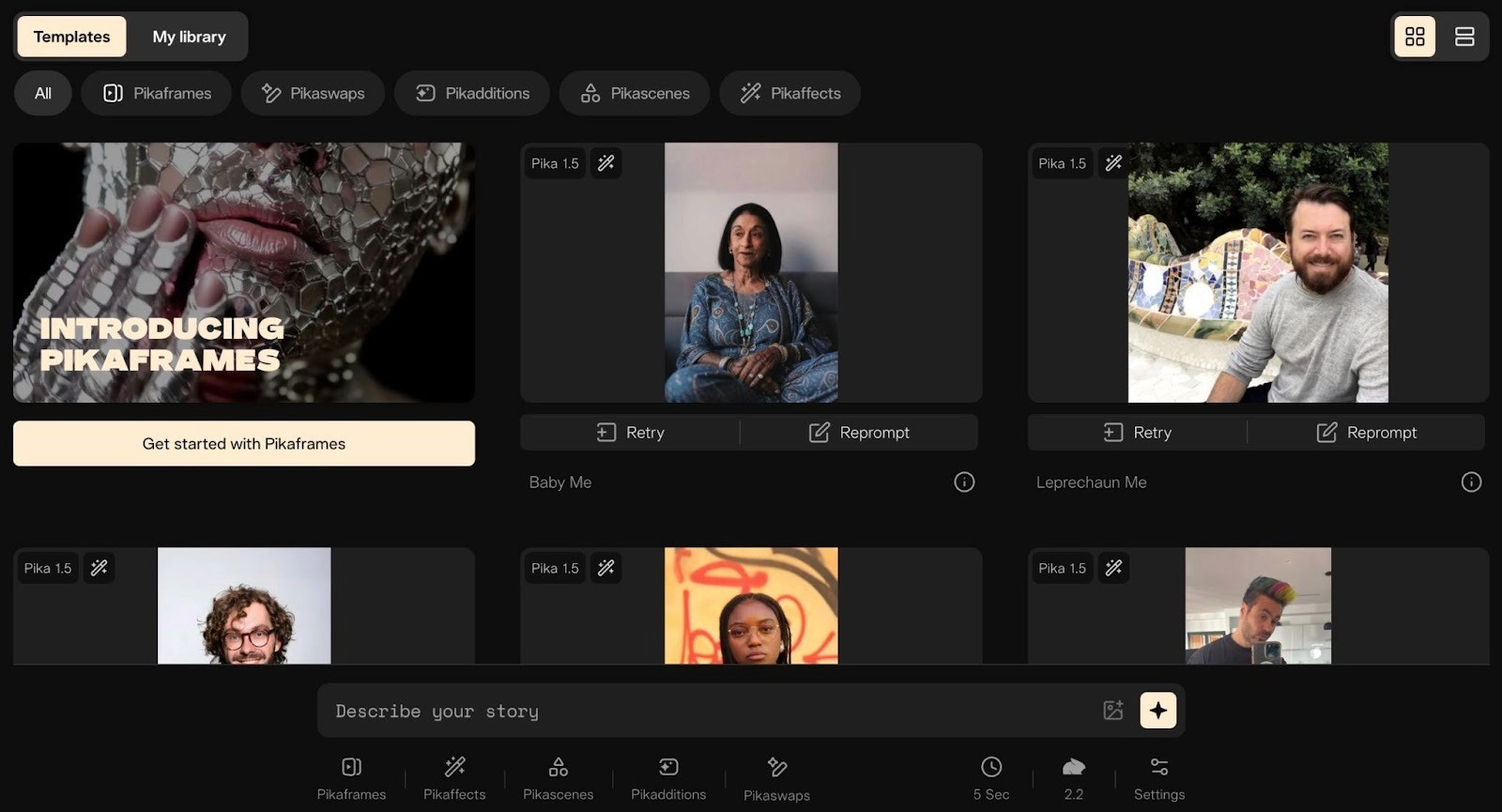
Where Pika stands out is its creative effects. Pikaffects apply wild transformations (melt objects, inflate them, cartoon-style morphs), Pikaswaps replace characters or objects in existing videos, and Pikadditions insert new elements into scenes. It's less about realism and more about making something that stops the scroll.
Pika favors stylized output over photorealism. If you need footage that looks like it was shot on a real camera, this isn't the right fit. Credit costs also vary widely depending on the feature, making it hard to predict monthly spend.
Key Features
Pika 2.5 model: Improved motion quality and scene coherence for text-to-video and image-to-video.
Pikaffects: Surreal visual effects like inflate, melt, crush, and cartoon-style transformations. Built for viral content.
Pikaswaps: Replace characters or objects in existing videos using AI.
Pikadditions: Add elements to scenes, extend backgrounds, or insert new objects.
Pikascenes: Generate full scenes with complex compositions and environments.
Fast generation: Turbo mode produces clips in seconds for rapid iteration.
Multiple aspect ratios: 16:9, 9:16, and 1:1 for cross-platform publishing.
Pricing
Credit-based, monthly refresh. Cost varies by model (Turbo vs. Pro) and feature.
Basic (Free): 80 monthly credits. Pika 2.5 at 480p, image-to-video only. No watermark.
Standard: $8/mo (annual). 700 monthly credits. All models and resolutions, faster generation, and commercial use.
Pro: $28/mo (annual). 2,300 monthly credits. Fastest generation, all features unlocked.
Fancy: $76/mo (annual). 6,000 monthly credits. Maximum speeds, priority access. Built for agencies and high-volume creators.
Create Winning Ads at Scale with Airpost
Generating video is the easy part now. Every tool on this list can get you there. The harder question for performance teams is what happens after you hit export, such as which concepts are worth testing, how many variations you need to feed the algorithm, and how fast you can turn a winning hook into ten more.
Airpost picks up where generators leave off. Instead of handing you a tool, Airpost delivers 10–30 done-for-you video ads per week. These are built by a hybrid engine that combines AI with expert creative strategists. You upload your brand assets. They handle the rest.
Here's what makes Airpost different from other AI video generators:
Dedicated creative strategists write scripts, select angles, and guide every ad. No prompting or DIY assembly.
Ads blend your brand assets, Airpost's 350,000+ real footage library, and AI-generated content so the output looks polished, not synthetic.
Your master brief evolves based on what's performing, so the engine adjusts what it builds each week.
When an ad starts winning, Airpost triggers new variations automatically, testing new hooks, angles, and personas to scale what works.
Every ad auto-resizes to vertical and square formats with repositioned text and optimized safe margins.
What ties it all together is Airpost's proprietary ad taxonomy. It categorizes every creative by format, hook type, angle, and performance pattern. This helps learn which kinds of ads work for your brand and doubles down on them.
For teams spending heavily on Meta and TikTok, Airpost replaces the slow agency cycle with a faster, smarter creative pipeline.
Book a Demo to see how Airpost delivers a steady stream of diverse, high-quality ads designed to convert.