Adobe has been the default for creative professionals for decades. So when they launched Firefly, their generative AI suite, the expectations were high. Could Adobe build AI tools that actually fit into real creative workflows, or would this just be another text-to-image gimmick?
Firefly has evolved quickly since its launch in 2023. It started as an image generation tool and has since expanded into video, audio, avatars, and collaborative moodboarding. It now includes partner models from Runway, Google, and others, all accessible from one place.
In this review, we break down what Firefly can actually do today, how much it costs, where it works well, and where it still has gaps.
What is Adobe Firefly?
Firefly is Adobe's family of generative AI models. It powers features across Adobe's ecosystem, including Photoshop, Illustrator, Premiere Pro, and Adobe Express, but it also lives as a standalone web app at firefly.adobe.com.
At its core, Firefly lets you generate and edit images, video clips, sound effects, and vector graphics using text prompts. You type what you want, and Firefly creates it. But it goes further than basic generation. You can also use it to extend video clips, translate videos into other languages, create avatar-led content from scripts, and collaborate on visual ideas through Firefly Boards.
One of Adobe's biggest selling points is commercial safety.
Firefly's first-party models are trained on licensed Adobe Stock content and public domain material, not scraped from the internet. This means the output is designed to be safe for commercial use, which matters if you're creating content for brands or clients. Adobe also attaches Content Credentials to AI-generated images, acting as a "nutrition label" that shows how the content was made.
Firefly is used by a wide range of people: graphic designers, video editors, marketers, social media teams, and enterprise creative departments. If you already work inside Adobe's ecosystem, Firefly plugs directly into your existing tools. If you don't, it still works as a standalone web app.
Key Features
Text to Image: Describe what you want, and Firefly generates it. The latest Image Model 5 produces high-resolution 4MP images with improved photorealism, lighting, and color accuracy. You can also use partner models like FLUX and Google's Nano Banana for different aesthetic styles.
Text to Video / Image to Video: Generate short video clips (up to 5 seconds) from text prompts or still images. You get controls for camera angle, movement, zoom, and aspect ratio. Useful for B-roll, social content, or concept visualization.
Firefly Video Editor (beta): A browser-based video editing workspace where you can trim, arrange, add titles, layer audio, and generate new scenes from any frame. You can also make targeted edits to generated clips using text prompts instead of regenerating everything.
Generative Fill and Expand (in Photoshop): Select an area in any image and use a text prompt to add, remove, or replace content. This is one of Firefly's most popular features and integrates directly into Photoshop.
Text to Avatar (beta): Turn written scripts into avatar-led videos. You can customize the avatar's appearance, voice style, accent, and background.
Generate Sound Effects (beta): Create custom sound effects using text descriptions or voice recordings, then add them directly to your video timeline.
Translate Video and Audio: Translate video content into multiple languages while preserving the original voice and pitch.
Generate Speech (beta): Convert text into spoken audio with natural-sounding voices in multiple languages and accents.
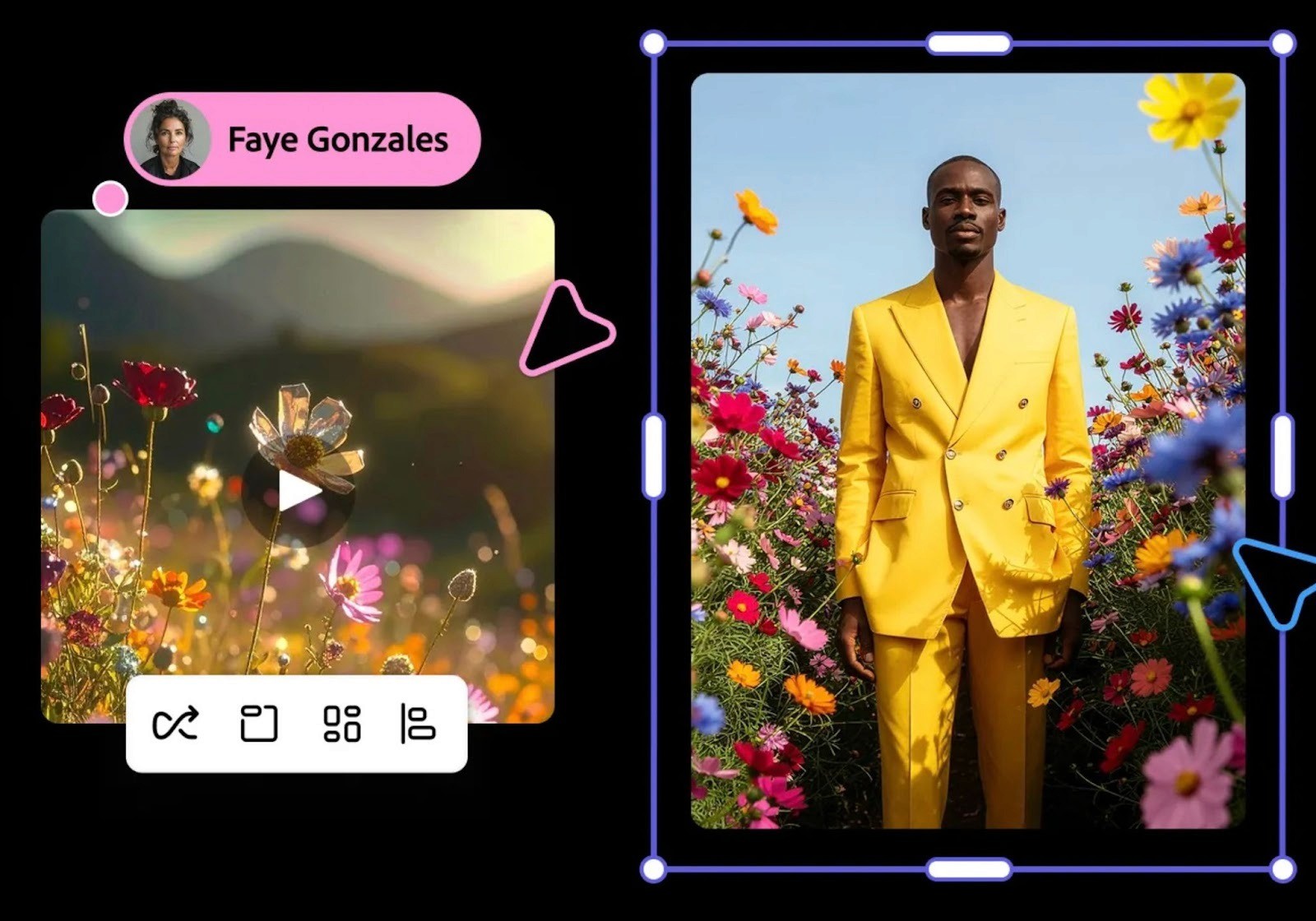
Firefly Boards (beta): A collaborative canvas for brainstorming and moodboarding with AI. Generate, organize, and iterate on visual ideas with your team, then bring designs into Photoshop or Express for refinement.
Vector Generation: Create editable vector graphics from text prompts, downloadable as SVG files. Integrated into Illustrator.
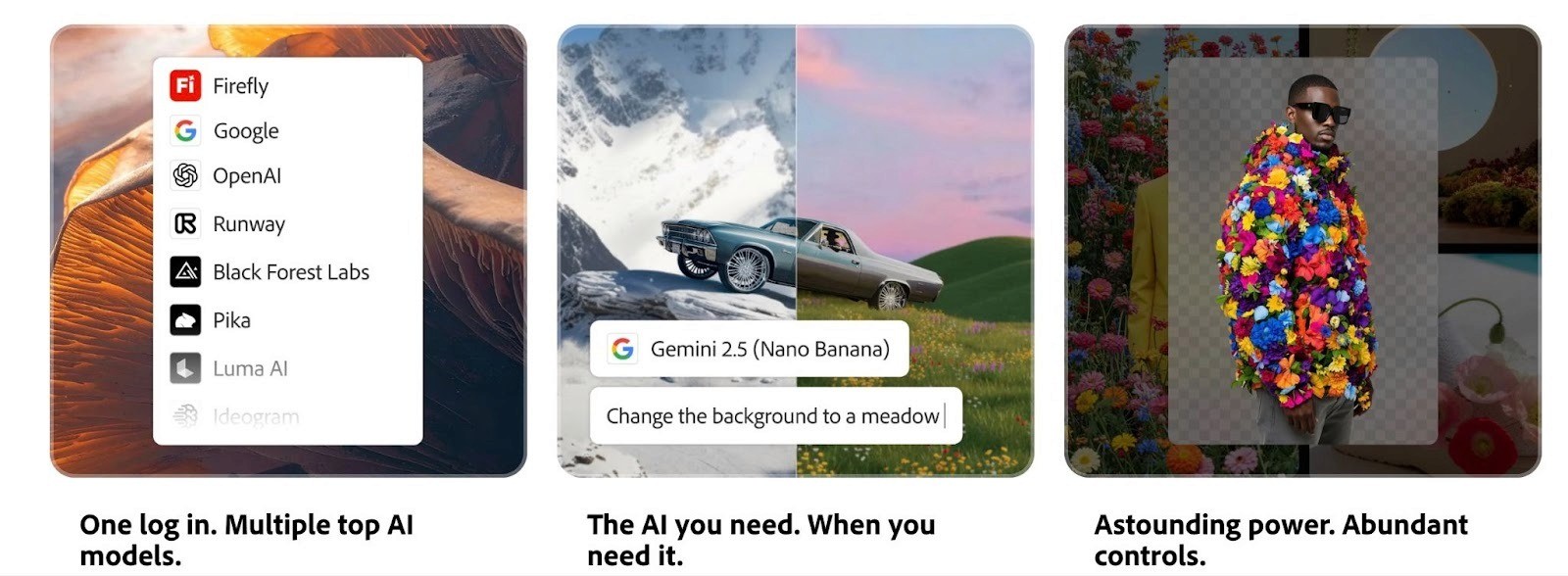
Partner Models: Access third-party AI models directly within Firefly, including Runway Gen-4.5 for video, Google Veo, FLUX for images, and ElevenLabs for audio.
Batch Processing: Remove backgrounds, color grade, and crop images in bulk. Useful for ecommerce teams or anyone working with large asset libraries.
Firefly Pricing: What Each Plan Gets You
Firefly uses a generative credit system. Every time you generate an image, video, sound effect, or other AI output, it costs credits. The number of credits used depends on what you're generating. For example, a single 5-second video clip at 1080p costs around 100 credits.
If you already have a Creative Cloud subscription, you get some Firefly access built in. The Creative Cloud Pro plan (formerly All Apps) now includes unlimited standard image and vector generation plus 4,000 monthly credits for premium features like video.
If you want Firefly as a standalone product without Creative Cloud, here are the current plans:
Firefly Standard at $9.99/month gives you 2,000 credits, unlimited standard image generation, and access to premium features like text-to-video and partner models (Google, OpenAI, FLUX, and others). That's enough for roughly 20 five-second AI videos, 6 minutes of video/audio translation, or 200 sound effects per month.
Firefly Pro at $29.99/month doubles your capacity to 4,000 credits, which gets you up to 40 five-second videos, 13 minutes of translation, and 400 sound effects. You also get Adobe Express Premium, Firefly Boards, and full Photoshop on web and mobile.
Firefly Premium, at around $199/month, is built for heavy users. It comes with 50,000 credits and unlimited access to the Firefly Video Model. That means unlimited video generation, up to 166 minutes of audio/video translation, and up to 5,000 sound effects per month.
All plans include access to Firefly on desktop, web, and mobile, plus partner AI models. If you need the full Adobe suite (Photoshop, Premiere Pro, Illustrator, and 20+ other apps), Creative Cloud Pro at $59.99/month includes 4,000 credits and all the premium Firefly features alongside the complete app library.
Where Firefly Falls Short
Firefly has come a long way, but it's not without limitations. Here's where it doesn't quite deliver.
Video generation is still early
The Firefly Video Model generates clips that are capped at about 5 seconds. That's fine for B-roll or visual effects elements, but it's not enough for creating standalone video content. The quality is solid for landscapes, atmospheric scenes, and abstract motion, but it still struggles with complex human movement and fine details. If you're expecting to generate full ad creatives or polished video content directly from Firefly, it's not there yet.
Credits get expensive for video work
Video generation burns through credits quickly. At 100 credits per 5-second clip (at 1080p), the Standard plan's 2,000 credits only gets you about 20 short clips. If you're iterating on ideas and generating multiple versions, you can run out of credits within a few sessions. The Pro plan helps, but even 7,000 credits can feel tight for heavy video users.
It works best inside the Adobe ecosystem
Firefly is designed to complement Adobe's existing tools. If you're already paying for Creative Cloud and using Photoshop, Premiere Pro, or Illustrator, the integration is seamless and genuinely useful. But if you're not in Adobe's ecosystem, the standalone Firefly web app is more limited. You're paying for a generative tool without the editing power that makes the output most useful.
The output needs refinement
Like most AI generation tools, Firefly's raw output rarely looks finished. Images may need touch-ups in Photoshop. Video clips need to be trimmed, combined, and polished in Premiere Pro. Sound effects might not perfectly match what you're going for. Firefly is best thought of as a starting point or an accelerator for creative work, not a replacement for the editing process.
Not built for ad creative at scale
Firefly is a powerful creative tool, but it's not designed for performance marketing workflows. There's no way to systematically generate ad variations, test different hooks or angles, track which creatives perform best, or scale winning concepts. It can help you create individual visual assets, but it doesn't solve the larger challenge of producing high-volume, high-performing ad creative on an ongoing basis.
Choose Airpost to Create Winning Ads at Scale
If you're a creative professional working on design, branding, or visual content, Firefly is a solid addition to your toolkit. But if your primary goal is producing video ads that perform on Meta, TikTok, or other paid channels, you need something built specifically for that.
That's what Airpost does. It's a hybrid platform that pairs AI-powered ad creation with expert creative strategists who manage the entire process. You don't generate ads yourself or prompt an AI and hope for the best. Airpost delivers done-for-you video ads every week, built around a living brief that evolves with your campaign performance.
Airpost's proprietary ad taxonomy categorizes every creative by format, hook type, angle, and performance pattern. So each new batch of ads builds on what's actually working, not assumptions.
Here's what you get with Airpost:
10 to 30 new video ads delivered per week
Expert creative strategists managing your account
A living brief that updates as your campaign performance shifts
24/7 performance monitoring that triggers new variations when an ad starts winning
Access to 300,000+ real footage clips alongside AI-generated assets
Automatic resizing to vertical and square formats with optimized safe margins
Built-in brand safety, compliance, and a Disclaimers feature to keep your ads clean
Book a demo with Airport if you're spending serious budget on paid media and need a system that continuously delivers diverse, performance-driven creative at volume.



